AI Text Generation Tools

AI Tools for Text Generation

Discover the best Text Generation AI tools to enhance your productivity and creativity.

Page 2 of 84 • 998 total tools
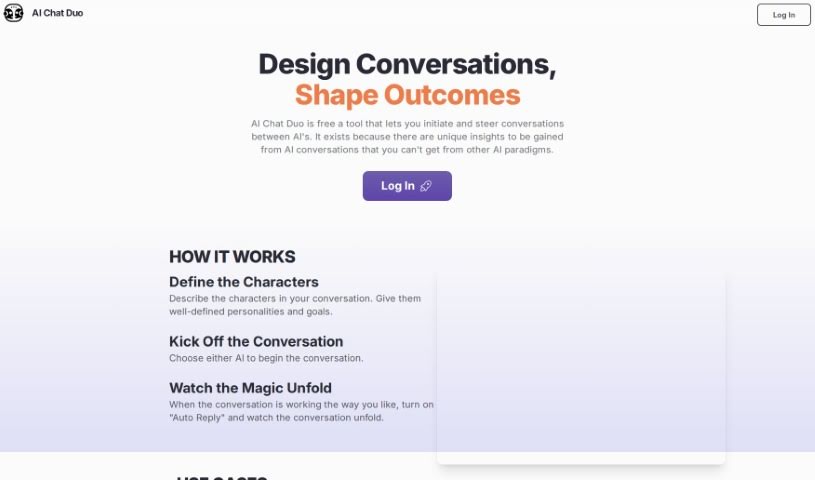
Screenshot of AI Chat Duo

AI Chat Duo

Freemium

AI Chat Duo lets you start and guide conversations between different AIs, producing insights that come from AI-to-AI dialogue. You define the characters — giving each a clear personality and goals — pick one AI to open the conversation, and watch the exchange unfold. You can reply manually at any point or switch on "Auto Reply" to let the dialogue run itself. The tool requires your own OpenAI API Key.

Text Generation View Tool →
Screenshot of AI Collective

AI Collective

Freemium

AI Collective is a platform that gives access to over 20 AI models and LLMs. It serves as a central hub for creating digital content, including blog articles, social media posts, emails, outreach messages, and graphics designed to avoid a repetitive AI feel. It includes a toolbox for text and image generation.

Text Generation View Tool →
Screenshot of AI Email Writer

AI Email Writer

Freemium

AI Email Writer is a tool built on GPT-3 technology that helps you write emails. It acts as a writing assistant, suggesting content that matches your intended message and tone so you can draft emails faster and communicate more effectively. The tool was designed for professionals across different industries and is known for its user-friendly design and algorithms that tailor suggestions to your message.

Text Generation View Tool →
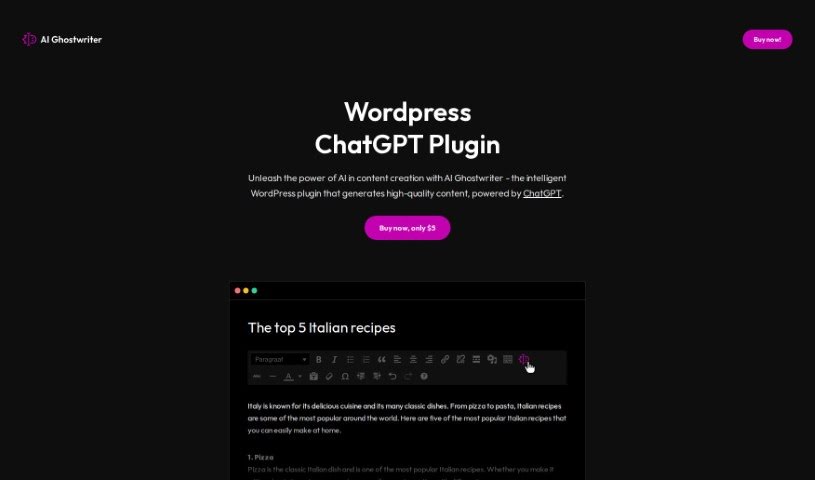
Screenshot of AI Ghostwriter

AI Ghostwriter

Freemium

AI Ghostwriter is a WordPress plugin that uses ChatGPT to generate website content on any topic. The output is designed to read as if written by a human, avoiding clunky, robotic phrasing. The plugin was created by an anonymous individual or team.

Text Generation View Tool →
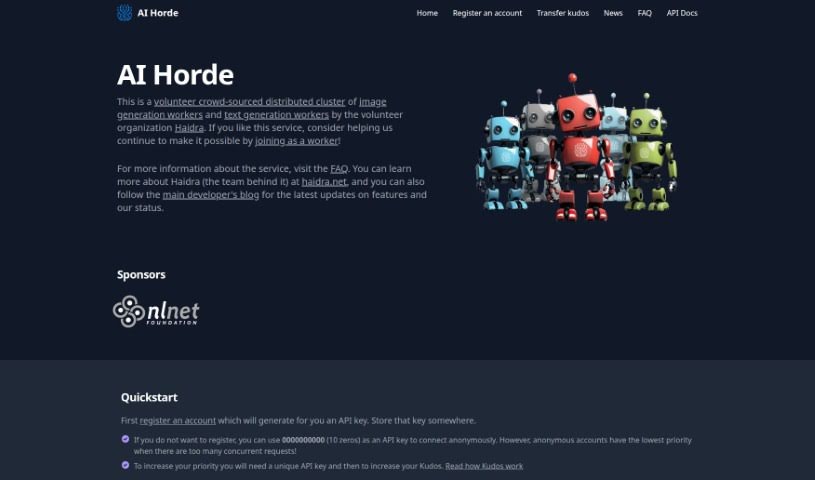
Screenshot of AI Horde

AI Horde

Freemium

AI Horde is a community-powered, distributed network for AI image and text generation. Users contribute computing power to run AI models, so anyone can create content without specialized hardware or technical skills. The platform is continuously improved by its community of developers.

Text Generation View Tool →
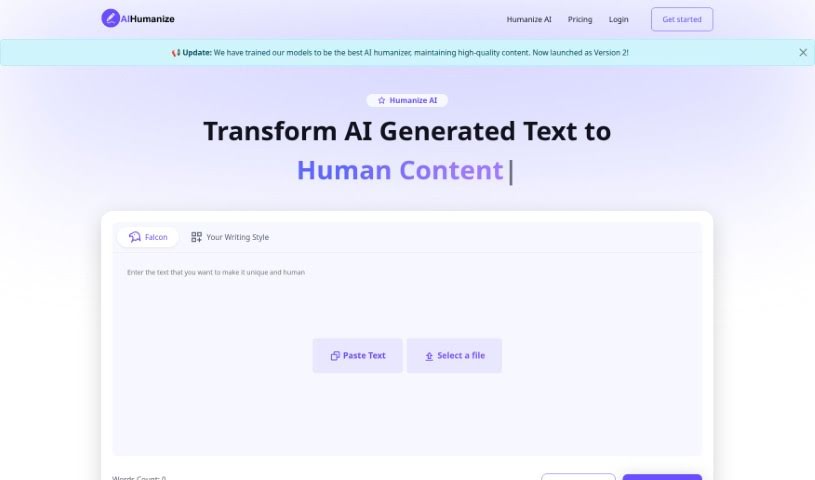
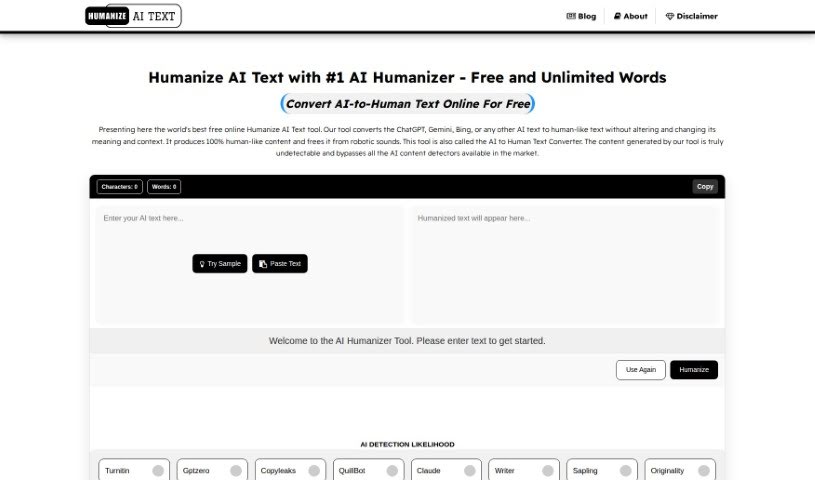
Screenshot of AI Humanize

AI Humanize

Freemium

AI Humanize detects AI-generated text and rewrites it so it reads as human-written. It combines machine learning models with text pre- and post-processing to remove AI detection markers while maintaining consistent style, readability, and SEO optimization.

Text Generation View Tool →
Screenshot of AI Humanizer

AI Humanizer

Freemium

AI Humanizer is a free online tool that rewrites AI-generated text so it reads as human-written. Its goal is to keep content from being flagged by AI detectors while producing plagiarism-free, engaging output. It works by smoothing AI patterns using natural language processing, with attention to empathy, engagement, clarity, varied vocabulary, grammar, cultural nuance, and emotion.

Text Generation View Tool →
Screenshot of Ai Intern

Ai Intern

Freemium

AI Intern is a digital assistant built to improve productivity and efficiency for professionals in marketing, development, HR, and finance. It helps with creating content, doing quick research, and answering questions, with direct Slack integration for added convenience. The goal is to free up time for strategic work. You can start for free within minutes, and no credit card is required.

Text Generation View Tool →
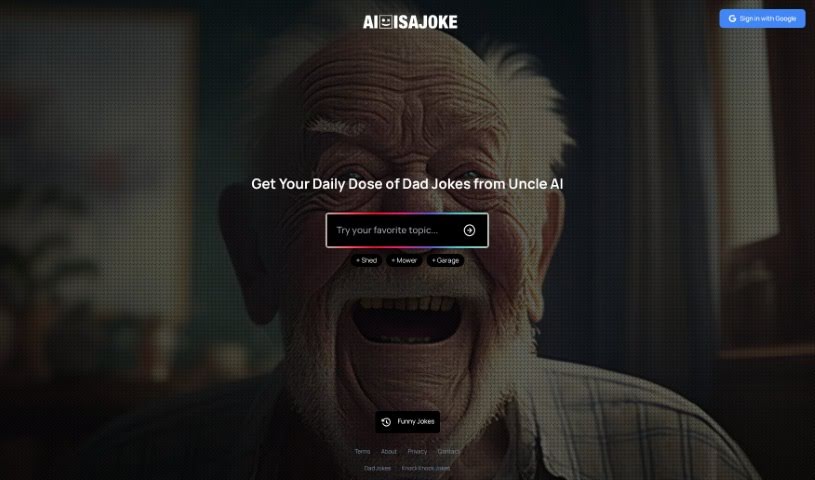
Screenshot of AI Is A Joke

AI Is A Joke

Freemium

AI Is A Joke is a free web app that uses AI to generate jokes from text prompts. It is the first app to let users create their own AI-generated jokes, and it is designed for fun. The tool's AI persona is called "Uncle AI."

Text Generation View Tool →
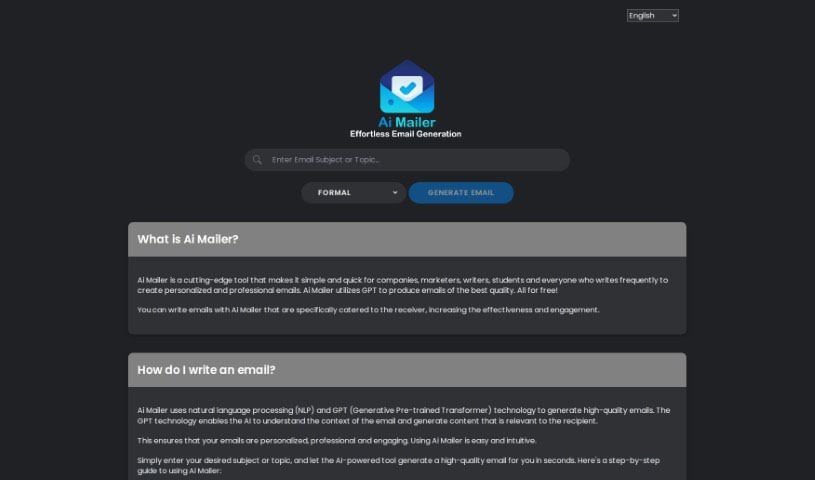
Screenshot of AI Mailer

AI Mailer

Freemium

AI Mailer is an AI-powered platform that helps individuals, businesses, marketers, and writers create personalized, professional emails quickly. It uses GPT (Generative Pre-trained Transformer) and NLP (Natural Language Processing) technologies to read the email's context and generate content that fits the situation. The tool is free to use, supports many languages, and emphasizes privacy: it does not collect personal information and uses encryption to protect data. The responsive web interface works in any modern browser, requires no special software, and includes light and dark theme options. Emails are typically generated within seconds.

Text Generation View Tool →
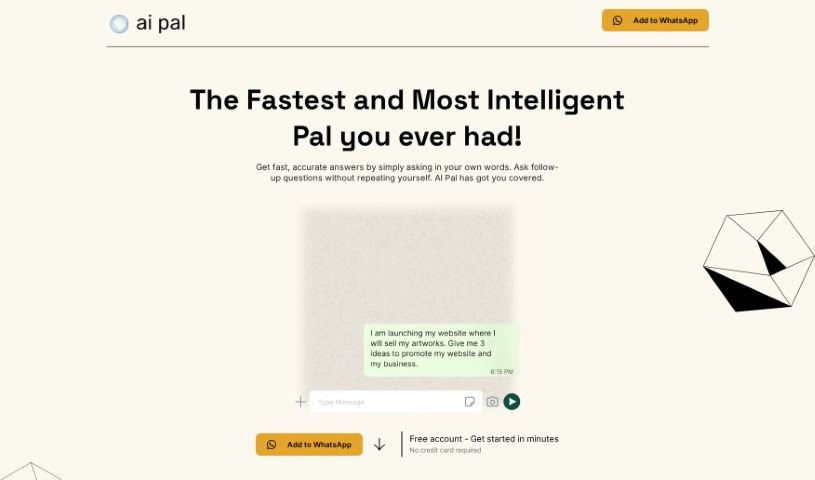
Screenshot of AI Pal

AI Pal

Freemium

AI Pal is an AI assistant that works inside WhatsApp. It provides quick answers and helps with tasks such as drafting professional emails, writing social media posts, planning trips, and generating inspiration images. It adjusts its tone for professional, casual, or group conversations, and it remembers conversation context, so follow-up questions are supported.

Text Generation View Tool →
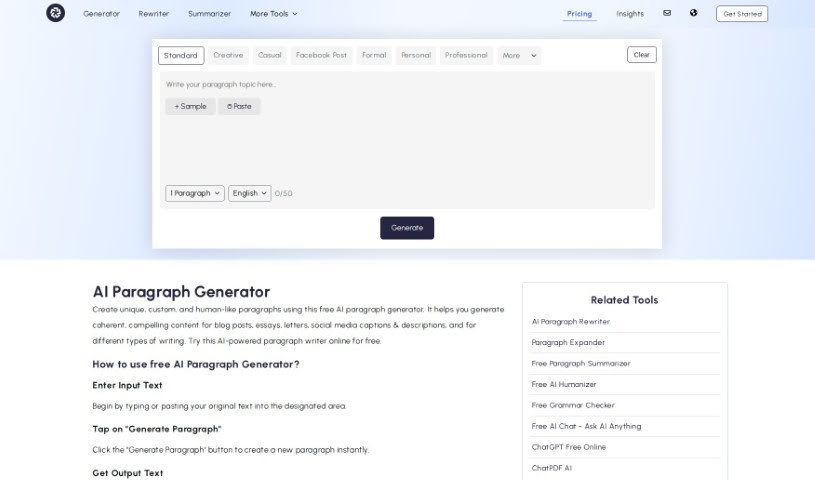
Screenshot of AI Paragraph Generator

AI Paragraph Generator

Freemium

The AI Paragraph Generator at <https://paragraph-generator.com> creates unique, well-written paragraphs using machine learning and natural language processing (NLP). Users can adjust paragraph length, set the tone, control word count, and download the output.

Text Generation View Tool →

About Text Generation tools

Staring at a blinking cursor while trying to draft marketing copy, outline a blog post, or clear out an inbox can quickly drain your creative energy. Whether you’re scaling up content for a business, drafting social posts across multiple platforms, or summarizing dense reports, putting thoughts into polished words takes hours of focused effort. It’s easy to waste time wrestling with sentence structure and writer’s block when deadlines loom.

These text generation tools act as flexible writing partners. They don’t replace human creativity or pump out generic filler, but they help you draft initial ideas faster, rephrase existing copy, and maintain a consistent voice across all your written work.

Drafting Outlines, Content Repurposing, and Tone Tweaks

Starting a new project from scratch is often the slowest part of any writing task. Smart text generators take brief prompts or rough notes and build structured outlines, introductory paragraphs, or complete section drafts in seconds. Instead of staring at an empty page, you get a working draft that gives you something concrete to edit and refine.

Converting one piece of content into multiple formats becomes far simpler, as well. AI text tools allow you to quickly turn a long-form article into catchy social media snippets, email newsletter updates, or brief summaries. You can easily adjust length and formatting to fit different platforms without rewriting the core message from scratch every time.

Refining tone and keeping your style consistent across projects gets much easier, too. Matching the right tone for different audiences can be tricky when managing multiple brands or client accounts. Modern text assistants let you adjust text to sound formal, casual, persuasive, or authoritative with quick prompts—helping clean up awkward phrasing and keeping messaging clear.

Key Capabilities to Look For:

  • Tone and style controls: Settings that let you adjust casual, formal, or persuasive writing tones to match your brand voice.
  • Multi-format templates: Pre-built frameworks designed for specific content types like blog outlines, ad copy, emails, and social posts.
  • Long-form context retention: Features that allow tools to maintain consistent logic and context across longer articles and reports.
  • Summarization and rewriting: Tools that help shorten long documents, expand bullet points, or rephrase paragraphs while keeping the original meaning intact.
  • Multi-language generation: Software that can write, translate, and adapt content across several languages without losing nuance.

Great writing will always depend on your personal perspective, critical thinking, and unique voice. Software cannot replicate true human empathy or replace your subject matter expertise. But letting smart tools handle routine drafting, rephrasing, and formatting gives you back the time and mental energy needed to sharpen your core message.

Explore the text generation tools below to find the right assistant for your writing workflow.

The Best AI Text Generators

  1. ChatGPT: Great for creative writing prompts.
  2. Google Translate: Useful for quickly translating generated text snippets.
  3. DeepSeek: Good for generating creative content for writers.
  4. Gemini: Helps with original story creation for writers.
  5. Claude: Excellent for creative writing and content generation.
  6. Grok: Ideal for generating creative storytelling prompts.
  7. Microsoft Copilot: Helps create engaging marketing content.
  8. DeepL Translate: Offers seamless content translation and generation.
  9. DeepAI: Lets you create custom content from prompts.
  10. Meta AI: Provides creative story prompts for writers.
  11. Chat Blackbox: Helps craft creative content quickly.
  12. Monica: Makes creating engaging blog posts easy.
  13. Papago: Acts as a creative content generation assistant.
  14. Sider: Offers professional content creation assistance.
  15. Humanize AI: Helps you craft engaging content effortlessly.
New tools, in your inbox.

Weekly picks of the best AI tools we've researched and added — no spam, unsubscribe anytime.

Join 25,000+ AI enthusiasts. No spam, unsubscribe anytime.