AI Project Management Tools

AI Tools for Project Management

Discover the best Project Management AI tools to enhance your productivity and creativity.

Page 10 of 21 • 251 total tools
Screenshot of Krock.io

Krock.io

Freemium

Krock.io is a platform built for video producers, creative agencies, and game designers. It combines video proofing, project management, and client collaboration in one place. Key features include video proofing with visual markers and feedback tools, customizable creative workflows, online proofing for clients, and project management tools. Data privacy and security are priorities, backed by international security certificates. The platform is designed to help creative teams centralize their work, deliver projects faster, and improve productivity in video creation.

Project Management View Tool →
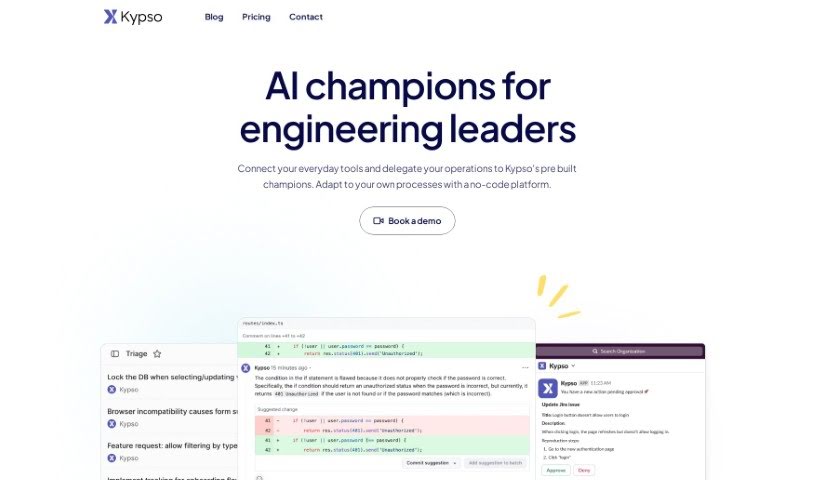
Screenshot of Kypso

Kypso

Freemium

Kypso is a platform built for engineering teams that streamlines and automates tasks using AI-powered workflows. It connects with the tools teams already use, like Slack, GitHub, and JIRA, giving a clear view of team progress and making organizational changes smoother.

Project Management View Tool →
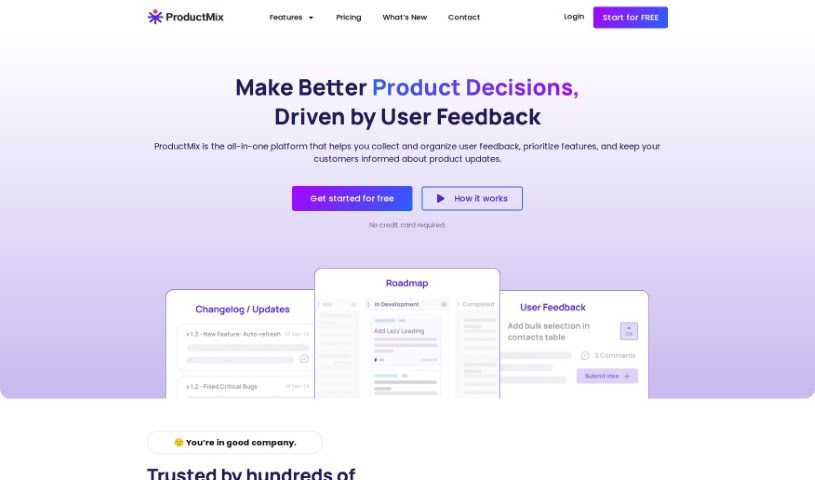
Screenshot of Leanbe

Leanbe

Freemium

Leanbe is a product management platform built for teams that want to make decisions based on data. It collects feature requests and customer feedback, builds product roadmaps that reflect customer needs, and helps announce product updates. Its AI determines which ideas matter most, giving teams the insights needed to make informed product choices.

Project Management View Tool →
Screenshot of Learnitive

Learnitive

Freemium

Learnitive is an AI-powered e-learning platform that combines content creation, research, and productivity tools in one place. It includes an AI writer that generates unique content, a note-taking app called Notepad, and a project management tool. The platform uses AI for writing content and code, grammar checking, plagiarism detection, and rephrasing text. It also offers integrations such as API connections, plugins for WordPress, and browser add-ons, plus productivity features like Kanban boards and calendar tools.

Project Management View Tool →
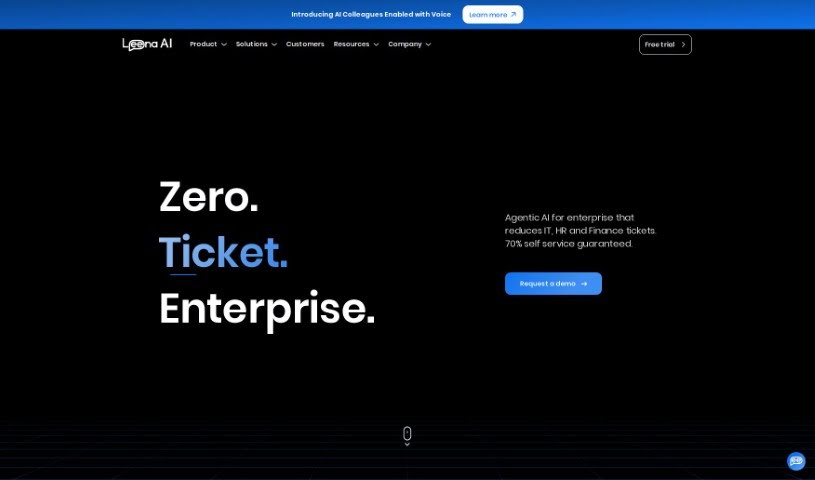
Screenshot of Leena AI

Leena AI

Freemium

Leena AI is an enterprise-level conversational AI platform designed to improve the employee experience by automating tasks that typically go through the HR helpdesk. It supports employee engagement, knowledge management, analytics, and approval workflows, and can take action by connecting with other systems. It also helps optimize IT operations.

Project Management View Tool →
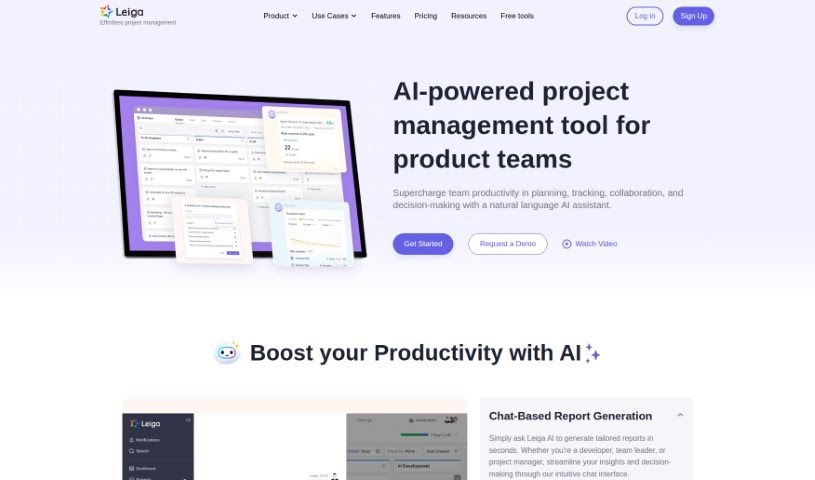
Screenshot of Leiga

Leiga

Freemium

Leiga is a team management tool built around five core capabilities:

Project Management View Tool →
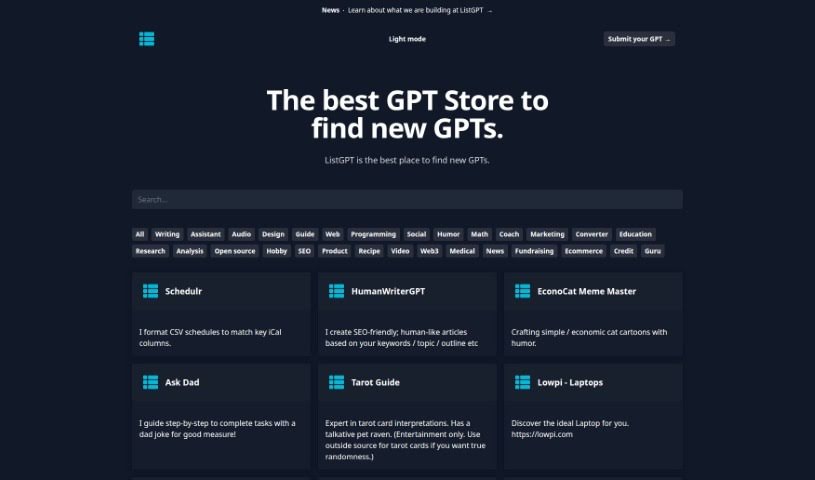
Screenshot of Listgpt

Listgpt

Freemium

Listgpt is a platform offering a collection of AI-powered tools for a range of tasks. Its core function helps you create detailed task lists and complete them, with results delivered as a simple text file.

Project Management View Tool →
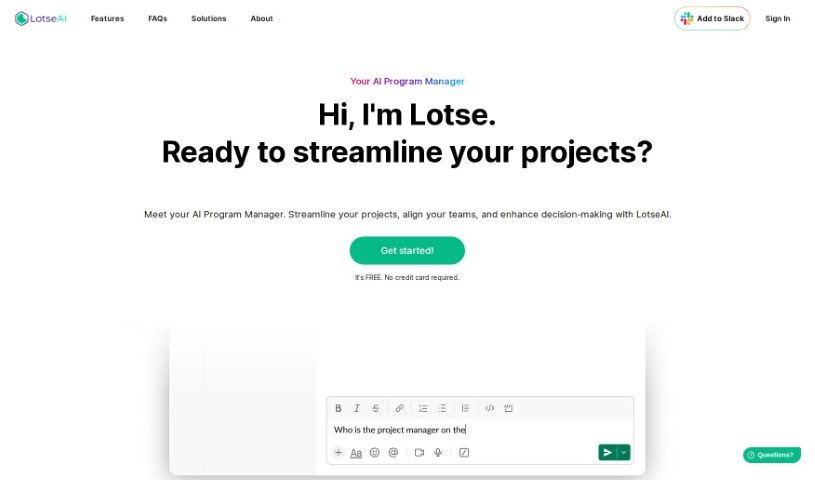
Screenshot of LotseAI

LotseAI

Freemium

LotseAI is an AI-powered program manager built for startups and project management teams. It pulls in project information in real time, so details are available immediately instead of buried in documents. It provides data-driven insights to support decisions and flags potential project issues before they escalate. LotseAI integrates with Jira, Asana, and Trello, consolidating data, cutting down on repeated work, and adapting to roles such as Program Manager, Product Manager, or Engineering Manager. It was built by a team of AI enthusiasts; specific details about the founder or company are not publicly available.

Project Management View Tool →
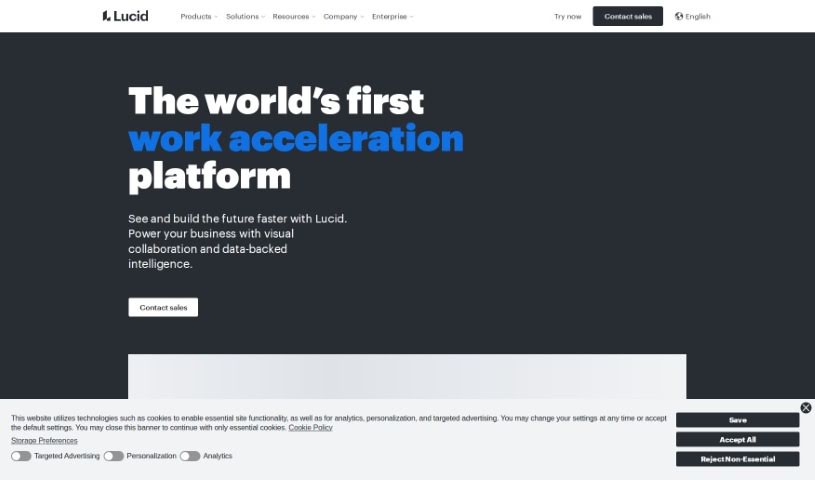
Screenshot of Lucid

Lucid

Freemium

Lucid is a visual collaboration platform that helps teams brainstorm, plan, design, build, and launch solutions together on a shared, infinite canvas. It supports activities like Agile planning, sprint planning, system architecture, strategic planning, and collaborative selling.

Project Management View Tool →
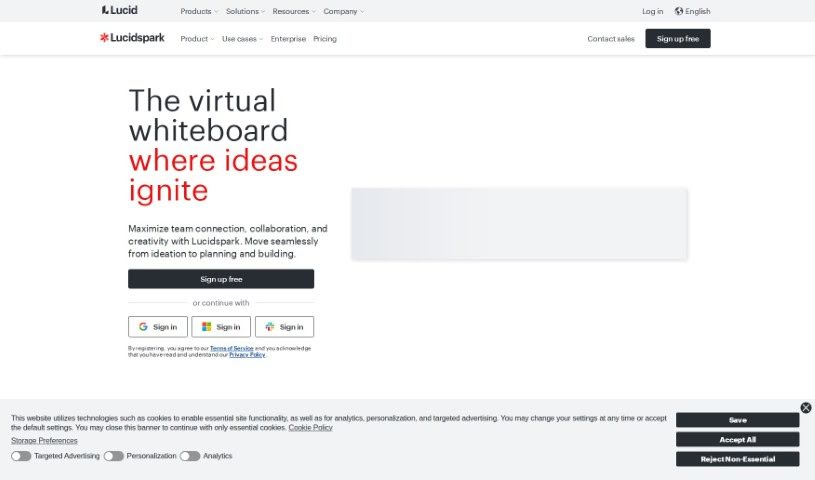
Screenshot of Lucidspark

Lucidspark

Freemium

Lucidspark is a virtual whiteboard built for real-time team collaboration. It provides an unlimited visual canvas where everyone can contribute ideas regardless of location, making it useful for brainstorming sessions, strategy mapping, and project planning. The platform includes collaborative AI features, mind maps, ready-to-use templates, customer support, and resources for educators, and it helps turn raw ideas into structured plans.

Project Management View Tool →
Screenshot of Magicflow

Magicflow

Freemium

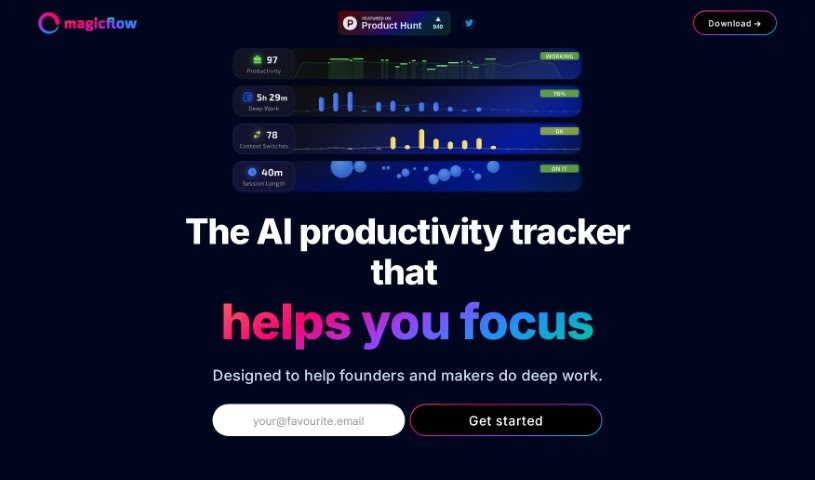
Magicflow is an AI-powered tool designed to help founders and makers focus and get into deep work. It goes beyond a simple time tracker: it provides practical insights, shows your productivity in real time, and offers tips on how to improve it. You can review how you work, identify what's distracting you, and adjust your schedule accordingly.

Project Management View Tool →
Screenshot of ManageBetter

ManageBetter

Freemium

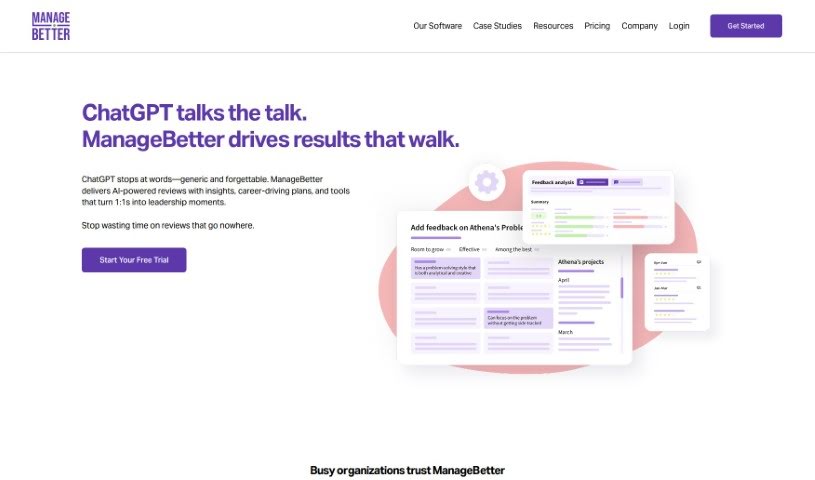
ManageBetter is software designed to help managers be more effective. It provides data-driven insights, specific feedback, and personalized performance suggestions so managers can build engaged, high-performing teams. The goal is to improve productivity, employee engagement, and overall organizational success through better leadership support.

Project Management View Tool →

About Project Management tools

Keeping a complex project moving when team deadlines shift and task dependencies get tangled is a constant juggling act. (I once spent two full hours updating Gantt chart dependencies after a developer went on sick leave, only to realize I’d pushed three client deliverables into the wrong week.) Between tracking status updates, reallocating team workloads, summarizing status meetings, and hunting down missing deliverables, administrative upkeep drains your day. When managing the project board takes more time than guiding the actual work, staying on schedule gets tough.

These AI platforms act as high-speed operations assistants for project managers, Scrum masters, operations leads, and team coordinators. They handle routine status tracking, predict scheduling bottlenecks, and generate clear project reports in seconds so you can focus on leading your team.

Automating Updates, Timeline Risks, and Action Items

Automating routine status tracking and project updates keeps your team focused on real work. Sifting through dozens of Slack messages or checking individual board cards just to build a weekly progress update eats up valuable time. Smart project assistants read team activity across your workspace, pull out completed milestones, and draft concise status reports for stakeholders automatically.

Predicting timeline risks and balancing team workloads prevents burnout before deadlines hit. Trying to spot hidden scheduling overlaps or resource bottlenecks across multiple simultaneous projects can feel overwhelming. AI scheduling engines analyze task durations, evaluate historical team velocity, and flag potential delays early, giving you room to adjust assignments before a crunch happens.

Synthesizing meeting action items and updating task boards keeps everyone aligned after every call. Listening through recorded syncs or reading raw transcripts just to assign follow-up tasks manually takes unnecessary effort. Intelligent meeting tools pull out key decisions, create new task cards on your project board, and tag the right team members automatically, ensuring nothing falls through the cracks.

Key Capabilities to Look For:

  • Automated status report generation: Systems that scan workspace activity to draft progress updates and executive summaries.
  • Predictive timeline and risk analysis: Software that evaluates team capacity and task dependencies to flag potential project bottlenecks early.
  • Natural language task creation: Tools that let you create, assign, and schedule tasks by typing plain English commands or uploading call transcripts.
  • Workload and resource balancing: Features that track team bandwidth across projects to prevent over-allocation and burnout.
  • Cross-platform workspace integration: Connectors that sync tasks seamlessly across apps like Jira, Asana, Trello, Slack, and email.

Successful project management will always depend on personal leadership, clear communication, and keeping people motivated. Software can update a board, predict a delay, or draft a status summary, but guiding a team through unexpected changes requires human empathy and judgment.

Take a look through the tools below to find the right project management helper for your team.

The Best AI Project Management Tools

  1. Odoo: for making team collaboration on tasks easier.
  2. N8N: for automatically updating project tools.
  3. Servicenow: for smoother project tracking and reporting.
  4. Whimsical: for simplifying project planning tasks.
  5. Mermaid Chart: for creating visual project timelines.
  6. Pitch: for getting real-time team updates and tracking progress.
  7. Git Mind: for making project timelines and tasks run more smoothly.
  8. Motion: for better team task coordination.
  9. Mindmap: for visualizing project milestones and tasks.
  10. Contra: for managing projects and contracts without a hitch.
  11. Creately: for real-time project tracking and updates.
  12. Spike: for making team communication effortless.
  13. Sintra: for simplifying how team tasks are assigned.
  14. Reclaim AI: for fitting project tasks into your calendar.
  15. Lucid: for managing project timelines and workflows.
New tools, in your inbox.

Weekly picks of the best AI tools we've researched and added — no spam, unsubscribe anytime.

Join 25,000+ AI enthusiasts. No spam, unsubscribe anytime.