AI Tools for Project Management

Discover the best Project Management AI tools to enhance your productivity and creativity.

Page 11 of 23 • 270 total tools

Project management has always been about staying organized, communicating well, and planning ahead. But as teams get bigger and projects more complicated, keeping everything on track can feel like a lot. That’s where AI comes in—it’s changing the game for how we manage teams and get things done.

Today’s AI project management tools do more than just basic scheduling. They offer smart features that can predict delays, handle routine tasks automatically, and improve communication, helping to turn potential chaos into clear progress. The right tool can really make workflows better and boost collaboration, which ultimately means more gets done.

I’ve spent weeks looking at different AI project management platforms to see which ones really shine in this busy market. No matter if you’re managing a small team or several big projects, there’s a solution out there for you.

If you’re ready to change how you manage projects and help your team perform better, keep reading. Here’s a look at some of the top AI project management tools available right now.

The best AI Project Management Tools

  1. Odoo for making team collaboration on tasks easier.
  2. N8N for automatically updating project tools.
  3. Servicenow for smoother project tracking and reporting.
  4. Whimsical for simplifying project planning tasks.
  5. Mermaid Chart for creating visual project timelines.
  6. Pitch for getting real-time team updates and tracking progress.
  7. Git Mind for making project timelines and tasks run more smoothly.
  8. Motion for better team task coordination.
  9. Mindmap for visualizing project milestones and tasks.
  10. Contra for managing projects and contracts without a hitch.
  11. Creately for real-time project tracking and updates.
  12. Spike for making team communication effortless.
  13. Sintra for simplifying how team tasks are assigned.
  14. Reclaim AI for fitting project tasks into your calendar.
  15. Lucid for managing project timelines and workflows.

How do AI project management tools work?

AI project management tools use smart algorithms and data analysis to help teams plan, carry out, and keep an eye on their projects more effectively. Basically, these tools use machine learning models that look at lots of project data. This helps them guess where problems might pop up and suggest ways to fix them. Because they can predict issues, managers can make decisions ahead of time and stay on top of things.

When you enter project details, like deadlines, what resources you have, and the project’s scope, the AI algorithms analyze it all. Then, they give you actionable insights. These might include better timelines, how to best allocate resources, and what risks to watch out for, which really simplifies the planning stage. In short, the tools take complex data and make it easier to understand, helping teams see their progress more clearly.

Collaboration is also a key part of AI project management tools. These platforms often include ways for team members to talk about tasks and share updates as they happen. The AI can even summarize conversations, point out important decisions, and remind people about deadlines. This makes sure everyone is on the same page and accountable throughout the project.

As the project moves forward, AI tools keep learning from how people use them and what the results are. This feedback loop makes their suggestions better and more personalized over time. By looking at data from past projects, the algorithms can suggest the best ways to work based on your organization’s specific needs, which ultimately boosts overall productivity.

So, AI project management tools work by combining smart data analysis with easy-to-use interfaces. They offer a powerful way to manage projects, pulling insights from past data and making it easier for team members to work together. The future of project management looks bright, with AI playing a big part in how teams collaborate effectively.

Our best AI project management tools at a glance

RankNameBest forPlans and PricingRating
1OdooMaking team collaboration on tasks easier.N/A4.67 (6 reviews)
2N8NAutomatically updating project tools.Paid plans start at $50/month.4.58 (12 reviews)
3ServicenowSmoother project tracking and reporting.N/A4.45 (11 reviews)
4WhimsicalSimplifying project planning tasks.Paid plans start at $10/month.4.67 (27 reviews)
5Mermaid ChartCreating visual project timelines.N/A4.84 (19 reviews)
6PitchGetting real-time team updates and tracking progress.N/A4.75 (12 reviews)
7GitMindMaking project timelines and tasks run more smoothly.Paid plans start at $Free Trial/month.4.67 (6 reviews)
8MotionBetter team task coordination.N/A4.18 (11 reviews)
9MindmapVisualizing project milestones and tasks.N/A4.82 (11 reviews)
10ContraManaging projects and contracts seamlessly.N/A4.75 (12 reviews)
11CreatelyReal-time project tracking and updates.N/A5.00 (27 reviews)
12SpikeMaking team communication effortless.N/A4.15 (26 reviews)
13SintraSimplifying how team tasks are assigned.Paid plans start at $39/month.4.76 (17 reviews)
14Reclaim AIFitting project tasks into your calendar.Paid plans start at $10/month.4.25 (12 reviews)
15LucidManaging project timelines and workflows.N/A4.77 (13 reviews)
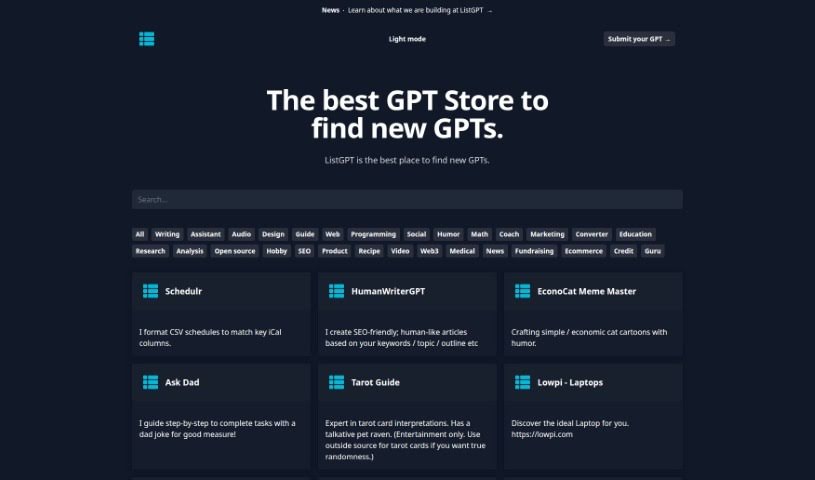
Screenshot of Listgpt

Listgpt

Freemium

Listgpt is a really versatile platform, kind of like a Swiss Army knife for AI tools. It offers a bunch of different AI-powered helpers for all sorts of tasks. For instance, one of its main functions is to help you create detailed task lists and then actually get those tasks done, spitting out the results as a simple text file. But that's not all! Listgpt also has some pretty neat specific tools, like the Break Even Helper, which is great for figuring out your financial break-even point. Then there's Family Guy-ize Me, a fun tool that can turn your photos into characters from the show. Plus, you can even create your own custom GPT models with CustomGPTS. On top of that, Listgpt offers tools like Resume GPT, designed to help you craft standout resumes and cover letters, ExtractTableGPT for pulling table data right out of documents, and Wealth Wings to assist with your finance planning. Honestly, these tools cover a wide spectrum of needs, from managing your to-do lists and boosting your creativity with image transformations to helping you get a handle on your finances.

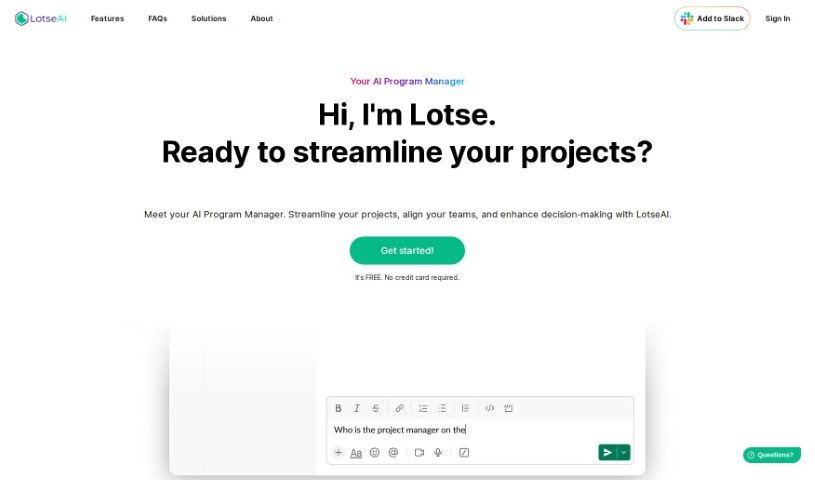
Screenshot of LotseAI

LotseAI

Freemium

LotseAI is a smart, AI-powered Program Manager designed specifically to tackle the unique hurdles that startups and project management teams often face. It's really good at grabbing information in real-time, meaning you get instant access to all your project details without wasting time digging through documents. Plus, LotseAI offers smart insights to help you make better decisions, spots potential project snags before they become big problems, and plays nicely with popular project management tools like Jira, Asana, and Trello. This integration brings all your data together, cuts down on repeated work, and can be adjusted for different jobs – whether you're a Program Manager, Product Manager, or Engineering Manager. Basically, LotseAI makes project management smoother, boosts efficiency, and makes working together with your existing tools much easier.

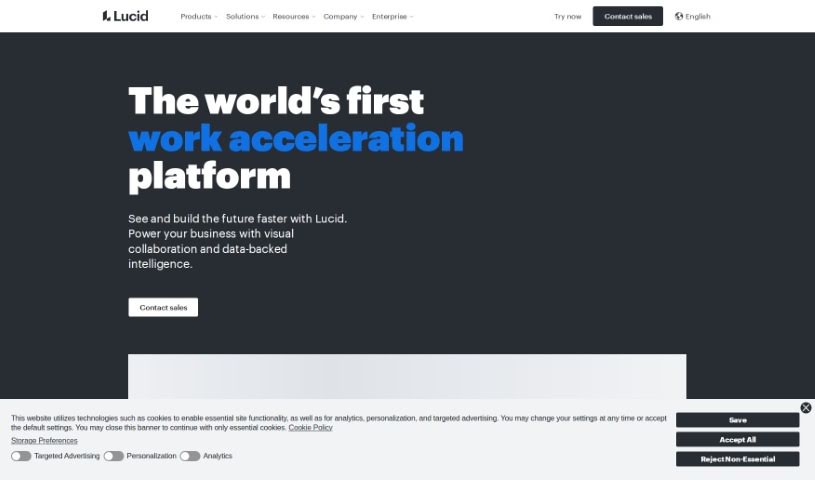
Screenshot of Lucid

Lucid

Freemium

Lucid is a top visual collaboration platform that helps teams brainstorm, plan, design, build, and launch solutions together on a shared, infinite canvas. It offers a whole suite of tools for different teams – think product and design, development, tech and network, logistics, operations, HR, finance, executives, and sales. They can all collaborate effectively on things like Agile planning, sprint planning, system architecture, strategic planning, collaborative selling, and much more.

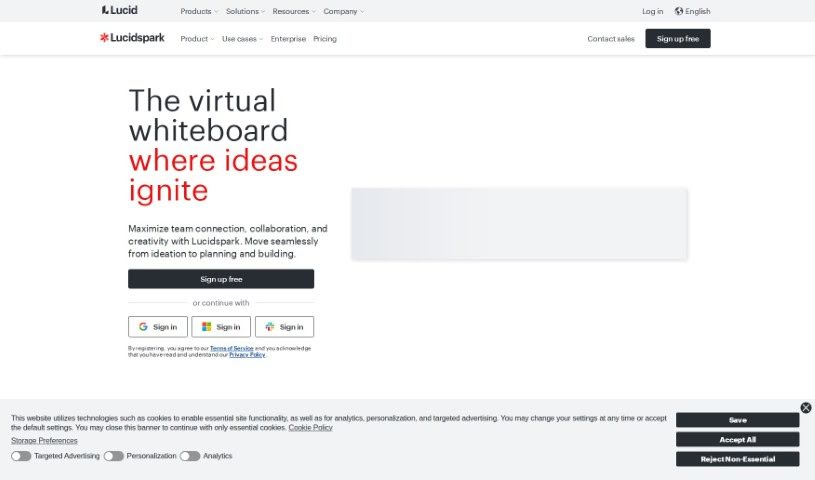
Screenshot of Lucidspark

Lucidspark

Freemium

Lucidspark is a virtual whiteboard tool built for teams to collaborate in real-time. It is a digital space where you can bring your ideas to life, run super effective brainstorming sessions, and map out your strategies. It's designed to be really easy to use, with a visual workspace that lets everyone jump in and share their thoughts without feeling limited by space. You can plan and visualize projects together, no matter where you are. Lucidspark offers an unlimited canvas, so you can brainstorm freely. It also helps with planning and tracking projects, fits different ways people like to work, and can even turn your raw ideas into solid plans. Plus, it's got cool AI features for collaboration, ready-to-use templates for all sorts of tasks, customer support, and even resources for educators.

Screenshot of Magicflow

Magicflow

Freemium

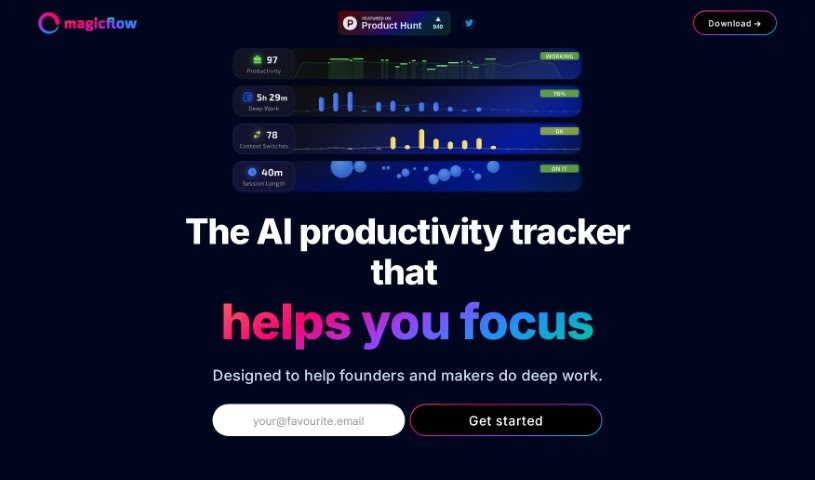
Magicflow is an AI-powered tool designed to help founders and makers really focus and get into deep work. It's more than just a time tracker; it gives you practical insights, shows your productivity in real-time, and offers tips on how to boost it. You can look at how you work, figure out what's distracting you, and then tweak your schedule accordingly. The app includes live timers to track your focus sessions, Pomodoro timers for structured work breaks, warnings when you're getting distracted, and a cool glowing meter that shows when you're in the zone. People have said great things about Magicflow, noting how effective it is at helping them achieve that state of flow and stay locked onto their goals.

Screenshot of ManageBetter

ManageBetter

Freemium

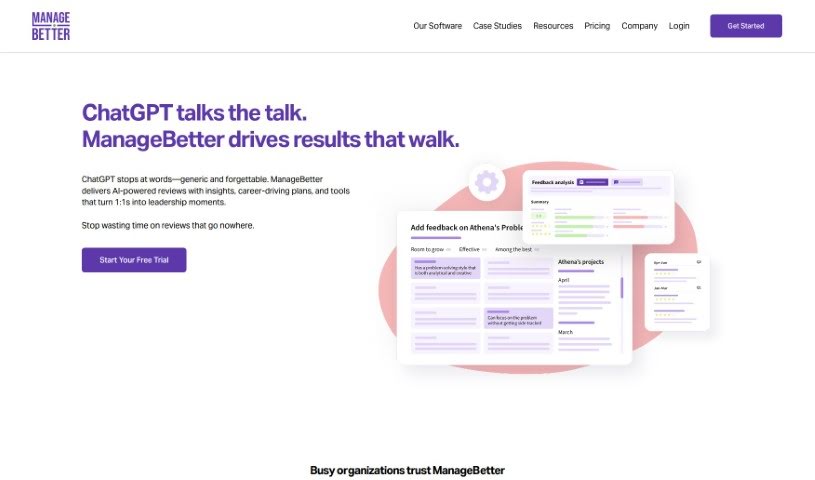
ManageBetter is a comprehensive software designed to empower managers. It aims to boost productivity and really improve how effective managers are by offering data-driven insights, specific feedback, and personalized suggestions for performance. With ManageBetter, managers can build teams that are both engaged and perform at a high level. It does this by giving them valuable data insights, making it easier to give feedback regularly, and providing suggestions tailored to each person's performance. Ultimately, ManageBetter wants to change how managers lead, which should lead to more productivity, better employee engagement, and overall success for the organization.

Screenshot of Manageprompt

Manageprompt

Freemium

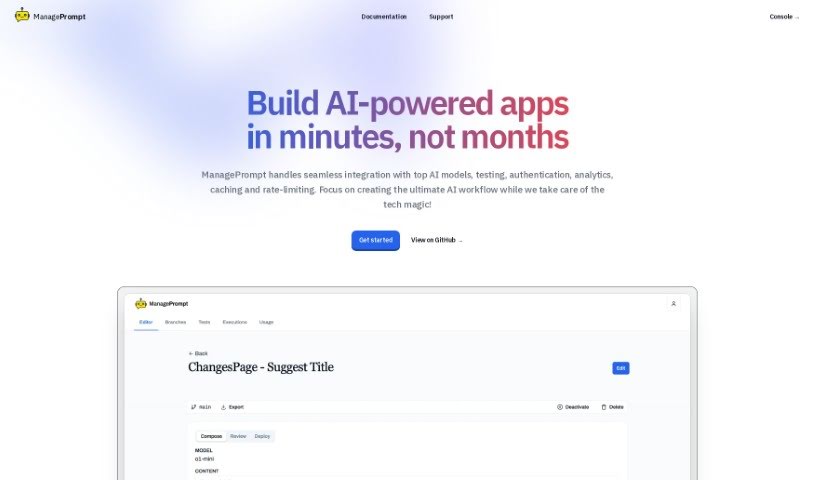
ManagePrompt is a platform built to help you speed up and simplify your AI projects. It is your all-in-one toolkit that also handles all the complicated backend stuff. This way, you can really focus on what matters most: your main goals and those brilliant, innovative ideas you have. The platform gives you access to a variety of AI models from big names like OpenAI, Meta, Google, and Mixtral. Plus, it's got built-in security to filter out any harmful requests, ways to make your workflows smoother by easily tweaking prompts and updating models, and a straightforward pay-as-you-go billing system – no surprises there! You can even work with a team of up to five people. On top of that, you get extra free AI tools for things like proofreading, summarizing text, and even colorizing old photos. It’s all about making your AI projects easier to get off the ground and run smoothly.

Screenshot of Mappedin

Mappedin

Freemium

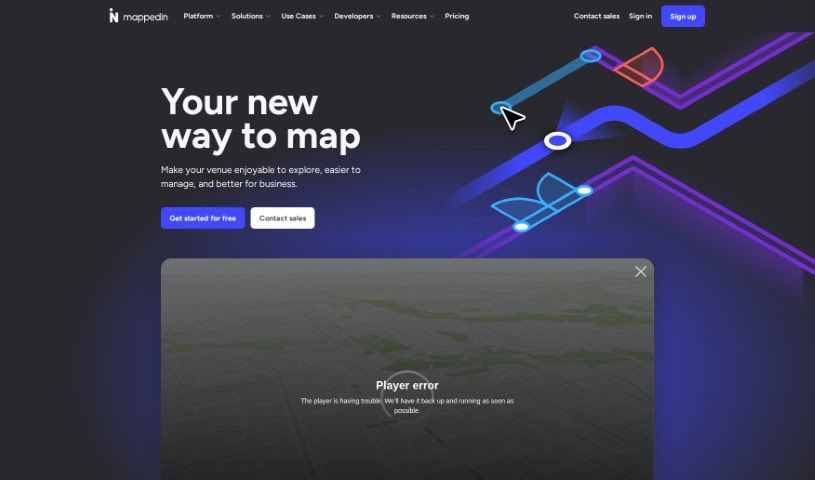
Mappedin is a really user-friendly tool that uses AI to help you create detailed, accurate indoor maps. Think schools, malls, offices – anywhere with indoor spaces. It's designed to make mapping easy, even for complex venues. One of its standout features is AutoMap, which helps place objects automatically, saving you a lot of manual work. You also get an interactive 3D map viewer and robust editing tools. Specifically, Mappedin Maker is built with safety in mind, making it simple to pinpoint crucial safety elements like emergency exits and fire extinguishers on your maps. The AI assists throughout the map creation process, offering features like that automatic object placement and the 3D viewing. You can upload existing floor plans, tweak them, connect different areas, move points of interest, and then export your finished maps in various formats. For emergency response, Mappedin Maker is a real asset, providing detailed, up-to-date maps that can significantly help first responders navigate venues more effectively during critical situations.

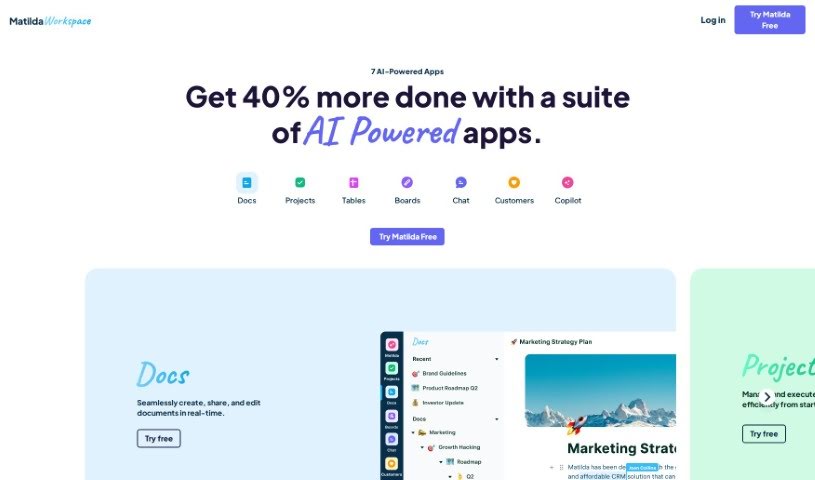
Screenshot of Matilda Workspace

Matilda Workspace

Freemium

Matilda Workspace is an all-in-one platform powered by AI, designed to really boost your project management and team collaboration. It tackles the common issues found in older project management tools by offering a whole bunch of features. Think documentation, managing tasks, handling meetings, and even keeping track of customer interactions, all in one place. It works in a pretty straightforward three-step process:

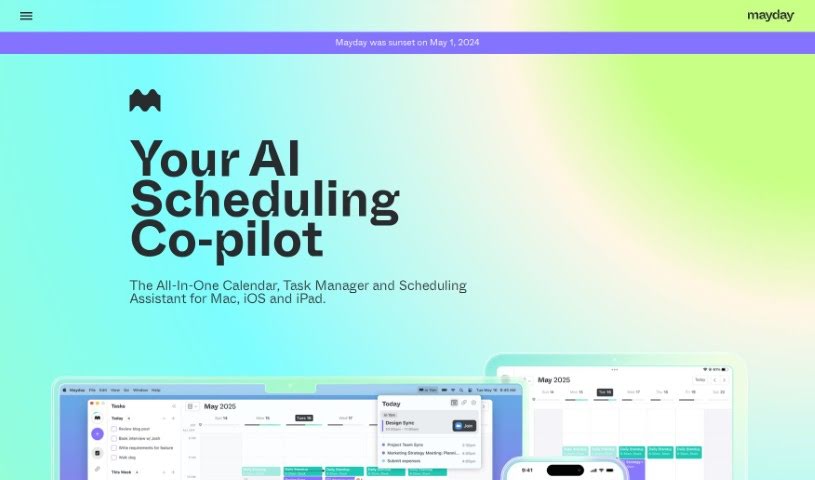
Screenshot of Mayday

Mayday

Freemium

Mayday is a smart, AI-powered calendar app designed to help people with packed schedules manage their time much better. It is your all-in-one hub for your calendar, to-do list, and scheduling needs, all working together with artificial intelligence to keep your day organized, protect your focus time, and help you get things done efficiently. It can automatically schedule meetings and tasks, learn your personal preferences to find the best times, suggest ideal meeting slots for your team, figure out the best moments for your tasks with very little input from you, and even reschedule things automatically to keep your calendar flexible.

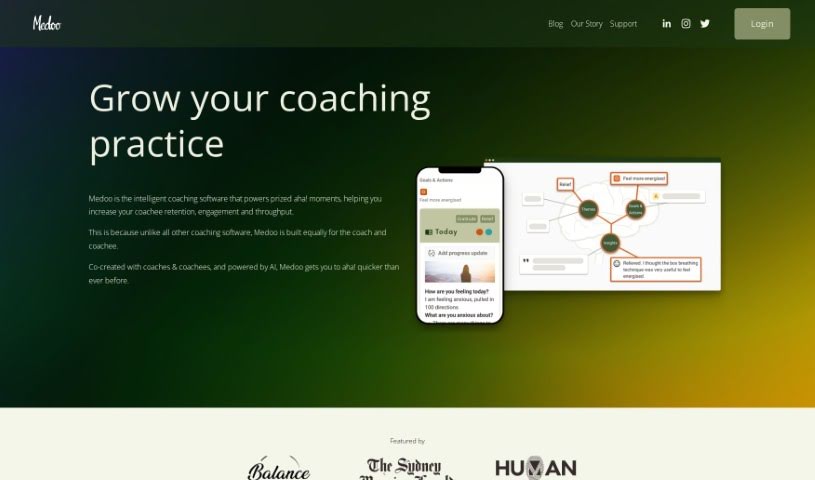
Screenshot of Medoo

Medoo

Freemium

Medoo is a smart coaching software built to make the coaching process better for everyone involved – both coaches and the people they coach. It's all about boosting engagement, helping people see their progress, and keeping them on track. How does it do this? Well, it offers features like shared journaling, where both coach and coachee can record thoughts and insights, goal setting that turns big ideas into small, manageable steps, and progress tracking with helpful data visualizations. Plus, it uses AI to offer deeper insights. Medoo was actually developed with input from coaches and coachees themselves, creating a collaborative space that really helps with communication and accountability. It makes goal-setting easier by breaking down goals into actionable steps, encourages people to reflect on their journey, and makes it simple to look back at past coaching conversations thanks to that shared journaling feature.

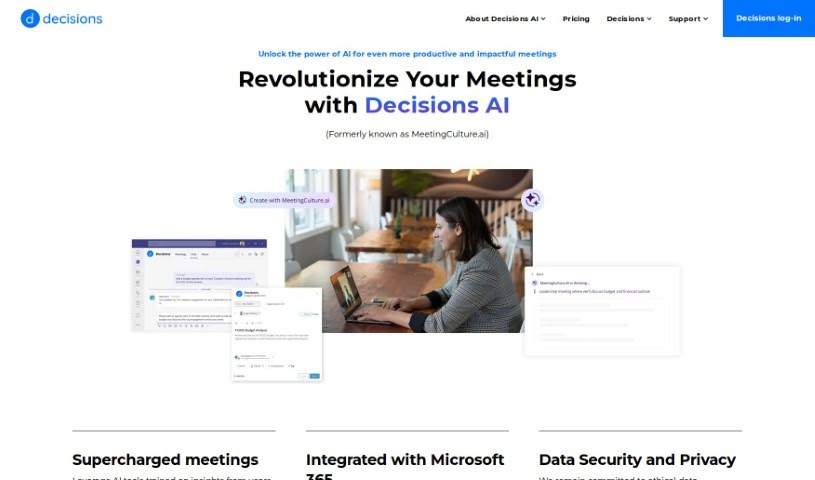
Screenshot of Meeting Culture

Meeting Culture

Freemium

Meeting culture is all about how we handle meetings within a company. It is the whole system – from getting ready beforehand, making sure everyone feels comfortable jumping in during the meeting, to wrapping things up smoothly afterward so things actually get done. This covers everything from creating agendas and working together, to keeping people involved, managing time, making decisions, tracking what needs to be done, and even getting feedback on how the meeting went. By really focusing on making meetings better, companies can see big improvements in how they communicate, how much they get done, and how smoothly everything runs.

Stay Updated with AI Tools

Get weekly updates on the latest AI tools, trends, and insights delivered to your inbox

Join 25,000+ AI enthusiasts. No spam, unsubscribe anytime.