AI Tools for Project Management

Discover the best Project Management AI tools to enhance your productivity and creativity.

Page 12 of 23 • 270 total tools

Project management has always been about staying organized, communicating well, and planning ahead. But as teams get bigger and projects more complicated, keeping everything on track can feel like a lot. That’s where AI comes in—it’s changing the game for how we manage teams and get things done.

Today’s AI project management tools do more than just basic scheduling. They offer smart features that can predict delays, handle routine tasks automatically, and improve communication, helping to turn potential chaos into clear progress. The right tool can really make workflows better and boost collaboration, which ultimately means more gets done.

I’ve spent weeks looking at different AI project management platforms to see which ones really shine in this busy market. No matter if you’re managing a small team or several big projects, there’s a solution out there for you.

If you’re ready to change how you manage projects and help your team perform better, keep reading. Here’s a look at some of the top AI project management tools available right now.

The best AI Project Management Tools

  1. Odoo for making team collaboration on tasks easier.
  2. N8N for automatically updating project tools.
  3. Servicenow for smoother project tracking and reporting.
  4. Whimsical for simplifying project planning tasks.
  5. Mermaid Chart for creating visual project timelines.
  6. Pitch for getting real-time team updates and tracking progress.
  7. Git Mind for making project timelines and tasks run more smoothly.
  8. Motion for better team task coordination.
  9. Mindmap for visualizing project milestones and tasks.
  10. Contra for managing projects and contracts without a hitch.
  11. Creately for real-time project tracking and updates.
  12. Spike for making team communication effortless.
  13. Sintra for simplifying how team tasks are assigned.
  14. Reclaim AI for fitting project tasks into your calendar.
  15. Lucid for managing project timelines and workflows.

How do AI project management tools work?

AI project management tools use smart algorithms and data analysis to help teams plan, carry out, and keep an eye on their projects more effectively. Basically, these tools use machine learning models that look at lots of project data. This helps them guess where problems might pop up and suggest ways to fix them. Because they can predict issues, managers can make decisions ahead of time and stay on top of things.

When you enter project details, like deadlines, what resources you have, and the project’s scope, the AI algorithms analyze it all. Then, they give you actionable insights. These might include better timelines, how to best allocate resources, and what risks to watch out for, which really simplifies the planning stage. In short, the tools take complex data and make it easier to understand, helping teams see their progress more clearly.

Collaboration is also a key part of AI project management tools. These platforms often include ways for team members to talk about tasks and share updates as they happen. The AI can even summarize conversations, point out important decisions, and remind people about deadlines. This makes sure everyone is on the same page and accountable throughout the project.

As the project moves forward, AI tools keep learning from how people use them and what the results are. This feedback loop makes their suggestions better and more personalized over time. By looking at data from past projects, the algorithms can suggest the best ways to work based on your organization’s specific needs, which ultimately boosts overall productivity.

So, AI project management tools work by combining smart data analysis with easy-to-use interfaces. They offer a powerful way to manage projects, pulling insights from past data and making it easier for team members to work together. The future of project management looks bright, with AI playing a big part in how teams collaborate effectively.

Our best AI project management tools at a glance

RankNameBest forPlans and PricingRating
1OdooMaking team collaboration on tasks easier.N/A4.67 (6 reviews)
2N8NAutomatically updating project tools.Paid plans start at $50/month.4.58 (12 reviews)
3ServicenowSmoother project tracking and reporting.N/A4.45 (11 reviews)
4WhimsicalSimplifying project planning tasks.Paid plans start at $10/month.4.67 (27 reviews)
5Mermaid ChartCreating visual project timelines.N/A4.84 (19 reviews)
6PitchGetting real-time team updates and tracking progress.N/A4.75 (12 reviews)
7GitMindMaking project timelines and tasks run more smoothly.Paid plans start at $Free Trial/month.4.67 (6 reviews)
8MotionBetter team task coordination.N/A4.18 (11 reviews)
9MindmapVisualizing project milestones and tasks.N/A4.82 (11 reviews)
10ContraManaging projects and contracts seamlessly.N/A4.75 (12 reviews)
11CreatelyReal-time project tracking and updates.N/A5.00 (27 reviews)
12SpikeMaking team communication effortless.N/A4.15 (26 reviews)
13SintraSimplifying how team tasks are assigned.Paid plans start at $39/month.4.76 (17 reviews)
14Reclaim AIFitting project tasks into your calendar.Paid plans start at $10/month.4.25 (12 reviews)
15LucidManaging project timelines and workflows.N/A4.77 (13 reviews)
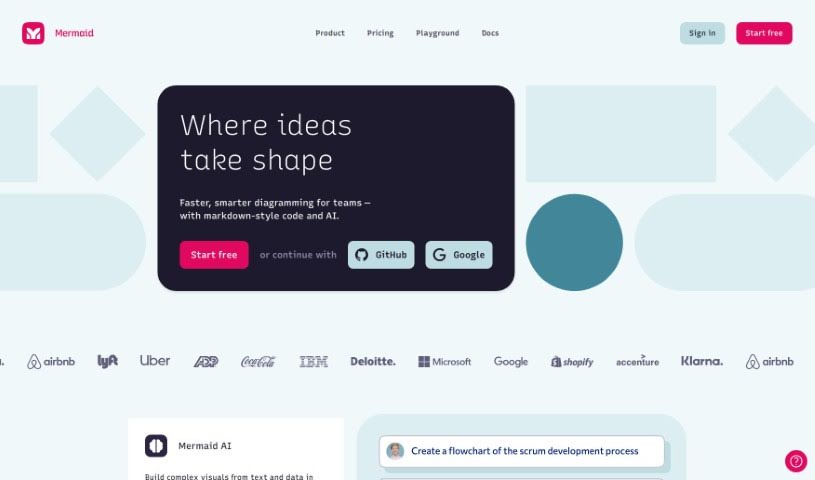
Screenshot of Mermaid Chart

Mermaid Chart

Freemium

Mermaid Chart is a platform that lets you create diagrams using text. It's built on the popular Mermaid open-source project. It is a way to document code, make team projects run smoother, and visualize complicated ideas, all with a little help from AI. They've recently added Mermaid AI, which is a real game-changer. It helps you create diagrams super fast just by typing in what you want. This means you can get clear visual representations quickly, without wrestling with complicated tools that take ages to figure out.

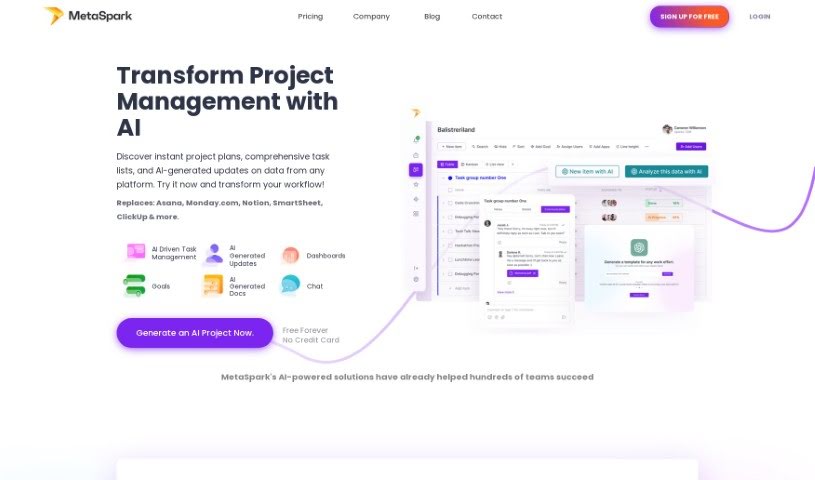
Screenshot of Metaspark

Metaspark

Freemium

Metaspark is a really smart platform designed to make project management easier. It uses AI to help automate those time-consuming administrative tasks, freeing up project managers to focus on creating accurate and efficient work execution plans. It is your AI assistant for projects! It can help you generate detailed project plans, automatically create task lists, visualize your goal progress, and it connects with lots of other tools you probably already use, like JIRA, Salesforce, and more. Plus, its AI-driven document generation feature really speeds up your documentation process and gives you solid insights for making decisions based on data. On top of all that, Metaspark offers insights into your workforce, along with ways to reward and recognize your team, all aimed at boosting performance and efficiency.

Screenshot of Metastory

Metastory

Freemium

Metastory is a tool that's really changing the game in product management. It uses artificial intelligence to make gathering requirements much smoother. It is a tool built by product owners, specifically for product owners. Metastory is built around three main ideas: help from AI, documentation that's tied directly to the user interface, and easy integration with JIRA. This setup supports you all the way through your project management. It brings together collective intelligence to speed up how you gather requirements, it connects what users see (the UI) with what you need for the project, making communication clearer, and it works seamlessly with JIRA so your project management stays efficient. Its best features are definitely the AI-Based Assistance, the UI-Based Documentation, and the JIRA Integration. These are all designed to help product owners quickly map out what's needed and boost their productivity.

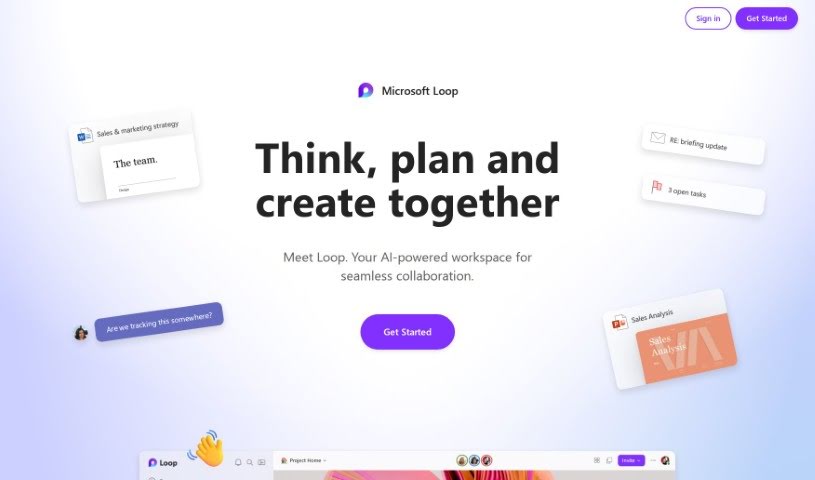
Screenshot of Microsoft Loop

Microsoft Loop

Freemium

Microsoft Loop is a collaborative workspace designed to completely change how teams work together. It offers tools that make project management smoother and boost everyone's productivity. It is a shared space where documents and tasks stay perfectly in sync, no matter where your team members are – whether they're in the office or working remotely. Because it's so intuitive and easy to use, Microsoft Loop makes collaboration feel much more efficient and accessible. By bringing projects to life with these modern, professional tools, teams can build a more open and cooperative environment.

Screenshot of Milo

Milo

Freemium

Milo is a really smart AI tool designed to help parents out by acting like a co-pilot for managing family life. It's built using GPT-4, which means it's great at understanding and helping with all the busy stuff that comes with raising a family. It is a way to lighten the mental load. Milo doesn't just keep your family's information tidy; it actually learns and gets better the more you use it, thanks to your feedback. This way, it can start to predict what your family might need next. You get features like super easy AI integration, great organization tools, helpful reminders that actually do something, and it adapts to you. Plus, all the important info is easy for everyone in the family to access. It costs $40 a month to subscribe.

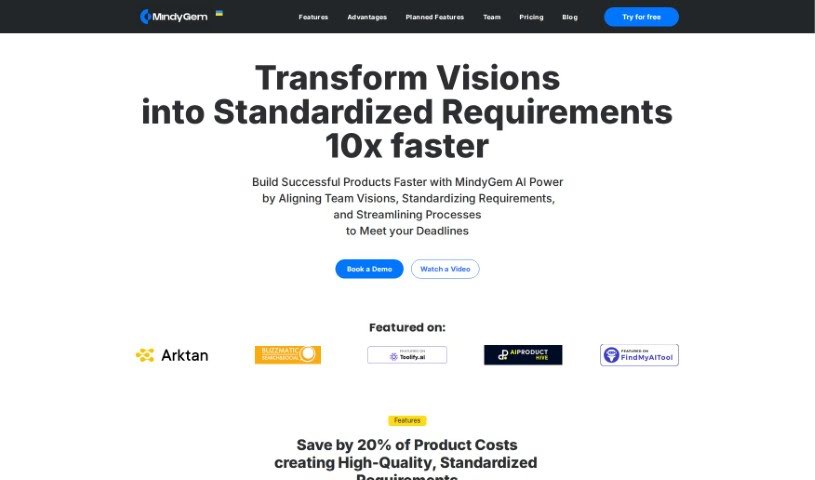
Screenshot of MindGym

MindGym

Freemium

MindyGem is a software tool designed to help software teams create and manage technical documentation for their digital products. It is a smart assistant for your documentation needs. It automates much of the requirement writing process, making it faster to get your requirements down. Plus, it offers an interactive platform that really boosts team collaboration, keeping everyone on the same page throughout development. It even uses AI to help write requirements directly from your UI designs. You'll also find features like real-time discussions, the ability to create tickets for tracking progress, and integrations with popular tools like Jira and Swagger.

Screenshot of Mindmap

Mindmap

Freemium

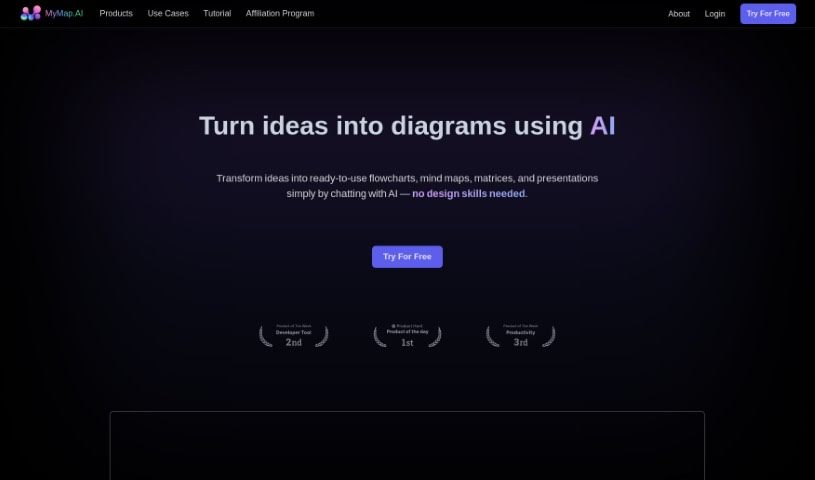
A mind map is a really handy and efficient tool. It's designed to help you visually organize your ideas, making it great for both students and professionals. It is a way to boost your learning and planning. You create visual maps of your thoughts and concepts, arranging them in a hierarchy and linking related ideas. This really helps you understand and remember information better. It's super accessible, whether you're a student trying to make studying easier or a professional looking to improve planning and brainstorming. The interface is so user-friendly, anyone can pick it up. Plus, there's a free version, which is fantastic for making it available to everyone. You can even collaborate with others and access your maps from any device, all through its web platform. Essentially, it's a practical way to visualize and organize your thoughts, helping you turn those ideas into concrete plans without a hitch.

Screenshot of Mindy

Mindy

Freemium

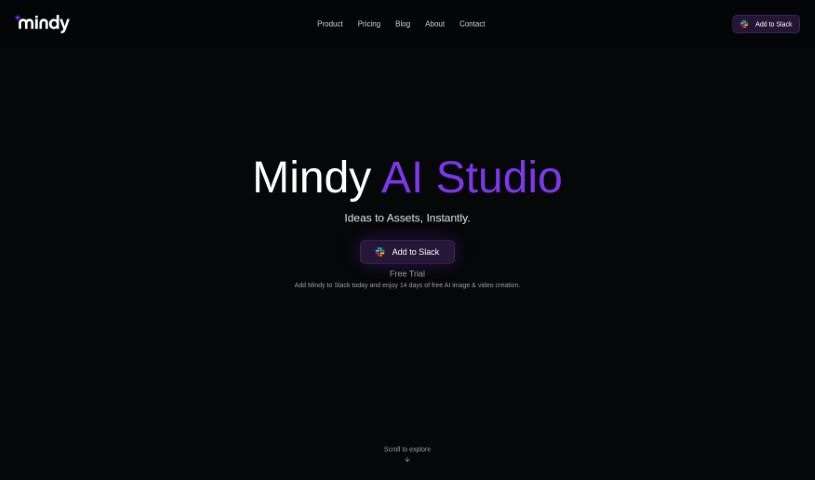
Mindy is a virtual assistant designed to help you with all sorts of things, like doing research, shopping, or getting your meetings organized. It works by using your emails to help you manage your day-to-day activities, whether you're at home or at work. It is your personal Chief of Staff. You just send Mindy a message with what you need done, and it can actually go ahead and do things like schedule events for you, using the details you provide. People seem to really like Mindy, saying it's great for searching, summarizing, writing, and scheduling tasks, all right from your inbox. It really fits into your life easily, offering AI help to make those tricky tasks much simpler.

Screenshot of Missive

Missive

Freemium

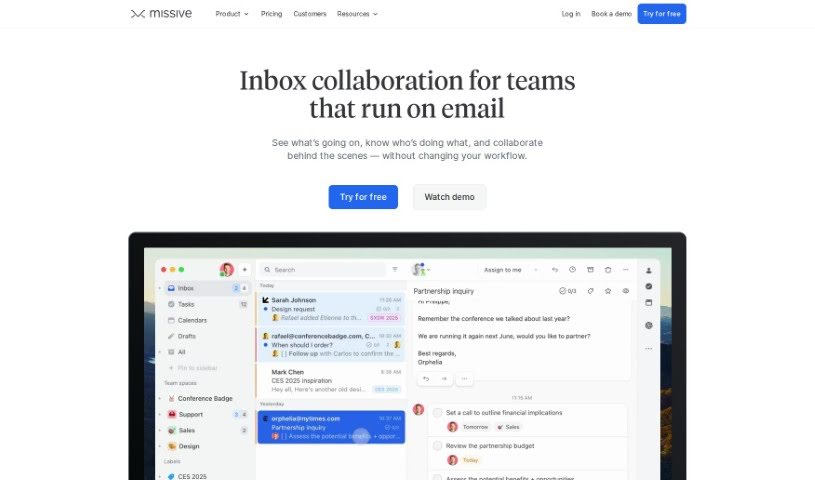
Missive is a handy all-in-one tool designed to bring your email, group chat, and task management together in one place. It's built to make both team communication and getting things done much smoother. It is a central hub that simplifies how your team collaborates and stays organized. With Missive, you can easily handle your personal and work emails, keep conversations tidy, set up specific chat rooms for your teams or projects, and keep track of all your tasks without missing a beat. Plus, it offers some neat extras like message templates, read receipts, and keyboard shortcuts you can customize, all aimed at making you more productive.

Screenshot of Moderated

Moderated

Freemium

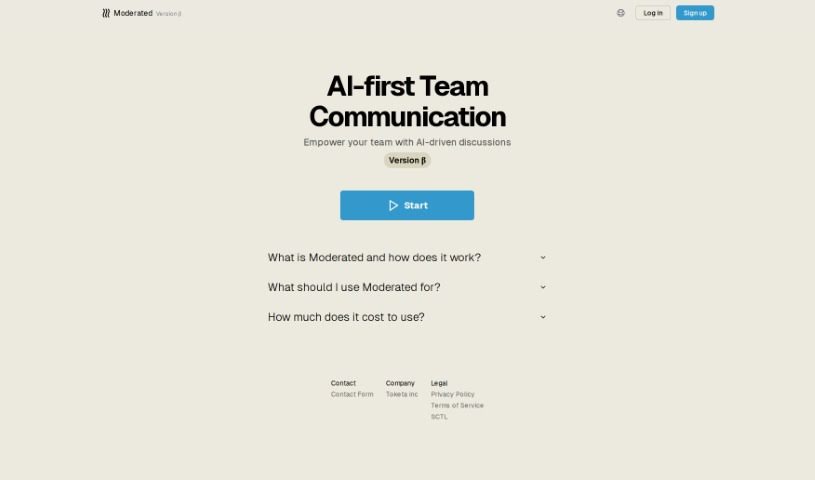
Moderated is a tool designed to make team communication feel more human, even when it's AI-assisted. It's all about helping teams talk to each other more effectively. The goal here is to make team interactions smoother, boost collaboration, and ultimately, get more done. It’s pretty straightforward to get started with, offering simple sign-up and login options. Under the hood, it uses machine learning and natural language processing to help guide conversations and make discussions more productive. Right now, it's in a beta phase, so it's focused on managing how teams communicate, spotting patterns in those conversations, and making discussions better overall. Keep in mind, though, since it's still in beta, some of the machine learning details aren't fully public yet, and you'll need to see if it fits exactly what your team needs.

Screenshot of Monday Ai

Monday Ai

Freemium

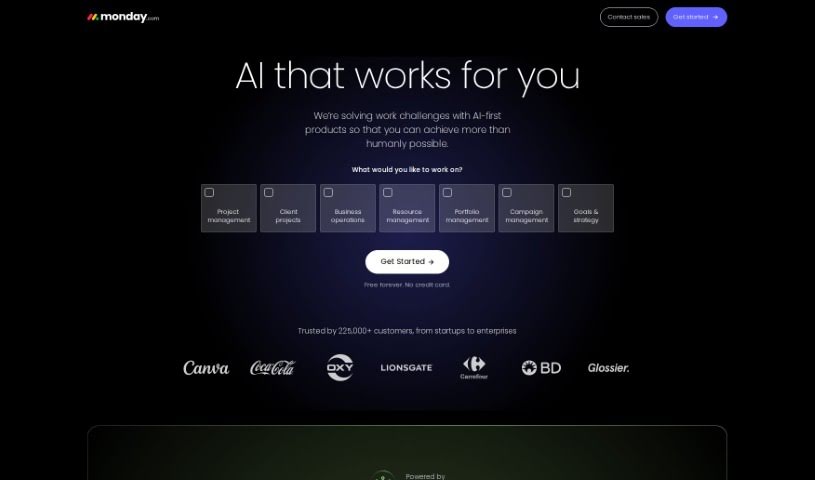
Monday AI is a really impressive platform that uses AI to help you get more done and automate tasks across your business. It is a smart assistant for your team. It's built using the powerful capabilities of Azure OpenAI, which means it can help your team work smarter, be more creative, and generally just get things done more efficiently. You'll find features like AI that helps manage your work and makes workflows smoother, tools for creating great content, and even custom AI solutions for specific needs like understanding customer feelings. Plus, it makes working together easier with things like automatic task generators and Kanban boards, all boosted by AI. And don't worry about security; Monday AI handles your data safely in the right regions (US/EU).

Screenshot of MonitUp

MonitUp

Freemium

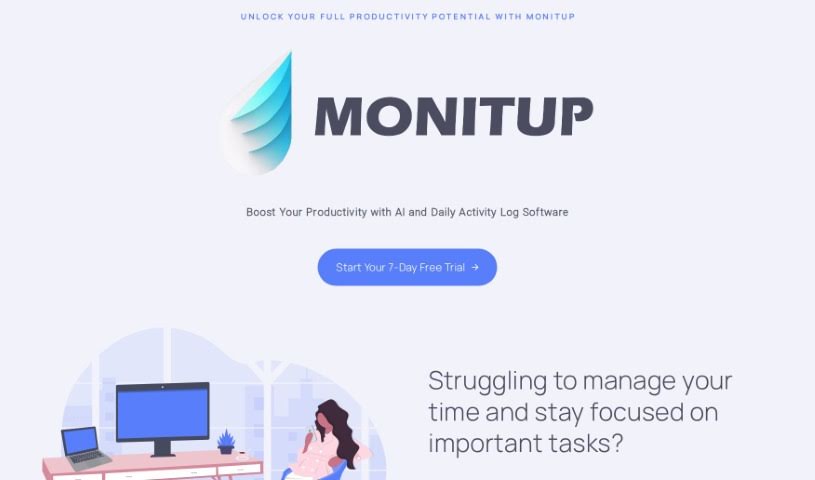
MonitUp is an AI-powered time tracker designed to help you be more productive. It keeps an eye on your computer activities and gives you useful insights. With MonitUp, you can get a better handle on your time, cut down on distractions, and really zero in on what matters most. The platform takes screenshots, tracks which apps you're using, sorts your activities for personalized reports, and even offers AI-driven tips to help you work smarter.

Stay Updated with AI Tools

Get weekly updates on the latest AI tools, trends, and insights delivered to your inbox

Join 25,000+ AI enthusiasts. No spam, unsubscribe anytime.