Monday Ai (Productivity)
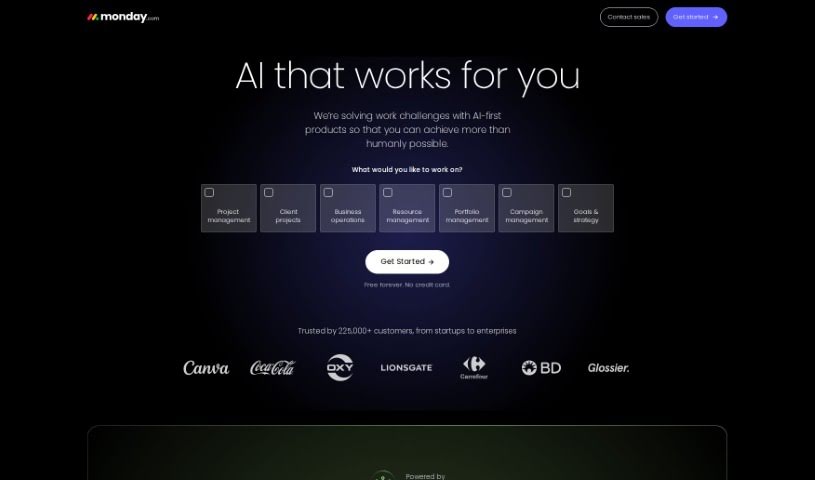
Screenshot of Monday Ai

Monday Ai

Discover what Monday AI is, its key features, and how it supports marketing, sales, and operations teams with AI-powered automation.

Screenshot

What Is Monday AI?

Monday AI is an AI-powered assistant built into the monday.com work platform. It uses Azure OpenAI to help teams automate tasks, manage workflows, create content, and collaborate more efficiently. Data is handled securely in the appropriate regions (US/EU), and monday.com gives you control over how your data is used and how models are trained. AI features are available on Pro and Enterprise plans, which use Microsoft’s Azure OpenAI infrastructure.

What Can You Do with Monday AI?

  • Marketing Requests: Handle everything from the initial request to final delivery, and manage campaigns from strategy through execution.
  • Customer Support: Speed up support ticket processing.
  • Product Insights: Turn customer feedback into actionable product ideas.
  • Sales Automation: Automatically evaluate leads so your sales team can focus on the right opportunities.
  • Finance Workflow: Streamline financial requests to meet service level agreements (SLAs).
  • Workflow Automation: Simplify complex workflows with AI automation.
  • Content Creation: Quickly produce blog posts, campaign ideas, and other content.
  • Custom AI Apps: Build your own AI applications on monday.com’s open platform, such as customer sentiment analysis or customer service chatbots.
  • Team Collaboration: Generate tasks automatically, visualize timelines with Gantt charts, and organize work with Kanban boards.

Who Should Use Monday AI?

Monday AI suits marketing and creative professionals, operations teams, product development teams, customer-facing teams, and finance departments looking to streamline their processes.

Getting Started

  1. Activate Monday AI: Enable and approve it in your account (requires a Pro or Enterprise plan).
  2. Use Templates or the AI Icon: Start with an AI-powered template from the Template Center, or click the AI icon on your boards.
  3. Apply AI to Tasks: Analyze and sort data, understand customer sentiment, summarize long texts, suggest next steps, or translate content.
  4. Create Automations: Write prompts in your own words to set up AI automations tailored to your workflow.
  5. Build Custom Solutions: Use the open platform to create AI solutions for specific business challenges, like sentiment analysis or customer experience chatbots.

Related

Related AI Tools

Discover more tools in similar categories

New tools, in your inbox.

Weekly picks of the best AI tools we've researched and added — no spam, unsubscribe anytime.

Join 25,000+ AI enthusiasts. No spam, unsubscribe anytime.