AI Tools for Professionals

AI Tools for Professionals

Discover the best Professionals AI tools to enhance your productivity and creativity.

Page 21 of 32 • 384 total tools
Screenshot of PatentPal

PatentPal

Freemium

PatentPal is a platform that uses generative AI to simplify intellectual property (IP) work for businesses and individuals. It automates tasks such as prior art searches, identifying potential infringements, and assessing whether an idea is patentable. Inventors, lawyers, and patent professionals can generate detailed reports to navigate the patent process more efficiently.

Professionals View Tool →
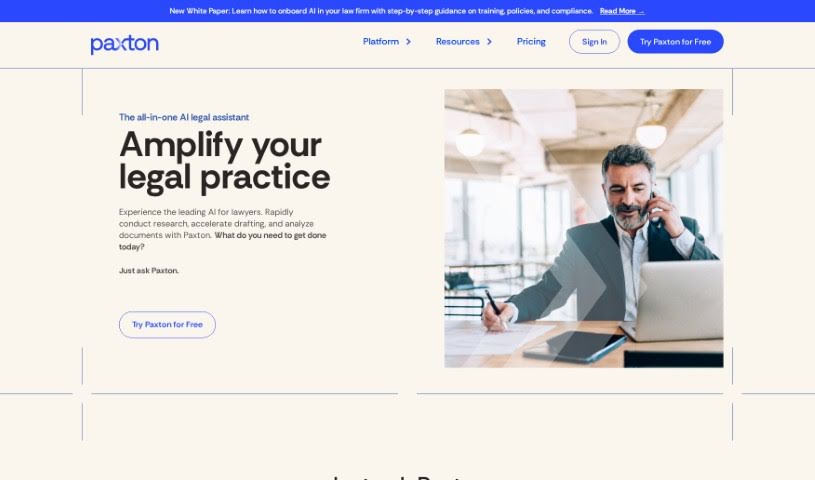
Screenshot of Paxton AI

Paxton AI

Freemium

Paxton AI is an AI platform built for legal and business professionals. It automates and improves tasks like reviewing contracts, drafting legal documents, and analyzing paperwork. It uses its own Legal Large Language Models (LLMs) designed specifically for the legal field, allowing it to handle complex legal language with precision. Paxton also prioritizes security, operating in a safe environment and giving firms control over their data and access permissions.

Professionals View Tool →
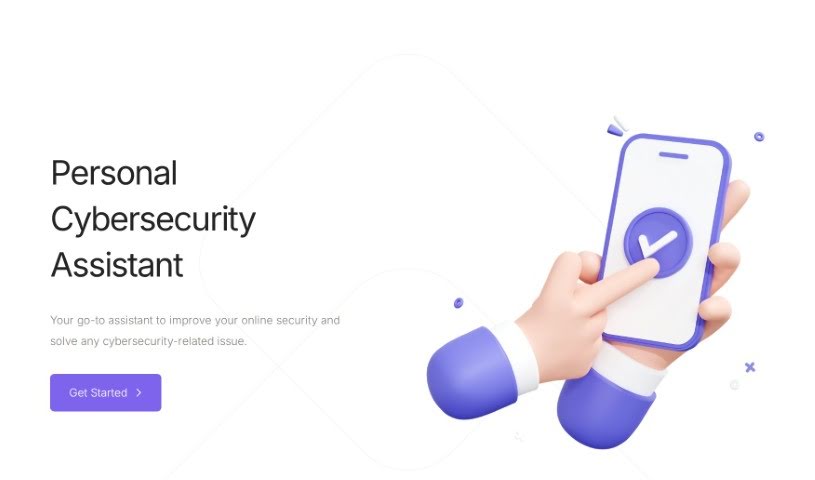
Screenshot of Personal Cybersecurity Assistant

Personal Cybersecurity Assistant

Freemium

A Personal Cybersecurity Assistant is a tool designed to improve your online security and manage cybersecurity concerns. It offers advice on password strength, securing your home network, and protecting yourself from cyber threats. Its main goal is to teach you how to be safer online — including setting up multi-factor authentication, adopting safe browsing habits, and keeping your personal information away from those who might misuse it.

Professionals View Tool →
Screenshot of Pic2Quote

Pic2Quote

Freemium

Pic2Quote is an AI-powered platform for home improvement and maintenance. It covers cost estimation, guidance when buying materials, and finding local contractors. It also includes an AI home journal that provides personalized tips and tracks your home improvement projects as they progress.

Professionals View Tool →
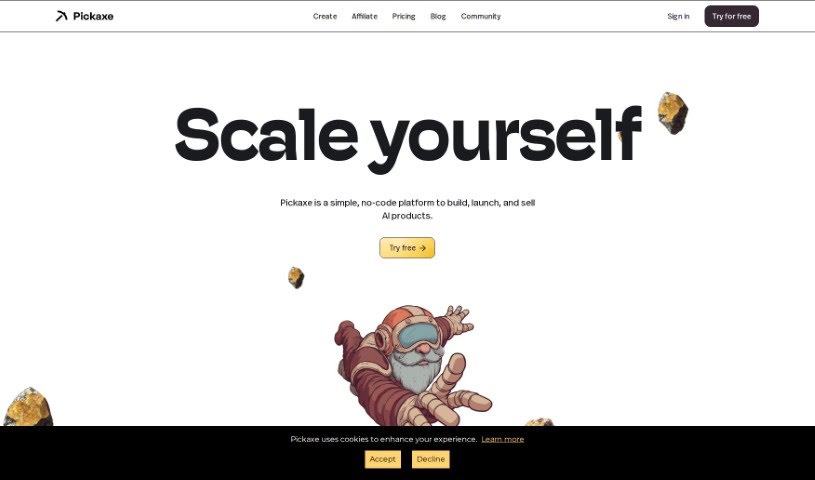
Screenshot of Pickaxe

Pickaxe

Freemium

Pickaxe is a no-code platform for building and embedding GPT-4 applications on your website. A visual builder lets you frame prompts and train AI models on your own documents, data, and instructions, all without writing code. The dashboard provides tools to monitor your AI apps, track performance, gather feedback, and refine them based on new data.

Professionals View Tool →
Screenshot of PictureThis - Plant Identifier App

PictureThis - Plant Identifier App

Freemium

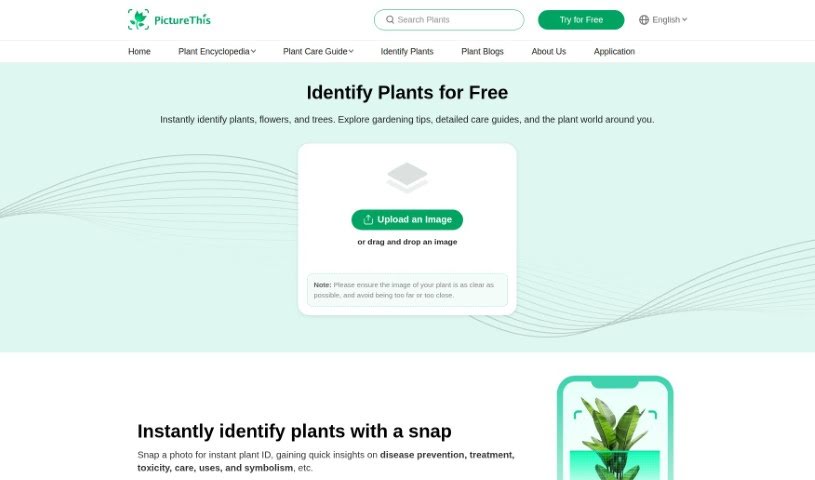
PictureThis identifies plants from a photo. Point your camera at a plant and the app names it, then supplies care requirements, disease prevention and treatment options, toxicity warnings, common uses, and symbolism. It recognizes more than 20,000 species worldwide, from common garden flowers to less familiar varieties.

Professionals View Tool →
Screenshot of Pincites

Pincites

Freemium

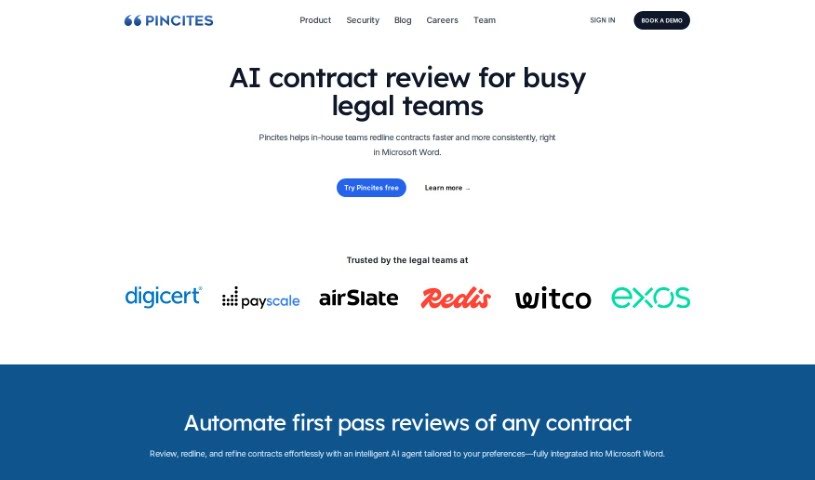
Pincites is an AI contract negotiation tool that helps legal teams review contracts directly in Microsoft Word. It generates redlines and comments tailored to your business contracts, flags high-risk or missing terms, and supports side-by-side draft comparison.

Professionals View Tool →
Screenshot of PitchBob

PitchBob

Freemium

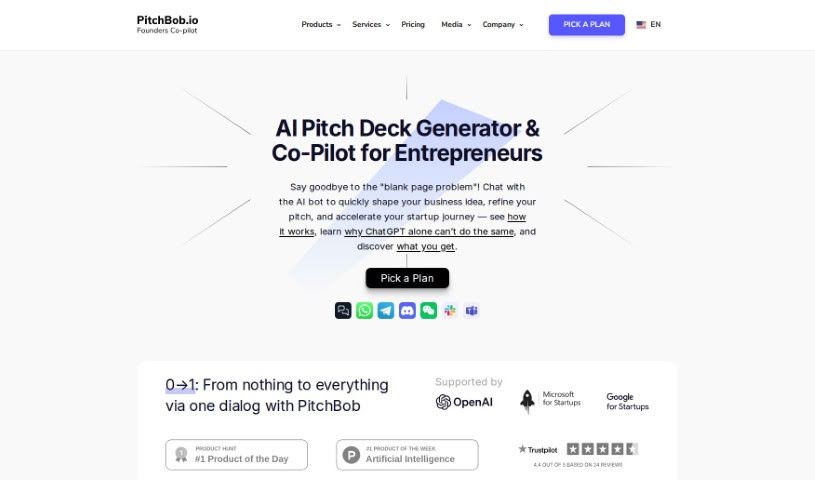
PitchBob is an AI-powered assistant for entrepreneurs preparing their startup ideas for presentation. It covers everything from practicing answers to tough investor questions to generating accelerator applications. It also helps you assemble investor kits and provides access to a large database of investors, along with other resources for anyone starting a business.

Professionals View Tool →
Screenshot of Plan By Ixigo

Plan By Ixigo

Freemium

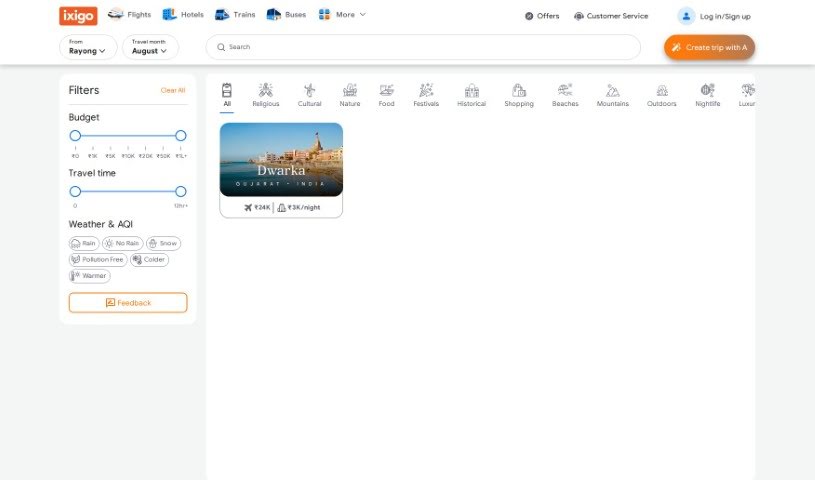
PLAN by Ixigo is an AI-powered travel planning tool that creates personalized itineraries based on your preferences. It factors in weather conditions and the air quality index, suggests travel themes matched to your interests, and provides estimated costs for each destination. The platform also supports group bookings and visa arrangements.

Professionals View Tool →
Screenshot of Plantrip

Plantrip

Freemium

Plantrip is an all-in-one travel planning platform. It combines itinerary building, accommodation booking, activity suggestions, and budget tracking in a single place. Recommendations are tailored to your preferences, and collaborative planning lets you share trips with friends or family and gather their input directly. It works for solo travelers and groups alike.

Professionals View Tool →
Screenshot of Plantrips

Plantrips

Freemium

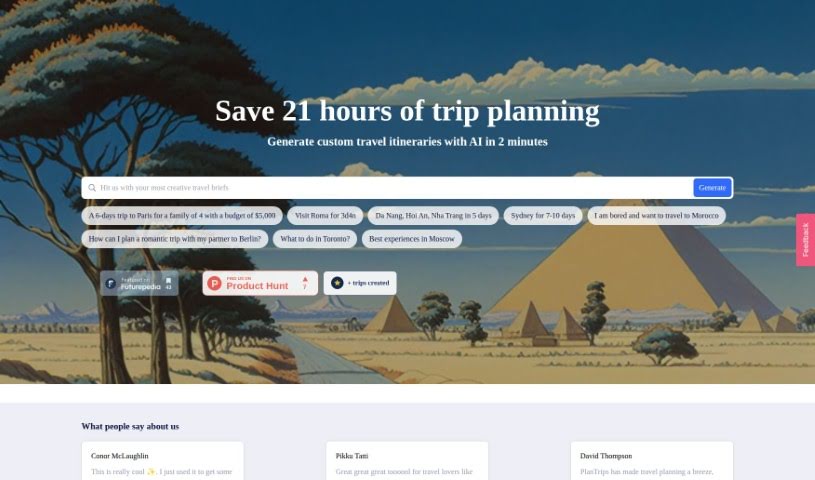
PlanTrips is a travel planning platform that uses AI to create personalized itineraries and offer surprise deals. It is designed for travelers who want custom plans based on their preferences, people looking for discounts to make trips more affordable, adventurers seeking off-the-beaten-path experiences, and families or groups planning vacations with specific needs.

Professionals View Tool →
Screenshot of Plutis

Plutis

Freemium

Plutis is an AI-powered platform for modern mental healthcare. It connects you with specialized providers who offer personalized support, and uses AI coaching to tailor services to your needs. The AI coaching system provides personalized recommendations and interventions based on what you share and prefer. By combining specialized providers, AI coaching, and services such as therapy and self-care, Plutis aims to offer a complete approach to mental healthcare.

Professionals View Tool →

About Professionals tools

Juggling admin work, long client threads, market research, and tight deadlines can make any workday feel chaotic. Between sorting through endless email chains, drafting client reports, prepping for back-to-back meetings, and staying current on industry trends, routine desk work easily swallows your strategic focus.

Built for consultants, business analysts, managers, and corporate strategists, these platforms act as high-speed executive assistants. They synthesize research, draft clear communications, and handle routine data analysis in seconds without replacing your industry expertise or professional judgment.

Research Synthesis, Client Communications, and Status Tracking

Synthesizing market research and long reports takes a fraction of the usual effort. Reading through a fifty-page industry analysis or a dense compliance document to pull out key metrics used to take hours. Intelligent research tools parse complex files, extract key trends, and generate executive summaries with direct source citations, giving you accurate data for your next meeting without manual scanning.

Drafting clear client communications and internal updates becomes much faster, too. Finding the right tone for an important pitch, a delicate project update, or a detailed proposal takes careful thought. AI writing assistants help turn quick bullet points into polished emails, client proposals, and executive memos, keeping your communication clear across the organization.

Automating data analysis and status tracking keeps projects moving on schedule. Keeping project boards updated while pulling insights from scattered team spreadsheets often leads to administrative bottlenecks. Smart workspace tools analyze data sheets, flag project risks, and summarize meeting action items automatically—letting you spend more time driving results and less time tracking status.

Useful Features for Knowledge Workers:

  • Document synthesis with citations: Systems that read long reports, PDFs, and spreadsheets to provide cited summaries and key takeaways.
  • Contextual tone customization: Settings that adapt drafts to match formal corporate communications, client pitches, or internal team updates.
  • Enterprise data security: Platforms built with strict encryption models that guarantee proprietary business records remain confidential.
  • Seamless workspace integrations: Extensions and plugins that work directly inside your existing email clients, document editors, and project boards.
  • Automated meeting intelligence: Tools that record call transcripts, highlight key decisions, and assign follow-up action items automatically.

A successful career will always depend on critical thinking, personal integrity, and relationship-building skills. Software can summarize a report or analyze a spreadsheet, but making crucial business decisions and leading teams requires human experience.

Take a look through the tools below to streamline your daily desk work.

The Best AI Professionals Tools

  1. Google Labs: for an AI assistant for project management tasks.
  2. UserTesting: for improving workflow tools to make users happier.
  3. What Font Is: for finding fonts in client design projects.
  4. vLex: for automating legal research.
  5. Forms.app: for making client feedback collection simpler.
  6. CrowdStrike: for endpoint protection for teams working remotely.
  7. Flyhomes: for thorough market analysis.
  8. Katalon: for automating tests for professional software tools.
  9. BlockSurvey: for easier team collaboration on surveys.
  10. Viact: for AI-powered tools tracking and management.
  11. 15-Minute plan AI: Generates presentation-ready business plans.
  12. Hiver: for simpler team email collaboration.
  13. Gamma.AI: for real-time collaboration alerts.
  14. REimagine Home: for AI space planning for real estate professionals.
  15. ReRender AI: for smooth integration with design software.
New tools, in your inbox.

Weekly picks of the best AI tools we've researched and added — no spam, unsubscribe anytime.

Join 25,000+ AI enthusiasts. No spam, unsubscribe anytime.