Spending hours culling through thousands of raw files after a long wedding shoot or portrait session can drain your creative energy. Between sorting blurred frames, adjusting white balance, retouching skin, and writing client emails, post-processing often eats up more time than holding the camera. When admin work keeps you glued to a screen, staying excited about taking photos gets tough.
These platforms act as high-speed studio assistants for professional photographers and freelance creators. They cull bloated image sets, speed up color grading, and handle routine client delivery tasks so you can spend less time editing and more time shooting.
Automated Culling, Batch Editing, and Client Workflows
Culling thousands of RAW images takes a fraction of the time with intelligent sorting assistants. Comparing similar group shots to check who blinked or whose focus drifted usually takes hours of zooming in on faces. AI culling tools scan memory cards in minutes, flagging blurry frames, closed eyes, and duplicates while grouping your top shots so you can build a client gallery quickly.
Applying consistent batch editing and style matching keeps your portfolio looking cohesive. Dialing in skin tones and lighting adjustments across varying outdoor light conditions often requires manual tweaking for every single image. Smart editing assistants analyze your editing style from past Lightroom catalogs and apply matching adjustments across hundreds of new photos, giving you a finished gallery in minutes instead of days.
Managing client galleries, social captions, and business communications takes far less manual effort, too. Writing engaging social media captions, tagging venue partners, and drafting follow-up emails after every delivery can easily eat up your evenings. Specialized writing and workflow tools help you generate SEO-friendly blog posts, craft social captions, and write warm client messages with minimal effort.
Practical Features for Studio Owners:
- Automated image culling and grouping: Systems that identify sharp focus, open eyes, and authentic expressions to group your top shots quickly.
- Personalized editing style learning: Features that analyze your Lightroom edits and apply your signature color and contrast profile across batch shoots.
- AI-assisted portrait retouching: Software that smooths skin naturally, brightens eyes, and cleans up stray hairs without over-processing.
- Smart keywording and SEO tagging: Tools that auto-tag images with descriptive keywords and locations for faster portfolio searchability and web ranking.
- Gallery delivery and client proofing integrations: Connectors that link directly with online delivery platforms, making client selections smooth and simple.
Creating memorable images will always depend on your eye for light, your ability to make subjects feel comfortable, and your unique perspective. Software can cull a memory card and match color styles, but capturing genuine human emotion requires your presence behind the lens.
Browse the photography tools below to simplify your post-processing routine.
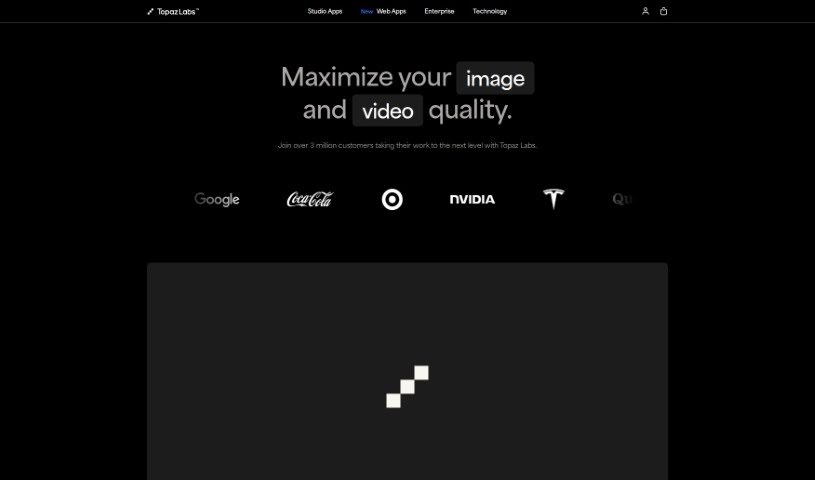
- Topaz Labs: for enhancing photos with AI precision
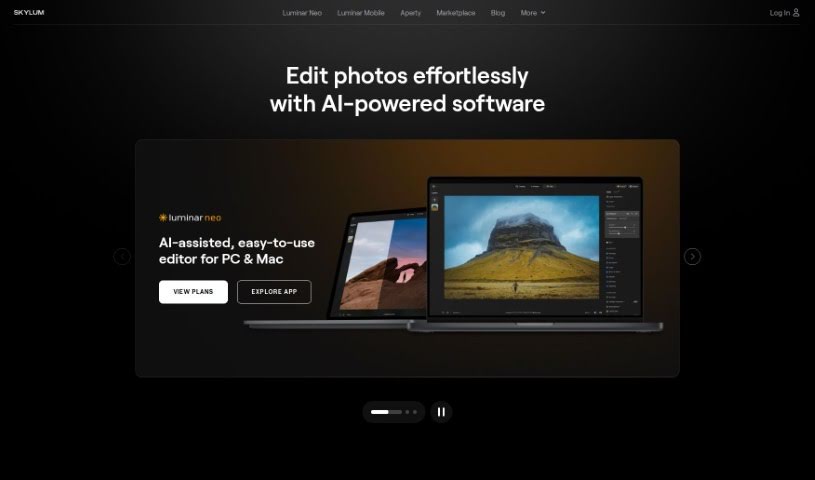
- Skylum: for AI-driven photo enhancement tools
- Phot Ai: for professional photo editing and design tools
- Deep Image AI: for enhancing photos for portfolio presentation
- ON1: for creative photo editing essentials
- Retouchme: for quick portrait enhancement for photographers
- Aftershoot: for easy photo selection and editing.
- Retouch4me: for easy batch retouching for photographers
- Portrait Art: for editing and retouching photos
- Heyphoto: for advanced photo retouching
- Profile Picture AI: for enhancing portfolio imagery
- Upscalepics: for high-quality image enlargement for photographers
- Hama: for seamless object removal
- Reeflex Store: for essential tools for stunning imagery
- Lucidpic: for creating lifelike backdrops for portraits