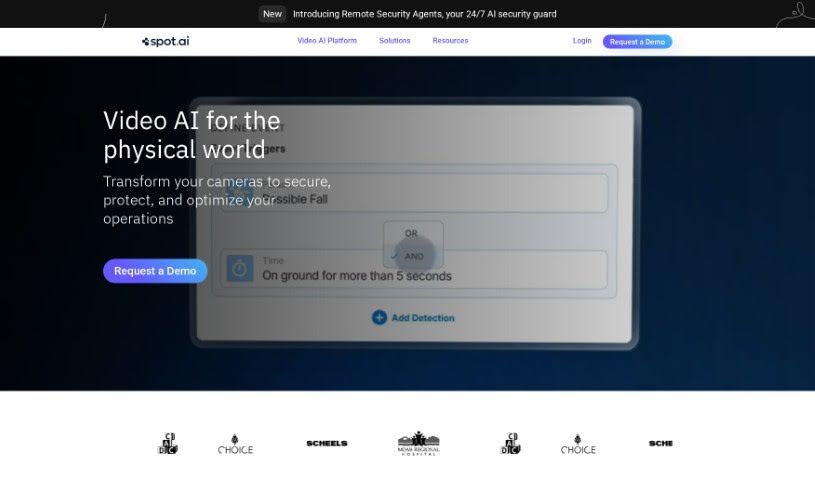
Screenshot of Spot AI

Spot AI

Discover what Spot AI is and how to use it effectively in 2025. We'll explore its features and see how it stacks up against other photography tools.

Screenshot

What is Spot AI?

Spot AI is a company that’s built a modern AI Camera System. Their goal is to help all sorts of organizations create safer workplaces and run their operations more smoothly. Basically, their system makes video footage useful, letting you quickly find and fix any issues. It’s designed to help businesses really see, understand, and manage what’s going on, keeping everything running like a well-oiled machine.

Who created Spot AI?

Dave Shafor founded Spot AI. The company got its start on October 16, 2021, with a clear mission: to develop a modern AI Camera System that would boost workplace safety and make operations more efficient for businesses.

What is Spot AI used for?

Spot AI offers a ton of features to help you manage your operations:

  • Unlimited Users: Everyone on your team can access it.
  • Advanced Search: You can search for people, vehicles, and forklifts. Plus, it handles license plate recognition.
  • Intelligence Dashboards: Get insights into when people and vehicles are present or absent, and see real-time counts.
  • Hardware Included: You get IVRs and camera hardware.
  • Automatic Updates: The software is always up-to-date.
  • Cloud Backup: Enjoy unlimited cloud backup for your footage.
  • Dedicated Support: Get U.S.-based onboarding, training, and support.
  • Hardware Warranty: A 100% hardware warranty is included.
  • Next-Level Support: Your organization gets top-tier support.
  • Core AI Copilot: Your AI assistant for video analysis.
  • Video Walls: Create custom video displays.
  • SpotCast: A feature for sharing and distributing video content.
  • Multi-Cam Search: Search across multiple cameras simultaneously.
  • Video Annotation & Collaboration: Mark up videos and work with your team.
  • Easy Sharing: Save, download, and share videos with just one click.
  • SSO Integration: Seamlessly integrate with single sign-on.
  • Access Control: Manage who can access what.
  • Vape Sensors: Detect vaping in restricted areas.
  • Real-time Visibility: Get instant insights into critical operational areas.
  • Rapid Incident Resolution: Find video clips fast to resolve issues quickly.
  • Safer Workplaces: Enhance worker safety and training.
  • Automated Workflows: Streamline video tasks with an easy-to-use dashboard.
  • Flexible Camera Options: You can choose Spot AI’s premium cameras or use your existing ones.
  • Seamless Integration: Connect with various existing tools and workflows.
  • Local Storage & On-Edge Processing: Provides 24/7 local storage and processes AI directly on the edge.
  • Minimize Loss & Identify Opportunities: Use video footage effectively to reduce losses and spot chances for improvement.
  • Advanced Alerts & Dashboards: Get smart AI alerts and detailed intelligence dashboards.

Who is Spot AI for?

Spot AI is ideal for:

  • Property Administrators
  • IT Directors

How to use Spot AI?

Here’s a simple guide to getting started with Spot AI:

  1. Get Started: First, head over to the Spot AI website. Reach out to them to book a demo so you can really get a feel for what the AI camera system can do.
  2. System Capabilities: Spot AI packs a lot of features, like up to 5MP resolution, audio capabilities, video walls, SpotCast for sharing, multi-cam search, and tools for annotating and collaborating on videos.
  3. Data Management: You can save, download, and share videos with a single click. Plus, you can choose how long you want to store your footage – 30, 60, 90, or 180 days – all secured with AES-256 encryption.
  4. Integration: Spot AI plays well with others! It offers SSO integration, one-click compliance reports, access control, environmental sensors, and more, making for a really complete system setup.
  5. Support and Maintenance: You’ll benefit from features like audit logs, SOC2 Type II compliance, HIPAA compliance, annual security tests, dedicated support, and automatic software updates.
  6. Camera Options: You have flexibility here. You can use Spot AI’s premium cameras – bullet, turret, or dome – at no extra cost, or you can integrate cameras you already have into the system.
  7. User Support: Count on dedicated customer success managers, U.S.-based support, access to a helpful knowledge base, emergency weekend support, and product onboarding sessions to make sure you’re using it effectively.
  8. Pricing and Expansion: Spot AI’s pricing depends on how many camera feeds you use, how long you store data, and your license term. Adding more cameras is easy, and resources will automatically balance out.
  9. Resource Center: Check out Spot AI’s resource center for data sheets, hardware tech specs, and product guides to deepen your understanding of the system.

By following these steps, you can really make the most of Spot AI’s AI camera system to improve your video surveillance and make smarter decisions.

Related AI Tools

Discover more tools in similar categories that might interest you

123RF AI Image Generator

Creative Image Generation
Learn More

Stay Updated with AI Tools

Get weekly updates on the latest AI tools, trends, and insights delivered to your inbox

Join 25,000+ AI enthusiasts. No spam, unsubscribe anytime.