Top AI Tools for Photographers

AI Tools for Photographers

Discover the best Photographers AI tools to enhance your productivity and creativity.

Page 2 of 5 • 59 total tools
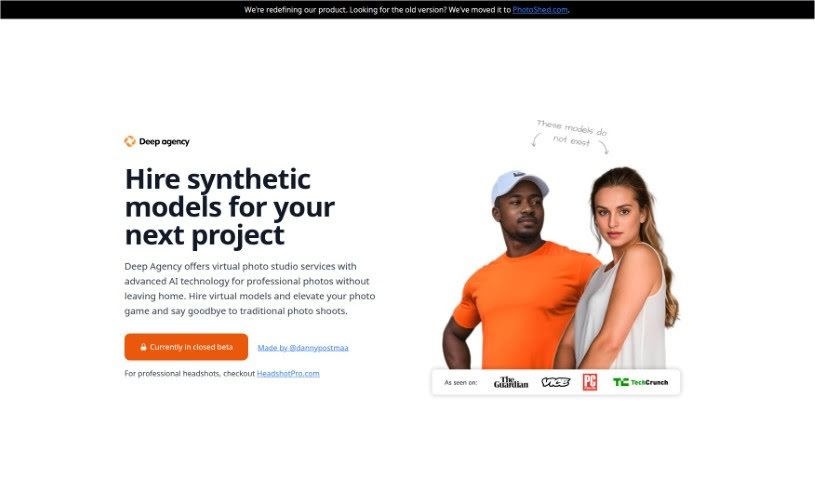
Screenshot of Deep Agency

Deep Agency

Freemium

Deep Agency is a virtual photo studio and modeling agency based in Holland, powered by AI. It produces professional-quality photos without traditional photoshoots by letting you hire virtual models and create personalized avatars, called "virtual twins." User privacy is a priority: your data is stored on thoroughly vetted, secure servers in the United States.

Photographers View Tool →
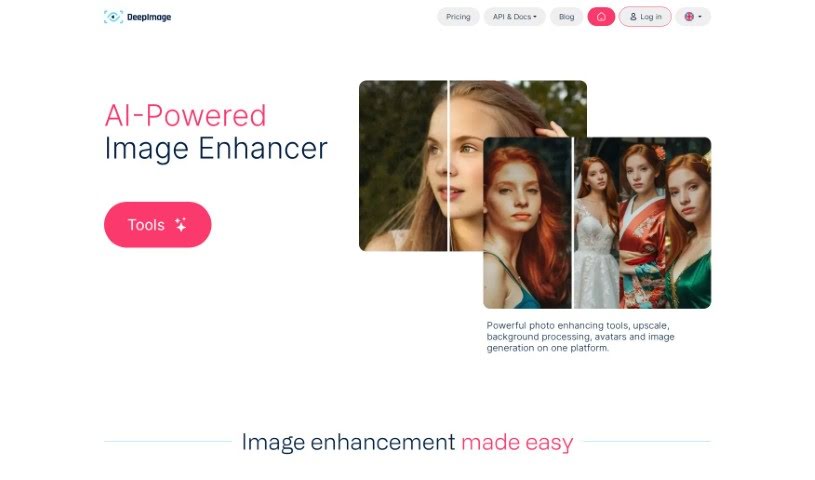
Screenshot of Deep Image AI

Deep Image AI

Freemium

Deep Image is an AI-powered image enhancement tool. Its apps can upscale images, remove noise, sharpen blurry details, fix light and color issues, remove backgrounds, restore white balance, create HDR effects, and increase image resolution. It supports common formats like PNG and JPG, and processing time depends on the image size.

Photographers View Tool →
Screenshot of Dog Identifier

Dog Identifier

Freemium

Dog Identifier is an AI-powered app that identifies dog breeds from a photo or video. It recognizes over 170 breeds and provides detailed information on each, including characteristics, temperament, and history. It's designed for dog owners, breeders, and anyone curious about dogs.

Photographers View Tool →
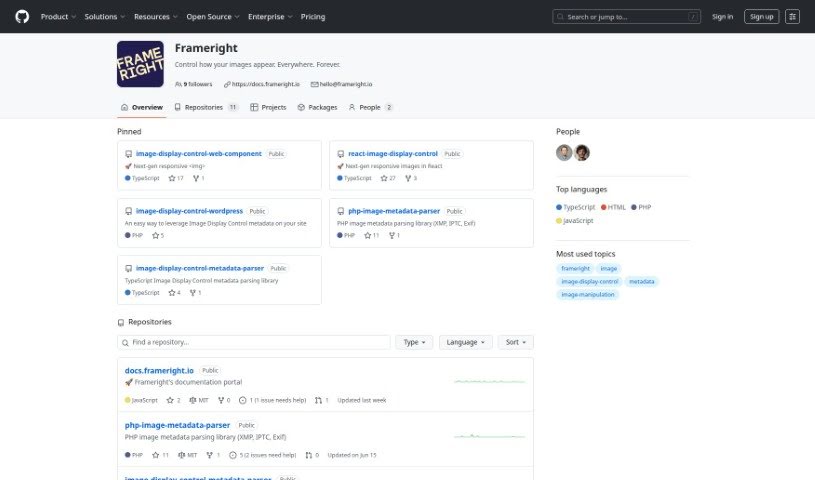
Screenshot of Frameright

Frameright

Freemium

Frameright is a platform built to solve a common web problem: images often don't display correctly because they need to fit different channels and screen sizes. Its Image Display Control (IDC) technology makes images smart and adaptable, so they appear at the right size in any container or on any screen. The interface is easy to use, with custom AI, fast processing, and integration with existing systems. Developers get pixel-perfect, code-based image framing without CSS workarounds. Frameright's mission is to put images and the people who make them back in charge, supporting a visual culture that is fair, appealing, and consistent across industries.

Photographers View Tool →
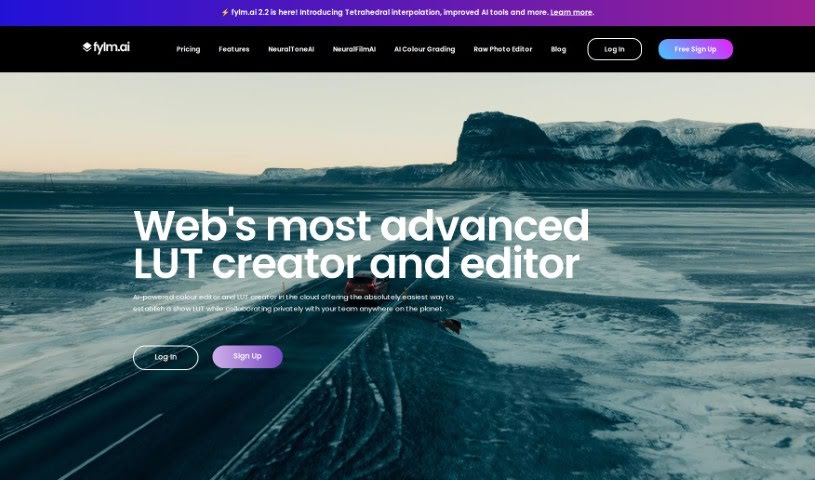
Screenshot of Fylm.ai

Fylm.ai

Freemium

Fylm.ai is a cloud-based color grading platform that uses AI to help photographers and filmmakers create and edit look-up tables (LUTs). Its core feature, NeuralToneAI, automates color matching between shots, reducing manual work so you can focus on the creative side. Because it runs in the cloud, you can work on projects from anywhere with an internet connection. The platform also includes team collaboration features and a built-in asset management system for shared grading projects.

Photographers View Tool →
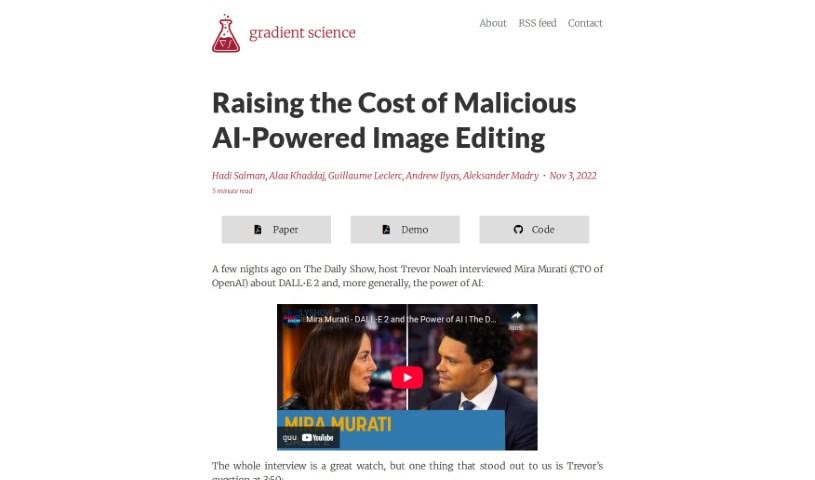
Screenshot of gradient science PhotoGuard AI

gradient science PhotoGuard AI

Freemium

PhotoGuard AI is a tool designed to protect images from being altered by AI image generators, particularly those based on diffusion models. It works by using adversarial examples — carefully crafted inputs that fool AI systems — to make images resistant to direct editing by generative models.

Photographers View Tool →
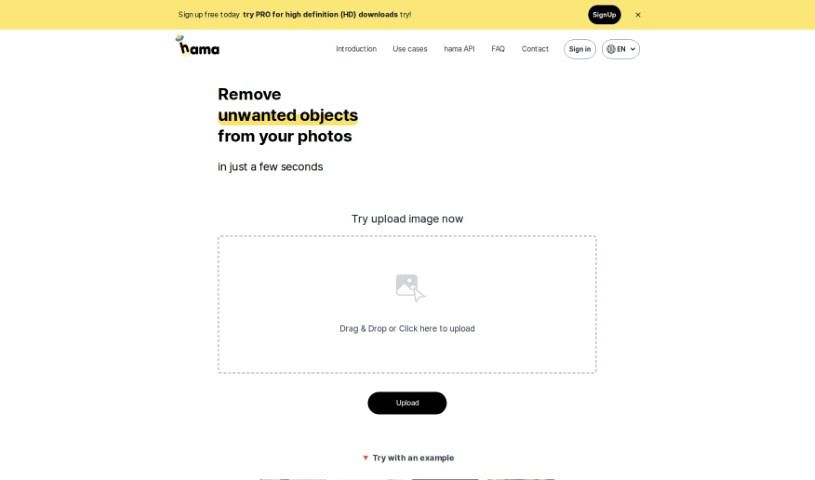
Screenshot of Hama

Hama

Freemium

Hama is an AI tool designed specifically for erasing unwanted elements from photos. It removes objects, people, text, and other distractions quickly: brush over the area you want gone and hit "Erase," and the AI produces a clean, polished image in seconds. It suits anyone from hobbyists to professionals who want to improve photos without much effort or cost.

Photographers View Tool →
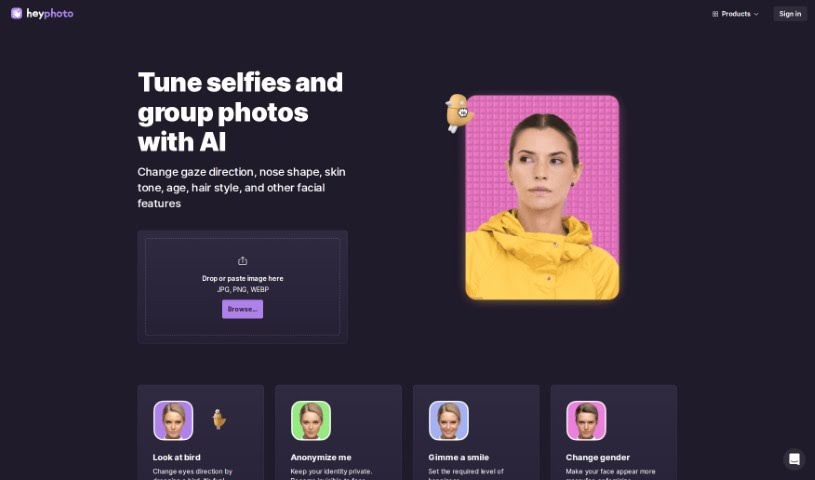
Screenshot of Heyphoto

Heyphoto

Freemium

HeyPhoto is a free service that uses artificial intelligence to find faces in pictures and edit them. You can adjust where someone is looking, their age, their smile, their nose shape, skin tone, hairstyle, or even their gender. The interface is straightforward, so no special editing skills are needed: upload an image, adjust settings with simple sliders, and get back an edited photo that keeps its original quality.

Photographers View Tool →
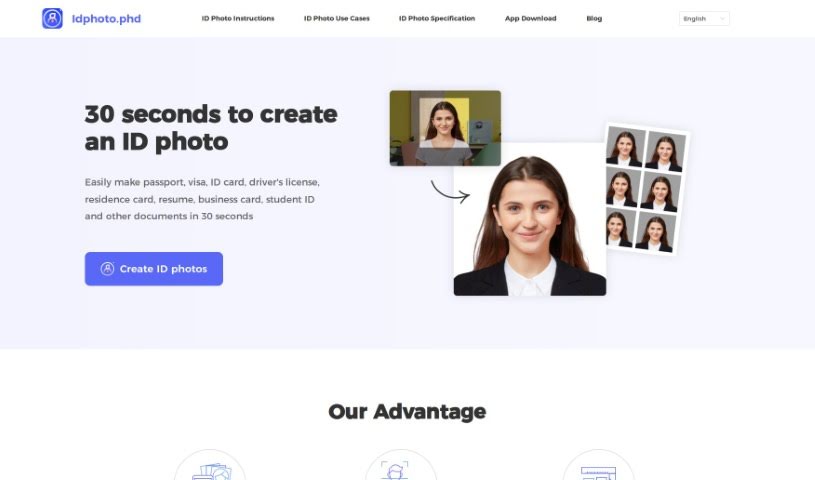
Screenshot of Idphoto

Idphoto

Freemium

Idphoto.phd is an AI tool that creates official document photos, handling the entire photo creation process and producing ready-to-use pictures that meet the specific rules for each document. It supports passports, visas, ID cards, driver's licenses, residence cards, resumes, business cards, and student IDs, and can generate a compliant photo in about 30 seconds.

Photographers View Tool →
Screenshot of Imagebooth

Imagebooth

Freemium

Imagebooth acts as a personal AI photographer. It lets you create, organize, and store digital photos through a straightforward interface: generate new photos, sort them into collections, and keep them stored securely.

Photographers View Tool →
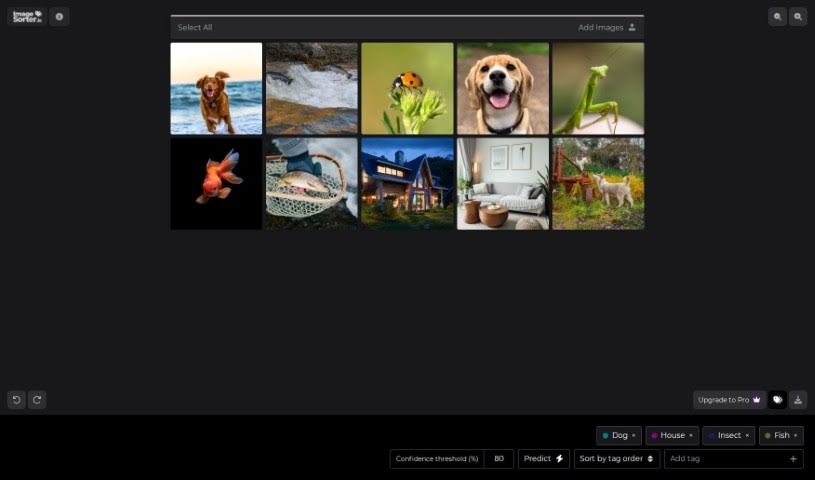
Screenshot of Imagesorter

Imagesorter

Freemium

ImageSorter.io is a free tool for sorting and organizing images. It uses a drag-and-drop interface and AI to automatically tag and categorize your pictures. You can also tag images manually and rearrange them within the interface. No sign-up or registration is required — just drag your images in and start.

Photographers View Tool →
Screenshot of Limnr

Limnr

Freemium

Limnr is an AI image generation tool from Limnr LLC that produces images in photorealistic or "toony" styles. It is built for professionals in photography, advertising, and design who need a range of visual options for creative work. Access requires an account on the Limnr platform, created with an email address and password.

Photographers View Tool →

About Photographers tools

Spending hours culling through thousands of raw files after a long wedding shoot or portrait session can drain your creative energy. Between sorting blurred frames, adjusting white balance, retouching skin, and writing client emails, post-processing often eats up more time than holding the camera. When admin work keeps you glued to a screen, staying excited about taking photos gets tough.

These platforms act as high-speed studio assistants for professional photographers and freelance creators. They cull bloated image sets, speed up color grading, and handle routine client delivery tasks so you can spend less time editing and more time shooting.

Automated Culling, Batch Editing, and Client Workflows

Culling thousands of RAW images takes a fraction of the time with intelligent sorting assistants. Comparing similar group shots to check who blinked or whose focus drifted usually takes hours of zooming in on faces. AI culling tools scan memory cards in minutes, flagging blurry frames, closed eyes, and duplicates while grouping your top shots so you can build a client gallery quickly.

Applying consistent batch editing and style matching keeps your portfolio looking cohesive. Dialing in skin tones and lighting adjustments across varying outdoor light conditions often requires manual tweaking for every single image. Smart editing assistants analyze your editing style from past Lightroom catalogs and apply matching adjustments across hundreds of new photos, giving you a finished gallery in minutes instead of days.

Managing client galleries, social captions, and business communications takes far less manual effort, too. Writing engaging social media captions, tagging venue partners, and drafting follow-up emails after every delivery can easily eat up your evenings. Specialized writing and workflow tools help you generate SEO-friendly blog posts, craft social captions, and write warm client messages with minimal effort.

Practical Features for Studio Owners:

  • Automated image culling and grouping: Systems that identify sharp focus, open eyes, and authentic expressions to group your top shots quickly.
  • Personalized editing style learning: Features that analyze your Lightroom edits and apply your signature color and contrast profile across batch shoots.
  • AI-assisted portrait retouching: Software that smooths skin naturally, brightens eyes, and cleans up stray hairs without over-processing.
  • Smart keywording and SEO tagging: Tools that auto-tag images with descriptive keywords and locations for faster portfolio searchability and web ranking.
  • Gallery delivery and client proofing integrations: Connectors that link directly with online delivery platforms, making client selections smooth and simple.

Creating memorable images will always depend on your eye for light, your ability to make subjects feel comfortable, and your unique perspective. Software can cull a memory card and match color styles, but capturing genuine human emotion requires your presence behind the lens.

Browse the photography tools below to simplify your post-processing routine.

The Best AI Photographers Tools

  1. Topaz Labs: for enhancing photos with AI precision
  2. Skylum: for AI-driven photo enhancement tools
  3. Phot Ai: for professional photo editing and design tools
  4. Deep Image AI: for enhancing photos for portfolio presentation
  5. ON1: for creative photo editing essentials
  6. Retouchme: for quick portrait enhancement for photographers
  7. Aftershoot: for easy photo selection and editing.
  8. Retouch4me: for easy batch retouching for photographers
  9. Portrait Art: for editing and retouching photos
  10. Heyphoto: for advanced photo retouching
  11. Profile Picture AI: for enhancing portfolio imagery
  12. Upscalepics: for high-quality image enlargement for photographers
  13. Hama: for seamless object removal
  14. Reeflex Store: for essential tools for stunning imagery
  15. Lucidpic: for creating lifelike backdrops for portraits
New tools, in your inbox.

Weekly picks of the best AI tools we've researched and added — no spam, unsubscribe anytime.

Join 25,000+ AI enthusiasts. No spam, unsubscribe anytime.