AI Photo Editors

AI Tools for Photo Editors

Discover the best Photo Editors AI tools to enhance your productivity and creativity.

Page 11 of 22 • 260 total tools
Screenshot of Imagebooth

Imagebooth

Freemium

Imagebooth acts as a personal AI photographer. It lets you create, organize, and store digital photos through a straightforward interface: generate new photos, sort them into collections, and keep them stored securely.

Photo Editors View Tool →
Screenshot of ImageColorizer

ImageColorizer

Freemium

ImageColorizer is a cloud-based AI editing and graphic design tool designed to bring old and black and white photos back to life. It can automatically add color to faded pictures, sharpen details, touch up portraits, fix damage, and remove unwanted objects.

Photo Editors View Tool →
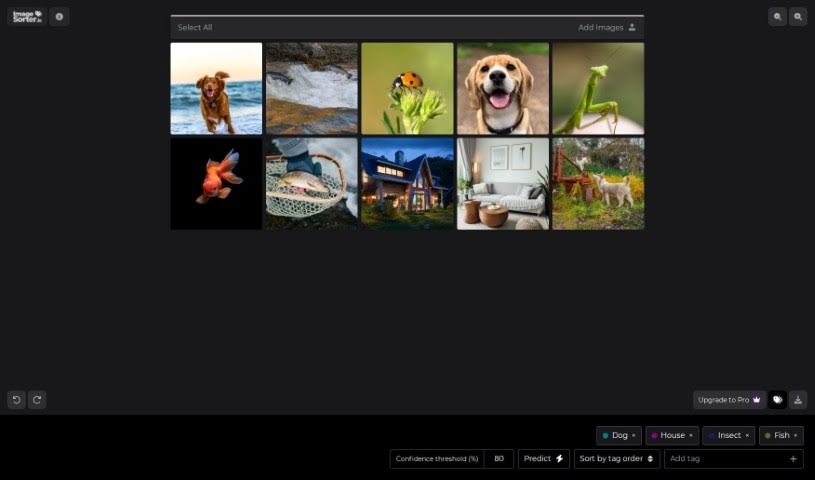
Screenshot of Imagesorter

Imagesorter

Freemium

ImageSorter.io is a free tool for sorting and organizing images. It uses a drag-and-drop interface and AI to automatically tag and categorize your pictures. You can also tag images manually and rearrange them within the interface. No sign-up or registration is required — just drag your images in and start.

Photo Editors View Tool →
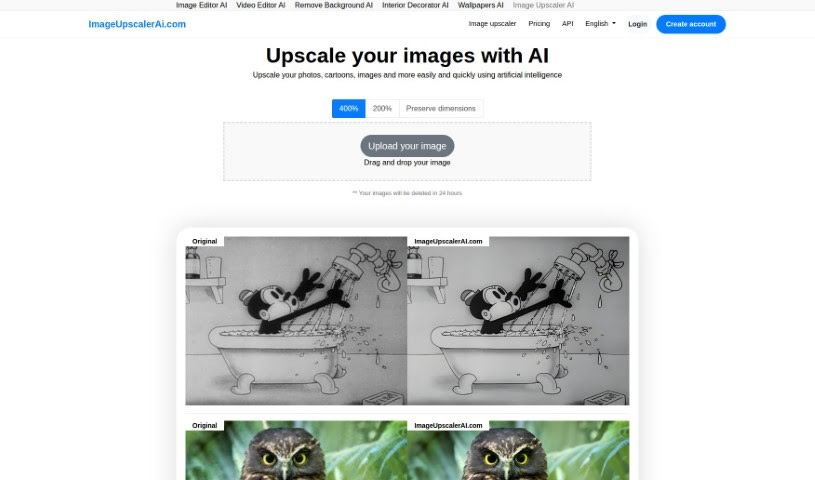
Screenshot of Imageupscalerai.com

Imageupscalerai.com

Freemium

ImageUpscalerAI.com is a platform that uses artificial intelligence to upscale images — making pictures larger without losing quality by intelligently adding pixels to bring out more detail. The tool is free to use and requires no account. Beyond upscaling, the site also offers other AI-powered tools, including an Image Editor AI and a Video Editor AI. It supports multiple languages, making it accessible to a global audience.

Photo Editors View Tool →
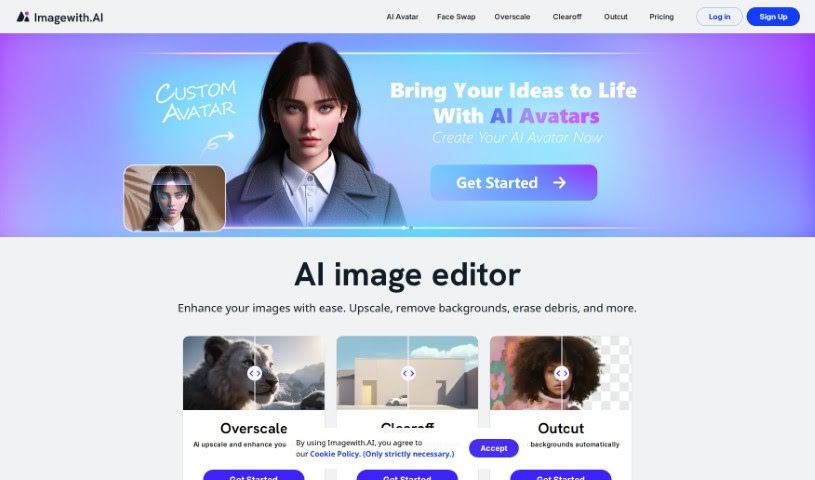
Screenshot of Imagewithai

Imagewithai

Freemium

Imagewithai is an online AI-powered image editor focused on photo restoration. Its algorithms repair scratches, stains, and fading in old or damaged photos, making it useful for preserving family memories or historical images.

Photo Editors View Tool →
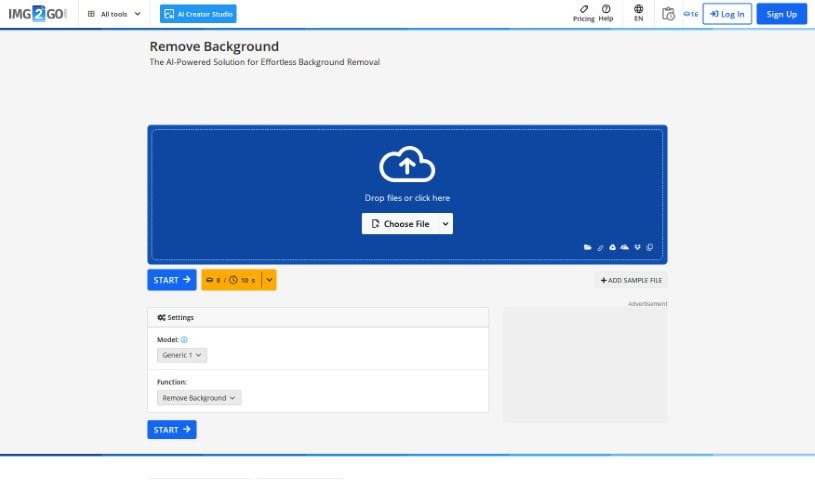
Screenshot of Img2Go.com

Img2Go.com

Freemium

Img2Go.com is a browser-based image editing and conversion tool. It lets you resize, crop, and rotate images, and convert between file formats such as JPG, PNG, and GIF. It also offers tools to add filters, special effects, text, and shapes to photos, plus compression and optimization features to make images load faster on websites.

Photo Editors View Tool →
Screenshot of Imgkits

Imgkits

Freemium

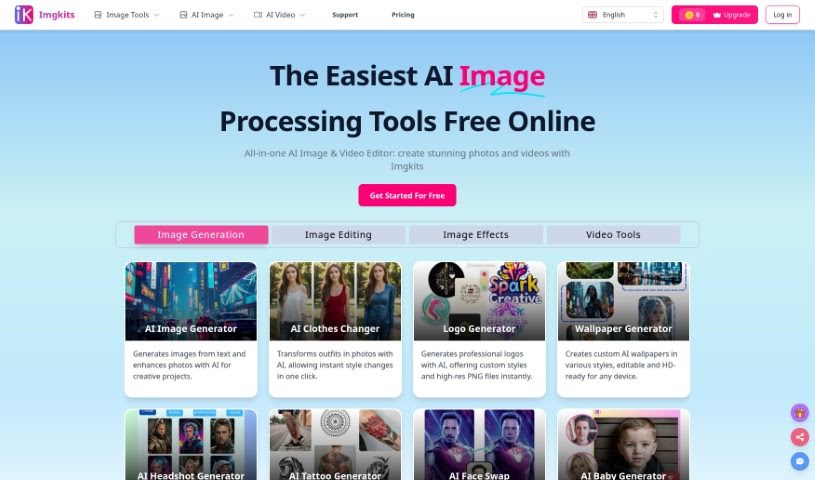
Imgkits is an online AI image processing tool for enhancing and transforming photos. Its features include restoring old pictures, removing watermarks and unwanted objects, retouching skin, colorizing black and white photos, fixing scratches on vintage images, removing backgrounds, sharpening blurry images, and converting photos into cartoons or sketches. It is designed to be straightforward, delivering results in a few clicks.

Photo Editors View Tool →
Screenshot of Imgn

Imgn

Freemium

IMGN - Image Engine is an app that brings advanced image editing tools to everyone. You don't need any knowledge of AI, machine learning, or data science to use it. The goal is to let you benefit from state-of-the-art image editing without getting into the technical details.

Photo Editors View Tool →
Screenshot of Immag.in

Immag.in

Freemium

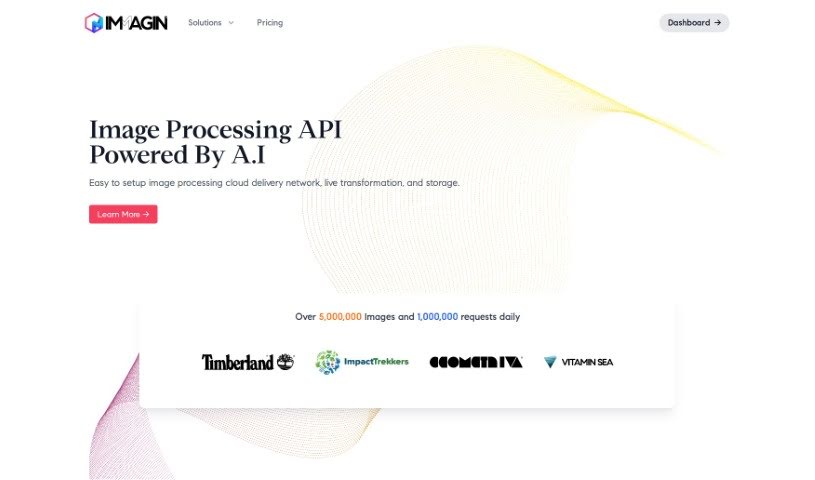
Immag.in is an image API and Content Delivery Network (CDN) that automatically improves the images on your website or app. It handles optimization for faster loading, on-the-fly transformations, and secure storage. Built on serverless technology, image editing is fast, and you can manipulate images simply by changing URL parameters — making integration with existing code straightforward. Images are delivered quickly and securely across a global network, backed by a 99.9% uptime guarantee. Pricing plans include a free tier with 25,000 requests per month.

Photo Editors View Tool →
Screenshot of InPixio

InPixio

Freemium

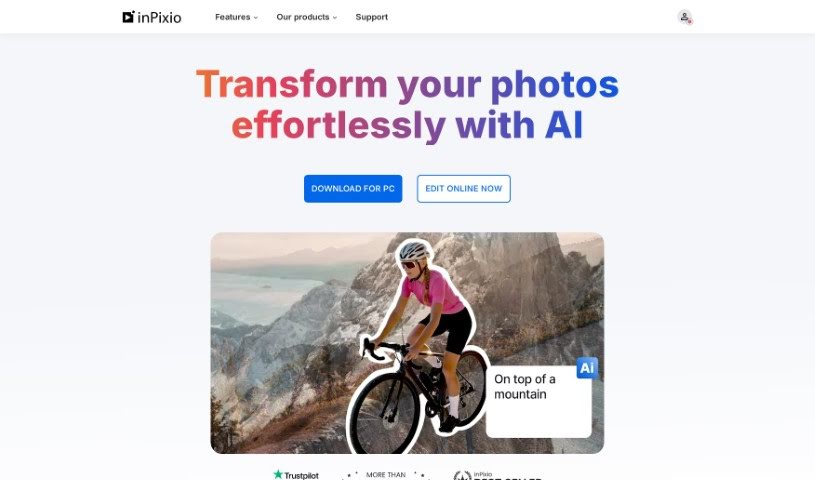
InPixio is an online photo editing suite for adjusting images without a steep learning curve. It is best known for removing backgrounds from photos in a few clicks, and it also handles background replacement, image file conversion, and standard enhancements such as brightness, contrast, and saturation adjustments, plus filters and effects.

Photo Editors View Tool →
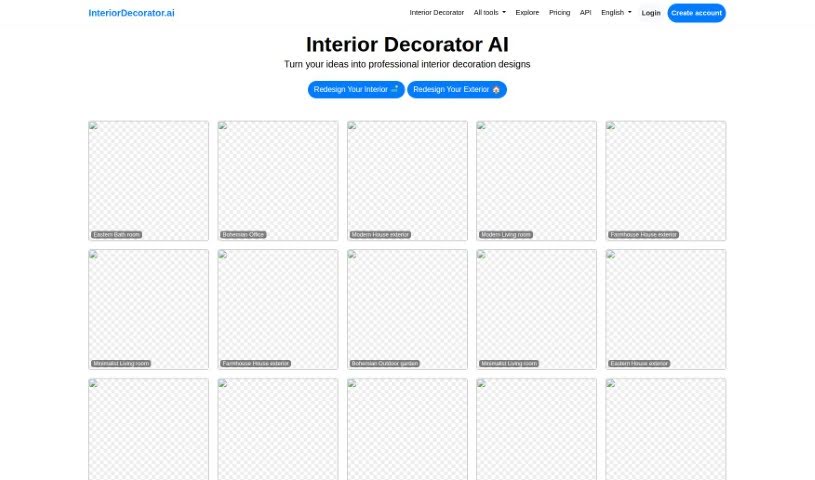
Screenshot of Interior Decorator Ai

Interior Decorator Ai

Freemium

InteriorDecorator.ai uses artificial intelligence to help you brainstorm and visualize interior and exterior design ideas. You can explore a range of design styles and change how your home looks using the platform's features.

Photo Editors View Tool →
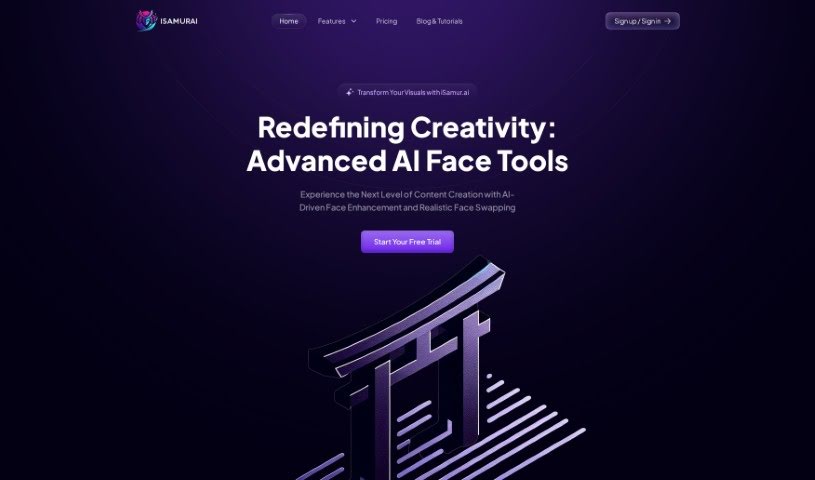
Screenshot of Isamur

Isamur

Freemium

Isamur.ai is an AI platform for digital content creation, focused on face-related tasks. It covers deep face swapping, AI face enhancement, image editing, speech-to-text and text-to-speech conversion, and multimedia format conversion. It imposes no limits on video length or quality, making it suitable for large projects requiring high-resolution output. It also includes productivity tools and competitively priced plans.

Photo Editors View Tool →

About Photo Editors tools

Hours spent carefully tweaking masks, brushing away stray blemishes, and fixing uneven lighting can exhaust even the most patient photographer. Whether you’re preparing product photos for an online store, polishing headshots for a client, or trying to rescue a noisy low-light memory, meticulous pixel-level editing eats up hours of creative time.

Built for photographers, designers, and creators, these AI photo editors act as high-speed darkroom assistants. They clean up distractions, enhance resolution, and handle tedious retouching tasks in seconds without replacing your artistic vision.

Generative Fill, Noise Cleanup, and Portrait Retouching

Removing distracting background elements and extending canvas boundaries takes seconds instead of hours. Trying to eliminate unwanted tourists, power lines, or stray trash cans with traditional clone stamps often ruins natural textures. Generative AI tools scan surrounding pixels and reconstruct background elements like brick walls, foliage, or ocean waves—letting you erase distractions cleanly or expand a canvas aspect ratio with realistic detail.

Automating technical cleanup and image enhancement restores low-quality or damaged photos instantly. Dealing with digital noise from high-ISO shoots, soft focus, or low-resolution files usually means compromising on sharpness. Intelligent enhancement software applies targeted denoising, deblurring, and super-resolution upscaling to sharpen critical details like hair strands and fabric textures without introducing harsh artifacts.

Speeding up portrait retouching and color grading keeps your editing pipeline moving. Selecting complex subjects like wind-blown hair or adjusting skin tones across an entire batch of event photos used to require detailed manual masking. AI portrait editors recognize facial features, smooth skin textures naturally, adjust lighting angles, and match color profiles across hundreds of images with a single click.

Key Capabilities to Consider:

  • Generative fill and object removal: Tools that replace erased objects or extend canvas margins by synthesizing matching backgrounds.
  • Smart subject and sky masking: Features that automatically detect people, backgrounds, or skies to apply isolated edits without tedious manual selections.
  • AI-powered denoise and upscaling: Software that removes low-light noise and increases image resolution for crisp print or web displays.
  • Batch style and color matching: Applications that analyze a reference image and apply consistent color grading across entire photo shoots.
  • Non-destructive layer editing: Editors that preserve your original photo files while letting you adjust or undo AI enhancements at any point.

Developing a distinct visual style will always depend on your creative eye, composition choices, and artistic perspective. Software can remove a distraction, sharpen a noisy frame, or adjust skin tones, but capturing a meaningful moment requires human emotion.

Explore the photo editing tools below to streamline your digital darkroom.

The Best AI Photo Editors

  1. Canva: for quick photo enhancements and edits online.
  2. Photopea: for easy photo retouching and improvements.
  3. Photoroom: for efficient batch editing for photographers.
  4. Pixlr: for simple photo enhancement and retouching.
  5. Cutout.pro: for smooth background removal for portraits.
  6. Pic Wish AI Photo Editor: for easy background removal for photos.
  7. Freepik Pikaso: for adding details to images.
  8. Adobe Firefly: for advanced photo improvements.
  9. Adstronaut: Turns everyday photos into studio-quality product and fashion visuals.
  10. Aftershoot: AI culling and editing tools for photographers working through large batches.
  11. Recraft: for consistent edits for brand visuals.
  12. Icons8: for removing tricky photo backgrounds.
  13. Dewatermark: for quick watermark removal for editors.
  14. AI Color: Colorizes black and white photos with AI restoration.
  15. AirBrush: for simple, precise photo retouching.
New tools, in your inbox.

Weekly picks of the best AI tools we've researched and added — no spam, unsubscribe anytime.

Join 25,000+ AI enthusiasts. No spam, unsubscribe anytime.