AI Tools for Photo Editors

Discover the best Photo Editors AI tools to enhance your productivity and creativity.

Page 12 of 23 • 273 total tools

In today’s world of social media and instant sharing, everyone wants stunning visuals. We take so many photos every day, so making yours stand out is really important. But, not everyone has the time or the skills to learn complicated photo editing software. That’s where AI photo editors come in—they’re your new best friends for creating beautiful pictures.

These smart tools have completely changed how we improve and work with our photos. Instead of spending hours tweaking every little detail, you can now get professional-quality results with just a few clicks. Thanks to AI advancements, many of these editors can automatically adjust colors, fix blemishes, and even add artistic effects, all customized for you.

I’ve spent time checking out and testing the best AI photo editing tools out there right now. Each platform has its own special features, from simple automatic fixes to more detailed creative options. So, whether you’re just looking to touch up family photos or you’re a photographer wanting to add that extra something, I’ve got you covered.

Come along as we explore the best AI photo editors that can make your images shine while saving you precious time. Let’s find out what makes editing easier and more enjoyable.

The best AI Photo Editors

  1. Canva for quick photo enhancements and edits online.
  2. Photopea for easy photo retouching and improvements.
  3. Photoroom for efficient batch editing for photographers.
  4. Pixlr for simple photo enhancement and retouching.
  5. Cutout.pro for smooth background removal for portraits.
  6. Pic Wish AI Photo Editor for easy background removal for photos.
  7. Freepik Pikaso for adding details to images.
  8. Adobe Firefly for advanced photo improvements.
  9. BeFunky to easily enhance and retouch portraits.
  10. SnapEdit to effortlessly improve and edit images.
  11. Recraft for consistent edits for brand visuals.
  12. Icons8 for removing tricky photo backgrounds.
  13. Dewatermark for quick watermark removal for editors.
  14. Topaz Labs to refine and improve image quality.
  15. AirBrush for simple, precise photo retouching.

How do AI photo editors work?

AI photo editors use smart algorithms powered by machine learning to improve and change images. Basically, these tools look at your photos, identifying things like colors, lighting, and textures. By comparing these elements to data they’ve learned from, they can suggest edits or create new features that make the picture look better overall.

Most AI photo editing software uses deep learning, especially something called convolutional neural networks (CNNs). These networks are trained on tons of images, which helps them spot patterns and tell different visual parts apart. This training lets the software do things like recognize objects, remove backgrounds, and retouch photos automatically, without you having to do it manually.

When you upload a picture, the AI checks its parts and makes them better based on what it’s learned. For instance, if a photo is too dark, an AI photo editor can brighten it up naturally. It does this by understanding the photo’s context, not just by applying a generic filter.

Lots of popular editing tools now include AI features so users can do complex edits easily. This includes automatically improving photos, suggesting styles, or even copying the editing choices professional photographers make. Because these tools learn and adapt, they keep getting better at their suggestions over time.

AI photo editors aren’t just for basic tweaks. They can also get creative, adding new features like textures or artistic effects. Using generative models, some AI tools can even create whole new backgrounds or elements that fit perfectly with the original photo. As technology keeps advancing, what these editors can do keeps growing.

If you’re curious about how AI works in photography, there are plenty of tutorials and resources available. They can help you learn how to use these tools well, whether for your personal projects or your professional work. AI has huge potential in photo editing, offering new solutions for both beginners and experts.

Our best AI photo editors at a glance

RankNameBest forPlans and PricingRating
1Canvaquick photo enhancements and edits online.N/A4.73 (11 reviews)
2Photopeaeasy photo retouching and improvements.N/A4.67 (12 reviews)
3Photoroomefficient batch editing for photographers.Paid plans start at $7.50/month.4.74 (38 reviews)
4Pixlrsimple photo enhancement and retouching.Paid plans start at $0.99/month.4.73 (11 reviews)
5Cutout.prosmooth background removal for portraits.N/A4.46 (13 reviews)
6PicWish AI Photo Editoreasy background removal for photos.N/A4.65 (43 reviews)
7Freepik Pikasoadding details to images.N/A4.67 (21 reviews)
8Adobe Fireflyadvanced photo improvements.N/A4.67 (6 reviews)
9BeFunkyeasily enhance and retouch portraits.Paid plans start at $83.88/year.4.69 (13 reviews)
10SnapEditeffortlessly improve and edit images.N/A4.73 (11 reviews)
11Recraftconsistent edits for brand visuals.N/A4.67 (3 reviews)
12Icons8removing tricky photo backgrounds.N/A3.64 (11 reviews)
13Dewatermarkquick watermark removal for editors.N/A4.67 (18 reviews)
14Topaz Labsrefine and improve image quality.N/A4.70 (10 reviews)
15AirBrushsimple, precise photo retouching.N/A4.78 (23 reviews)
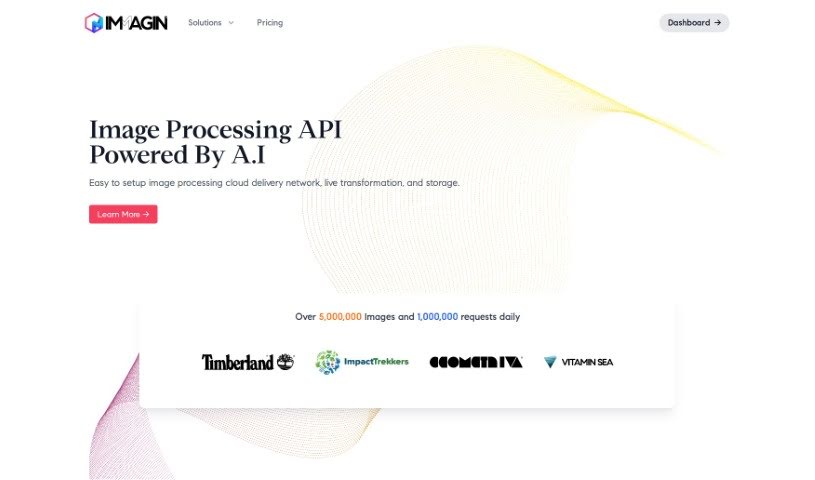
Screenshot of Immag.in

Immag.in

Freemium

Immagin is a smart API and Content Delivery Network (CDN) designed for images. It is a service that automatically makes your website or app images better. It handles things like optimizing them for faster loading, letting you transform them on the fly, and storing them securely. It uses serverless tech, which means image editing is super quick, and you can even manipulate images just by changing simple URL parameters. This makes it really easy to integrate with your existing code, ensuring your photos are delivered fast and safely across a worldwide network. Plus, it boasts a 99.9% uptime guarantee and offers different pricing plans, including a free tier that gives you 25,000 requests each month.

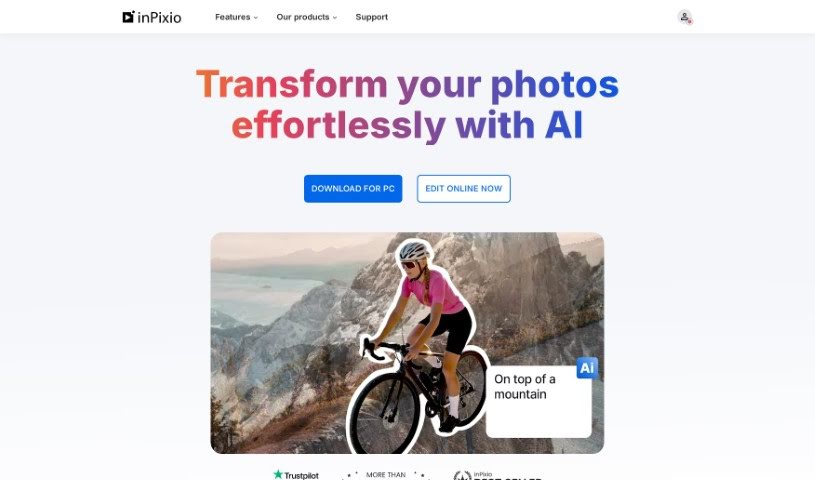
Screenshot of InPixio

InPixio

Freemium

InPixio is an online photo editing software that gives you a whole suite of powerful tools to make your images look just the way you want them. It's really known for being super easy to use, packing in advanced features, and especially for its standout ability to remove backgrounds from photos with just a few clicks. Plus, it makes changing backgrounds a breeze, lets you convert image files into different formats, and offers all sorts of tools for making your photos pop – like adjusting brightness, contrast, and saturation, or applying cool filters and effects.

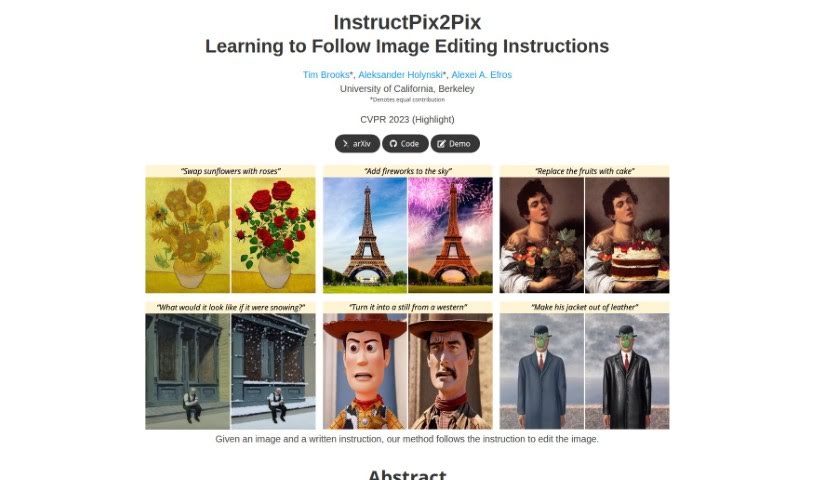
Screenshot of Instructpix2Pix

Instructpix2Pix

Freemium

InstructPix2Pix is a really neat model designed specifically for editing images based on what you tell it to do. It is an AI assistant that understands your written instructions and applies them to your photos. What's cool is that it can make these edits quickly without needing to be specially trained for each new photo or requiring a complex setup process. It handles all the adjustments right as it's processing the image. This means you get effective edits on all sorts of photos, no matter what you ask it to do.

Screenshot of Interior Decorator Ai

Interior Decorator Ai

Freemium

InteriorDecorator.ai is a smart tool that uses artificial intelligence to help you brainstorm and visualize interior and exterior design ideas. You can explore all sorts of design styles and easily change how your home looks using the platform's features. Essentially, InteriorDecorator.ai generates design concepts by building on the open-source imaginAIry AI platform, with Django handling the web development side of things. Beyond just interior design generation, InteriorDecorator.ai also offers handy tools like an Image Editor AI, a Video Editor AI, and a Remove Background AI. The platform is available in multiple languages, and if you opt for the PRO or PRO for Teams plans, you get commercial usage licenses. The PRO for Teams plan is great for groups, supporting up to 10 users for commercial projects. With these paid subscriptions, you can even ask for extra conversion tools to be added. Plus, your rendered designs are kept private, and the platform makes things user-friendly with features like a visible design count, private account creation, and customizable prompt restrictions.

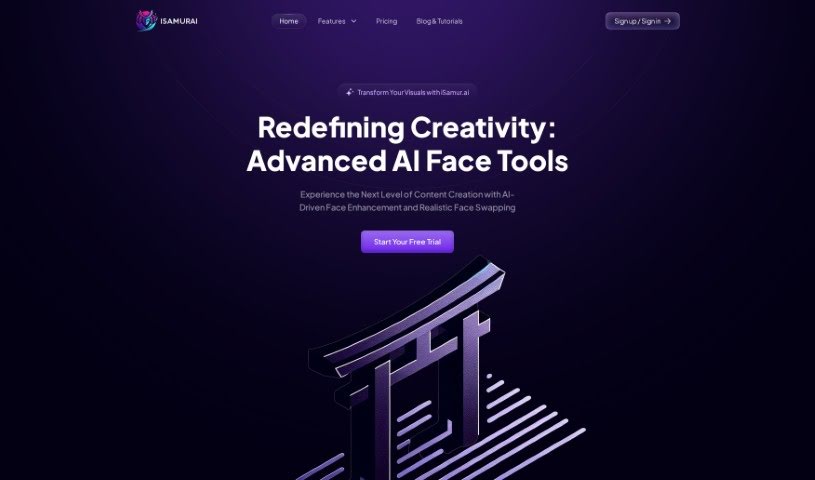
Screenshot of Isamur

Isamur

Freemium

Isamur.ai is a really neat AI tool built for creating digital content, especially when it comes to anything involving faces. It is your go-to for things like deep face swapping, making faces look better with AI, editing images, and even converting speech to text and text to speech. It also handles converting text and multimedia seamlessly. What's cool about Isamur is that it doesn't put limits on how long your videos can be or what quality you can use. This means you get a lot of creative freedom, even for big projects that need high-resolution output. That's a big plus compared to many other tools out there. Plus, Isamur is designed to make your work smoother with tools that boost productivity, all at competitive prices.

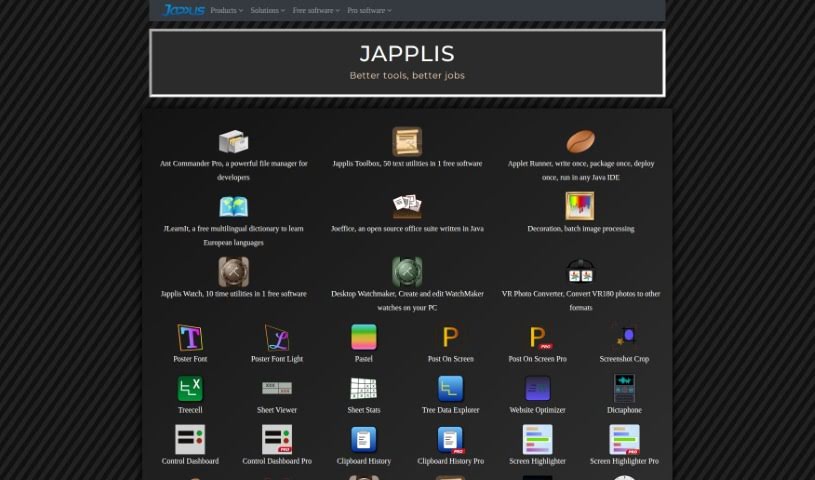
Screenshot of Japplis

Japplis

Freemium

Japplis is a handy software tool designed to help you pick out your best photos with ease. It is your personal assistant for image selection. It makes it super quick to get rid of unwanted pictures or to precisely select just the right parts of an image, especially if it's AI-generated. With Japplis, you can delete bad photos with a single click, tidy up images by removing things like extra hands or arms, pick the standout shots from a whole batch, and even choose the perfect section of a generated image. It's really straightforward to install on Windows, MacOS, and Linux. Plus, it's desktop software, so you don't need to log in, and your images stay private, right there on your computer.

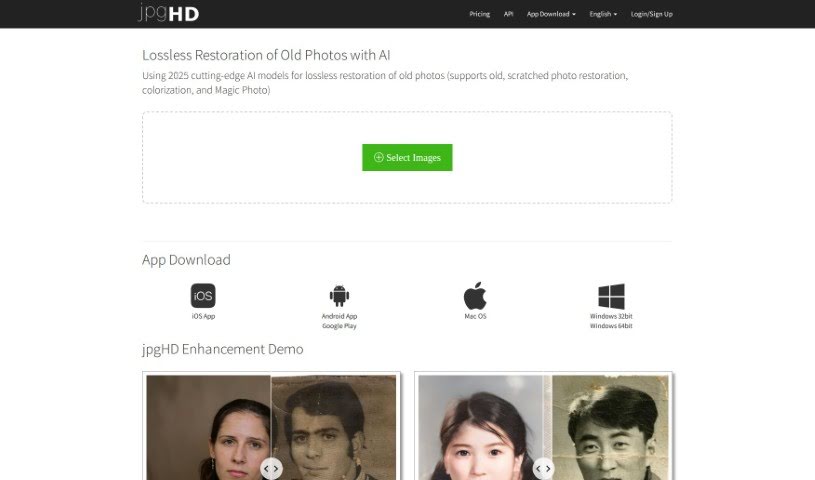
Screenshot of jpgHD

jpgHD

Freemium

JpgHD is a really advanced platform that uses the latest AI models to bring old and damaged photos back to life. It is a digital restorer for your precious memories. It's packed with sophisticated AI technology that can do things like restore old, scratched photos without losing quality, add color to black and white images, and even create animated portraits with a cool feature called Magic Photo. Essentially, it uses smart AI image super-resolution models and deep learning to fix up those noisy, scratched pictures and give older photos a vibrant new look.

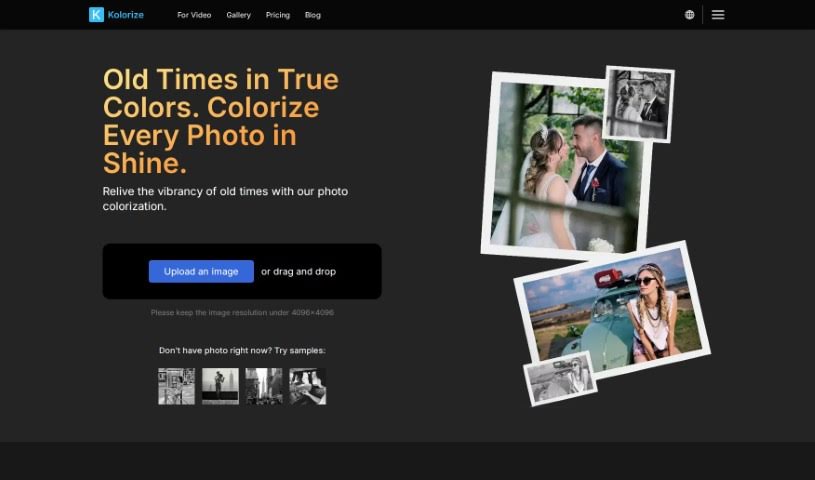
Screenshot of Kolorize

Kolorize

Freemium

I couldn't find any information about "Kolorize" in the files you provided. Would you like to give me more details, or perhaps ask about something else?

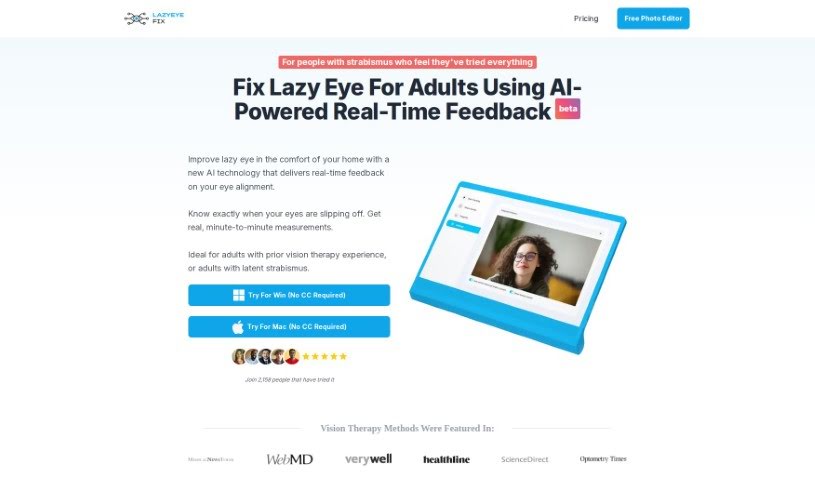
Screenshot of Lazyeyefix Photo Editor

Lazyeyefix Photo Editor

Freemium

Lazyeyefix Photo Editor is a really neat tool designed to help people with strabismus, or "lazy eye," fix how their eyes look in photos. It uses smart AI to automatically find and correct the eyes, so you get natural-looking results without much fuss. The folks who created it actually have personal experience with lazy eye, and they offer it for free. This means anyone who wants to make their photos look better can use it easily. Its main features are automatic lazy eye correction, AI that spots eyes, and it's super simple to use – you don't need any photo editing experience at all.

Screenshot of Leawo Photoins

Leawo Photoins

Freemium

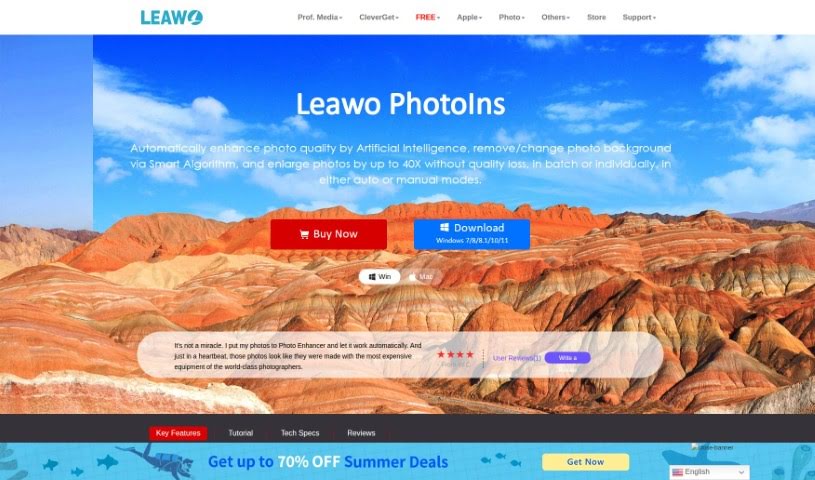
Leawo PhotoIns is a really user-friendly photo editor that uses artificial intelligence to make editing easier. It's packed with features designed to help you improve your photos quickly. You can enhance batches of photos all at once, and the AI intelligently analyzes your pictures to suggest improvements. It helps you adjust exposure and colors, and it even has a smart background remover that makes changing or removing backgrounds a breeze. Plus, you can enlarge your photos up to 40 times without losing any quality! It offers both automatic and manual editing options, giving you flexibility.

Screenshot of Lensa AI

Lensa AI

Freemium

Lensa AI is a really neat app you can get on Google Play. It uses artificial intelligence to give you a unique and interactive experience, making it super easy to boost your creativity and productivity right from your phone or tablet. It is having powerful AI tools ready whenever inspiration strikes!

Screenshot of Let’s Enhance

Let’s Enhance

Freemium

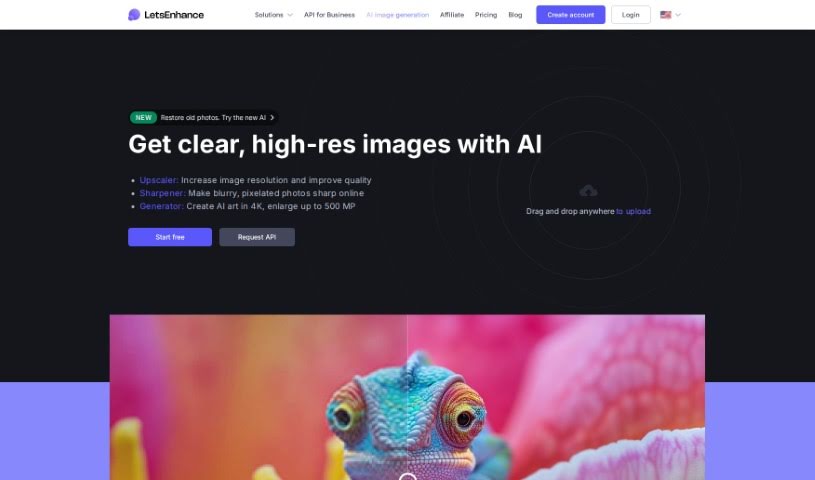
Let's Enhance is an online platform that uses artificial intelligence to improve your images. You can upload pictures and apply various enhancements, like boosting resolution, reducing noise, and generally making them look better. It's pretty neat because it uses deep learning to upscale images without losing that crisp detail, giving you sharp results. Lots of photographers, designers, and anyone who wants their images to look great quickly find this tool really useful.

Stay Updated with AI Tools

Get weekly updates on the latest AI tools, trends, and insights delivered to your inbox

Join 25,000+ AI enthusiasts. No spam, unsubscribe anytime.