B
Beb AI
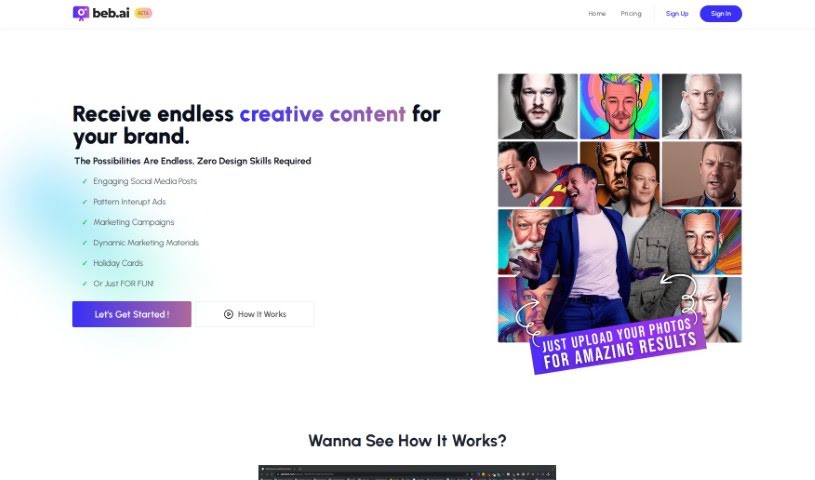
FreemiumBeb AI is an image generation tool that produces 72 new photos every week, spread across nine different themes. It requires no design skills and works for all skill levels.
Image Generation
View Tool →
Discover the best Image Generation AI tools to enhance your productivity and creativity.
Beb AI is an image generation tool that produces 72 new photos every week, spread across nine different themes. It requires no design skills and works for all skill levels.
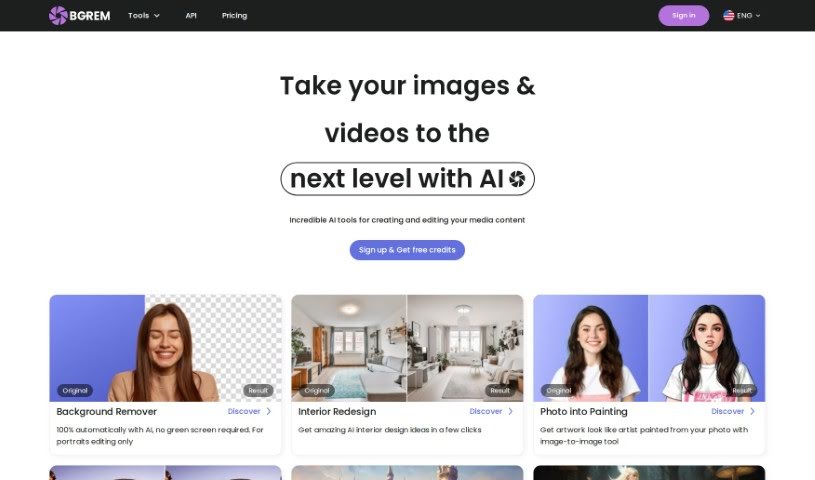
BgRem AI is an AI-powered platform for creating and editing images and videos. It can generate images in different styles, transform photos into characters from games or movies, redesign room interiors, and create illustrations for children's books. Its AI Illustration and AI Image Generator tools are designed to make content creation accessible.
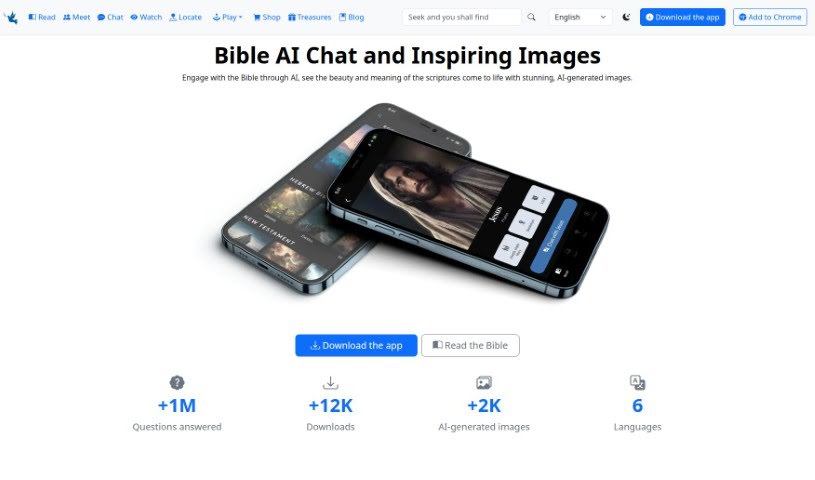
BiblePics is an AI-powered tool that blends AI-generated images with interactive features to help people engage with the Bible. The images are generated from keywords in the biblical text and are meant as artistic interpretations rather than literal depictions. The platform covers both the Old and New Testaments and offers insights into religious themes, messages, and teachings. Users can interact with biblical characters, explore specific passages, and play Bible trivia games. Images are free for personal or commercial use with credit to BiblePics.co.
Bikinavatar is an online platform for creating AI-generated images. It supports Midjourney and Stable Diffusion image generation, faceswap, and sketch-based guidance. Users pay only for what they use, with no long-term commitments. A referral program pays commission when invited friends sign up and pay for services.
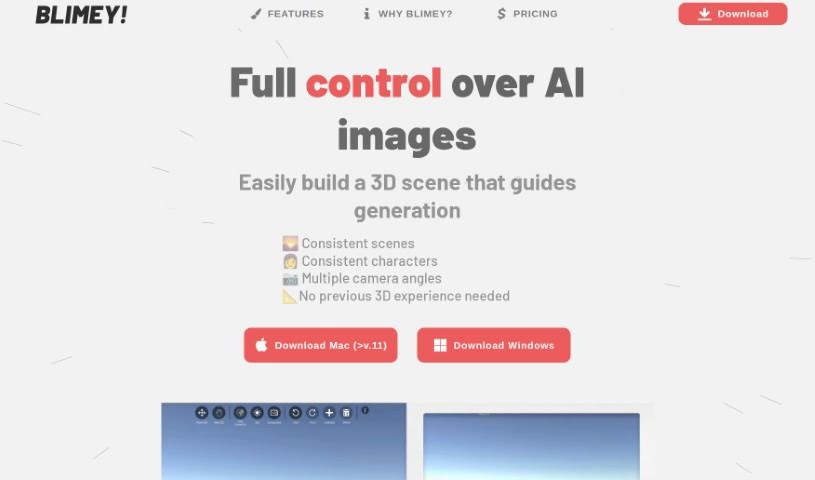
Blimey is an AI image generation tool created by Markus. It emphasizes control over the generated image: you can guide composition, colors, and style, and build a 3D scene that acts as a blueprint for the process. The 3D scene builder is designed to be easy to use without prior 3D experience.
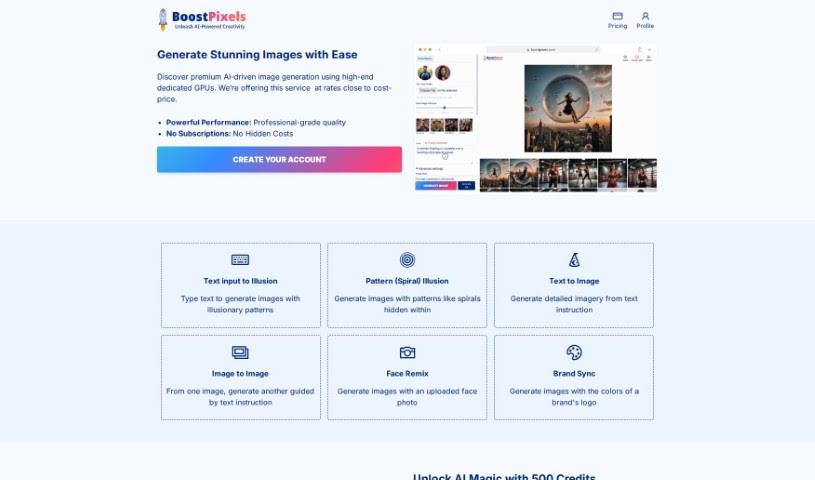
BoostPixels Flat is a free AI tool that generates high-quality images from your logo. You can write custom prompts or choose from a gallery of ready-made ones. It accepts PNG, JPEG, JPG, and WebP logo files, and lets you pick between 512px and 1024px output quality. It's useful for website visuals, marketing materials, and other creative projects. BoostPixels follows its terms of use and privacy policies, and its support team is available if you need help.

Brain Pod AI's Image Generator uses machine learning algorithms to produce original images, designs, and graphics in seconds. It's comparable to a user-friendly Photoshop, combining generation with a full suite of editing and creation tools. You can fine-tune visuals with advanced editing options, work with layers, and apply effects on the fly, and the interface works for any skill level. A free trial is available on the Brain Pod AI website.
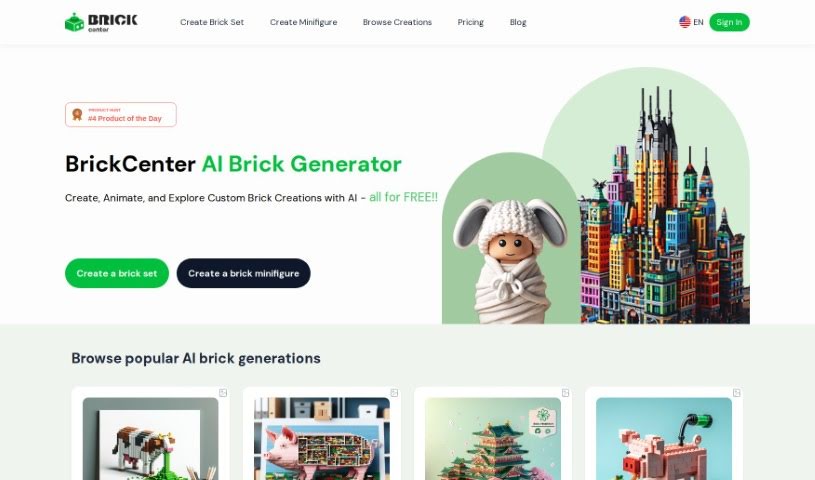
BrickCenter is an AI-powered platform that creates custom brick sets from text descriptions. It also generates unique brick minifigures from uploaded images. The tool is designed to make brick-building creativity accessible to everyone through a user-friendly interface.
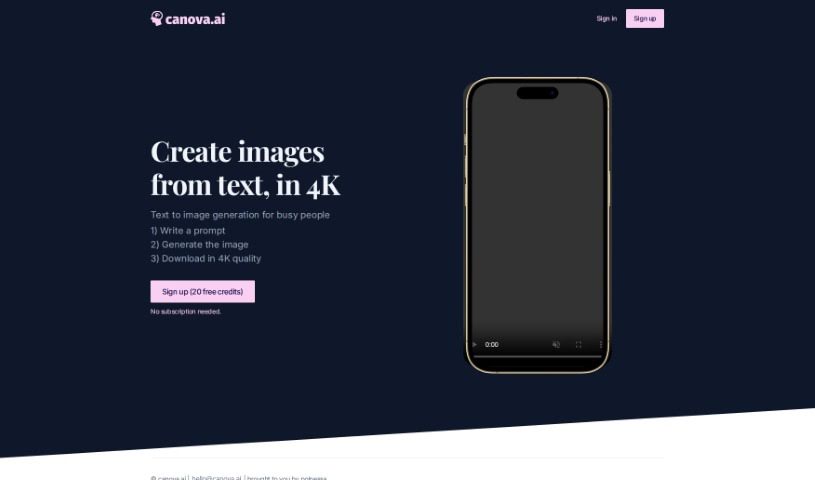
Canova.ai is a text-to-image tool that creates high-quality images from written prompts. You type a description of what you want, and the AI translates your words into a visual. It runs on a no-subscription model, which keeps it cost-effective, and it requires no design background. The workflow takes three steps: enter your prompt, generate the image, and download it in 4K resolution. Because generation is instant, it cuts out the manual design process and suits a wide range of visual content needs.
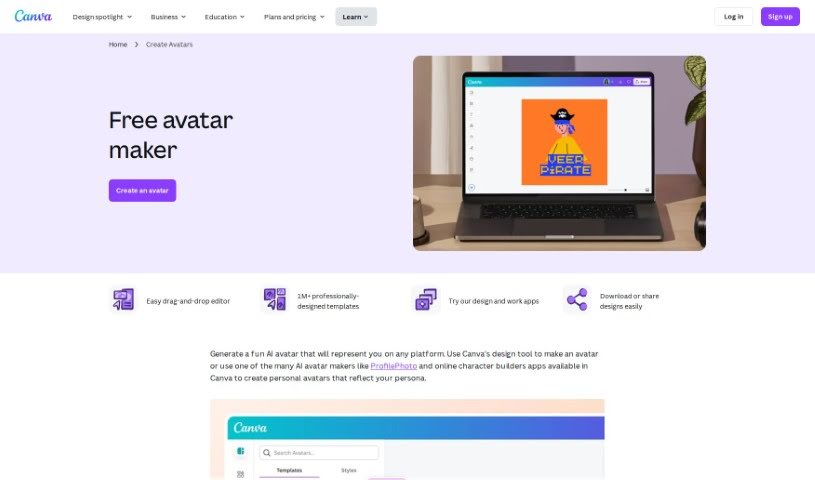
The Canva AI Avatar Generator is a tool built into Canva for creating personalized avatars. You can start from a customizable avatar template or build a character from scratch using the free avatar generator. From there, add borders, frames, and backgrounds, adjust image settings, and apply filters. AI avatar generator apps are also available for creating realistic AI avatars. To find the tool, search for "Avatar" in Canva.
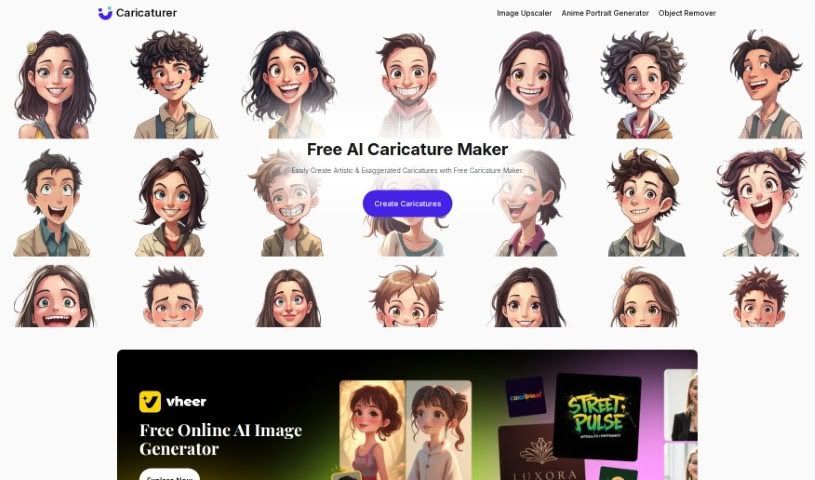
Caricaturer.io is an online tool that creates personalized caricatures from your photos using AI. Upload a photo and the tool applies caricature effects to generate a unique, entertaining image — no technical skills required. It offers multiple caricature styles for both men and women, and you can adjust the level of feature exaggeration, colors, and add accessories like hats or glasses. It works on desktop and mobile, and finished images can be shared on social media or sent via email.
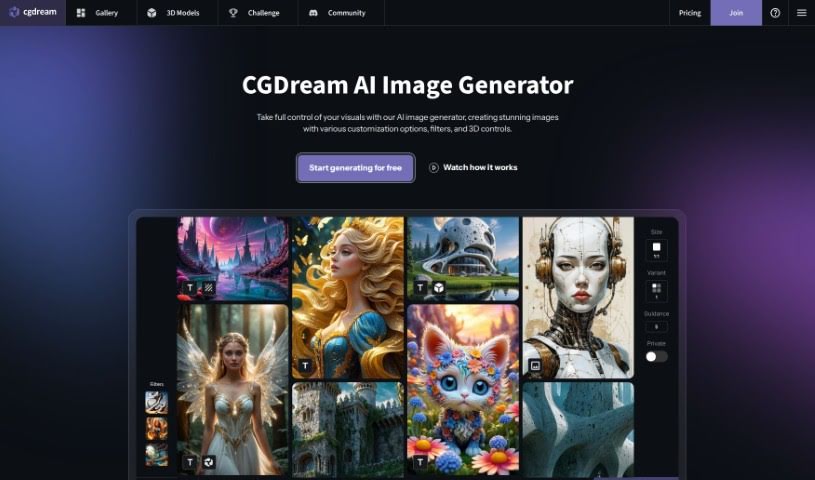
CGDream is an AI image generation tool that creates images from text prompts, existing pictures, or 3D models. By combining AI with 3D models, it makes it easier to turn creative ideas into visuals.
Turning visual ideas into reality can be a frustrating bottleneck. Whether you need custom hero graphics for a website, concept art for a project, or unique social media assets, you often spend hours searching stock libraries for an image that never quite fits. Arranging custom photoshoots or rendering 3D scenes from scratch takes even longer, driving up creative budgets and pushing back launch dates.
The image generators in this section act as high-speed creative partners. They don’t replace genuine human taste or artistic direction, but they convert text prompts, rough sketches, and reference images into high-resolution visuals in seconds.
Rapid visual concepting is where these platforms save serious time. When you start a new project, translating abstract ideas into a clear visual direction takes time. Modern image tools let you test dozens of artistic styles, color schemes, and lighting setups in a single sitting. You can build mood boards, visual options, and storyboards instantly, helping your team agree on a creative path before spending money on full production.
Creating tailored marketing visuals gets much easier, too. Relying on stock photography means risking a brand identity that looks identical to hundreds of other companies using the same popular images. Image generation tools help you produce original stock-style photos, digital illustrations, and eye-catching backgrounds built around your exact product specs and color palettes.
Editing and canvas expansion have also improved drastically. Getting an image that’s almost perfect used to mean starting over from scratch. Modern inpainting and outpainting features let you select specific regions of a generated image to swap elements, extend canvas borders for different aspect ratios, or refine small details without losing the rest of your composition.
Key Capabilities to Consider:
- Prompt accuracy: Tools that reliably interpret detailed text instructions and render clear compositions without distortion.
- Inpainting and canvas expansion: Features that let you edit specific regions of an image, insert objects, or extend backgrounds cleanly.
- Custom style references: Systems that allow you to upload style reference photos to keep visual consistency across a campaign.
- High-resolution exports: File outputs suitable for web design, print materials, social media, and presentation decks.
- Commercial licensing: Clear licensing terms regarding commercial usage rights and copyright considerations for generated assets.
Great visual art will always depend on human perspective, artistic direction, and emotional resonance. Software can follow style guidelines and arrange pixels, but knowing which visual tells the right story still requires your creative eye.
Browse the options below to find the right image generator for your workspace.
Weekly picks of the best AI tools we've researched and added — no spam, unsubscribe anytime.
Join 25,000+ AI enthusiasts. No spam, unsubscribe anytime.