AI Image Generation Tools

AI Tools for Image Generation

Discover the best Image Generation AI tools to enhance your productivity and creativity.

Page 16 of 33 • 392 total tools
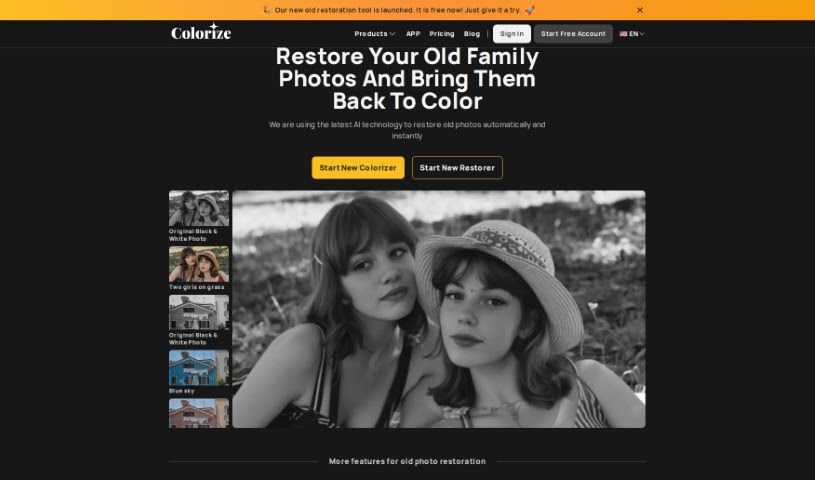
Screenshot of ImageColorizer

ImageColorizer

Freemium

ImageColorizer is a cloud-based AI editing and graphic design tool designed to bring old and black and white photos back to life. It can automatically add color to faded pictures, sharpen details, touch up portraits, fix damage, and remove unwanted objects.

Image Generation View Tool →
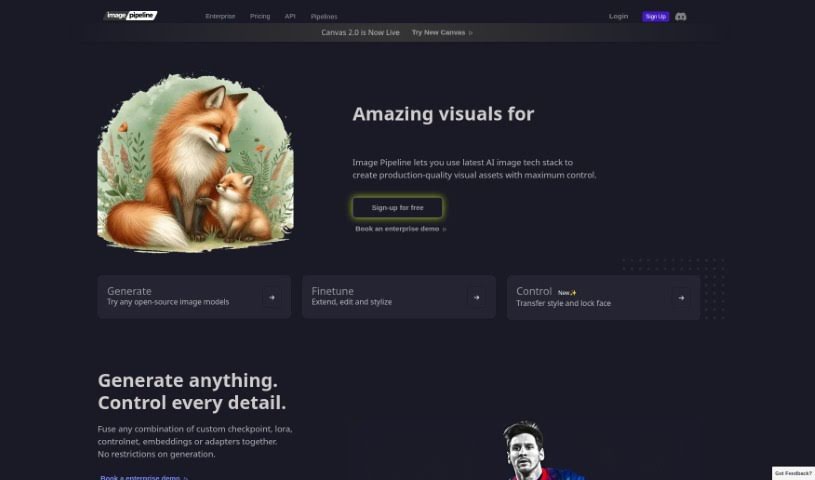
Screenshot of Imagepipeline

Imagepipeline

Freemium

Imagepipeline is an AI tool for generating images at scale. It combines stable diffusion, controlnets, LoRA technology, embeddings, and custom model creation, all accessible through a REST API. Because you don't need to manage your own GPUs, it reduces operational complexity and cost.

Image Generation View Tool →
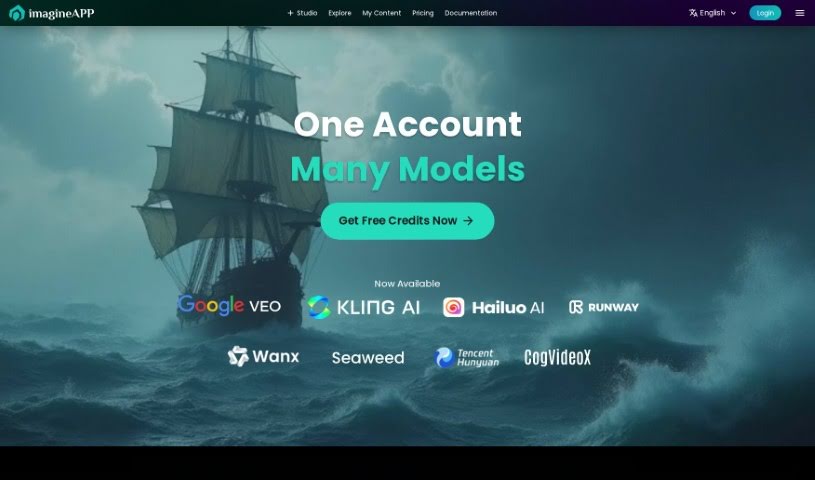
Screenshot of Imagine App

Imagine App

Freemium

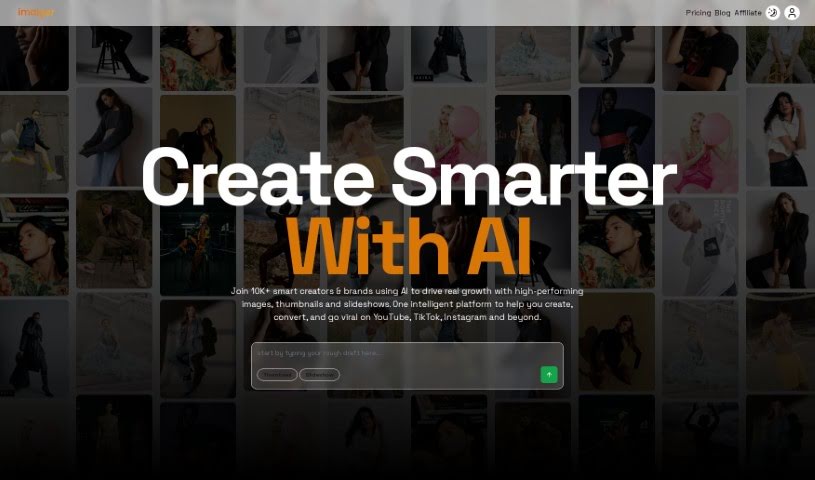
Imagine App is a platform for creating AI-generated content, built with simplicity and speed in mind. It features a straightforward interface, AI content generation, clear progress indicators, flexible content algorithms, and tools for engaging your community. The goal is to help creators, marketers, and community managers bring digital ideas to life and boost community engagement with AI-driven materials.

Image Generation View Tool →
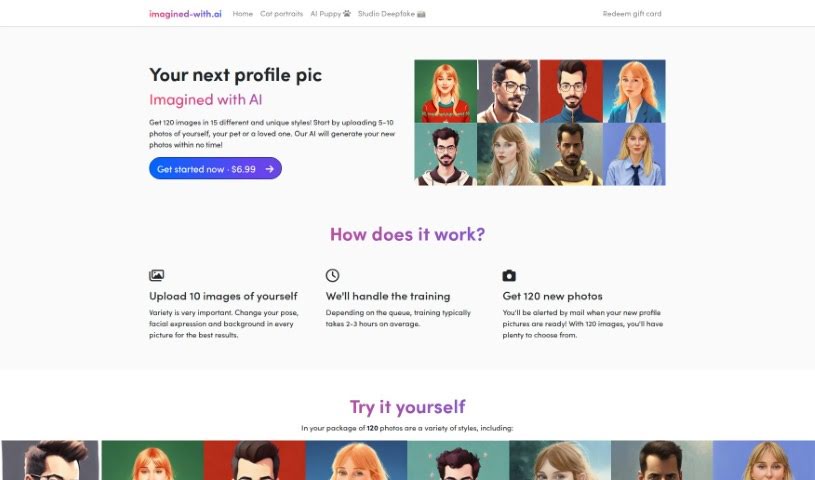
Screenshot of Imagined with AI

Imagined with AI

Freemium

Imagined with AI creates unique, personalized profile pictures from your own photos. You upload between 5 and 10 photos, and an external service trains a custom AI model on them. Training usually takes about 2 to 3 hours, after which you receive an email letting you know your images are ready. You end up with 120 final images. Uploading photos with different poses and backgrounds produces the most variety. You can delete your images at any time, and you can download the trained model itself to use with other tools like Stable Diffusion. Original images are deleted after training is complete.

Image Generation View Tool →
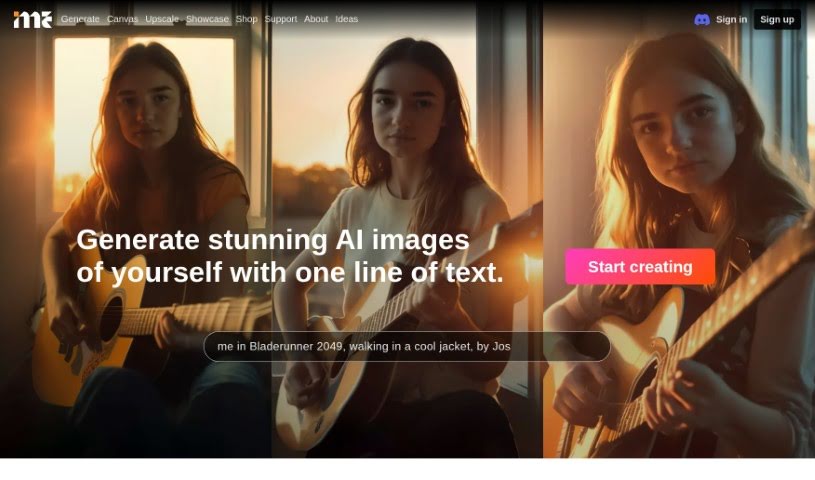
Screenshot of ImagineMe

ImagineMe

Freemium

ImagineMe is an AI system for creating personalized art. It trains a private AI model just for you using photos you upload — about 10 to 20 varied pictures of yourself. Once trained, the model can generate images of you in different scenarios and styles from simple text descriptions.

Image Generation View Tool →
Screenshot of Imaiger

Imaiger

Freemium

Imaiger is a platform for creating and analyzing images for your website. It uses machine learning algorithms to generate unique images from simple text inputs. Its AI can understand the contents of an image, giving you deeper control and customization so you can produce high-quality visuals that fit your brand.

Image Generation View Tool →
Screenshot of ImgGen AI

ImgGen AI

Freemium

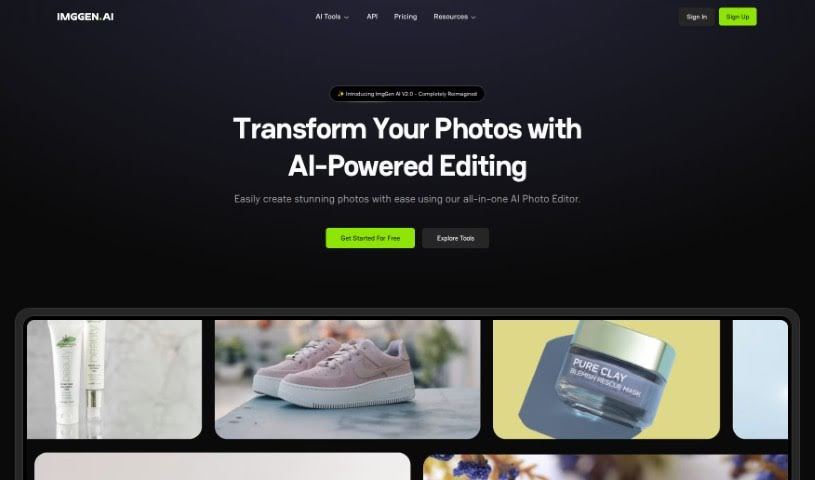
ImgGen AI is a tool that creates images from text descriptions. Founded by Ramandeep Singh, it aims to make image creation easy, fast, and accessible. Its model, trained on millions of images, generates a unique picture based on your prompt, achieving over 85% accuracy when translating text into visuals.

Image Generation View Tool →
Screenshot of Imgi.in

Imgi.in

Freemium

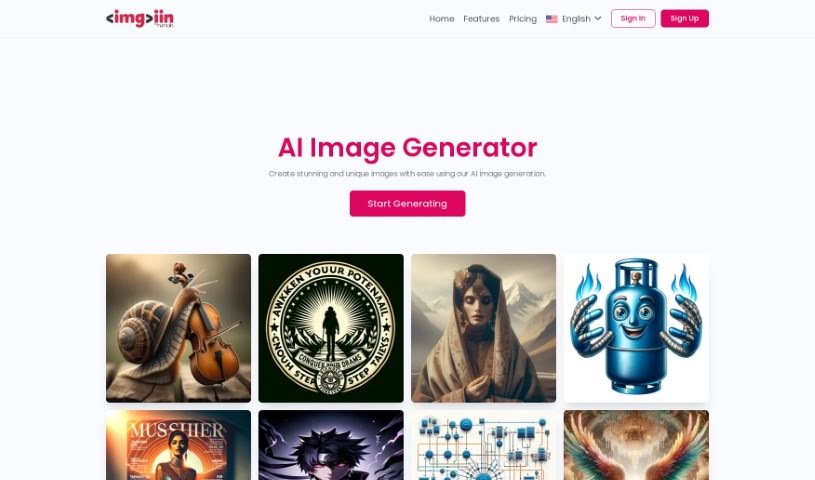
Imgi.in is a generative AI platform for creating a wide range of images, from fantasy art to hyper-realistic depictions of characters and scenes. It supports distinctive styles including perfect symmetry, psychedelic art, neo-mosaics, and neo-shamanism figures. Output is paired with substantial creator control: fine-tunable models, accurate prompt adherence, and photorealistic rendering, whether wide-angle views or detailed close-ups. No coding knowledge is required, so creators at any skill level can use it — sign up with a name and email address, verify the account through the emailed confirmation link, and start generating.

Image Generation View Tool →
Screenshot of imgtopia

imgtopia

Freemium

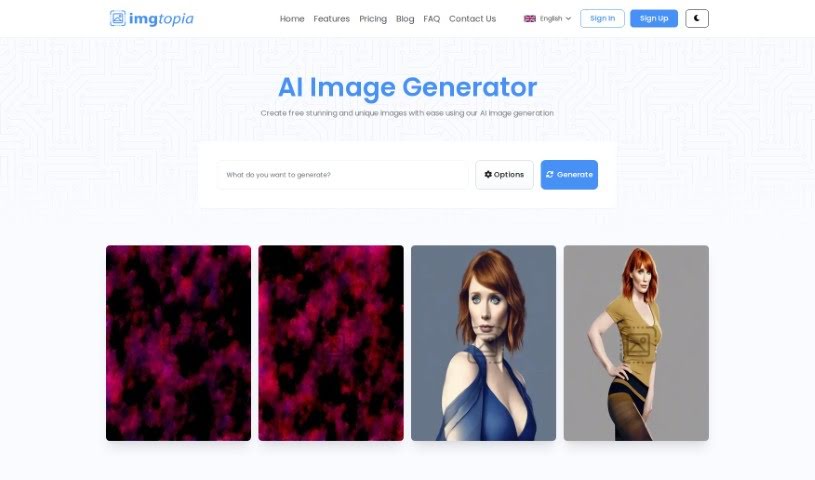
Imgtopia is an AI tool that generates custom images from text prompts. It combines computer vision, natural language processing, and deep learning to produce images across a range of styles: abstract art, landscapes, realistic portraits, animal pictures, geometric images, comic characters, village scenes, dreamlike settings, and business logos.

Image Generation View Tool →
Screenshot of Ink With AI

Ink With AI

Freemium

Ink With AI uses artificial intelligence to design tattoos from your descriptions. You describe the tattoo you want, pick an art style, and the AI generates a unique design, usually in about a minute. Because it works from your specific input and chosen style, every design is one-of-a-kind.

Image Generation View Tool →
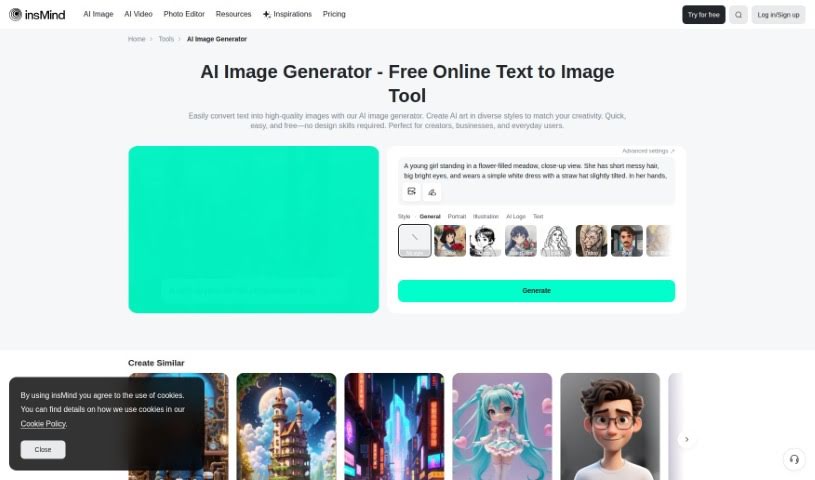
Screenshot of insMind AI Image Generator

insMind AI Image Generator

Freemium

insMind's AI Image Generator turns text descriptions into images and offers a free tier. It targets casual users, artists, social media creators, and graphic designers who want to produce visuals without advanced design skills. The tool supports a range of artistic styles, from realistic photos to abstract pieces and cartoon illustrations, and the underlying AI models are continuously updated to improve output quality.

Image Generation View Tool →
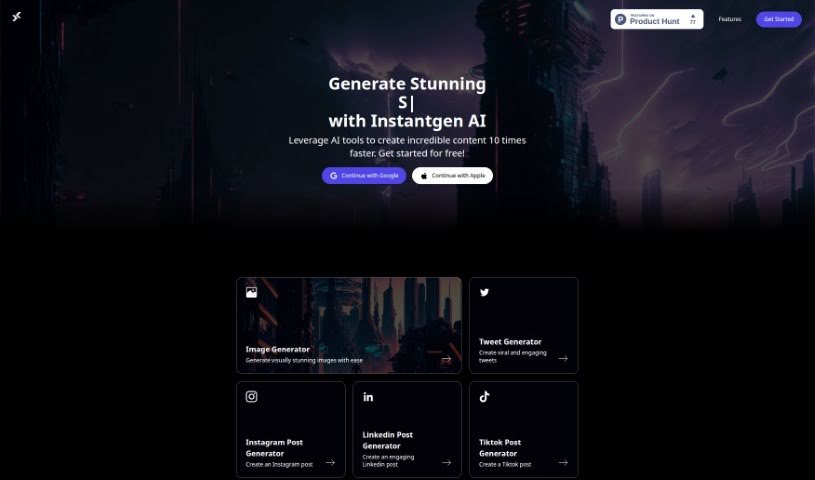
Screenshot of Instantgen AI

Instantgen AI

Freemium

Instantgen AI is a free, web-based tool that generates both images and text. Image generation runs on DALLE and Stable Diffusion, and the tool is built for creating content for social media and online stores. Nothing needs to be installed — you sign in with a Google or Apple account. The creators claim a 10X speed improvement over traditional content creation methods, and product updates are shared through newsletters and social media.

Image Generation View Tool →

About Image Generation tools

Turning visual ideas into reality can be a frustrating bottleneck. Whether you need custom hero graphics for a website, concept art for a project, or unique social media assets, you often spend hours searching stock libraries for an image that never quite fits. Arranging custom photoshoots or rendering 3D scenes from scratch takes even longer, driving up creative budgets and pushing back launch dates.

The image generators in this section act as high-speed creative partners. They don’t replace genuine human taste or artistic direction, but they convert text prompts, rough sketches, and reference images into high-resolution visuals in seconds.

Testing Concepts and Creating Custom Visuals

Rapid visual concepting is where these platforms save serious time. When you start a new project, translating abstract ideas into a clear visual direction takes time. Modern image tools let you test dozens of artistic styles, color schemes, and lighting setups in a single sitting. You can build mood boards, visual options, and storyboards instantly, helping your team agree on a creative path before spending money on full production.

Creating tailored marketing visuals gets much easier, too. Relying on stock photography means risking a brand identity that looks identical to hundreds of other companies using the same popular images. Image generation tools help you produce original stock-style photos, digital illustrations, and eye-catching backgrounds built around your exact product specs and color palettes.

Editing and canvas expansion have also improved drastically. Getting an image that’s almost perfect used to mean starting over from scratch. Modern inpainting and outpainting features let you select specific regions of a generated image to swap elements, extend canvas borders for different aspect ratios, or refine small details without losing the rest of your composition.

Key Capabilities to Consider:

  • Prompt accuracy: Tools that reliably interpret detailed text instructions and render clear compositions without distortion.
  • Inpainting and canvas expansion: Features that let you edit specific regions of an image, insert objects, or extend backgrounds cleanly.
  • Custom style references: Systems that allow you to upload style reference photos to keep visual consistency across a campaign.
  • High-resolution exports: File outputs suitable for web design, print materials, social media, and presentation decks.
  • Commercial licensing: Clear licensing terms regarding commercial usage rights and copyright considerations for generated assets.

Great visual art will always depend on human perspective, artistic direction, and emotional resonance. Software can follow style guidelines and arrange pixels, but knowing which visual tells the right story still requires your creative eye.

Browse the options below to find the right image generator for your workspace.

The Best AI Image Generators

  1. Leonardo AI: Perfect for custom artwork for product listings.
  2. Photoroom: Great for creating unique branding backgrounds.
  3. Pixlr: Ideal for making unique visuals for marketing.
  4. Midjourney: Excellent for artistic concept visualization.
  5. Tensor.art: Use it for unique artwork creation from sketches.
  6. PixAI: Best for creating custom anime characters.
  7. Freepik Pikaso: Transforms sketches into art in real-time.
  8. Adobe Firefly: Use it for custom social media graphics.
  9. Luma AI: Craft 3D imagery with dynamic effects.
  10. Recraft: Easily generate brand-consistent visuals.
  11. Microsoft Designer: Create unique visuals for your projects.
  12. Artguru AI: Turn selfies into anime art.
  13. 123RF AI Image Generator: Creates custom images from text prompts with commercial-use licensing.
  14. Topaz Labs: Enhance AI-generated images for better clarity.
  15. Freepik AI Image Generator: Make custom illustrations for marketing content.
New tools, in your inbox.

Weekly picks of the best AI tools we've researched and added — no spam, unsubscribe anytime.

Join 25,000+ AI enthusiasts. No spam, unsubscribe anytime.