123RF AI Image Generator
Creative Image Generation
Learn more
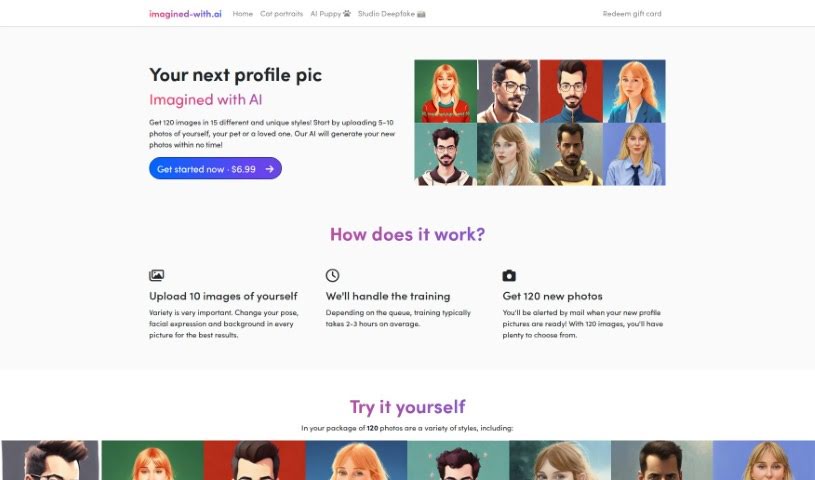
Discover what Imagined with AI is and how it turns your photos into 120 unique AI-generated profile pictures, with a downloadable model for Stable
Imagined with AI creates unique, personalized profile pictures from your own photos. You upload between 5 and 10 photos, and an external service trains a custom AI model on them. Training usually takes about 2 to 3 hours, after which you receive an email letting you know your images are ready. You end up with 120 final images. Uploading photos with different poses and backgrounds produces the most variety. You can delete your images at any time, and you can download the trained model itself to use with other tools like Stable Diffusion. Original images are deleted after training is complete.
Imagined With AI was started by a couple, Sabatino and Silke, who share an interest in art and technology. The idea came to them during a trip to New York in October 2022. After months of experimenting and developing, they launched the service on November 8, 2022, offering personalized AI artwork trained on users’ own photos.
The service suits artists, designers, content creators, branding professionals, photographers, marketers, developers, and anyone interested in AI-generated imagery.
Related
Discover more tools in similar categories
Weekly picks of the best AI tools we've researched and added — no spam, unsubscribe anytime.
Join 25,000+ AI enthusiasts. No spam, unsubscribe anytime.