AI Education Tools

AI Tools for Education

Discover the best Education AI tools to enhance your productivity and creativity.

Page 26 of 59 • 703 total tools
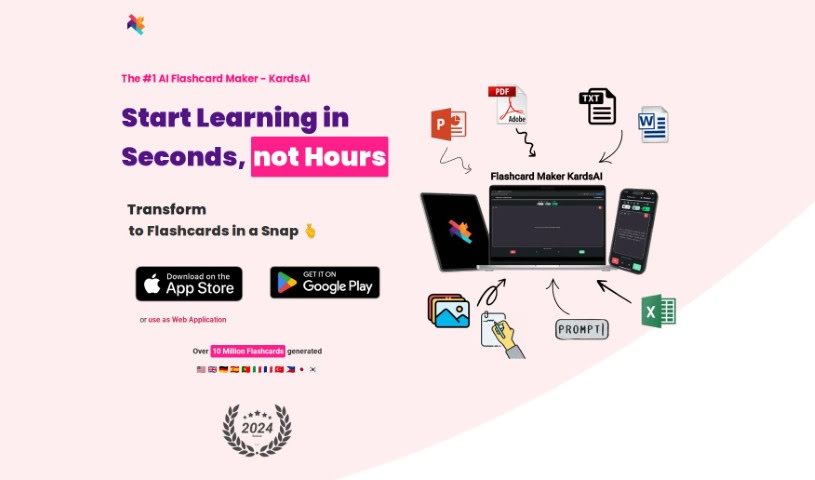
Screenshot of KardsAI

KardsAI

Freemium

KardsAI is a mobile app that uses artificial intelligence to create interactive flashcards from your study materials. It works with notes, text files, PDFs, and even spoken prompts, converting them into flashcards quickly. A built-in spaced repetition system helps you retain information over time, making it useful for students, professionals learning new skills, and lifelong learners. The app is available on Android and iOS, with both a free version and a Pro option.

Education View Tool →
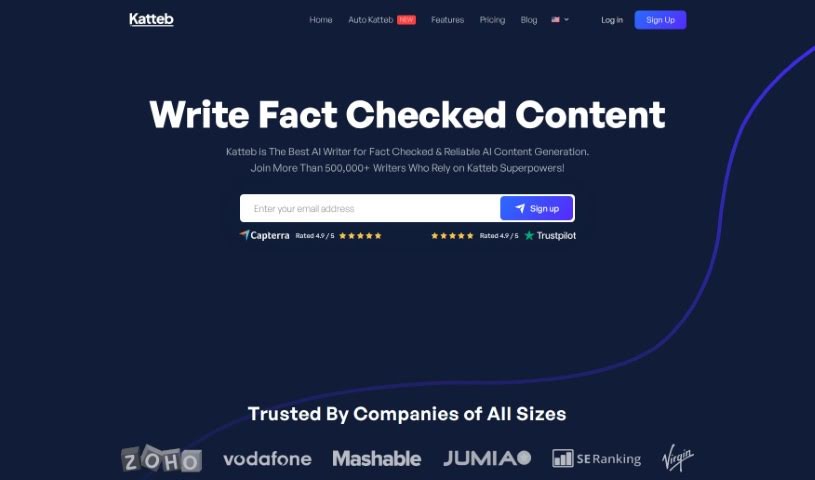
Screenshot of Katteb

Katteb

Freemium

Katteb is an AI writing tool developed by a group of friends from different backgrounds and countries, headquartered in Egypt. It is the first AI writer designed to fact-check its own content, offering an easy-to-use interface with accurate and affordable features. Users often highlight the time it saves, its advanced proofreading for error-free writing, and its plagiarism detection for ensuring original, properly cited content.

Education View Tool →
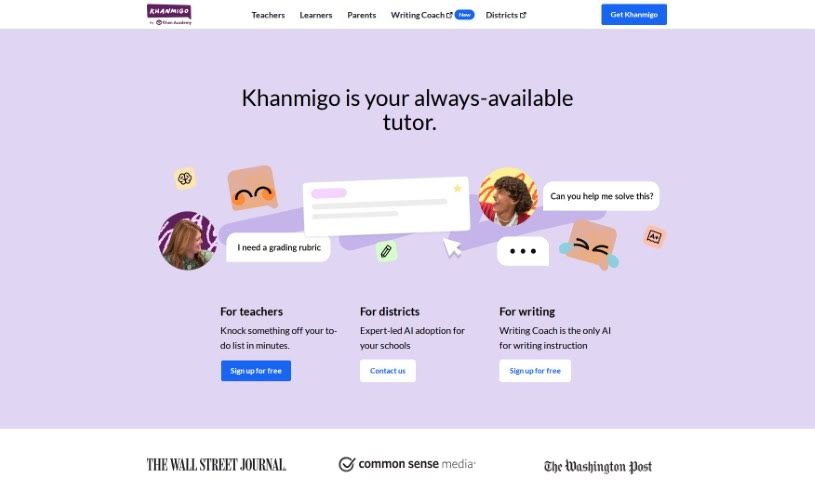
Screenshot of Khan Academy Khan Labs

Khan Academy Khan Labs

Freemium

Khan Labs is an AI tutor and teaching assistant from Khan Academy, the well-known education nonprofit. Unlike tools such as ChatGPT, it is designed to guide learners toward finding answers themselves rather than simply providing them. Safety and learning are prioritized, and the tool is tied into Khan Academy's library of content covering math, coding, humanities, and social studies. It earned a 4-star rating from Common Sense Media.

Education View Tool →
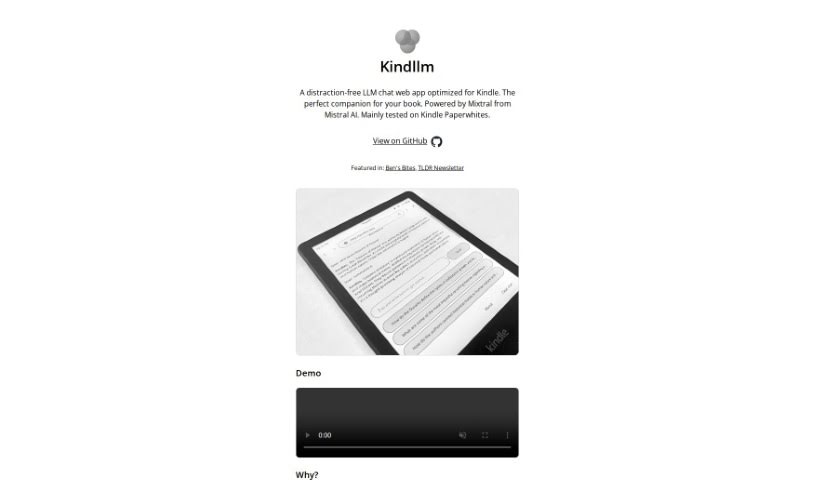
Screenshot of KindlLM

KindlLM

Freemium

KindlLM is a chat web app built for Kindle devices, letting you chat with an LLM without leaving your e-reader. It runs on Mixtral technology from Mistral AI and is designed for a distraction-free experience, particularly on Kindle Paperwhites. The goal is to remove the need to reach for another device while reading, so you can stay focused on your book.

Education View Tool →
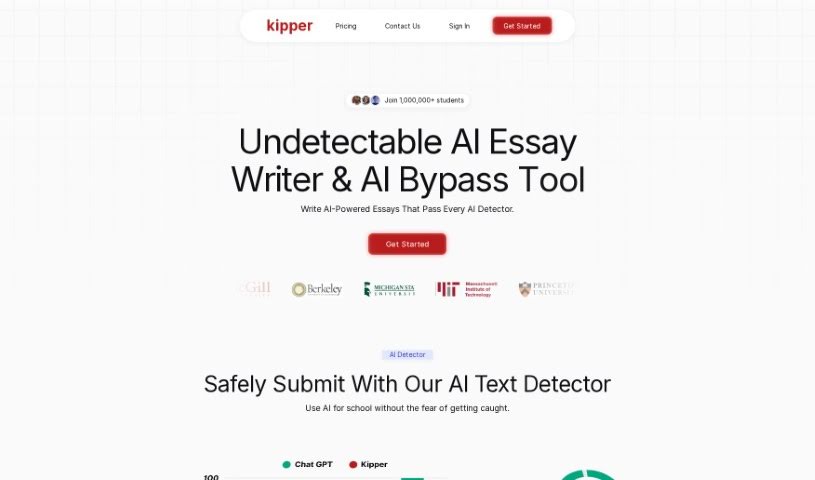
Screenshot of Kipper AI

Kipper AI

Freemium

Kipper AI is an AI assistant for schoolwork that bundles several tools in one place:

Education View Tool →
Screenshot of Kippy AI

Kippy AI

Freemium

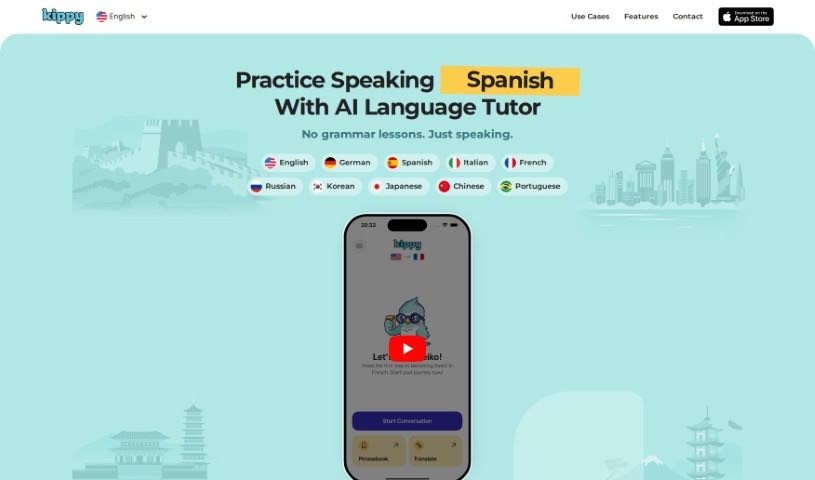
Kippy AI is a language learning tool that uses conversational AI to act as a personal tutor. It helps you practice speaking a new language whenever you want, with feedback on pronunciation and mistakes. Conversations are matched to your current learning level and simulate real-life situations, and smart reminders help you build a daily practice habit. It's positioned as a convenient, affordable alternative to traditional tutors.

Education View Tool →
Screenshot of Kiwi

Kiwi

Freemium

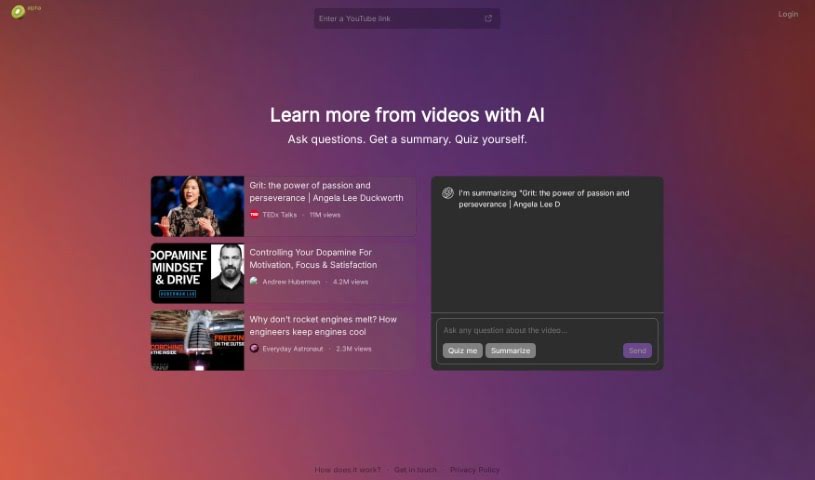
Kiwi is an interactive learning platform designed to boost your knowledge and check how well you understand a subject. It works by asking you questions and providing clear, concise summaries. You actively quiz yourself and read summaries to explore topics and improve your understanding in an accessible, efficient way.

Education View Tool →
Screenshot of Knowt

Knowt

Freemium

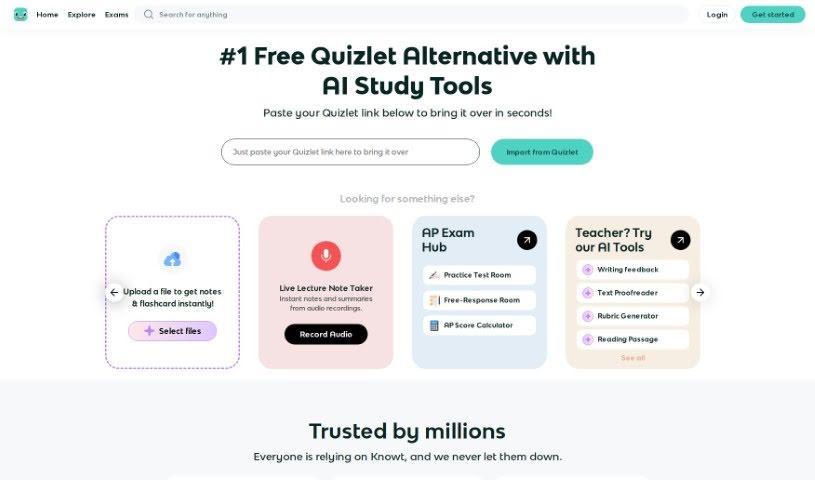
Knowt is a study platform for creating and studying flashcards, positioned as a free alternative to Quizlet. It offers unlimited access to Learn Mode, practice tests, spaced repetition, and straightforward flashcard creation and import. Students can import their existing Quizlet sets and study them for free, and an AI flashcard creator generates cards automatically. Millions of students and teachers use Knowt, with feedback highlighting its usefulness for APUSH and other AP exam preparation. It covers a wide range of subjects and exams and serves both students and teachers.

Education View Tool →
Screenshot of Knowt AI Video Summarizer

Knowt AI Video Summarizer

Freemium

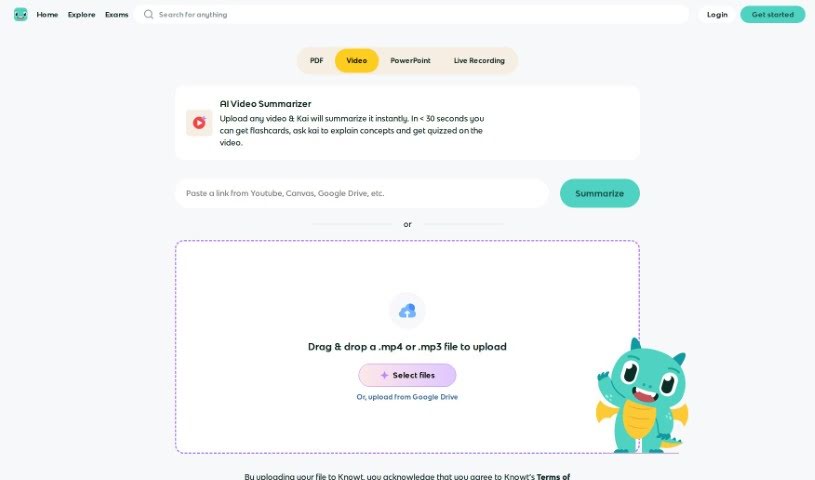
Knowt AI Video Summarizer takes long videos and boils them down into shorter, easy-to-understand summaries. It uses machine learning to pinpoint the most important moments, main ideas, and key information within a video, analyzing the audio, on-screen visuals, and any text to pull out the essential details.

Education View Tool →
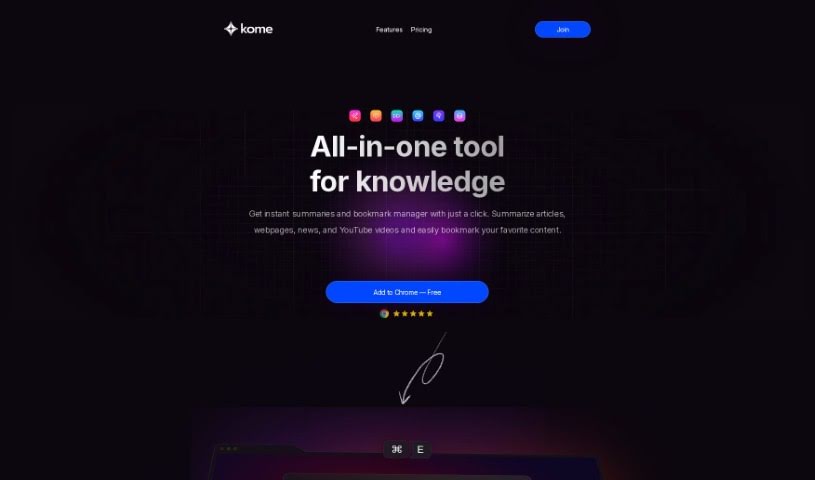
Screenshot of Kome AI

Kome AI

Freemium

Kome AI is an AI-powered browser extension built to make online browsing more productive. Its core features are instant summarization of news articles, web pages, YouTube videos, and PDF files, plus bookmarking tools, smart compose for drafting emails and tweets from saved links, email address copying and extraction, color palette extraction from websites, automatic scrolling, and URL searching.

Education View Tool →
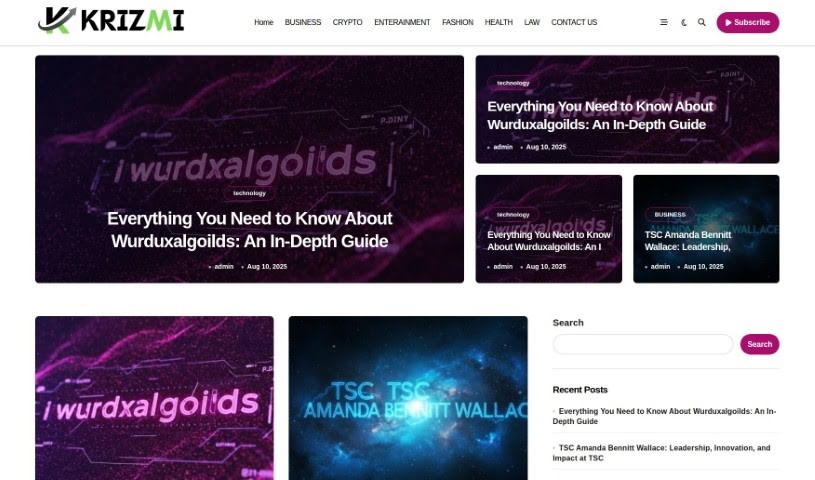
Screenshot of Krizmi

Krizmi

Freemium

Krizmi is a platform for organizing daily tasks and routines. It offers a straightforward interface for managing schedules, setting reminders, and collaborating with others, bringing your important information together in one clear view.

Education View Tool →
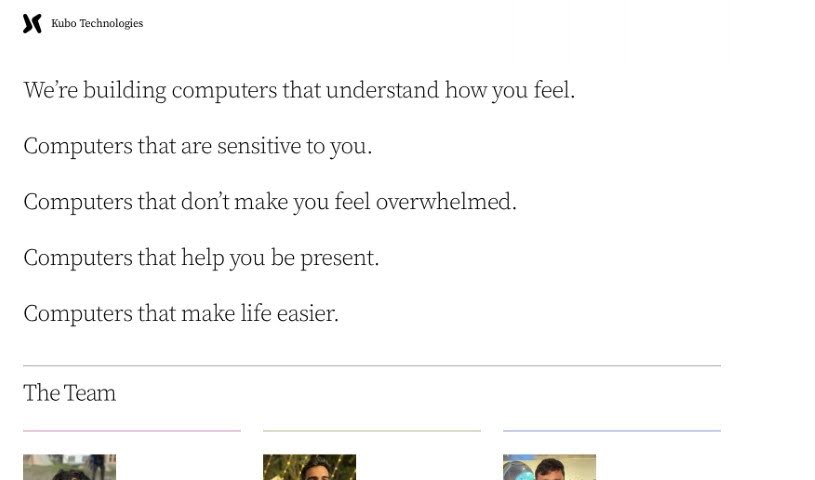
Screenshot of Kubocreate

Kubocreate

Freemium

The available documentation doesn't provide a clear explanation of what Kubocreate does. Details about the tool's purpose and features are limited, so it's best to consult the official site at [kubocreate.com](https://kubocreate.com/) for current information.

Education View Tool →

About Education tools

Teaching and studying both come with heavy workloads. Teachers spend weekends building lesson plans, writing rubrics, and grading stacks of essays, leaving little energy for interactive classroom time. At the same time, students easily fall behind when they hit a difficult concept and lack access to immediate guidance. Balancing administrative demands with individual learning needs is a constant struggle.

The educational tools in this category act as supportive teaching and study assistants. They handle routine formatting, generate fresh practice materials, and adapt to different learning paces without replacing passionate educators or the genuine effort required for real learning.

Supporting Teachers and Empowering Students

Lesson planning and curriculum design get a major speed boost. Coming up with engaging classroom activities, differentiated reading materials, and custom quizzes for varied skill levels usually takes hours of prep work. Smart lesson assistants help teachers generate targeted exercises, discussion prompts, and grading rubrics in minutes—providing a solid draft you can tweak to match your specific curriculum standards.

Personalized tutoring gives students extra support whenever they get stuck on homework. When working through complex math equations or studying historical events, learners often need concepts explained in fresh ways. Intelligent study platforms act as patient tutors, breaking down difficult topics step by step, answering questions, and generating practice problems tailored to a student’s current understanding.

Grading and feedback workflows become far more manageable, too. Reviewing dozens of student essays to offer detailed commentary takes immense time. AI feedback tools scan drafts for grammar, structure, and clarity, offering quick initial notes so students can revise their work before final submission. Teachers get to spend less time marking paper and more time guiding students directly.

Key Capabilities for Classrooms & Study:

  • Automated quiz and worksheet builders: Tools that turn text passages or lesson notes into custom practice quizzes and flashcard decks instantly.
  • Adaptive learning paths: Systems that adjust exercise difficulty based on student performance to keep learning engaging and manageable.
  • Differentiated instruction tools: Features that rewrite reading material across multiple grade levels while preserving core lesson concepts.
  • Academic integrity checkers: Software that scans submitted work for potential plagiarism and uncredited sources to support honest academic work.
  • LMS platform integration: Connectors that sync directly with systems like Google Classroom or Canvas to keep assignment tracking smooth.

Great education will always depend on human mentorship, encouragement, and curiosity. Software can’t inspire a struggling student or replace the warmth of a dedicated teacher. But letting smart tools handle lesson drafts, basic grading, and study exercises gives both educators and students the breathing room needed to focus on meaningful learning.

Browse the educational tools below to improve your classroom or study routine.

The Best AI Education Tools

  1. Grammarly: Helps monitor grammar in student essays.
  2. Duolingo: Offers a personalized language learning experience.
  3. Quill Bot: Aids in paraphrasing for better understanding.
  4. 777ccc.com: Summarizes YouTube videos, pulling the key points from long content.
  5. Duplichecker: Checks student papers for originality.
  6. NotebookLM: Acts as a smart study companion for students.
  7. Turnitin: Helps verify academic integrity.
  8. Chegg: Offers homework help and study resources.
  9. GPTZero: Ensures authenticity in student submissions.
  10. Grammarly AI Plagiarism Checker: Helps maintain academic integrity in assignments.
  11. LanguageTool: Enhances student writing skills.
  12. QuillBot Paraphrasing Tool: Effectively rephrases study materials.
  13. Gauth: Provides STEM-focused live tutoring support.
  14. NoteGPT: Creates flashcards from study materials.
  15. Undetectable AI: Helps create personalized learning resources.
New tools, in your inbox.

Weekly picks of the best AI tools we've researched and added — no spam, unsubscribe anytime.

Join 25,000+ AI enthusiasts. No spam, unsubscribe anytime.