777ccc.com
Education Summarizers
Learn more
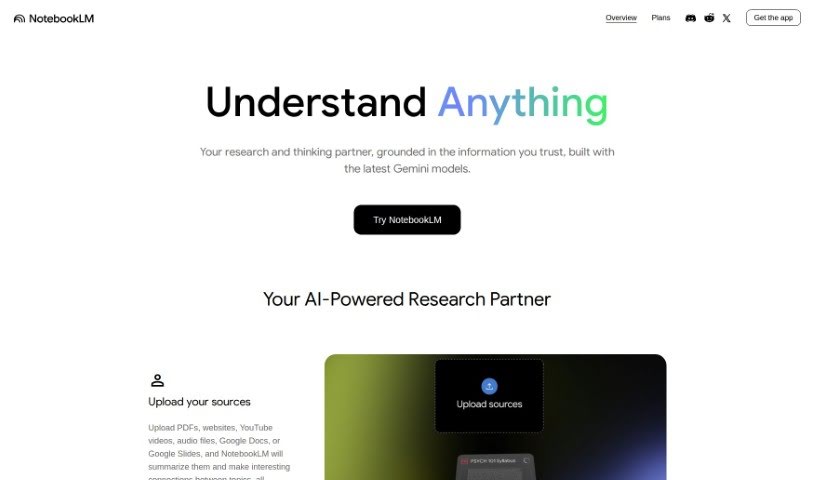
NotebookLM is an AI research assistant that lets you upload documents, ask questions, and turn notes into outlines and drafts.
NotebookLM is an AI tool designed to make research more efficient. It is currently available only in the U.S. to users aged 18 or older. You upload your own documents, and NotebookLM helps you dig into them — moving smoothly between reading, asking questions, and writing. It can turn your notes into ready-made outlines, blog posts, or business plans, speeding up the first-draft process.
Privacy is a stated priority: your personal data is not used to train the system, and sensitive information stays confidential. NotebookLM is recognized within the Google AI community as an innovative AI note-taking tool.
NotebookLM was developed by a team led by Andrej Karpathy, a well-known figure in the AI world. The tool focuses on AI-powered note-taking, virtual collaboration, and research support, with an emphasis on privacy and data security for U.S. users.
Researchers, students, writers, content creators, business analysts, project managers, educators, journalists, consultants, and marketing professionals — essentially anyone who works with source documents and needs to synthesize them quickly.
Used this way, NotebookLM can streamline your research workflow and make drafting considerably faster.
Related
Discover more tools in similar categories
Weekly picks of the best AI tools we've researched and added — no spam, unsubscribe anytime.
Join 25,000+ AI enthusiasts. No spam, unsubscribe anytime.