AI Education Tools

AI Tools for Education

Discover the best Education AI tools to enhance your productivity and creativity.

Page 20 of 59 • 703 total tools
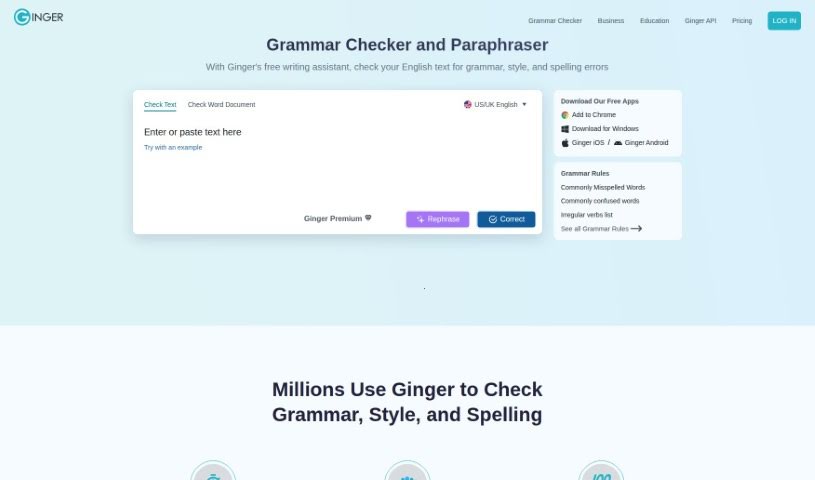
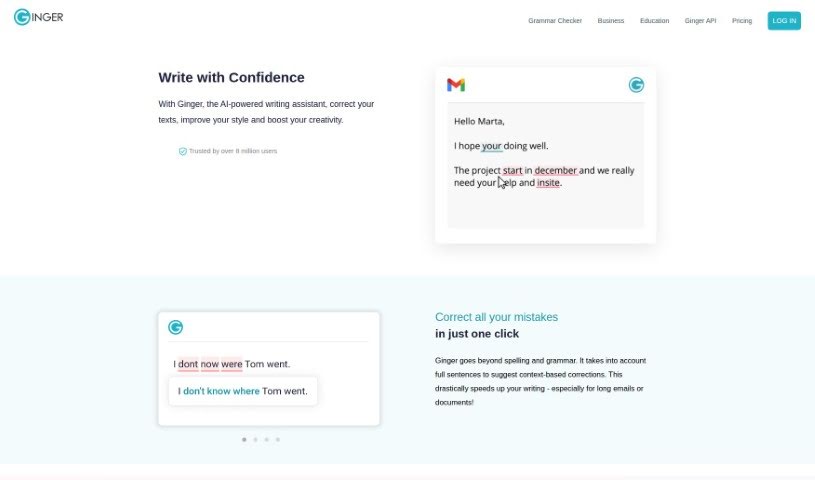
Screenshot of Ginger Software

Ginger Software

Freemium

Ginger Software is a writing enhancement platform that helps you improve your writing and communicate more effectively. It offers grammar checking, sentence rephrasing, translation, and a personal dictionary. Using AI-powered algorithms, it catches grammar mistakes, punctuation errors, and other language issues, making it useful for students, professionals, and anyone who wants error-free written content.

Education View Tool →
Screenshot of Ginger Software Grammar Check

Ginger Software Grammar Check

Freemium

Ginger's Grammar Check is a comprehensive writing assistant that goes beyond basic grammar correction. It combines grammar checking, spell checking, and punctuation correction, all powered by AI, and includes a rephrasing feature that suggests alternative ways to phrase sentences for clearer, more effective writing.

Education View Tool →
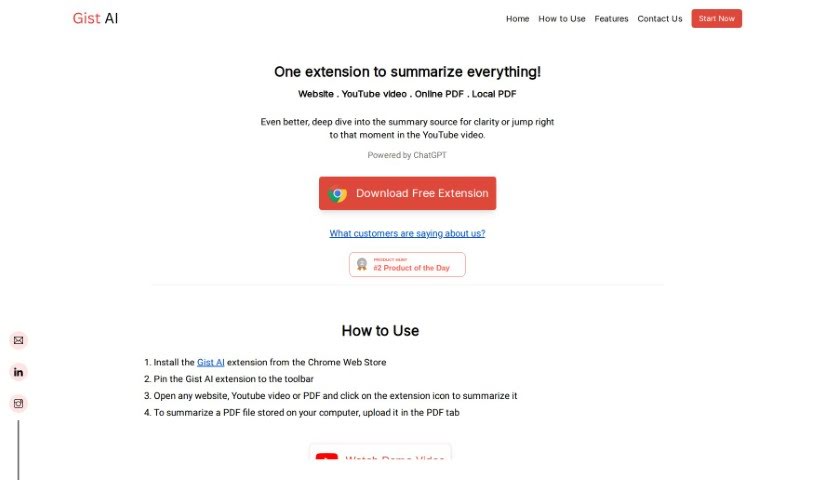
Screenshot of Gist Ai

Gist Ai

Freemium

Gist AI is a free Chrome extension that uses ChatGPT to extract the main ideas from websites, YouTube videos, and PDFs. It pulls key points from articles, videos, and documents, speeding up how quickly you can understand long texts — especially PDFs. Because summaries are generated by ChatGPT, they are original, so plagiarism isn't a concern. Still, it's worth checking the original content yourself for full context.

Education View Tool →
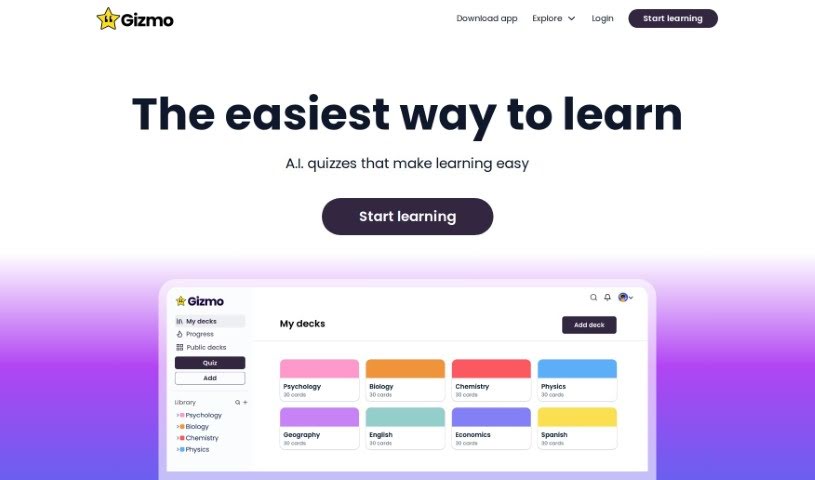
Screenshot of Gizmo

Gizmo

Freemium

Gizmo is an AI learning tool built to help you retain what you study. It uses spaced repetition and active recall, prompting you to retrieve information at optimal intervals to strengthen memory.

Education View Tool →
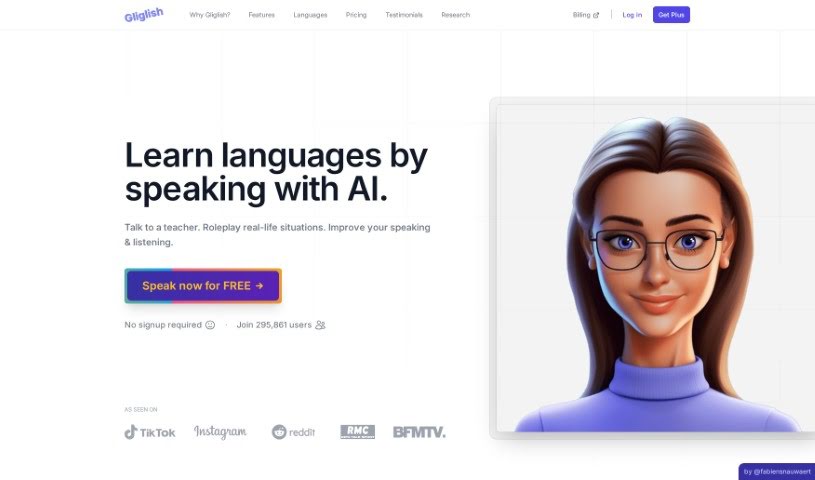
Screenshot of Gliglish

Gliglish

Freemium

Gliglish is a web app created by Fabien Snauwaert and run by Click & Speak Pte. Ltd., a company based in Singapore. It acts as a personal AI language teacher, helping you learn languages through interactive conversations. The app is powered by ChatGPT and lets you practice real-life chats at your own pace, with instant grammar feedback, the ability to ask questions in the language you're learning or your native tongue, built-in translations, and role-playing scenarios.

Education View Tool →
Screenshot of Glosa

Glosa

Freemium

Glosa is an AI-powered language learning app that creates personalized, adaptive courses. Lessons adjust to your learning style and pace, with instant feedback during practice. An object recognition feature builds vocabulary by letting you point your camera at objects to learn their names and translations. You can learn multiple languages at once — such as Chinese, Spanish, and French — and track progress in each one.

Education View Tool →
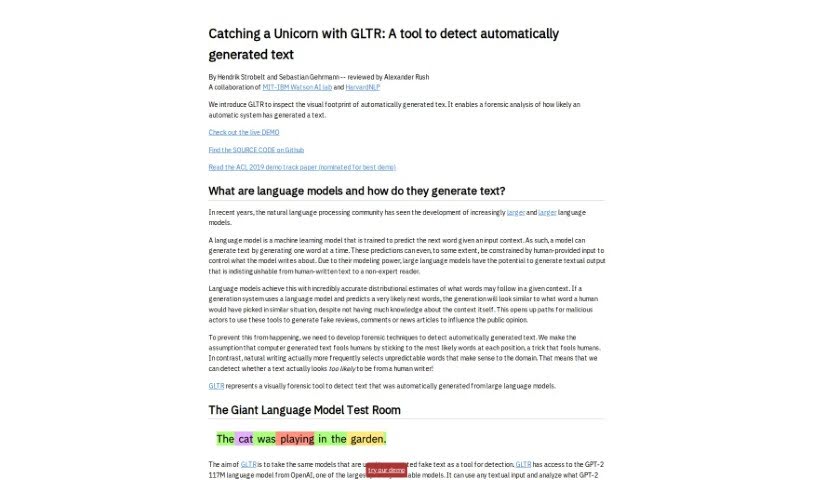
Screenshot of GLTR

GLTR

Freemium

GLTR, or "Catching Unicorns With GLTR," is a tool developed by the MIT-IBM Watson AI Lab and HarvardNLP. Its purpose is to spot text generated automatically, specifically by OpenAI's GPT-2 language model. It works like a highlighter for AI-written words, showing how likely each word in a text was generated by a computer using a color-coded system. The goal is to make it easier for non-experts to tell artificial text apart from human writing, supporting transparency and trust in the information we read.

Education View Tool →
Screenshot of Goatstack

Goatstack

Freemium

GoatStack delivers personalized newsletters covering scientific papers. Its AI agent reads more than 4,000 papers daily, selects those most relevant to your stated preferences, and condenses them into newsletters designed to be read in under three minutes. Coverage spans AI breakthroughs, new techniques, open challenges in the field, and different AI models.

Education View Tool →
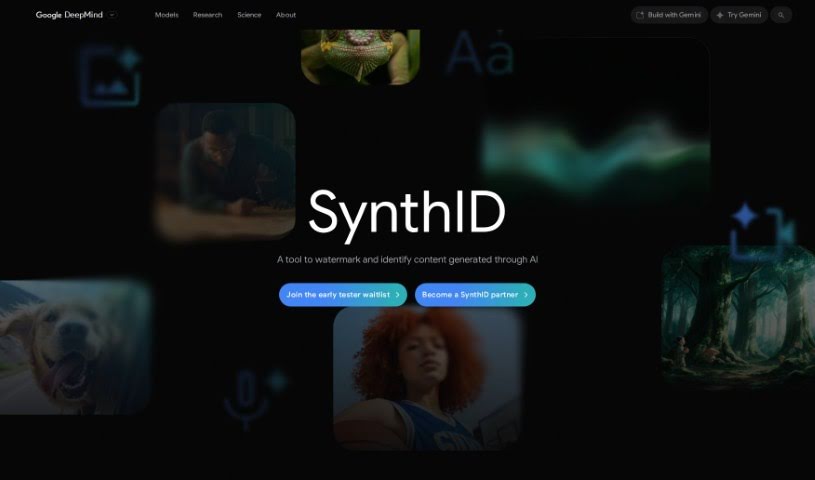
Screenshot of Google SynthID

Google SynthID

Freemium

SynthID is a toolkit for watermarking and identifying AI-generated content. It embeds digital watermarks directly into AI-generated images, audio, text, or video, and can detect whether content — or part of it — was produced using Google's AI tools. The watermarks are imperceptible to humans but detectable by scanning tools, addressing the challenge of marking AI-generated content without affecting its quality or accuracy. SynthID uses deep learning models to scan content for these watermarks, supporting authenticity verification and AI safety efforts. The technology is in beta.

Education View Tool →
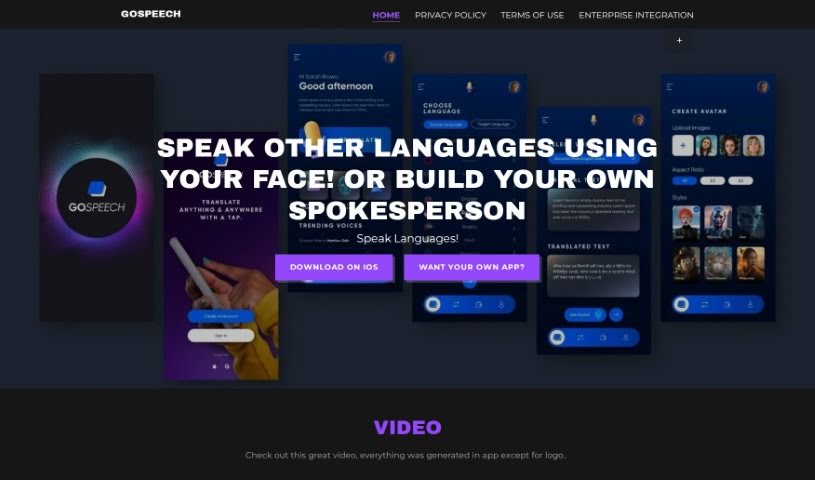
Screenshot of Gospeech

Gospeech

Freemium

GoSpeech is a language translation app that lets you communicate across languages using your own face, AI avatars, or AI spokespersons. It supports interactive conversations, making it useful for cross-cultural communication and language practice. The app uses facial recognition technology for translation, and a portion of revenue from in-app purchases goes toward helping underprivileged children get an education.

Education View Tool →
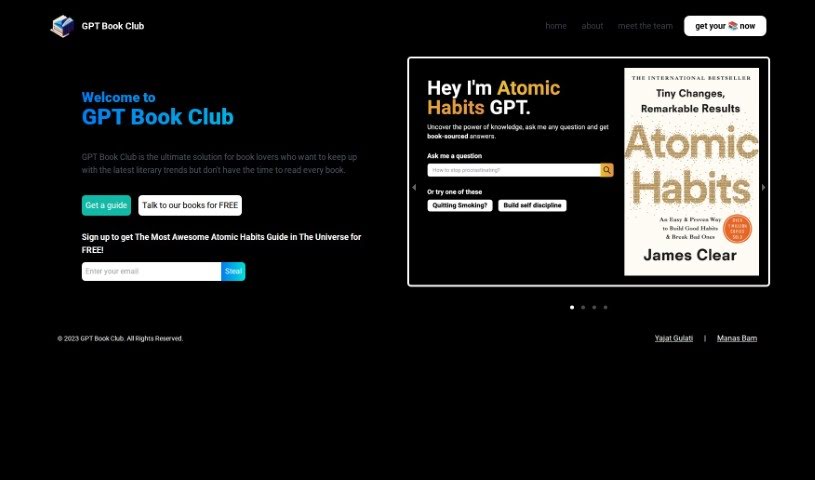
Screenshot of GPT Book Club

GPT Book Club

Freemium

GPT Book Club offers a tool called Atomic Habits GPT, built for readers who don't have time to read everything that catches their eye. It pulls key insights and main points from popular books so you can stay informed without reading them cover-to-cover.

Education View Tool →
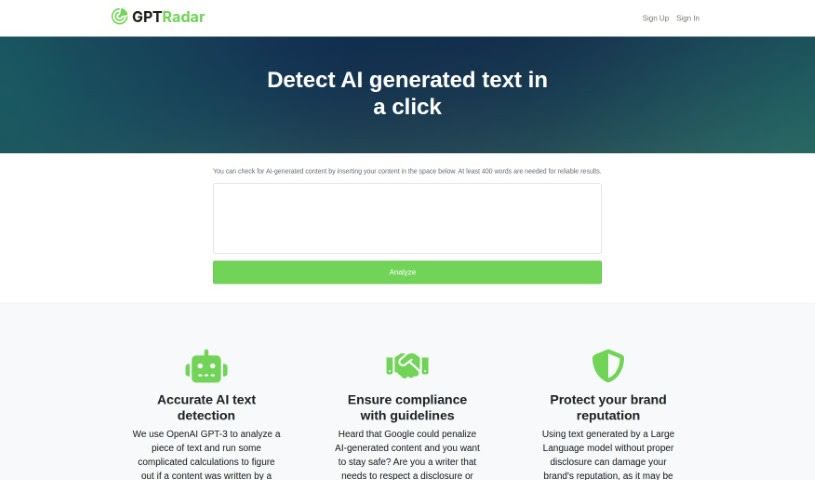
Screenshot of GPT Radar

GPT Radar

Freemium

GPT Radar uses OpenAI's GPT-3 technology to analyze text and determine whether it was written by a human or generated by a machine. It's built for spotting AI-generated content so you can comply with guidelines, protect your brand's reputation, and honor disclosure requirements or agreements around AI-written material.

Education View Tool →

About Education tools

Teaching and studying both come with heavy workloads. Teachers spend weekends building lesson plans, writing rubrics, and grading stacks of essays, leaving little energy for interactive classroom time. At the same time, students easily fall behind when they hit a difficult concept and lack access to immediate guidance. Balancing administrative demands with individual learning needs is a constant struggle.

The educational tools in this category act as supportive teaching and study assistants. They handle routine formatting, generate fresh practice materials, and adapt to different learning paces without replacing passionate educators or the genuine effort required for real learning.

Supporting Teachers and Empowering Students

Lesson planning and curriculum design get a major speed boost. Coming up with engaging classroom activities, differentiated reading materials, and custom quizzes for varied skill levels usually takes hours of prep work. Smart lesson assistants help teachers generate targeted exercises, discussion prompts, and grading rubrics in minutes—providing a solid draft you can tweak to match your specific curriculum standards.

Personalized tutoring gives students extra support whenever they get stuck on homework. When working through complex math equations or studying historical events, learners often need concepts explained in fresh ways. Intelligent study platforms act as patient tutors, breaking down difficult topics step by step, answering questions, and generating practice problems tailored to a student’s current understanding.

Grading and feedback workflows become far more manageable, too. Reviewing dozens of student essays to offer detailed commentary takes immense time. AI feedback tools scan drafts for grammar, structure, and clarity, offering quick initial notes so students can revise their work before final submission. Teachers get to spend less time marking paper and more time guiding students directly.

Key Capabilities for Classrooms & Study:

  • Automated quiz and worksheet builders: Tools that turn text passages or lesson notes into custom practice quizzes and flashcard decks instantly.
  • Adaptive learning paths: Systems that adjust exercise difficulty based on student performance to keep learning engaging and manageable.
  • Differentiated instruction tools: Features that rewrite reading material across multiple grade levels while preserving core lesson concepts.
  • Academic integrity checkers: Software that scans submitted work for potential plagiarism and uncredited sources to support honest academic work.
  • LMS platform integration: Connectors that sync directly with systems like Google Classroom or Canvas to keep assignment tracking smooth.

Great education will always depend on human mentorship, encouragement, and curiosity. Software can’t inspire a struggling student or replace the warmth of a dedicated teacher. But letting smart tools handle lesson drafts, basic grading, and study exercises gives both educators and students the breathing room needed to focus on meaningful learning.

Browse the educational tools below to improve your classroom or study routine.

The Best AI Education Tools

  1. Grammarly: Helps monitor grammar in student essays.
  2. Duolingo: Offers a personalized language learning experience.
  3. Quill Bot: Aids in paraphrasing for better understanding.
  4. 777ccc.com: Summarizes YouTube videos, pulling the key points from long content.
  5. Duplichecker: Checks student papers for originality.
  6. NotebookLM: Acts as a smart study companion for students.
  7. Turnitin: Helps verify academic integrity.
  8. Chegg: Offers homework help and study resources.
  9. GPTZero: Ensures authenticity in student submissions.
  10. Grammarly AI Plagiarism Checker: Helps maintain academic integrity in assignments.
  11. LanguageTool: Enhances student writing skills.
  12. QuillBot Paraphrasing Tool: Effectively rephrases study materials.
  13. Gauth: Provides STEM-focused live tutoring support.
  14. NoteGPT: Creates flashcards from study materials.
  15. Undetectable AI: Helps create personalized learning resources.
New tools, in your inbox.

Weekly picks of the best AI tools we've researched and added — no spam, unsubscribe anytime.

Join 25,000+ AI enthusiasts. No spam, unsubscribe anytime.