AI Design Tools

AI Tools for Design

Discover the best Design AI tools to enhance your productivity and creativity.

Page 7 of 18 • 213 total tools
Screenshot of Glyf.space

Glyf.space

Freemium

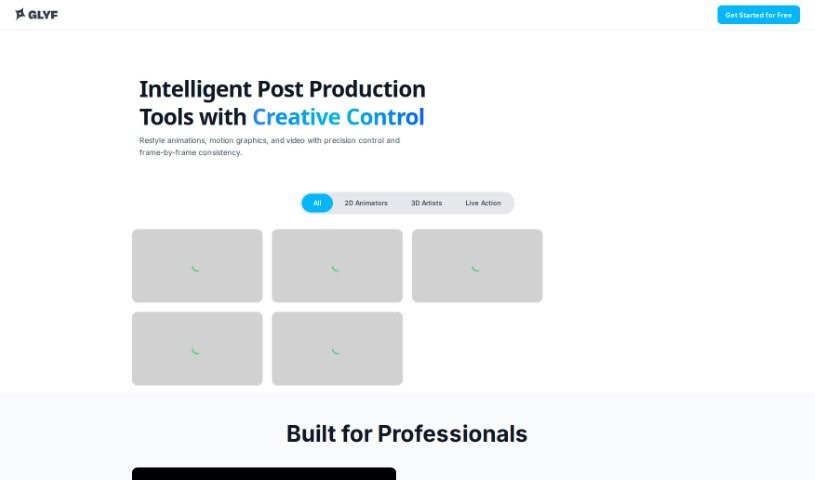
Glyf.space is an AI tool that converts SVG files into 3D design assets. It turns flat designs into 3D models while giving you control over the result: you can adjust how closely the model follows or deviates from the original SVG shape, customize the color palette, and apply artistic effects such as a 'glass' style. The tool runs in an interactive interface and includes a model strength setting and a seed feature for generating design variations.

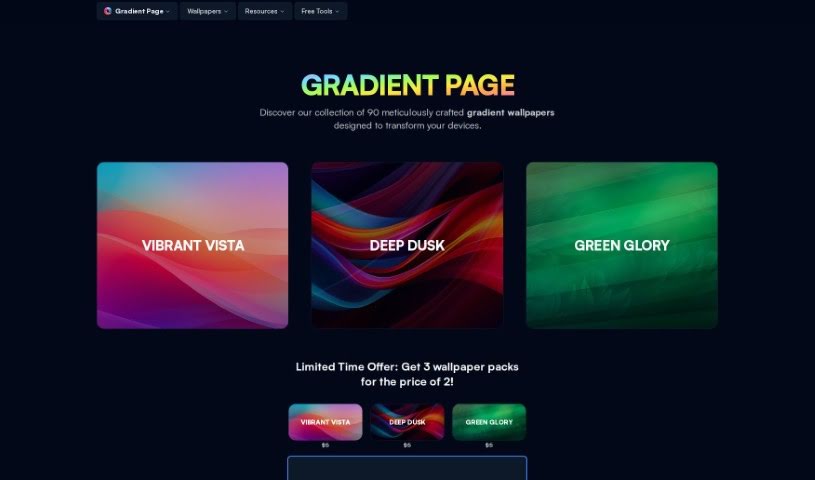
Screenshot of Gradient Page

Gradient Page

Freemium

Gradient Page is a platform offering premium gradient wallpapers designed to look good across devices and applications. Available themes include 'Vibrant Vista,' 'Deep Dusk,' and 'Green Glory,' with more on the way, such as 'Beautiful Blue' and 'Pretty in Pink.'

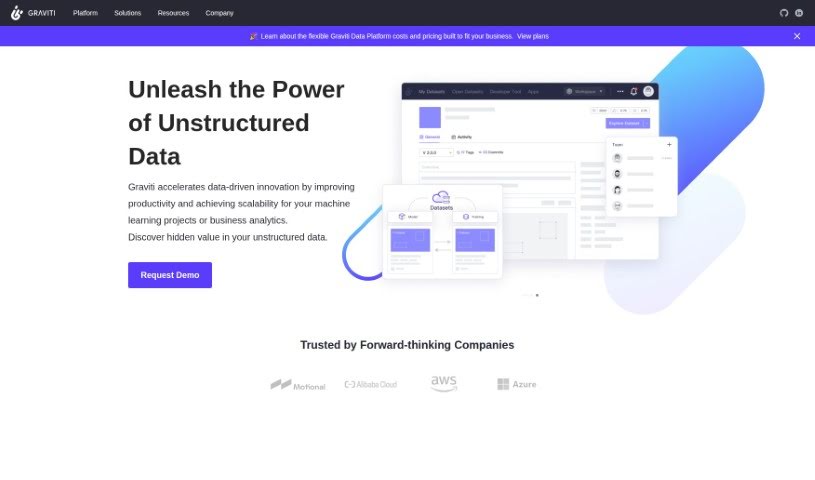
Screenshot of Graviti

Graviti

Freemium

Graviti is a platform for artists and art lovers that simplifies showcasing digital artwork. It handles the technical aspects of presenting art, so creators can focus on their creative work. The interface is user-friendly, making it simple to manage, upload, and display digital art. Graviti Diffus also includes features such as affiliate programs, tutorials, pricing guides, and API support for customization, making it suitable for both experienced digital artists and beginners.

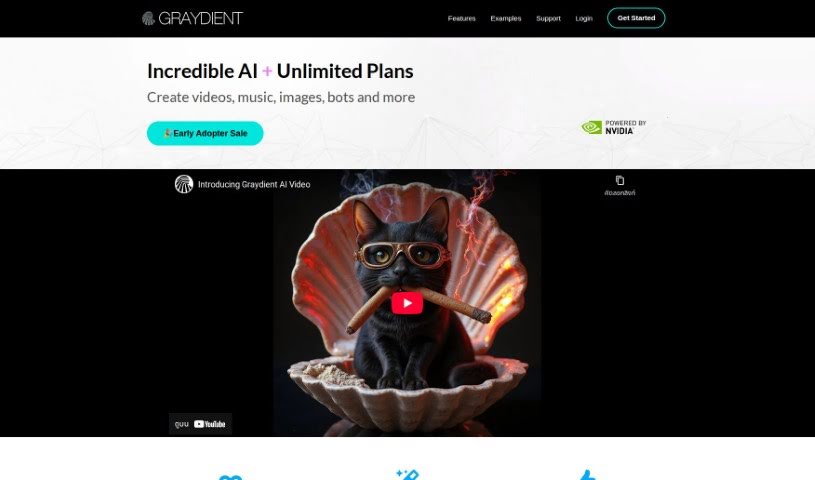
Screenshot of Graydient

Graydient

Freemium

Graydient is an AI platform built for creators, offering image generation tools that run entirely in the cloud — no powerful GPU required. You can create AI images through the web app or a chatbot interface, from any device, with work synced between your phone and PC.

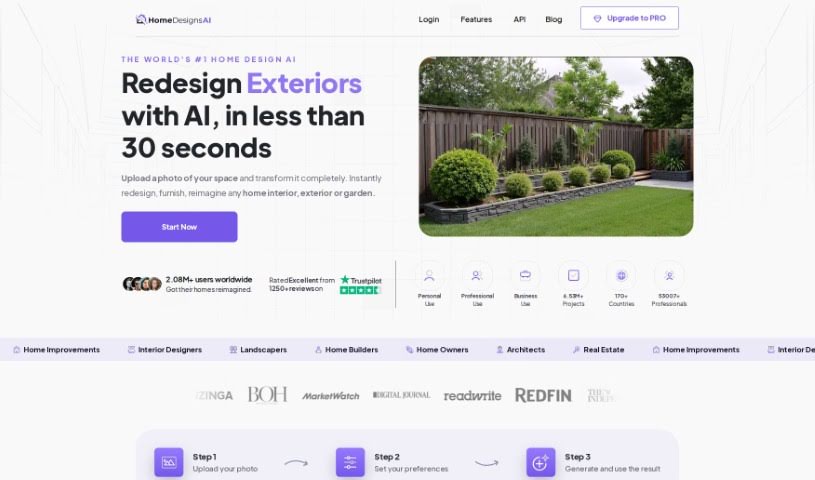
Screenshot of Homedesignsai

Homedesignsai

Freemium

HomedesignsAI is a web-based tool that uses artificial intelligence to redesign and restyle areas of your home — interiors, exteriors, gardens, and patios. It generates fresh design ideas across a wide variety of styles, modes, and room types, helping you achieve a specific look. Key features include Interior & Exterior Image Generation, High-Quality Images, and Unlimited AI Ideas, making it a flexible platform for home design projects.

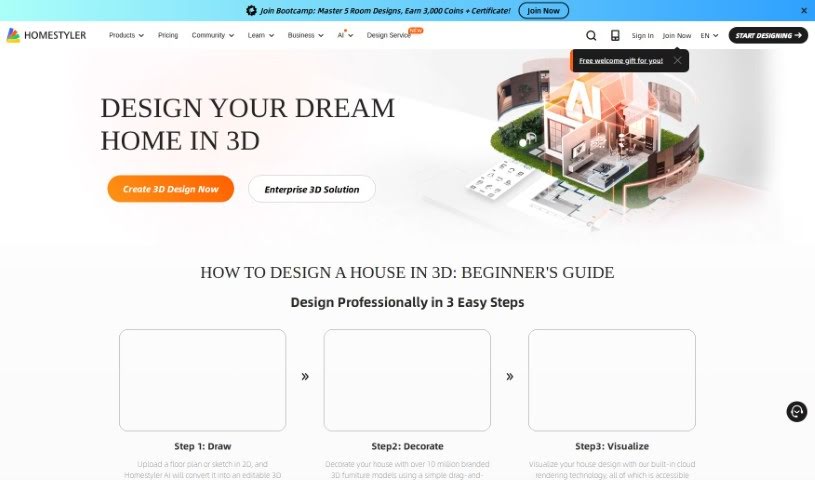
Screenshot of Homestyler

Homestyler

Freemium

Homestyler is an interior design tool for beginners and professionals. It supports floor layout planning, detailed design of spaces like kitchens and bathrooms, and includes an AI feature that generates interior designs based on your preferences and chosen styles. Collaboration tools and mobile access are included.

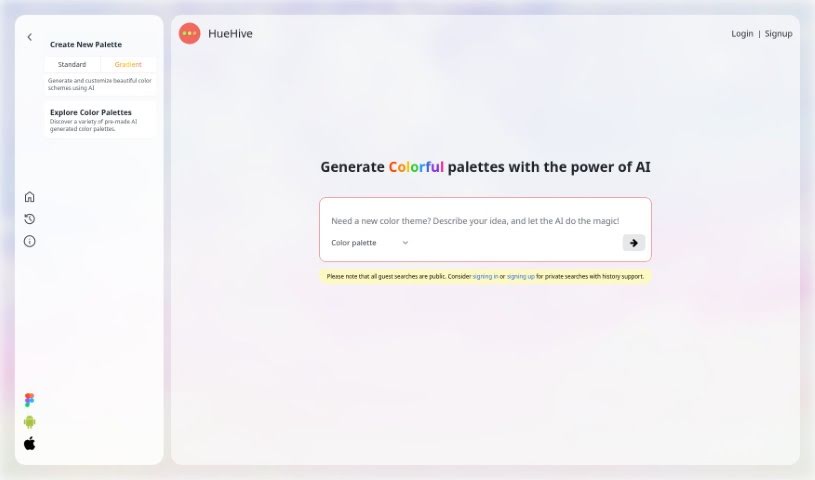
Screenshot of HueHive

HueHive

Freemium

HueHive is an AI tool for creating color palettes. It generates color combinations for design projects and includes a Figma plugin, so you can use its palettes directly inside Figma without leaving your design workflow.

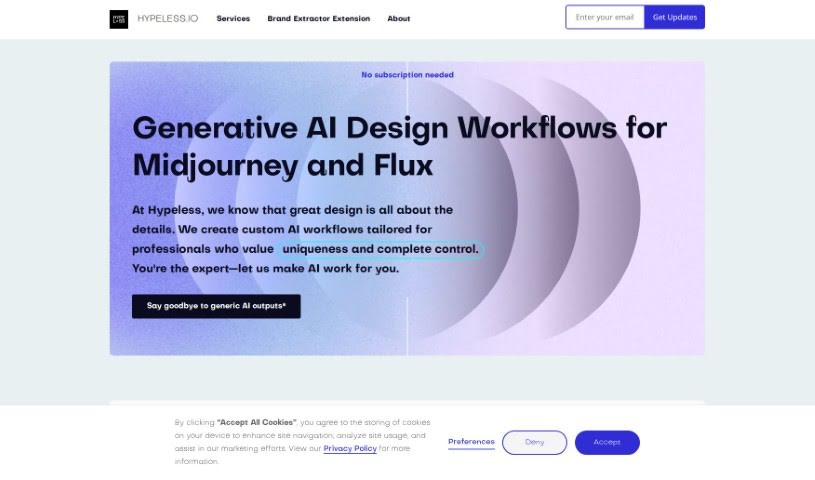
Screenshot of Hypeless

Hypeless

Freemium

Hypeless is a platform offering fixed-price AI services for design and development. Its services include AI-generated branding and mockups, converting Figma designs into websites, building design systems, and providing ready-to-use UI kits. It serves businesses, brands, and apps across industries such as marketing, e-commerce, healthcare, and education.

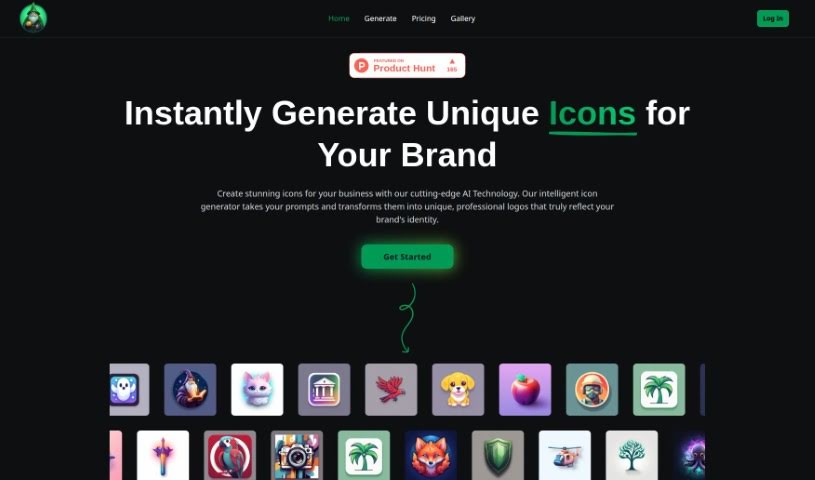
Screenshot of Icon Wizard AI

Icon Wizard AI

Freemium

IconWizardAI.com is an AI icon generator that creates unique, professional-looking icons from text prompts. You enter a prompt, pick your colors and styles, and specify how many icons you need through a user-friendly interface. All creations are saved in the cloud, so you can access them anytime.

Screenshot of Iconai

Iconai

Freemium

IconAI is a tool for creating custom icons without design skills. Describe the icon you want in a few words, choose a style, and the AI generates it. Available styles include Pixel, Polygon, Clay, Metal, Minecraft, Illustration, Hand Drawing, Cartoonize, Neon, Line, Origami, Isometric, Sticker, and Flat. For sharper output, you can upgrade to 1024x1024 resolution.

Screenshot of Icongen

Icongen

Freemium

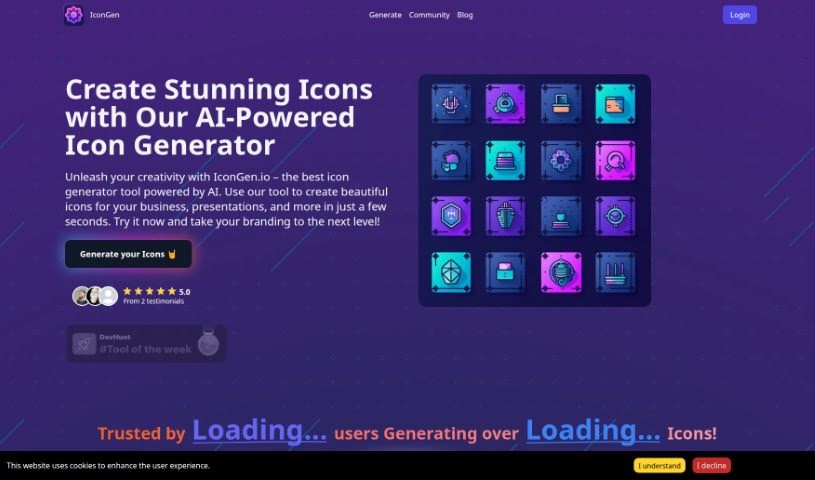
Icongen.io is an AI-powered tool that generates icons for business branding, presentations, and other projects. Its icon-driven interface walks you through creating, selecting, and downloading icons, with fast generation, customization options, multiple style choices, and transparent credit-based pricing.

Screenshot of Icongeniusai

Icongeniusai

Freemium

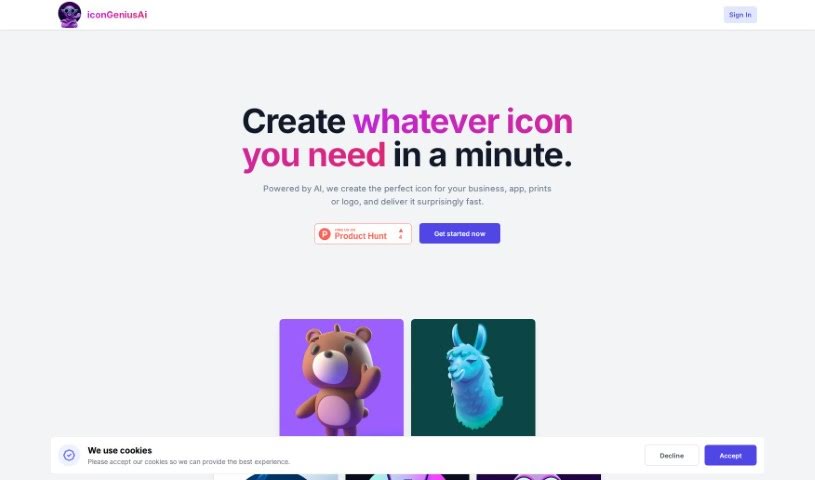
IcongeniusAI creates custom icons quickly. You specify the main color, style, and a short description of the icon you need, and the tool generates a unique icon in less than a minute. Features include instant delivery, full customization, the ability to create and save multiple icon collections, and high-resolution output (1024x1024 pixels). Pricing uses a pay-as-you-go credit system with no monthly subscriptions, making it a cost-effective alternative to hiring a designer.

About Design tools

Starting a design project from scratch takes time. Staring at a blank artboard, creating layout options, adjusting pixel spacing, and reformatting graphics across a dozen screen sizes can consume hours of tedious setup. It’s easy to spend more time preparing files than actually designing.

Rather than replacing human taste or visual judgment, the tools in this category handle repetitive technical labor, speed up wireframing, and prepare production files so you can focus on overall creative strategy.

Accelerating Layout Prototyping and Asset Cleanup

Generating initial layout ideas used to require hours of manual sketching. Modern design platforms build wireframes and visual concepts straight from text prompts or rough hand-drawn notes. You can evaluate different grid structures, visual directions, and typography pairings in seconds before committing to a final polished layout.

Asset editing and photo touch-ups become far simpler, too. Tasks like erasing backgrounds, extending canvas boundaries, or upscaling low-res images traditionally required tedious layer masking and cloning. Smart editing tools handle those fixes automatically, letting you touch up photos and prepare visual assets in seconds.

Maintaining consistency across large design systems is another huge benefit. Keeping visual elements aligned across social banners, web pages, and marketing decks often leads to minor formatting errors. AI design tools analyze your brand guidelines, apply matching color palettes automatically, and format typography across multiple aspect ratios to keep your project look unified.

Capabilities to Consider

  • Generative layout prototyping: Tools that create wireframe ideas and layout concepts from text prompts or rough sketches.
  • Automated asset cleanup: Features that remove backgrounds, expand canvas margins, and upscale image resolution cleanly.
  • Editable vector output: Software that generates clean, scalable SVG paths rather than static raster files.
  • Design system alignment: Applications that apply custom brand colors, fonts, and spacing rules across whole asset packages.
  • Editor plugin support: Integrations that link directly into existing tools like Figma, Adobe Creative Cloud, or Canva.

Great design will always depend on visual hierarchy, human taste, and clear communication. Software can clean up backgrounds and align pixels, but understanding how real people interact with your work requires a creative eye.

Check out the design assistants below to upgrade your workspace.

The Best AI Design Generators

  1. Canva: for easily creating social media graphics.
  2. Ideogram: for custom logo creation for brands.
  3. Renderforest: for custom logo design for startups.
  4. BeFunky: for effortlessly creating custom graphics.
  5. Icons8: for generating unique design templates.
  6. Microsoft Designer: for quickly generating unique social media graphics.
  7. Imagine AI Art Generator: for designing prototypes for branding.
  8. Meshy: for rapid 3D design creation from prompts.
  9. Kittl: for creating custom logos in seconds.
  10. Shakker AI: for dynamic logo creation for brands.
  11. Stylar: for instantly generating unique art styles.
  12. Tripo AI: for creating custom product prototypes.
  13. Homestyler: for creating custom room layouts and styles.
  14. Phot Ai: for dynamic vector art creation from prompts.
  15. Designs AI: for instant graphic design for social media.
New tools, in your inbox.

Weekly picks of the best AI tools we've researched and added — no spam, unsubscribe anytime.

Join 25,000+ AI enthusiasts. No spam, unsubscribe anytime.