AI Tools for Creative

Discover the best Creative AI tools to enhance your productivity and creativity.

Page 89 of 114 • 1360 total tools

Creativity today is changing fast, and AI is becoming a super helpful partner. Whether it’s creating amazing visuals or writing music, AI creative tools are making the art process more accessible and exciting. But with so many options out there, finding the right one for your creative needs can feel a bit overwhelming.

Things have really changed in just a few years. AI tools aren’t just for special uses anymore; they’re smoothly fitting into our everyday creative work. These new technologies can make your projects better, save you time, and even lead you to explore artistic ideas you hadn’t considered before.

I’ve spent a good amount of time exploring the world of AI creative tools, looking into everything from graphic design apps to music software. Since I love seeing how technology and creativity come together, I wanted to share what I found about the best tools available right now.

So, whether you want to make eye-catching visuals or come up with fresh concepts, there’s a tool out there just for you. Let’s dive into the best AI creative tools that can take your artistic projects to the next level and change how you create.

The best AI Creative Tools

  1. Canva for designing social media posts
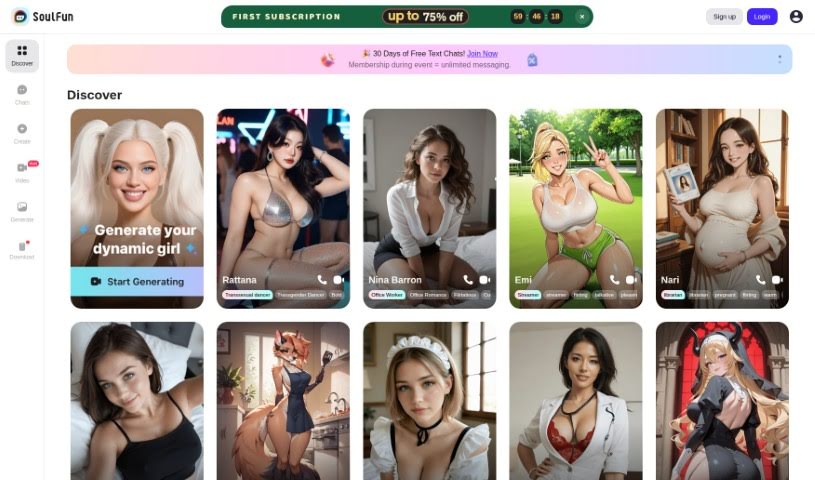
  2. Character AI for brainstorming story ideas and concepts.
  3. Janitor AI for quickly crafting unique story ideas.
  4. Remove.bg for instantly removing backgrounds from design projects
  5. Leonardo AI for generating dynamic artwork for designers
  6. Photopea for designing stunning graphics and illustrations.
  7. Photoroom for improving photos for creative projects
  8. Pixelcut for designing eye-catching product ads
  9. Pixlr for designing great graphics with ease
  10. Midjourney for visual storytelling through art prompts.
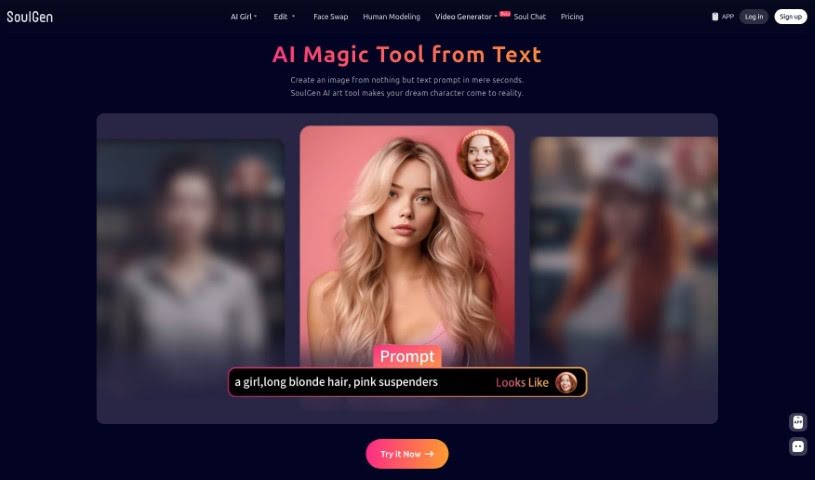
  11. AI Face Swap for creating unique memes for social media.
  12. Cutout.pro for creating dynamic backgrounds for art
  13. Remaker for AI-powered image creation for unique designs.
  14. Ideogram for logo design and customization.
  15. Openart for experimenting with unique artistic styles
How do AI creative tools work?

AI creative tools work by using advanced algorithms that learn from all sorts of data. They look at patterns in creative works—like art, music, or writing—which helps them copy styles and create new, original pieces. It’s a bit like how human artists get inspired by different things they see or hear.

At their core, these tools often use neural networks. These are specially built to understand and interpret human creativity. The networks are trained on huge amounts of data, including works from many different styles and formats, so they can learn and adapt to various approaches.

When you give a prompt—like a topic for a story, a theme for a painting, or a music genre—these AI tools use the patterns they’ve learned to generate fitting responses. They essentially guess which elements should go together to make content that feels cohesive and engaging.

What’s really interesting is that AI creative tools don’t just repeat what they’ve learned; they can actually be innovative. By blending styles or drawing from less common influences, they can produce work that surprises and inspires, offering a fresh take even on familiar subjects.

As technology keeps advancing, these creative tools are getting more capable. This means we can have richer interactions, with users and AI working together more smoothly. Often, this leads to amazing artistic creations that combine human ideas with computer power.

If you’re curious about the technical side of these tools, looking into neural networks and creative AI applications can offer more insight into how they bring artistic ideas to life.

Our best AI creative tools at a glance

RankNameBest forPlans and PricingRating
1CanvaSocial media post designN/A4.73 (11 reviews)
2Character AIGBrainstorming story ideas and concepts.N/A4.64 (11 reviews)
3JanitorAICrafting unique story ideas quickly.N/A0.00 (11 reviews)
4Remove.bgInstant background removal for design projectsPaid plans start at $0.2/image.4.82 (11 reviews)
5Leonardo AIDynamic artwork generation for designersPaid plans start at $9/month.4.73 (11 reviews)
6PhotopeaDesign stunning graphics and illustrations.N/A4.67 (12 reviews)
7PhotoroomEnhancing creative project photosPaid plans start at $7.50/month.4.74 (38 reviews)
8PixelcutDesigning eye-catching product adsN/A4.64 (11 reviews)
9PixlrDesigning stunning graphics effortlesslyPaid plans start at $0.99/month.4.73 (11 reviews)
10MidjourneyVisual storytelling through art prompts.N/A4.73 (11 reviews)
11AI Face SwapCrafting unique memes for social media.N/A4.70 (10 reviews)
12Cutout.proDynamic background creation for artistryN/A4.46 (13 reviews)
13RemakerAI-powered image creation for unique designs.N/A4.69 (13 reviews)
14IdeogramLogo design and customization.N/A4.85 (26 reviews)
15OpenartExperiment with unique artistic stylesPaid plans start at $84/year.4.25 (8 reviews)
Screenshot of Revivoto

Revivoto

Freemium

Revivoto is a specialized photo editing tool built specifically for real estate professionals. Its main goal is to help you make your property photos really pop, which can attract more potential buyers. It is your go-to service for making properties look their absolute best. Revivoto offers a range of services, including virtual staging (adding furniture to empty rooms), removing unwanted items from photos, general image enhancement, and even redrawing floor plans. They started in Vancouver, BC, back in 2021 with a mission to really shake things up in the real estate industry by using the latest technology for top-notch photo editing. What's great is they promise to get your edited photos back to you within 24 hours, and you get unlimited free revisions, all at what they claim are the lowest prices around.

Screenshot of Rexipie

Rexipie

Freemium

Rexipie is a fantastic platform built for anyone who loves food or enjoys cooking. It's designed to spark your culinary creativity by offering a huge variety of delicious recipes from all over the globe. You can find recipes for different cuisines, options that fit various dietary needs (like vegetarian or gluten-free), and instructions that are super easy to follow, no matter your cooking skill level. Plus, the recipes are presented in a really appealing visual way. It also has a great community aspect where you can share your own recipes and cooking tips with other food lovers. Basically, Rexipie wants to help you turn everyday meals into something special, making the process of creating tasty dishes fun for both seasoned chefs and kitchen newcomers.

Screenshot of Risuai

Risuai

Freemium

RisuAI is an AI platform built for everyone, whether you're just starting out with AI or you're a seasoned pro. It's designed to be super easy to use, but it also packs in some really advanced features. Think emotion images, custom prompt templates, and support for multiple APIs – it's got a lot going on. Plus, you can use it on pretty much any device, and since it's open source, you can even jump in and contribute on GitHub if you're feeling inspired.

Screenshot of Roast My Desk

Roast My Desk

Freemium

Roast My Desk is a fun AI tool where you can upload a photo of your desk. In return, you'll get a humorous roast, custom-made just for your workspace. Since all the roasts are public, it's a good idea to be careful about what you upload – avoid sharing anything sensitive.

Screenshot of Roast My Room

Roast My Room

Freemium

Roast My Room is a really neat service that offers a few different pricing plans, each packed with features to suit various needs. You can get things like a private workspace and the ability to save your designs, no annoying watermarks, and access to advanced AI models that produce fantastic design outcomes. Plus, there's accelerated rendering, furniture staging for virtual rooms, single-user licenses, unlimited renders for every room you work on, VIP support, commercial licenses, multiple user accounts, and even dedicated account managers. Essentially, it's built for professional designers, DIYers, and real estate agents who want to create absolutely stunning and realistic room designs using the power of AI.

Screenshot of Roastai

Roastai

Freemium

Roastai is a fun online tool where you can upload your images and get some light-hearted, unique roasts back from the system. It's all about engaging users and uses some pretty advanced algorithms to figure out what's in your pictures and how to playfully tease it. You'll find it processes images quickly, works with JavaScript, and generates roasts based on the image's content. It also has built-in functions to keep things respectful. On the flip side, it does require JavaScript to run, doesn't have an API, and is strictly for images – no team features or custom options here. It's really set up for one developer to manage, and you might want to think about privacy since it handles your uploaded images.

Screenshot of roboMUA

roboMUA

Freemium

RoboMUA is a really neat tool for anyone in the makeup and beauty world, whether you're a pro or just love playing with makeup. It's designed to make applying makeup simpler and better. It is a smart assistant powered by advanced AI. With roboMUA, you can create professional-looking makeup styles super easily, often with just a few clicks. It's built to be user-friendly, so makeup artists of all skill levels can jump right in. Plus, it gives you personalized suggestions based on your unique features and what you like. It’s a huge time-saver, letting you generate looks quickly, and the AI applies makeup virtually with impressive accuracy. It’s also fantastic for trying out new styles and getting creative without any commitment.

Screenshot of Roleplex

Roleplex

Freemium

Roleplex is a really neat AI tool built for role-playing and just interacting with characters. It lets you dive into some pretty immersive experiences by chatting with unique AI personalities. You can have long conversations with specialized AI characters, like the yaemiko AI robot, about all sorts of things – whether it's diving deep into game worlds or just chatting about everyday life. Roleplex supports both typing and talking, so you can really customize how you interact and role-play. Plus, the AI characters offer educational content, and users have said they love the fresh perspectives, how the AI can influence emotions positively, and just how entertaining it all is. You can even create your own AI pals, hang out with AI versions of popular game characters, and go on adventures right there on the platform.

Screenshot of Room AI

Room AI

Freemium

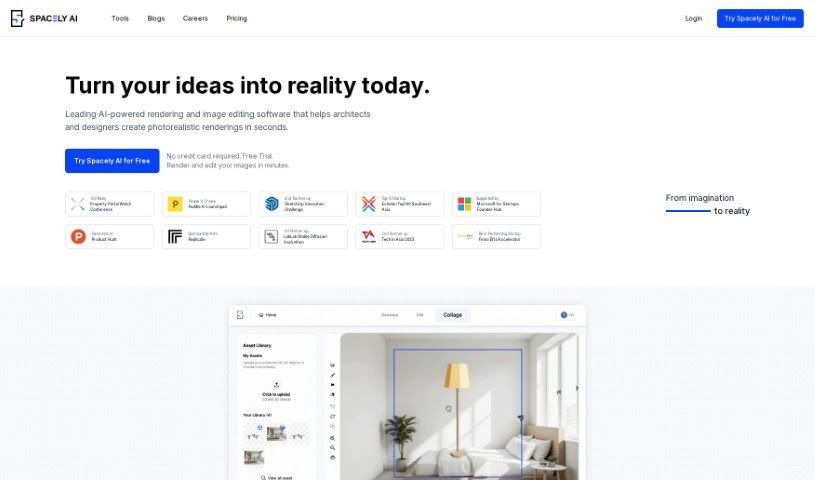
Room AI is an interior design software that uses artificial intelligence, created by Marc Köhlbrugge with input from industry pros. It lets you give existing rooms a makeover or create entirely new room designs from scratch. You can pick from over 40 different design styles to customize your space. Want to see how wood, fabrics, glass, or metals look? You can experiment with them, plus choose from color palettes like Soft Neutrals, Coastal Calm, and Nordic Lights.

Screenshot of RoomDeco AI

RoomDeco AI

Freemium

RoomDeco is a really versatile tool that homeowners, real estate agents, interior designers, and contractors all use to create unique interior spaces. It's packed with features like theme and style customization, advanced settings for getting things just right, different generation modes to play with, and even the ability to add watermarks. For real estate agents, contractors, and interior designers, RoomDeco can seriously speed things up by turning sketches into photorealistic renders in just seconds. This makes decision-making so much easier. It handles a wide variety of interior styles and themes, offering flexibility whether you're just starting out or you're a seasoned pro. Plus, professionals can take advantage of RoomDeco's quality adjustment options, its overall efficiency, and a handy Chrome browser extension. While it's not perfect – you might need to make some manual adjustments, and there isn't a mobile app yet – RoomDeco is definitely a valuable tool if you want to visualize renovation ideas or generate interior concepts quickly.

Screenshot of Roomgenius

Roomgenius

Freemium

RoomGenius is your personal AI interior designer, right in your pocket. It uses smart technology to whip up beautiful design ideas for your space, all based on what you like. You can either snap a picture of your room or use a simple sketch, and the app will quickly give you lots of different design options. Plus, it helps you find furniture that matches your new look and offers tips to make your space even better, tailored just for your room. It’s a fresh, personalized way to approach interior design, and it’s available for both iOS and Android.

Screenshot of RoomGPT

RoomGPT

Freemium

RoomGPT is a cool AI tool that helps you redesign your rooms. Basically, you give it a photo of your space, and it generates different design ideas and layouts based on what you like. It's pretty popular, with over 92,000 users worldwide already! Since it's open-source and hosted on GitHub, developers can easily access and work with it. RoomGPT uses smart AI to digitally change your room's photo, showing you new themes, wall colors, and furniture setups. This makes it super easy to see what your redesign could look like and pick the best options. People really like how it helps them visualize redesigns and make smarter choices for their home projects. You can change room layouts, swap out wall colors, and try out new furniture arrangements just by using RoomGPT. The best part? It's completely free to use! Over 2 million users have given it great feedback, praising how fast, affordable, and convenient it is compared to hiring a professional interior designer.

Stay Updated with AI Tools

Get weekly updates on the latest AI tools, trends, and insights delivered to your inbox

Join 25,000+ AI enthusiasts. No spam, unsubscribe anytime.