AI Creative Tools

AI Tools for Creative

Discover the best Creative AI tools to enhance your productivity and creativity.

Page 83 of 107 • 1276 total tools
Screenshot of Retoucher

Retoucher

Freemium

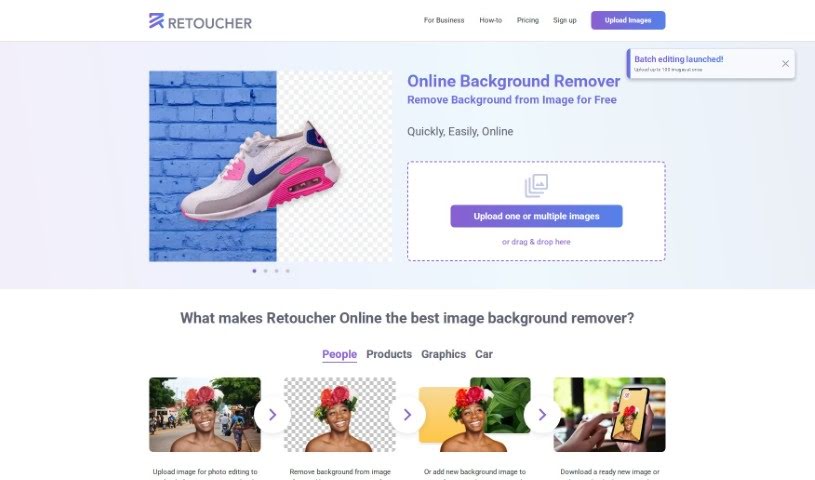
Retoucher Online is an image editing tool focused on background removal. Upload a photo and it removes the background automatically while keeping the main subject intact. You can add a new background, create profile pictures, and download the result or continue editing in the built-in editor. Images can be prepared for social platforms like Instagram, Facebook, TikTok, and YouTube, or for passport photos.

Screenshot of Retouchme

Retouchme

Freemium

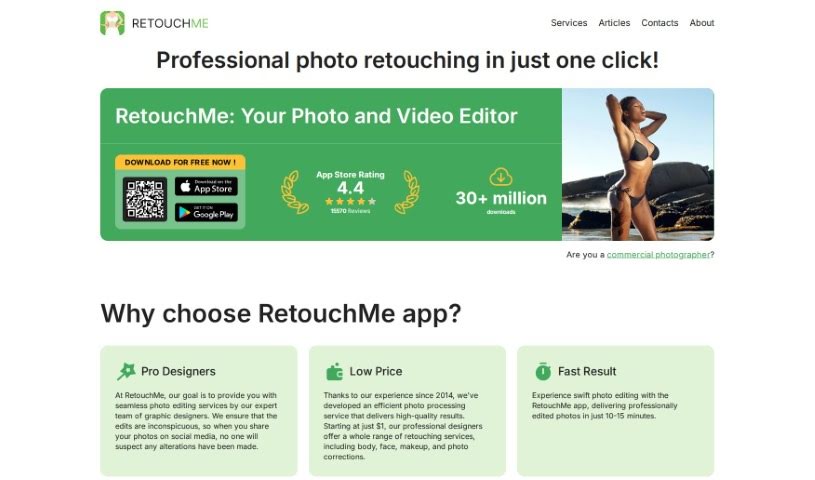
RetouchMe is a photo editing app for iOS and Android. Instead of automated filters, it routes your photos to a team of professional editors who retouch them manually, pixel by pixel, using Adobe Photoshop. The result is natural-looking edits delivered in minutes.

Screenshot of Retouchme

Retouchme

Freemium

RetouchMe is a photo editing app available for iOS and Android. Its distinguishing feature is that real, professional editors work on your photos using Adobe Photoshop, producing natural-looking results. The app offers a range of services, such as the Pimple Remover, which clears blemishes, acne, and other skin imperfections. It suits casual selfie-takers and professional photographers alike, with an interface that is easy to use and delivers quick edits.

Screenshot of Retrovision App

Retrovision App

Freemium

Retrovision App is a free mobile app for streaming classic movies and TV shows. Its library spans a variety of genres, including drama, comedy, horror, and sci-fi, so you can revisit old favorites or uncover lesser-known titles from the past. The interface is straightforward, making it a convenient option for anyone interested in retro media.

Screenshot of Revel

Revel

Freemium

Revel was a platform for collecting, trading, and minting personal media as digital trading cards — often described as a digital take on baseball cards. The service has since shut down and is no longer operational.

Screenshot of Revivoto

Revivoto

Freemium

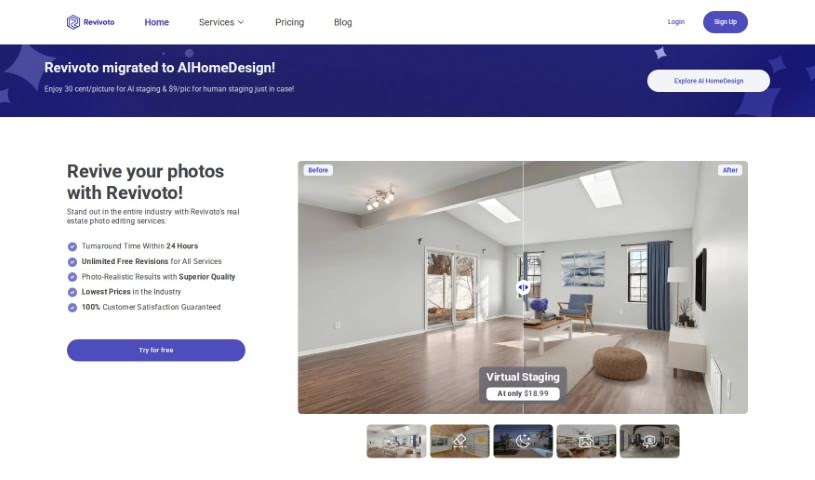
Revivoto is a photo editing service built specifically for real estate professionals. Its goal is to make property photos more appealing to potential buyers. Services include virtual staging (adding furniture to empty rooms), removing unwanted items from photos, general image enhancement, day-to-dusk editing, and redrawing floor plans.

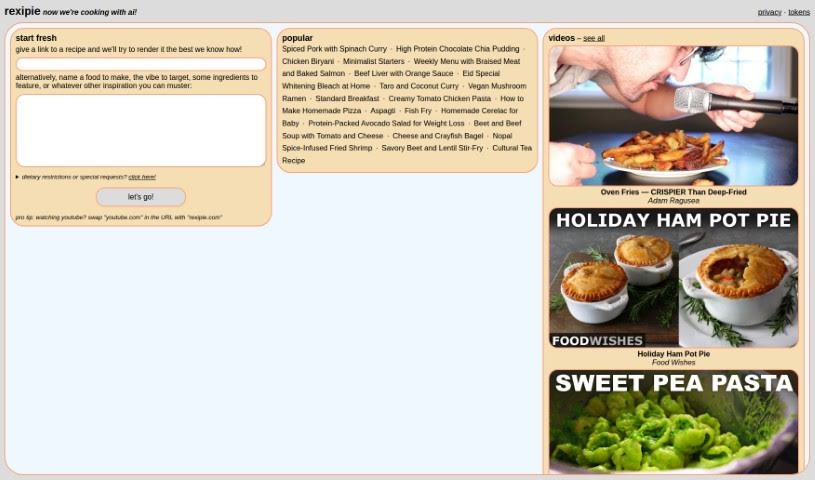
Screenshot of Rexipie

Rexipie

Freemium

Rexipie is a culinary platform for anyone who loves food or cooking. It offers a wide variety of recipes from cuisines around the world, with options for different dietary needs such as vegetarian and gluten-free. Instructions are clear and easy to follow regardless of skill level, and recipes are presented in an appealing visual format. Rexipie also has a community aspect where users can share their own recipes and cooking tips with other food lovers.

Screenshot of Risuai

Risuai

Freemium

RisuAI is an open-source AI platform designed for a wide range of users, from beginners to experienced developers. It combines an easy-to-use interface with advanced features such as emotion images, custom prompt templates, and support for multiple AI APIs. It works across devices, and because it's open source, anyone can view or contribute to the code on GitHub.

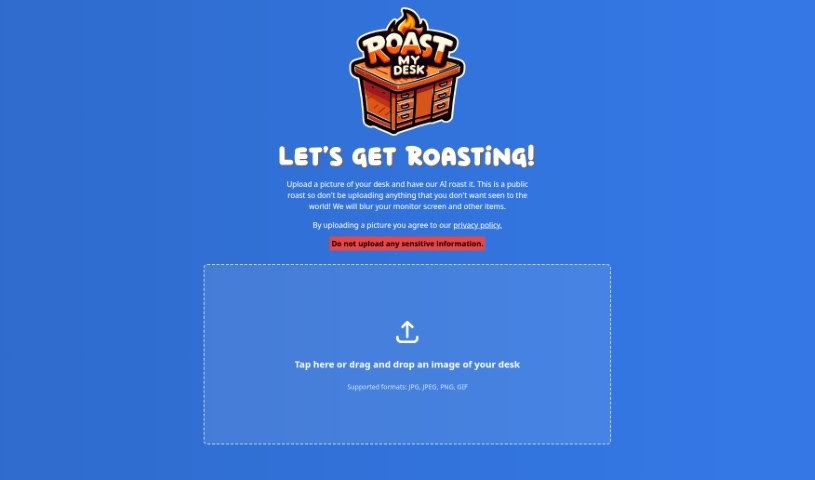
Screenshot of Roast My Desk

Roast My Desk

Freemium

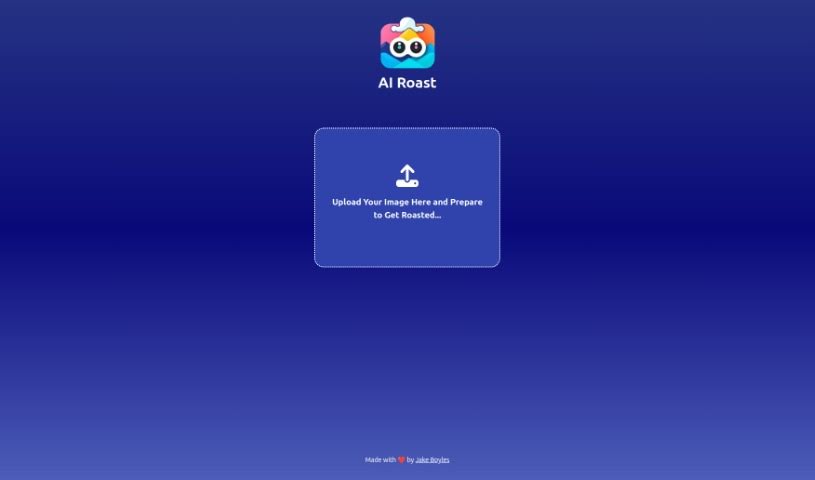
Roast My Desk is a lighthearted AI tool: upload a photo of your desk and receive a humorous, custom-made roast of your workspace. All roasts are public, so avoid uploading anything sensitive or private.

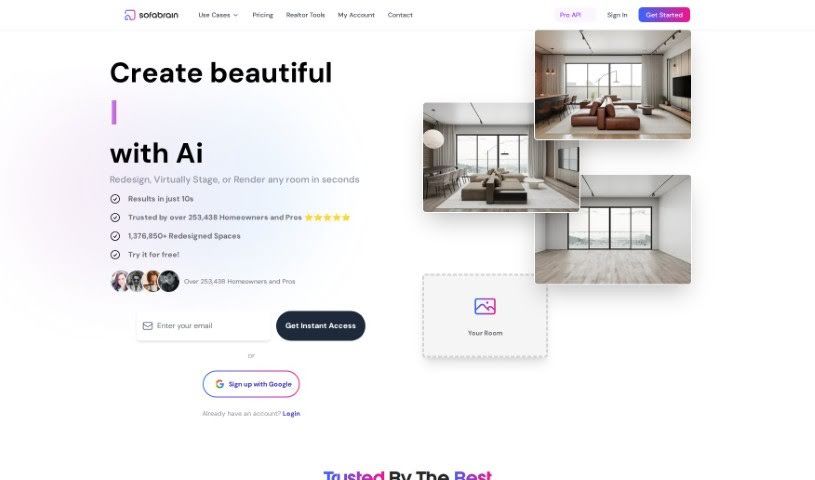
Screenshot of Roast My Room

Roast My Room

Freemium

Roast My Room is an AI interior design service from SofaBrain built for professional designers, DIYers, and real estate agents who want realistic room redesigns. Features vary by pricing tier and include:

Screenshot of Roastai

Roastai

Freemium

Roastai is a web tool that turns uploaded images into light-hearted, unique roasts. Its algorithms analyze what's in a picture and playfully tease the content, with built-in tone moderation to keep every roast respectful. You can upload an image by dragging and dropping it or selecting a file, and the tool processes it quickly.

Screenshot of roboMUA

roboMUA

Freemium

roboMUA is an AI-powered assistant for makeup application, aimed at both professional makeup artists and beauty enthusiasts. It applies makeup virtually with accuracy, letting you create professional-looking styles in a few clicks. The tool provides personalized suggestions based on your unique facial features and preferences, making it easy to experiment with new looks without applying anything physically.

About Creative tools

Bringing a creative vision to life takes stamina. Whether you’re working on visual art, video projects, sound design, or written work, the gap between a great idea and a finished piece is usually filled with hours of tedious setup. You spend time masking image layers, cutting out filler words from audio, or wrestling with software settings when you’d rather be making art.

The tools in this category handle repetitive technical tasks so you can keep your focus where it belongs: on creative direction and artistic choice.

Offloading Technical Setup to Focus on Art

Testing visual concepts gets much faster when you can prototype ideas instantly. Instead of spending hours building manual moodboards or sketching rough wireframes by hand, generative tools let you test lighting styles, color palettes, and compositions in seconds. You can explore dozens of creative paths before committing to a full production shoot or detailed illustration.

In video and audio editing, smart software handles the tedious mechanics. Automatically generating precise closed captions, reframing shots for vertical video formats, or isolating vocal tracks from ambient background noise used to take complex plugins and hours of manual editing. Modern creative tools process those heavy tasks in minutes, giving you back time to polish the story itself.

Maintaining visual consistency across large projects gets a major upgrade, too. Managing design elements, color palettes, and character references across a long series or multi-asset campaign often leads to small visual errors. Creative AI tools help enforce visual rules and match styles automatically, keeping your artwork, video sequences, or digital assets aligned from start to finish.

Key Capabilities for Creators:

  • Style and reference matching: Systems that analyze an artistic style or reference image and apply it across new graphic assets.
  • Generative canvas expansion: Tools that expand image borders, fill in background details, or remove unwanted objects cleanly.
  • Text-to-media rendering: Software that converts written prompts into high-resolution images, video clips, or sound textures for fast prototyping.
  • Non-destructive asset editing: Applications that adjust lighting, color tones, and individual layers without destroying original files.
  • Cross-format conversion: Features that automatically reformat visual assets and video projects for desktop, mobile, and print.

Technology can generate pixels and format files, but true artistic judgment, taste, and emotional expression still belong to you. Handing off routine file conversions, background cleanup, and quick concept testing simply gives you the freedom to focus on your craft.

Explore the tools below to upgrade your creative workspace.

The Best AI Creative Tools

  1. Canva: for designing social media posts
  2. Character AI: for brainstorming story ideas and concepts.
  3. Janitor AI: for quickly crafting unique story ideas.
  4. Remove.bg: for instantly removing backgrounds from design projects
  5. Leonardo AI: for generating dynamic artwork for designers
  6. Photopea: for designing stunning graphics and illustrations.
  7. Photoroom: for improving photos for creative projects
  8. Pixelcut: for designing eye-catching product ads
  9. Pixlr: for designing great graphics with ease
  10. Midjourney: for visual storytelling through art prompts.
  11. AI Face Swap: for creating unique memes for social media.
  12. Cutout.pro: for creating dynamic backgrounds for art
  13. Remaker: for AI-powered image creation for unique designs.
  14. Ideogram: for logo design and customization.
  15. Openart: for experimenting with unique artistic styles
New tools, in your inbox.

Weekly picks of the best AI tools we've researched and added — no spam, unsubscribe anytime.

Join 25,000+ AI enthusiasts. No spam, unsubscribe anytime.