AI Creative Tools

AI Tools for Creative

Discover the best Creative AI tools to enhance your productivity and creativity.

Page 7 of 107 • 1276 total tools
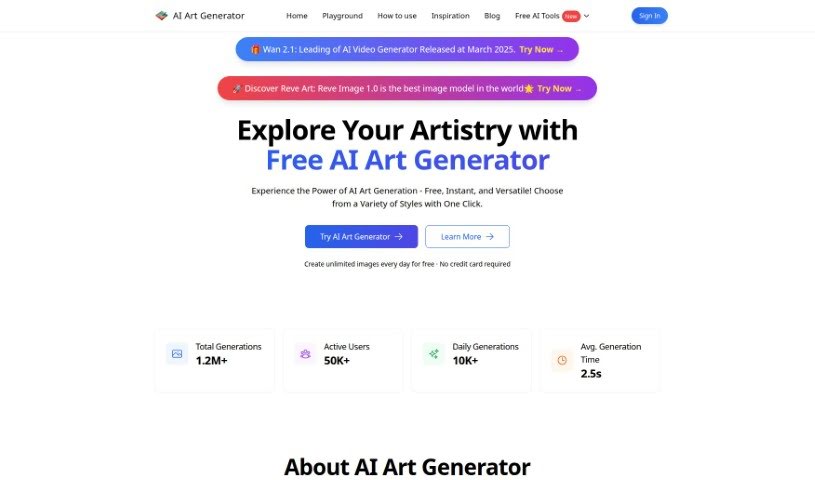
Screenshot of Aiartgenerator.net

Aiartgenerator.net

Freemium

Aiartgenerator.net is an AI art tool for artists, graphic designers, and creators. It generates visuals from a text description, letting you fine-tune colors and apply different artistic styles to achieve the desired look. The tool is free to use and runs without a powerful graphics card. Users own all artwork they create, so images can be used for personal or commercial projects, provided the creations remain legal and respectful and avoid adult or offensive content.

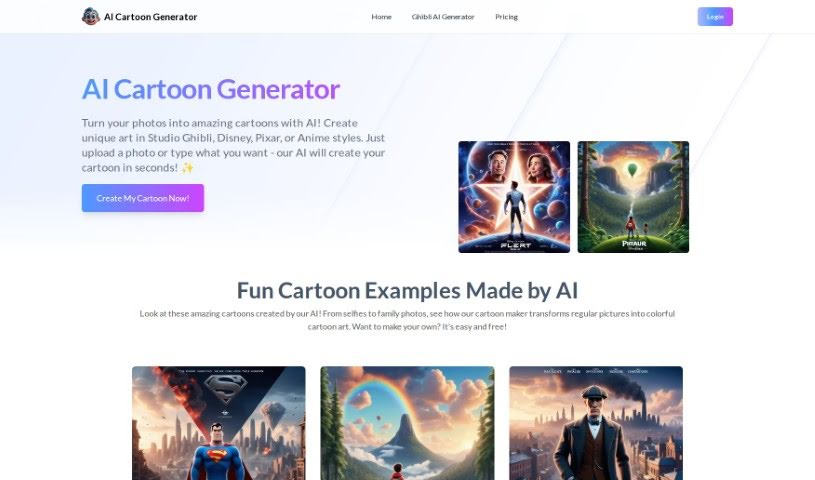
Screenshot of Aicartoongenerator

Aicartoongenerator

Freemium

Aicartoongenerator is an AI-powered tool that turns written descriptions into cartoon images. It is built on the SDXL model and designed for people without artistic or design experience. You type a prompt, adjust options such as art style and colors, and the tool generates varied, original cartoons. Supported styles include anime and modern/chic looks, and character customization is available. Images are generated quickly and can be downloaded and saved. One limitation: you cannot upload your own photos to use as a base.

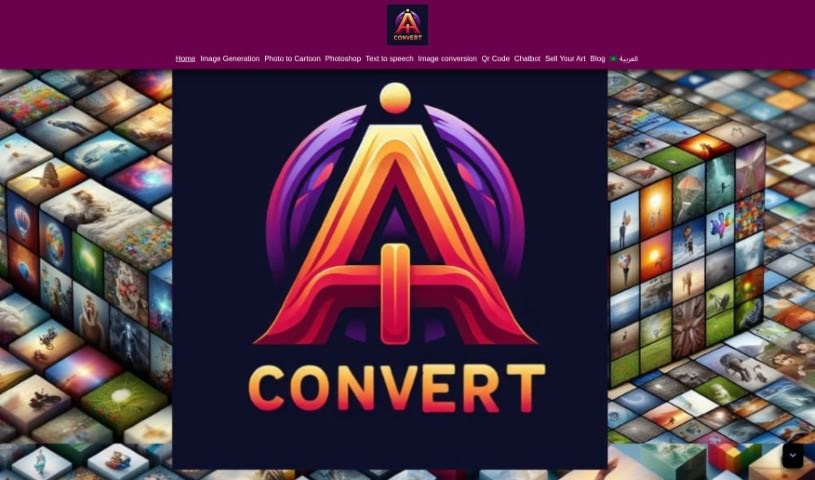
Screenshot of Aiconvert Online

Aiconvert Online

Freemium

Aiconvert Online is a free platform that bundles AI tools for image generation, photo editing, and related creative tasks. You can convert text to images, apply image styles and filters, create AI characters and realistic photos, generate line drawings and face art, and perform AI-assisted Photoshop-like edits. Images download instantly, and no account is required.

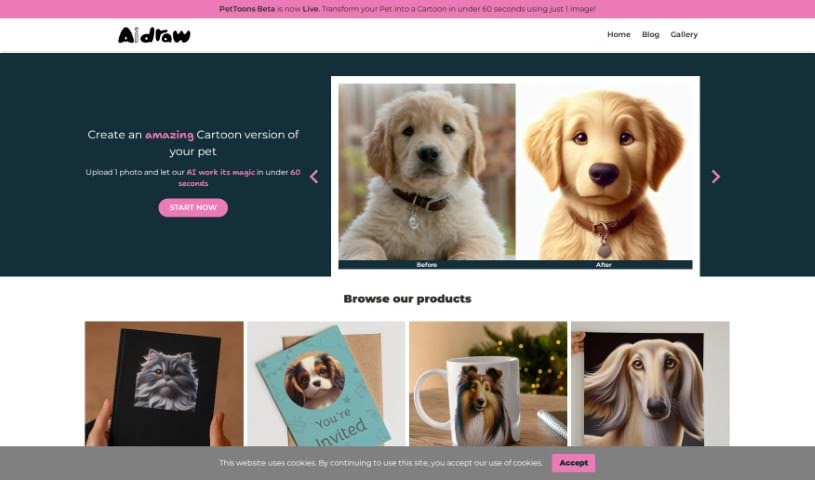
Screenshot of Aidraw

Aidraw

Freemium

Aidraw is a design tool that turns a single photo of your pet into a cartoon portrait in under a minute. You provide one picture, and the tool produces the cartoon version. Available materials do not identify the creator or company behind it.

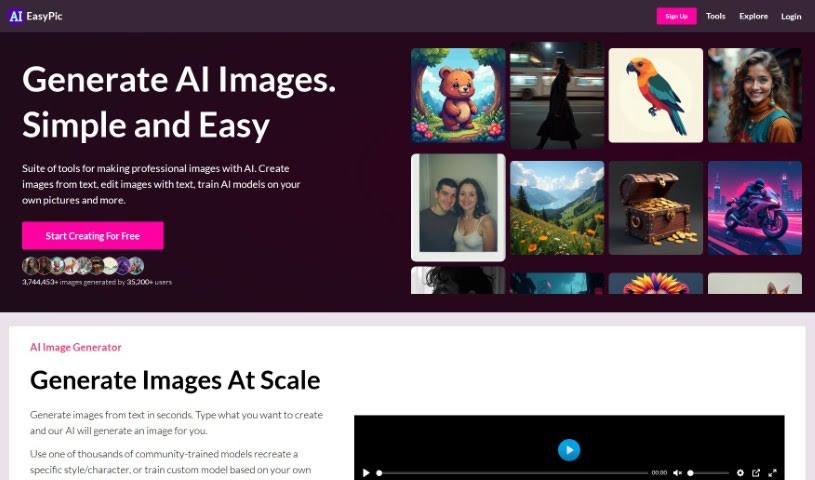
Screenshot of AIEasyPic

AIEasyPic

Freemium

AIEasyPic is a tool for AI-powered image creation and processing. You upload your own images, adjust the settings to match the result you want, and can review previous work in the "RECENT CREATIONS" section. It supports various image dimensions, offers drag-and-drop uploads, and provides an interactive way to select prompts.

Screenshot of Aier.app

Aier.app

Freemium

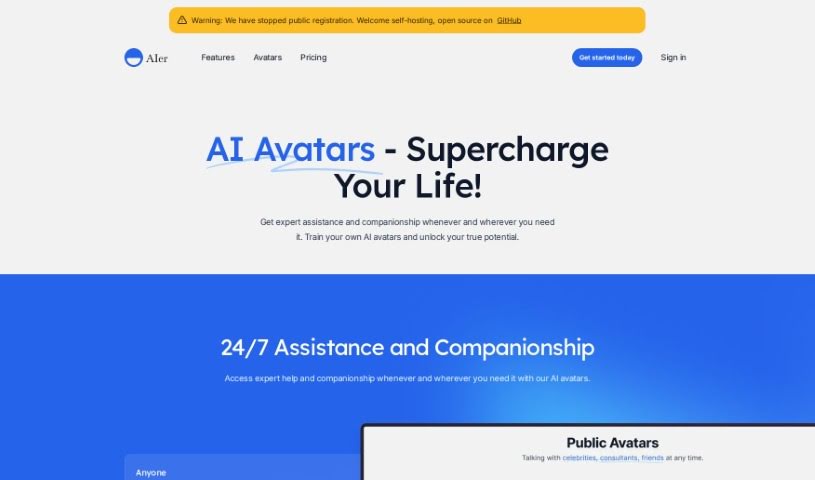
Aier.app is an avatar creation platform developed by Thaddeus Jiang, founder of the company behind the platform. The project is available on GitHub and provides avatar creation tools, multiple pricing tiers, and a set of user-facing features.

Screenshot of Aifilter.art

Aifilter.art

Freemium

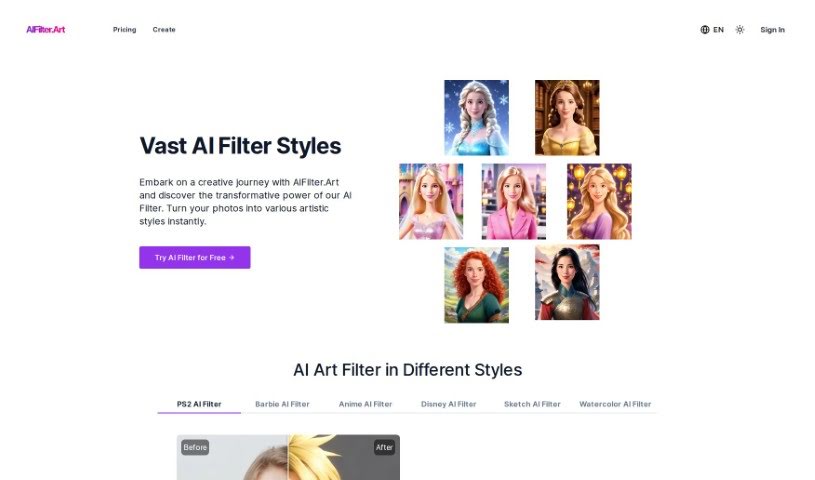
Aifilter.art is an AI platform that turns selfies into art portraits. Users upload a clear, front-facing photo, choose from more than 500 artistic filter styles, and the platform generates a portrait that can be saved and shared. Styles range from classic and elegant to bold pop art, making the results suitable for profile pictures, social media posts, and digital galleries. The service emphasizes privacy.

Screenshot of AIFreeBox AI Story Generator

AIFreeBox AI Story Generator

Freemium

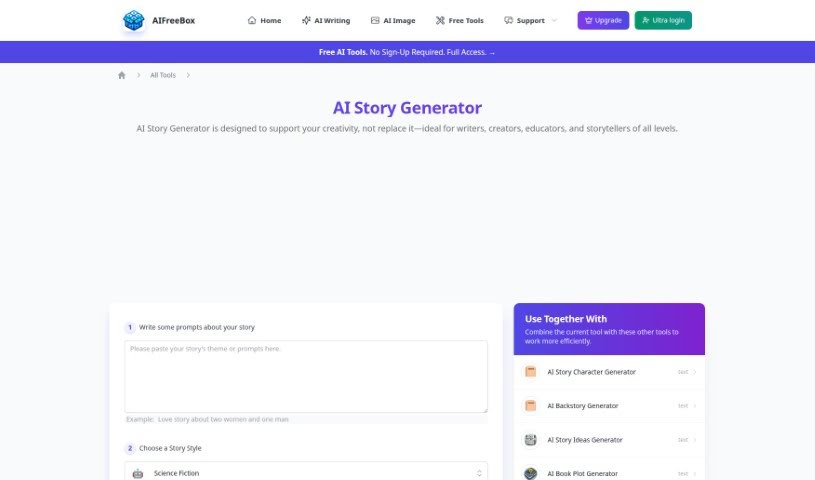
AIFreeBox AI Story Generator is an AI writing tool that generates stories and book content. It uses artificial intelligence to create unique narratives and explore different storytelling paths, whether for fun, personal creative projects, or professional writing tasks.

Screenshot of AIgentor

AIgentor

Freemium

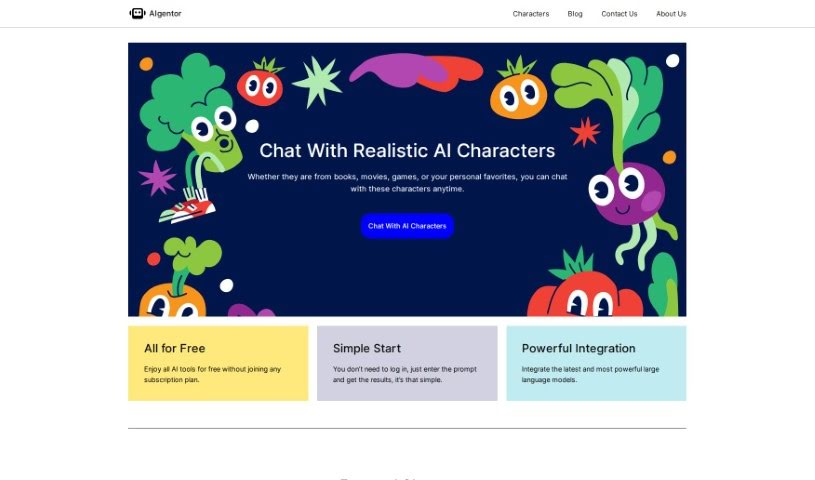
AIgentor is a platform offering a variety of free AI tools and resources. Its key feature is an AI image generator that lets you create unique visuals at no cost. The platform also provides AI characters for in-depth conversations, giving users an advanced AI interaction experience.

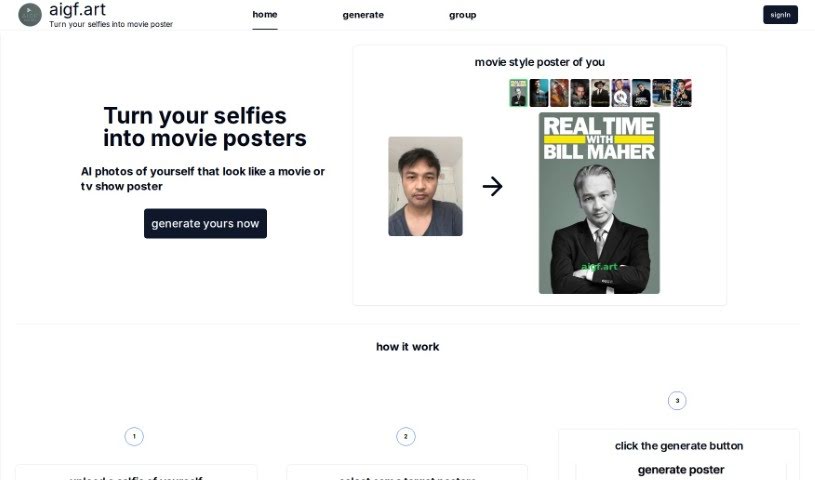
Screenshot of Aigf

Aigf

Freemium

Aigf is an AI tool that turns selfies into movie posters. Upload a selfie, choose a movie or TV show poster style, click Generate, and download the finished image. The tool uses AI to restyle uploaded photos so they resemble professionally designed movie or TV posters, aiming for realistic results that capture the movie poster look. The process takes just a few clicks and requires no technical know-how.

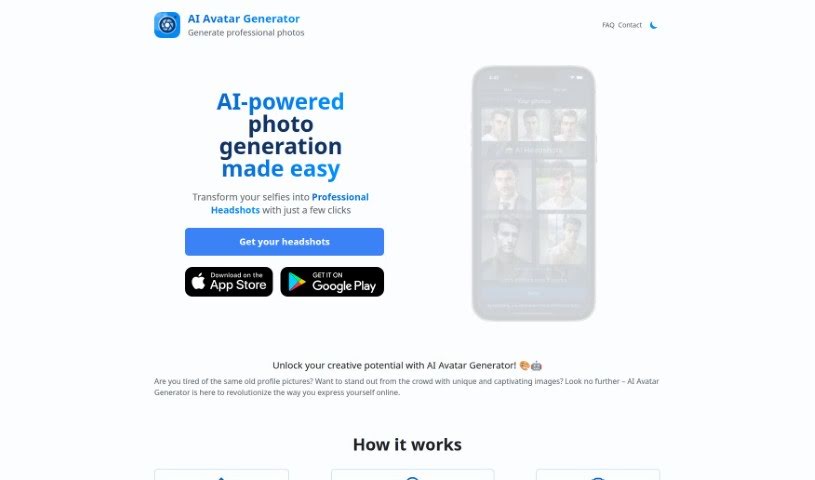
Screenshot of Aiheadshotgenerator

Aiheadshotgenerator

Freemium

AI Headshot Generator creates professional-looking photos and avatars from your own pictures. You upload roughly 10 to 35 photos of your face, and the AI trains on them in about an hour. Once processing is complete, you can download, tweak, and share the results. The tool offers a range of artistic styles, from classic to modern, and users report that it is easy to use and produces high-quality images.

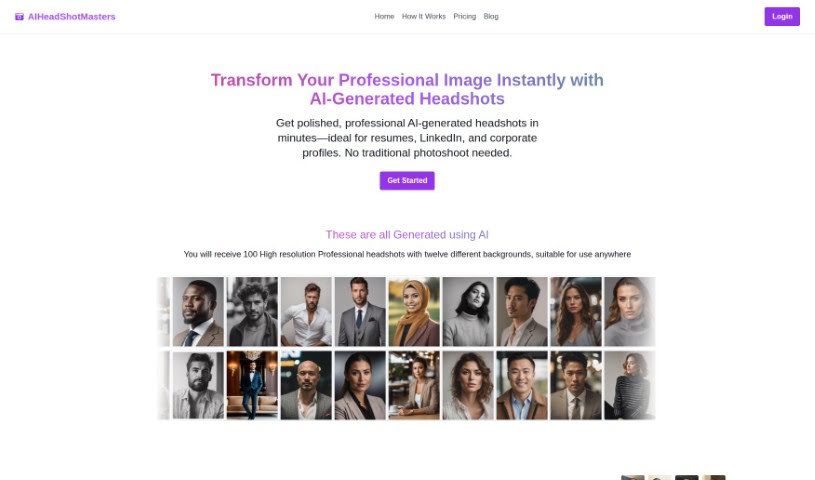
Screenshot of Aiheadshotmasters

Aiheadshotmasters

Freemium

AIHeadshotMasters is an AI-powered service that turns uploaded photos into professional headshots. It generates high-resolution 8k images with unique backgrounds, typically in about 30 minutes depending on server load. Ali Çakir founded the platform.

About Creative tools

Bringing a creative vision to life takes stamina. Whether you’re working on visual art, video projects, sound design, or written work, the gap between a great idea and a finished piece is usually filled with hours of tedious setup. You spend time masking image layers, cutting out filler words from audio, or wrestling with software settings when you’d rather be making art.

The tools in this category handle repetitive technical tasks so you can keep your focus where it belongs: on creative direction and artistic choice.

Offloading Technical Setup to Focus on Art

Testing visual concepts gets much faster when you can prototype ideas instantly. Instead of spending hours building manual moodboards or sketching rough wireframes by hand, generative tools let you test lighting styles, color palettes, and compositions in seconds. You can explore dozens of creative paths before committing to a full production shoot or detailed illustration.

In video and audio editing, smart software handles the tedious mechanics. Automatically generating precise closed captions, reframing shots for vertical video formats, or isolating vocal tracks from ambient background noise used to take complex plugins and hours of manual editing. Modern creative tools process those heavy tasks in minutes, giving you back time to polish the story itself.

Maintaining visual consistency across large projects gets a major upgrade, too. Managing design elements, color palettes, and character references across a long series or multi-asset campaign often leads to small visual errors. Creative AI tools help enforce visual rules and match styles automatically, keeping your artwork, video sequences, or digital assets aligned from start to finish.

Key Capabilities for Creators:

  • Style and reference matching: Systems that analyze an artistic style or reference image and apply it across new graphic assets.
  • Generative canvas expansion: Tools that expand image borders, fill in background details, or remove unwanted objects cleanly.
  • Text-to-media rendering: Software that converts written prompts into high-resolution images, video clips, or sound textures for fast prototyping.
  • Non-destructive asset editing: Applications that adjust lighting, color tones, and individual layers without destroying original files.
  • Cross-format conversion: Features that automatically reformat visual assets and video projects for desktop, mobile, and print.

Technology can generate pixels and format files, but true artistic judgment, taste, and emotional expression still belong to you. Handing off routine file conversions, background cleanup, and quick concept testing simply gives you the freedom to focus on your craft.

Explore the tools below to upgrade your creative workspace.

The Best AI Creative Tools

  1. Canva: for designing social media posts
  2. Character AI: for brainstorming story ideas and concepts.
  3. Janitor AI: for quickly crafting unique story ideas.
  4. Remove.bg: for instantly removing backgrounds from design projects
  5. Leonardo AI: for generating dynamic artwork for designers
  6. Photopea: for designing stunning graphics and illustrations.
  7. Photoroom: for improving photos for creative projects
  8. Pixelcut: for designing eye-catching product ads
  9. Pixlr: for designing great graphics with ease
  10. Midjourney: for visual storytelling through art prompts.
  11. AI Face Swap: for creating unique memes for social media.
  12. Cutout.pro: for creating dynamic backgrounds for art
  13. Remaker: for AI-powered image creation for unique designs.
  14. Ideogram: for logo design and customization.
  15. Openart: for experimenting with unique artistic styles
New tools, in your inbox.

Weekly picks of the best AI tools we've researched and added — no spam, unsubscribe anytime.

Join 25,000+ AI enthusiasts. No spam, unsubscribe anytime.