AI Tools for Creative

Discover the best Creative AI tools to enhance your productivity and creativity.

Page 50 of 114 • 1360 total tools

Creativity today is changing fast, and AI is becoming a super helpful partner. Whether it’s creating amazing visuals or writing music, AI creative tools are making the art process more accessible and exciting. But with so many options out there, finding the right one for your creative needs can feel a bit overwhelming.

Things have really changed in just a few years. AI tools aren’t just for special uses anymore; they’re smoothly fitting into our everyday creative work. These new technologies can make your projects better, save you time, and even lead you to explore artistic ideas you hadn’t considered before.

I’ve spent a good amount of time exploring the world of AI creative tools, looking into everything from graphic design apps to music software. Since I love seeing how technology and creativity come together, I wanted to share what I found about the best tools available right now.

So, whether you want to make eye-catching visuals or come up with fresh concepts, there’s a tool out there just for you. Let’s dive into the best AI creative tools that can take your artistic projects to the next level and change how you create.

The best AI Creative Tools

  1. Canva for designing social media posts
  2. Character AI for brainstorming story ideas and concepts.
  3. Janitor AI for quickly crafting unique story ideas.
  4. Remove.bg for instantly removing backgrounds from design projects
  5. Leonardo AI for generating dynamic artwork for designers
  6. Photopea for designing stunning graphics and illustrations.
  7. Photoroom for improving photos for creative projects
  8. Pixelcut for designing eye-catching product ads
  9. Pixlr for designing great graphics with ease
  10. Midjourney for visual storytelling through art prompts.
  11. AI Face Swap for creating unique memes for social media.
  12. Cutout.pro for creating dynamic backgrounds for art
  13. Remaker for AI-powered image creation for unique designs.
  14. Ideogram for logo design and customization.
  15. Openart for experimenting with unique artistic styles
How do AI creative tools work?

AI creative tools work by using advanced algorithms that learn from all sorts of data. They look at patterns in creative works—like art, music, or writing—which helps them copy styles and create new, original pieces. It’s a bit like how human artists get inspired by different things they see or hear.

At their core, these tools often use neural networks. These are specially built to understand and interpret human creativity. The networks are trained on huge amounts of data, including works from many different styles and formats, so they can learn and adapt to various approaches.

When you give a prompt—like a topic for a story, a theme for a painting, or a music genre—these AI tools use the patterns they’ve learned to generate fitting responses. They essentially guess which elements should go together to make content that feels cohesive and engaging.

What’s really interesting is that AI creative tools don’t just repeat what they’ve learned; they can actually be innovative. By blending styles or drawing from less common influences, they can produce work that surprises and inspires, offering a fresh take even on familiar subjects.

As technology keeps advancing, these creative tools are getting more capable. This means we can have richer interactions, with users and AI working together more smoothly. Often, this leads to amazing artistic creations that combine human ideas with computer power.

If you’re curious about the technical side of these tools, looking into neural networks and creative AI applications can offer more insight into how they bring artistic ideas to life.

Our best AI creative tools at a glance

RankNameBest forPlans and PricingRating
1CanvaSocial media post designN/A4.73 (11 reviews)
2Character AIGBrainstorming story ideas and concepts.N/A4.64 (11 reviews)
3JanitorAICrafting unique story ideas quickly.N/A0.00 (11 reviews)
4Remove.bgInstant background removal for design projectsPaid plans start at $0.2/image.4.82 (11 reviews)
5Leonardo AIDynamic artwork generation for designersPaid plans start at $9/month.4.73 (11 reviews)
6PhotopeaDesign stunning graphics and illustrations.N/A4.67 (12 reviews)
7PhotoroomEnhancing creative project photosPaid plans start at $7.50/month.4.74 (38 reviews)
8PixelcutDesigning eye-catching product adsN/A4.64 (11 reviews)
9PixlrDesigning stunning graphics effortlesslyPaid plans start at $0.99/month.4.73 (11 reviews)
10MidjourneyVisual storytelling through art prompts.N/A4.73 (11 reviews)
11AI Face SwapCrafting unique memes for social media.N/A4.70 (10 reviews)
12Cutout.proDynamic background creation for artistryN/A4.46 (13 reviews)
13RemakerAI-powered image creation for unique designs.N/A4.69 (13 reviews)
14IdeogramLogo design and customization.N/A4.85 (26 reviews)
15OpenartExperiment with unique artistic stylesPaid plans start at $84/year.4.25 (8 reviews)
Screenshot of Idphoto

Idphoto

Freemium

Idphoto.phd is a handy AI tool that makes creating official document photos super quick and easy. Whether you need a photo for a passport, visa, ID card, driver's license, residence card, resume, business card, or student ID, this tool has you covered. It really saves you time by handling the whole photo creation process for you, giving you ready-to-use pictures that meet all the specific rules for your document. While it's great at processing photos fast and has a really simple interface, it's worth noting that you can't customize the size too much, and there aren't a ton of editing options. Still, people generally love Idphoto.phd because it produces high-quality photos for way less money than going to a traditional photo studio.

Screenshot of Idyllic

Idyllic

Freemium

Idyllic is a really cool generative AI platform that lets you bring your creative ideas to life with stunning visuals. You don't need any design experience to use it – it's super user-friendly! You can easily make your images better, blend different elements together, and turn text descriptions into artwork in just seconds. Whether you're aiming for 90s rave fashion vibes or need AI-generated interior design mockups, Idyllic has you covered. It's perfect for anyone who creates, designs, markets, or runs a business and wants to boost their visual content without a fuss. Plus, it offers smart edits, element blending, text-to-image generation, adaptive memory, and even conversational editing, so it's great for everyone, no matter their skill level. And don't worry, the images it creates are unique to your inputs.

Screenshot of iFoto

iFoto

Freemium

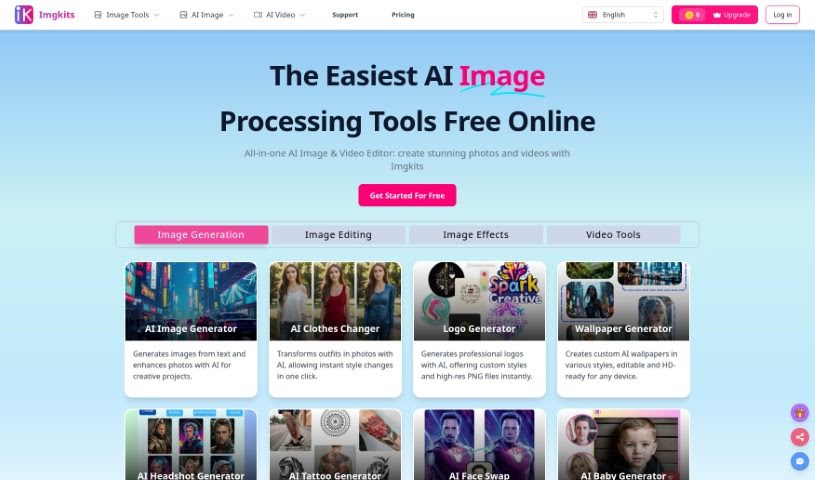
IFoto is a smart photo studio tool that uses AI to help you edit and improve your pictures. It's packed with features designed to make your life easier, whether you're working on e-commerce projects or just want to make your photos look great. You can easily remove unwanted objects, swap faces, change the color of clothes, create new backgrounds, and even help with copyright issues. For anyone in e-commerce, iFoto is a real game-changer. It offers quick background removal, makes your product photos look more appealing, and helps you create professional, studio-quality images without needing a whole setup.

Screenshot of Iliad AI

Iliad AI

Freemium

Iliad AI is a really versatile tool that offers a bunch of different features for anyone working on visual art or game design. It's known for some pretty strong capabilities, like turning 2D images into 3D models, creating voxel art, making textures, and helping with character development. What's cool is that you can actually edit your artwork while it's being generated, letting you make real-time tweaks and improvements. Plus, Iliad AI acts as a co-creation platform, which is fantastic for game designers. It includes things like expressive controls, tools for developing concept art, and an easy way to create textures.

Screenshot of Illostrationai

Illostrationai

Freemium

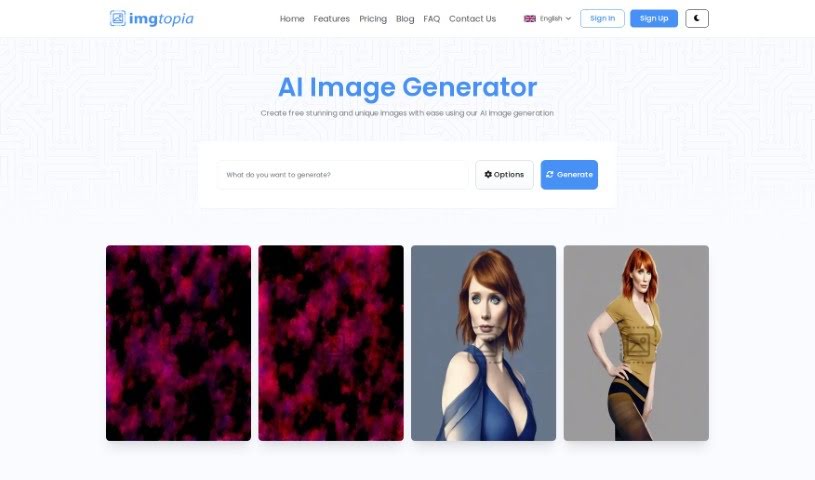
IllustrationAI is a sophisticated artificial intelligence tool built to help you create personalized, eye-catching illustrations. It's designed to be quick and easy to use, offering a variety of popular styles like 3D renders, vector art, low poly, Pixar style, icons, and pixel art. You can simply describe the image you want, and then fine-tune the results using AI upscaling. Beyond that, IllustrationAI lets you remove backgrounds from your illustrations, add your own custom backgrounds, create multiple illustrations at once by uploading CSV files, and even convert vector illustrations into SVG files. The AI upscaling feature is particularly good at making your visuals sharper, and there's also a handy Figma plugin for smooth integration right into your design workflow.

Screenshot of Illustroke

Illustroke

Freemium

Illustroke is a really powerful AI tool built for digital artists and illustrators. It's packed with features to boost your creativity and help you get more done, making it easy to create amazing illustrations and artwork. The interface is super intuitive, and it comes with customizable brushes, ready-to-use presets, and templates to give you a great starting point. Plus, it boasts an extensive library of brushes and textures, a robust engine for generating strokes, and the ability to create vector images. You can easily generate vector illustrations just by typing in what you want and picking a style. Illustroke then whips up three different illustration variations in vector format (SVG), which you can scale and tweak however you like. If you need to do more editing, you can also download a pixelated version (PNG). Illustroke is part of a larger collection of AI tools designed to cover all sorts of design needs.

Screenshot of Ilus AI

Ilus AI

Freemium

Ilus AI is a tool designed to generate consistent AI illustrations, and it's all thanks to Kristjan, who created and maintains it. Kristjan's goal with Ilus AI was to provide really high-quality illustrations, especially for professionals who might not have the skills or resources to create them themselves. He developed it because he noticed that most AI models produced images in all sorts of different styles, and he really wanted a way to get consistent illustrations for his own websites. If you have any questions or want to share your thoughts, you can easily reach out to Kristjan on Twitter, LinkedIn, or via email. Basically, Ilus AI is all about making it simple and effective for you to create the illustrations you need.

Screenshot of Image AI App

Image AI App

Freemium

The Image AI App is a really neat tool that uses artificial intelligence (AI) to create all sorts of images – think anime, unique art styles, and more. It lets you tap into the power of AI to make custom pictures exactly how you want them. It's a paid service that falls into the image generation category, built with technologies like Nuxt.js, Firebase, and Stable Diffusion. Plus, you can share your thoughts and ratings with other AI fans right there in the community.

Screenshot of Image App

Image App

Freemium

Image App is a really flexible platform all about creating AI images and training your own AI models. It gives you access to a bunch of advanced models, like Stable Diffusion SDXL 1.0, OpenAI DALL-E, and Kandinsky 2.2, so you can really dive into the world of AI-generated art. What makes Image App stand out, though, is its model training feature. This lets you customize models to perfectly match what you're looking for, giving you the power to create truly unique AI models that are all your own. They offer different subscription plans, including a free option with some limits, plus starter and unlimited plans for those who need more. This means it's great for everyone, from hobbyists just starting out to large companies.

Screenshot of Image Candy

Image Candy

Freemium

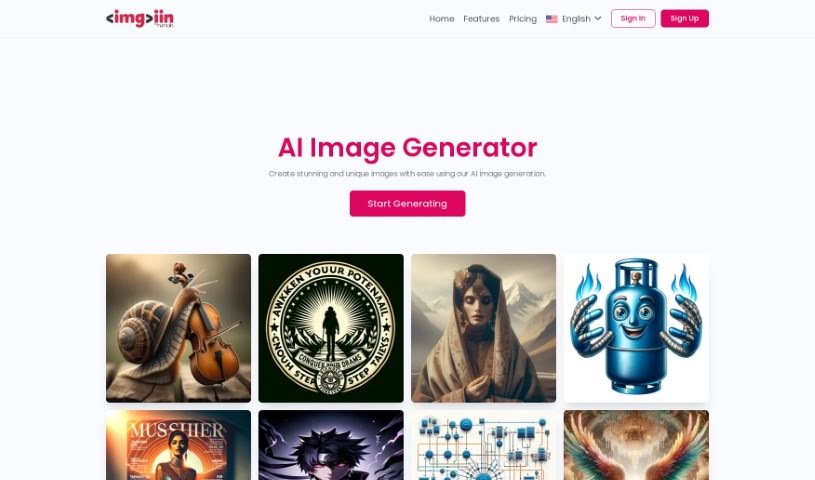
Image Candy is a really handy online tool that gives you a whole bunch of ways to edit your pictures. You can make your images look better by changing file types, making them smaller, adjusting their size, turning them around, taking out backgrounds, adding text or watermarks, making memes, turning videos into GIFs, and even changing HEIC files into JPGs. The best part? It's completely free to use, and anyone, whether you're a pro or just editing for fun, can jump right in without downloading any software. You can edit your photos right there in your web browser – no complicated installations needed.

Screenshot of Image Cleaner

Image Cleaner

Freemium

Image Cleaner is a handy tool that uses AI to instantly clean up your photos by removing anything you don't want. Just upload your image (JPG, PNG, or WebP), highlight the area you want to edit, and the AI takes care of removing those unwanted elements, leaving no trace behind. It's designed to be super easy to use, giving you high-quality results quickly. Plus, you can preview everything before you download, and best of all, there are no watermarks for anyone to deal with. It’s a really smooth experience.

Screenshot of Image Description Generator

Image Description Generator

Freemium

An Image Description Generator, sometimes called an "Image Describer," is a handy tool built for creatives like artists and designers, as well as researchers or anyone curious about what's inside an image. It goes beyond just identifying objects; it can uncover emotional insights, help with data analysis, and even assist in creating backgrounds for your projects. It is a way to get new perspectives and work more efficiently. It does this by creating detailed text descriptions of images, generating prompts for AI image creators, offering quick summaries of what's in a picture, translating text found within images, and even pulling data from tables shown in images. Essentially, this tool helps you explore the hidden potential within your visuals and boosts your productivity in today's AI-driven world.

Stay Updated with AI Tools

Get weekly updates on the latest AI tools, trends, and insights delivered to your inbox

Join 25,000+ AI enthusiasts. No spam, unsubscribe anytime.