AI Creative Tools

AI Tools for Creative

Discover the best Creative AI tools to enhance your productivity and creativity.

Page 24 of 107 • 1276 total tools
Screenshot of Contentpresso

Contentpresso

Freemium

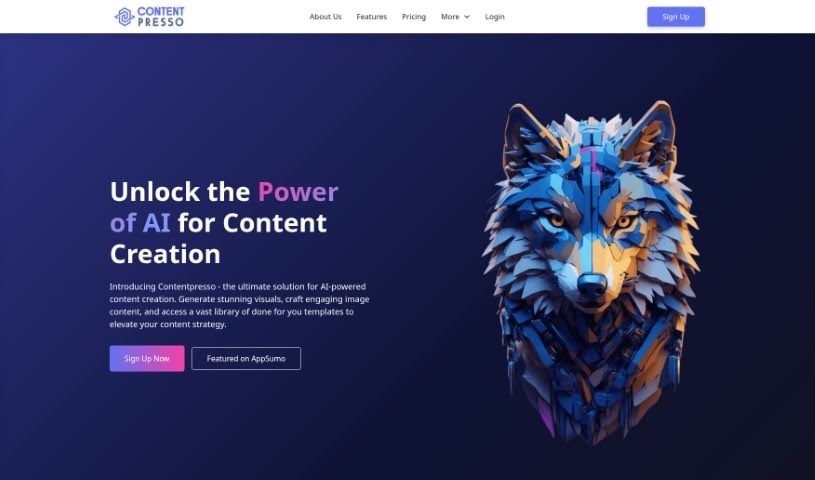
Contentpresso is an AI platform for creating images and finding content. It combines two functions: it generates graphics based on what's on your website, and it gives you access to a large library of content, including a substantial collection of customizable Canva templates. Everything can be adjusted to match your brand and target audience, which reduces the time spent producing visual content.

Screenshot of Controlmeme

Controlmeme

Freemium

ControlMeme is a free online meme generator that uses Stable Diffusion ControlNet technology to produce high-quality, personalized memes. It offers a large library of meme templates across many genres and styles, and lets you share your creations with the ControlMeme community. No signup is required to start creating and sharing, making it a quick option for anyone who wants to add humor to their online presence or social media content.

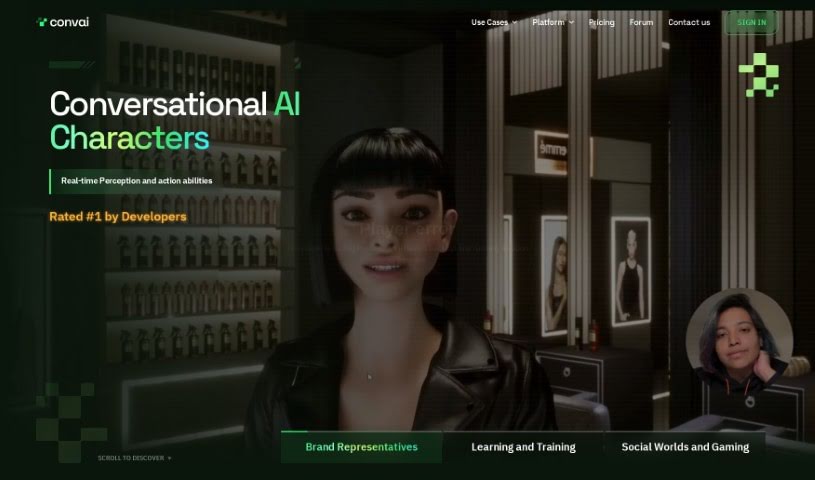
Screenshot of Convai

Convai

Freemium

Convai is a conversational AI platform that gives characters in games and virtual worlds the ability to chat with people. You can build characters with their own backstories, voices, and areas of expertise, then connect them to your game assets or virtual world applications. Characters can hold open-ended conversations, perceive their surroundings, and perform actions, making virtual experiences more believable. The platform is designed to be user-friendly and connects with popular game engines via Core APIs and integrations.

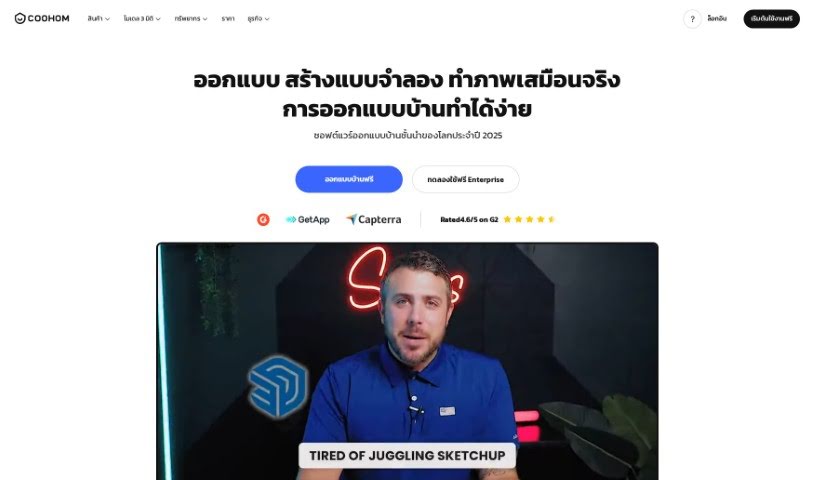
Screenshot of Coohom

Coohom

Freemium

Coohom is a platform for creating images, developing content, and handling digital marketing. Its AI automates image creation and editing, letting you produce visuals through an interface that works regardless of skill level. You can upload your own pictures by dragging and dropping them or through its interactive features.

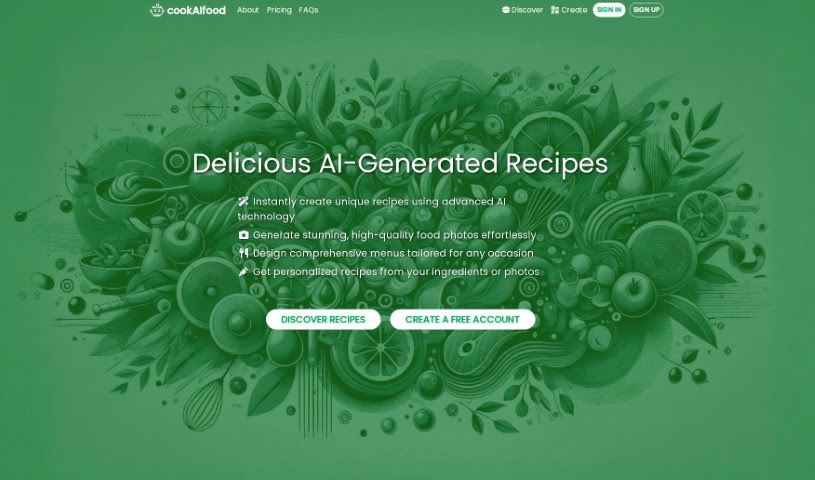
Screenshot of cookAIfood

cookAIfood

Freemium

CookAIfood is an AI tool for creating, sharing, and exploring AI-generated recipes and complete menus. Enter the ingredients you have, a dish name, or a general description — or upload a photo of a dish or your fridge contents — and it generates personalized recipes with step-by-step instructions and photos. You can also generate extra images of your creations and download them.

Screenshot of Copresence

Copresence

Freemium

Copresence creates a photorealistic 3D model of your face — a digital twin — using just a smartphone. Scan your face from different angles with the Copresence app (available on the App Store), and within minutes the AI generates a realistic 3D avatar. The avatar works across PCs, smartphones, and VR headsets, so you can move between devices while staying recognizable in games, virtual production, and video calls. The tool was built by a team focused on creating lifelike digital avatars to help people connect digitally.

Screenshot of Corporate Headshots Ai

Corporate Headshots Ai

Freemium

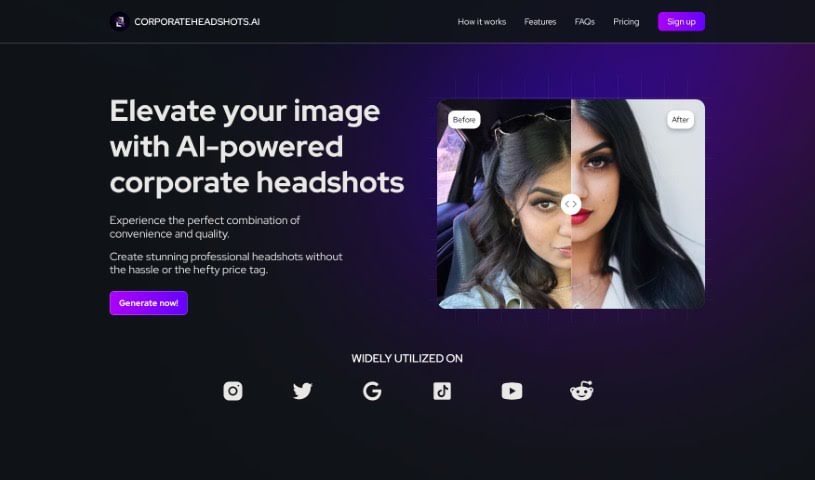
Corporate Headshots AI is a web service that turns everyday selfies into professional-looking headshots using artificial intelligence. It is powered by a leading AI tool from Google and is built for speed: upload a photo and receive your headshots almost instantly. Each order produces more than 60 high-quality headshots with varied facial expressions and a studio background, at a price well below a traditional photoshoot.

Screenshot of CPUmade

CPUmade

Freemium

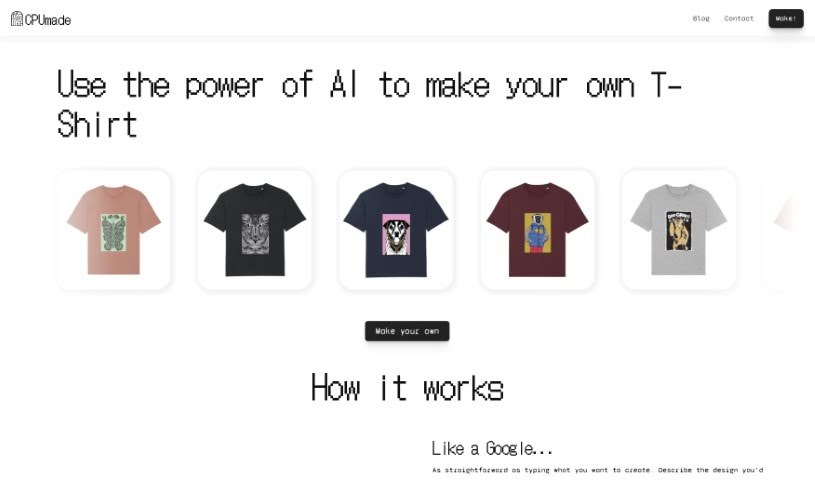
CPUmade is a platform that uses artificial intelligence to make designing custom t-shirts simple. You describe the design you're picturing, and CPUmade's AI model generates a personalized t-shirt design. You then pick your t-shirt color and size and add it to your cart to buy.

Screenshot of Craiyon

Craiyon

Freemium

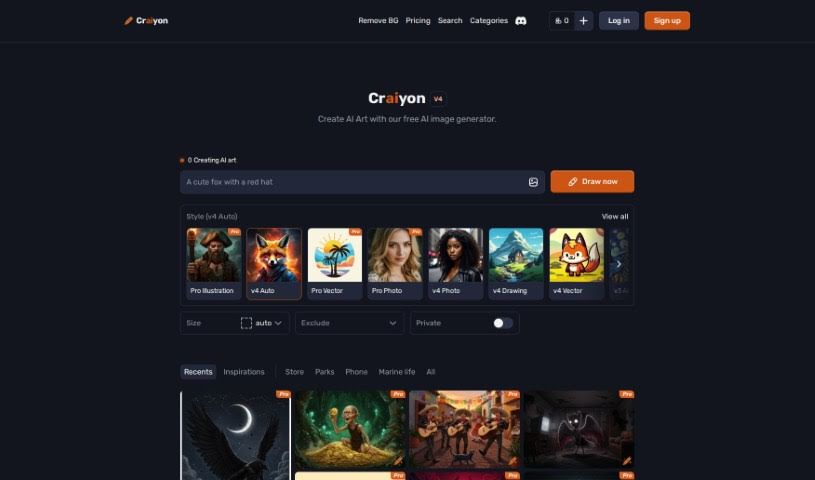
Craiyon is an AI model that creates images from text prompts through an easy-to-use online platform. It runs on the Generative Pre-trained Transformer 3 (GPT-3) model: you type a description, and Craiyon generates corresponding images in a variety of styles, from cartoonish looks to realistic photos and abstract art. Outputs range from simple drawings to more detailed pieces. You can also print your creations on a t-shirt or share them on the platform's forum, and you have control over how your data is used.

Screenshot of cre8tiveAI

cre8tiveAI

Freemium

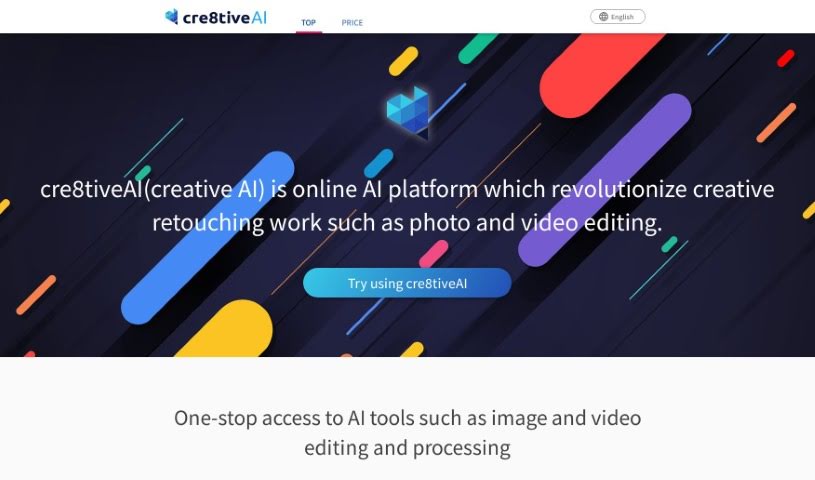
Cre8tiveAI, also known as Creative AI, is an online platform for creative retouching tasks such as photo and video editing. Its AI-powered service handles a range of editing jobs quickly — including automatic painting, image and video quality enhancement, clipping, layering, and color correction — completing tasks in under 10 seconds. It can also generate anime-style face illustrations, full-body illustrations, line drawings, and anime-style backgrounds from photos.

Screenshot of Creataai

Creataai

Freemium

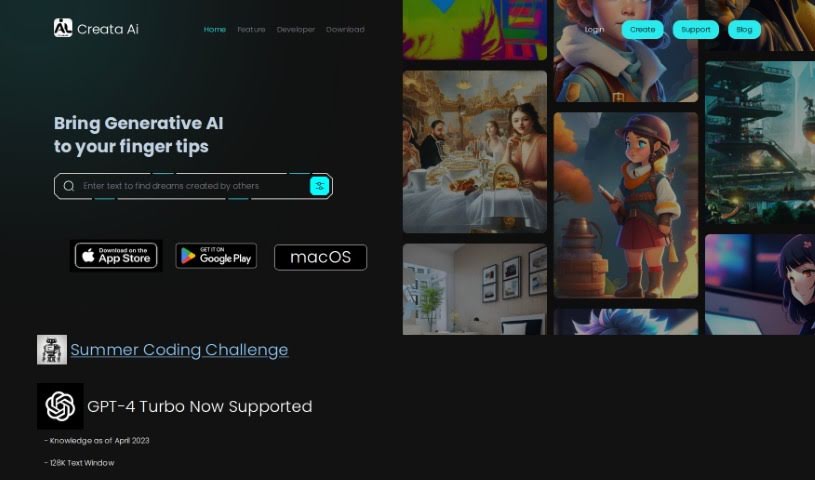
Creataai is a web-based generative AI studio that bundles several creative tools into one platform. It runs on OpenAI's GPT-4 Turbo and includes image-to-image models, more than 600 art styles, 24 pre-set art models, and high-resolution image enlargement that preserves quality. A voice cloning feature uses machine learning to turn text into human-like speech, so you can produce realistic voiceovers without recording equipment. Multi-modal support for text, image, and voice inputs is in preparation, and the platform ships with more than 150 ready-to-use GPT-4 tasks.

Screenshot of Creatie

Creatie

Freemium

Creatie is a product design software that integrates AI into a range of design tasks: wireframing, interface design, AI-generated art, prototyping, and team collaboration. Its aim is to make design work more efficient by using AI to help with ideation, design, collaboration, prototyping, and project handoff.

About Creative tools

Bringing a creative vision to life takes stamina. Whether you’re working on visual art, video projects, sound design, or written work, the gap between a great idea and a finished piece is usually filled with hours of tedious setup. You spend time masking image layers, cutting out filler words from audio, or wrestling with software settings when you’d rather be making art.

The tools in this category handle repetitive technical tasks so you can keep your focus where it belongs: on creative direction and artistic choice.

Offloading Technical Setup to Focus on Art

Testing visual concepts gets much faster when you can prototype ideas instantly. Instead of spending hours building manual moodboards or sketching rough wireframes by hand, generative tools let you test lighting styles, color palettes, and compositions in seconds. You can explore dozens of creative paths before committing to a full production shoot or detailed illustration.

In video and audio editing, smart software handles the tedious mechanics. Automatically generating precise closed captions, reframing shots for vertical video formats, or isolating vocal tracks from ambient background noise used to take complex plugins and hours of manual editing. Modern creative tools process those heavy tasks in minutes, giving you back time to polish the story itself.

Maintaining visual consistency across large projects gets a major upgrade, too. Managing design elements, color palettes, and character references across a long series or multi-asset campaign often leads to small visual errors. Creative AI tools help enforce visual rules and match styles automatically, keeping your artwork, video sequences, or digital assets aligned from start to finish.

Key Capabilities for Creators:

  • Style and reference matching: Systems that analyze an artistic style or reference image and apply it across new graphic assets.
  • Generative canvas expansion: Tools that expand image borders, fill in background details, or remove unwanted objects cleanly.
  • Text-to-media rendering: Software that converts written prompts into high-resolution images, video clips, or sound textures for fast prototyping.
  • Non-destructive asset editing: Applications that adjust lighting, color tones, and individual layers without destroying original files.
  • Cross-format conversion: Features that automatically reformat visual assets and video projects for desktop, mobile, and print.

Technology can generate pixels and format files, but true artistic judgment, taste, and emotional expression still belong to you. Handing off routine file conversions, background cleanup, and quick concept testing simply gives you the freedom to focus on your craft.

Explore the tools below to upgrade your creative workspace.

The Best AI Creative Tools

  1. Canva: for designing social media posts
  2. Character AI: for brainstorming story ideas and concepts.
  3. Janitor AI: for quickly crafting unique story ideas.
  4. Remove.bg: for instantly removing backgrounds from design projects
  5. Leonardo AI: for generating dynamic artwork for designers
  6. Photopea: for designing stunning graphics and illustrations.
  7. Photoroom: for improving photos for creative projects
  8. Pixelcut: for designing eye-catching product ads
  9. Pixlr: for designing great graphics with ease
  10. Midjourney: for visual storytelling through art prompts.
  11. AI Face Swap: for creating unique memes for social media.
  12. Cutout.pro: for creating dynamic backgrounds for art
  13. Remaker: for AI-powered image creation for unique designs.
  14. Ideogram: for logo design and customization.
  15. Openart: for experimenting with unique artistic styles
New tools, in your inbox.

Weekly picks of the best AI tools we've researched and added — no spam, unsubscribe anytime.

Join 25,000+ AI enthusiasts. No spam, unsubscribe anytime.