AI Creative Tools

AI Tools for Creative

Discover the best Creative AI tools to enhance your productivity and creativity.

Page 14 of 107 • 1276 total tools
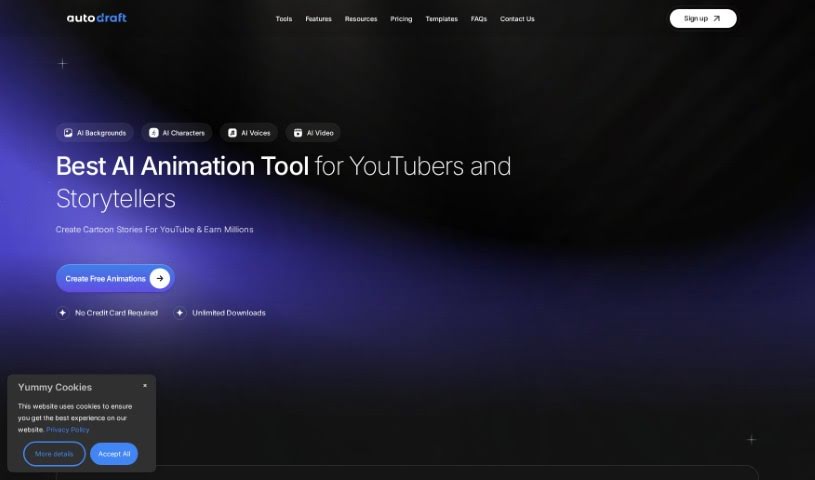
Screenshot of Autodraft AI

Autodraft AI

Freemium

Autodraft AI is an AI tool that turns creative ideas into artwork. It generates images from text descriptions and modifies existing images. Its AI-paint function can fix or fill in missing or damaged parts of an image. The interface understands everyday language, so you can describe what you want and it will create it. It is aimed at graphic designers, content creators, and anyone interested in visual storytelling.

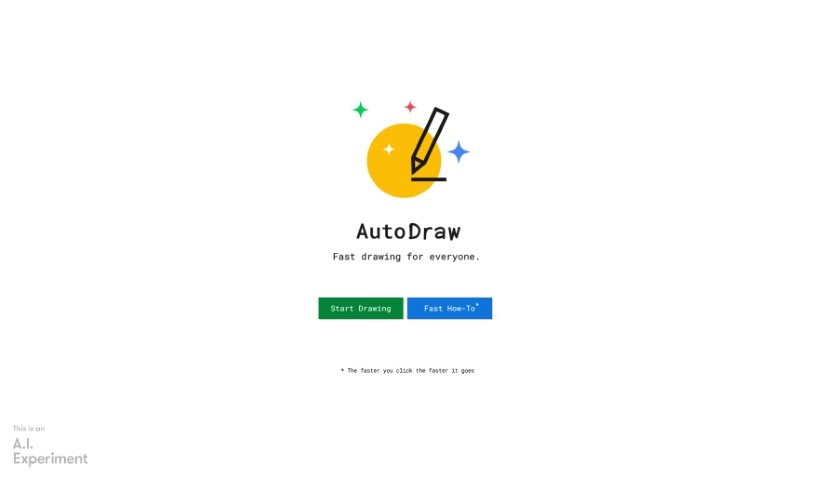
Screenshot of AutoDraw

AutoDraw

Freemium

AutoDraw is a free drawing tool that combines machine learning with artwork from artists. It helps users create visual content quickly on smartphones, tablets, laptops, and desktops, with no downloads or payments required. Its suggestion feature uses technology similar to QuickDraw to recognize hundreds of drawings, and more are planned over time.

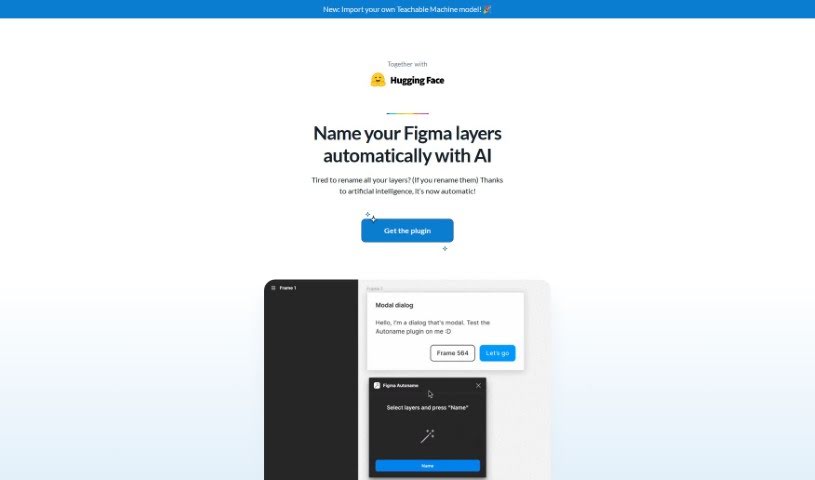
Screenshot of Autoname

Autoname

Freemium

Autoname is a Figma plugin that automatically renames all your frames with one click. It uses artificial intelligence to name layers efficiently, eliminating manual work. It also protects components and instances from accidental renaming through smart name detection. More than 30,000 designers use it. Autoname is free, open-source under the MIT License, and community-driven. It supports importing Teachable Machine models, and the team welcomes contributions.

Screenshot of Autoportrait.ai

Autoportrait.ai

Freemium

Autoportrait.ai is an online AI portrait generator that creates high-quality portraits of you from a few uploaded selfies. The AI learns from your photos and generates unique portraits in a wide range of styles. It uses a one-time payment model, so there are no subscriptions. The service reports over 184,720 AI portraits created and describes itself as a leading online AI portrait generator and among the most affordable options available.

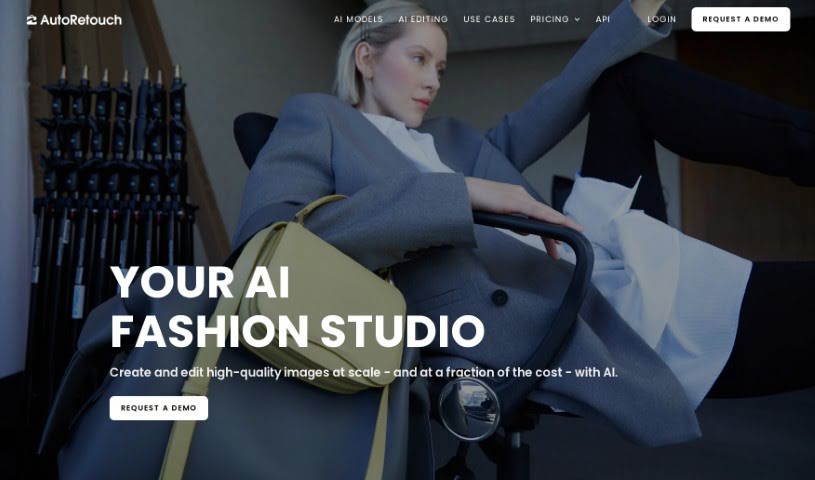
Screenshot of autoRetouch

autoRetouch

Freemium

autoRetouch is an AI-powered image editing platform for creating professional product and fashion photos. It works in the browser and offers an API for integration. Its batch editing feature processes thousands of images at once. It provides tools for background removal, ghost mannequin effects, shadow addition, fabric swatch extraction, face cropping, reframing, color harmonization, skin retouching, and high-resolution exports.

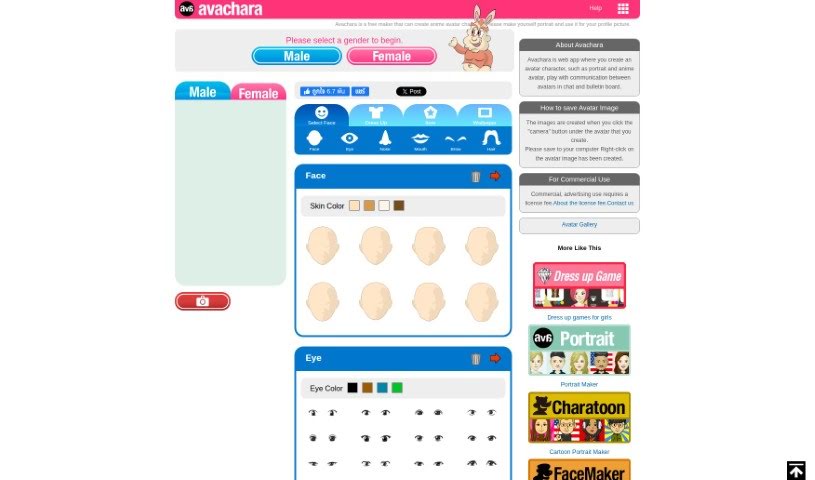
Screenshot of Avachara Anime Avatar Generator

Avachara Anime Avatar Generator

Freemium

Avachara Anime Avatar Generator is a free web app for creating avatar characters, from portraits to anime styles. You can customize details such as eye color, hairstyles, and outfits to make each avatar your own. The avatars can also chat with each other or post on bulletin boards. There are no limits on how many avatars you can generate, and no personal photos are required.

Screenshot of Avataar

Avataar

Freemium

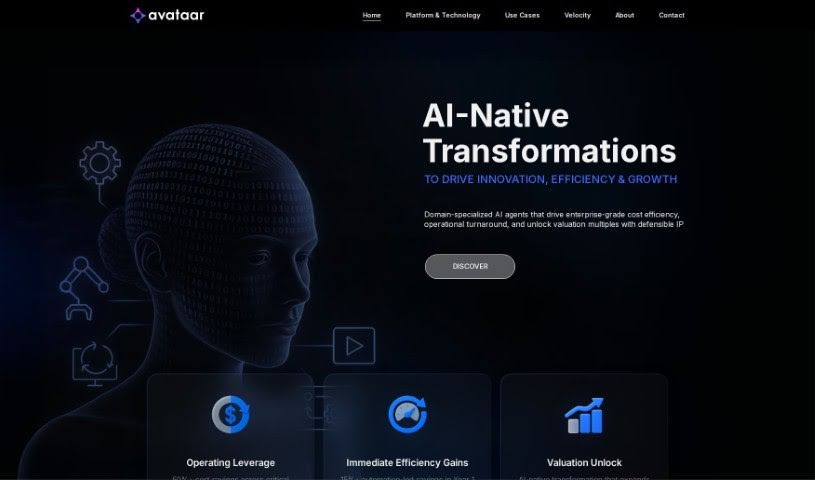
Avataar is a company focused on spatial storytelling and visual experiences powered by generative AI. It offers what it describes as the world's first AI-led Computer Vision platform, enabling businesses, brands, and individuals to create interactive experiences. Avataar holds over 10 patents and contributes to industry standards with Khronos, Nvidia, Meta, Google, and AWS. The company is backed by investments from Sequoia Capital and Tiger Global.

Screenshot of Avatar AI

Avatar AI

Freemium

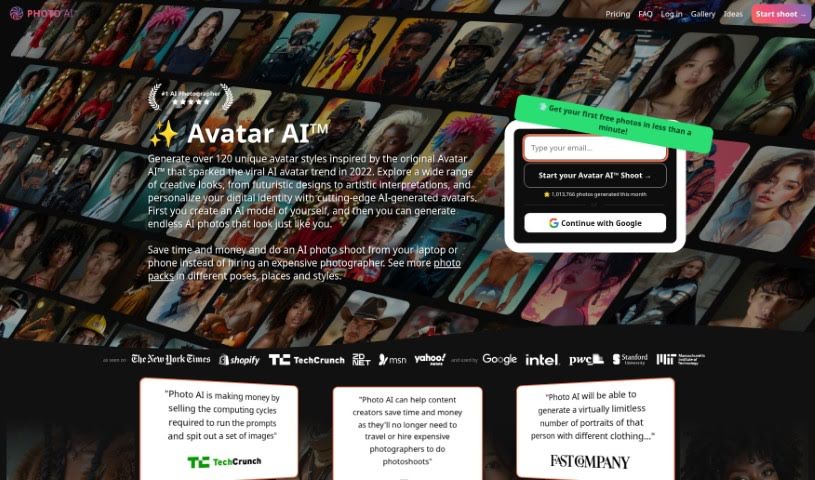
Avatar AI is a platform that uses Stable Diffusion and Dreambooth to create unique avatars and profile pictures. It acts as an AI photography studio, generating images ranging from magical avatars to pet portraits. The Avatar AI Photo Shoot service offers over 112 avatar styles and provides a faster, more affordable alternative to traditional photoshoots.

Screenshot of Avatarify

Avatarify

Freemium

Avatarify is an AI tool for creating personalized avatars. It uses AI-powered facial recognition and deep learning to analyze facial features and generate lifelike avatars that resemble the user. The tool offers customization options such as hairstyles, facial expressions, and accessories, allowing users to create a virtual version of themselves or entirely new characters.

Screenshot of Avatarify AI

Avatarify AI

Freemium

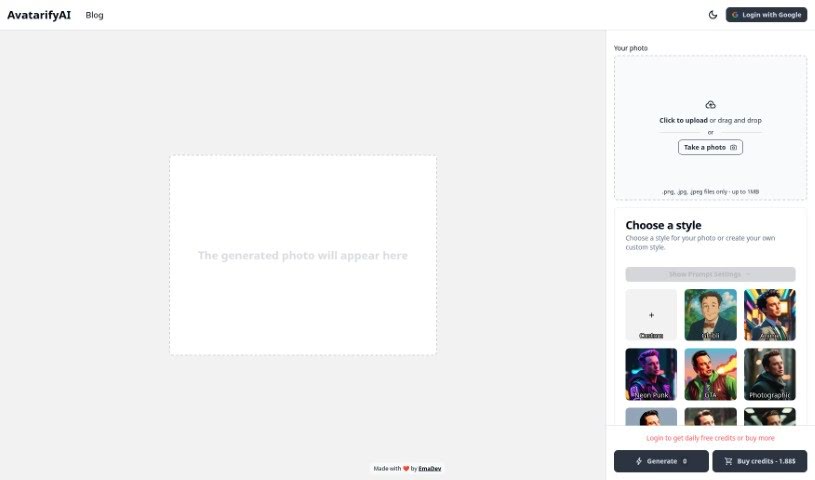
Avatarify AI is an online SaaS tool that uses AI and stable diffusion technology to create personalized avatars from uploaded photos. It accepts .png, .jpg, and .jpeg files under 1MB. Styles include Anime, Neon Punk, Photographic, Pixel Art, Cubist, and 3D Model. The platform offers light and dark modes, an Enhance feature to improve photo quality, and a Surprise Me option for random style selection. Avatars can be customized to reflect your personality or brand, and you can generate versions tailored for different digital platforms. EmaDev created Avatarify AI and launched it on January 18.

Screenshot of Avatarize

Avatarize

Freemium

Avatarize is an AI avatar generator built on GPT-4 Vision and DALL-E 3. Upload a photo, and the platform analyzes your features to generate avatars based on its interpretation of the image. More than 50 avatar styles are available, and finished avatars can be downloaded in high resolution.

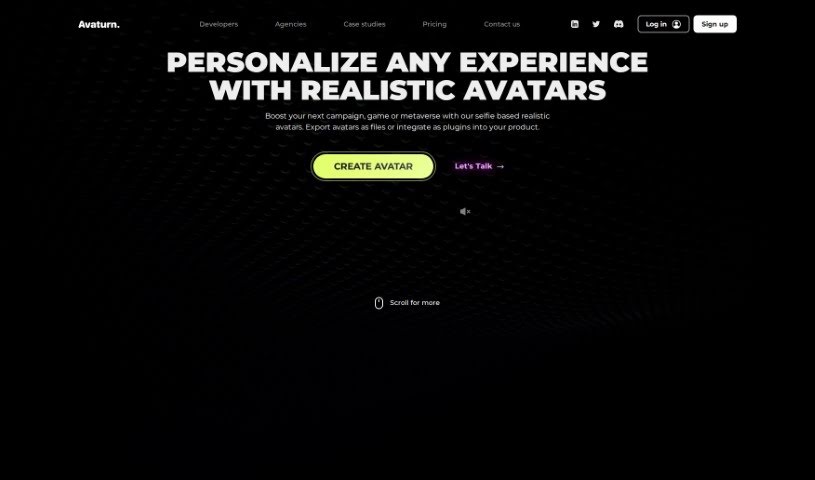
Screenshot of Avaturn

Avaturn

Freemium

Avaturn is a platform that creates lifelike 3D avatars from simple selfies. It offers extensive customization options, allowing users to personalize avatars to their liking. Developers can integrate Avaturn's avatar creation technology into their own products using the API and SDK. Once created, avatars can be exported to popular 3D environments like Blender, Unity, and Unreal Engine. They come with standard humanoid body rigs and AR blendshapes, making them ready for animation and VTubing software. Avaturn provides over 10,000 possible looks.

About Creative tools

Bringing a creative vision to life takes stamina. Whether you’re working on visual art, video projects, sound design, or written work, the gap between a great idea and a finished piece is usually filled with hours of tedious setup. You spend time masking image layers, cutting out filler words from audio, or wrestling with software settings when you’d rather be making art.

The tools in this category handle repetitive technical tasks so you can keep your focus where it belongs: on creative direction and artistic choice.

Offloading Technical Setup to Focus on Art

Testing visual concepts gets much faster when you can prototype ideas instantly. Instead of spending hours building manual moodboards or sketching rough wireframes by hand, generative tools let you test lighting styles, color palettes, and compositions in seconds. You can explore dozens of creative paths before committing to a full production shoot or detailed illustration.

In video and audio editing, smart software handles the tedious mechanics. Automatically generating precise closed captions, reframing shots for vertical video formats, or isolating vocal tracks from ambient background noise used to take complex plugins and hours of manual editing. Modern creative tools process those heavy tasks in minutes, giving you back time to polish the story itself.

Maintaining visual consistency across large projects gets a major upgrade, too. Managing design elements, color palettes, and character references across a long series or multi-asset campaign often leads to small visual errors. Creative AI tools help enforce visual rules and match styles automatically, keeping your artwork, video sequences, or digital assets aligned from start to finish.

Key Capabilities for Creators:

  • Style and reference matching: Systems that analyze an artistic style or reference image and apply it across new graphic assets.
  • Generative canvas expansion: Tools that expand image borders, fill in background details, or remove unwanted objects cleanly.
  • Text-to-media rendering: Software that converts written prompts into high-resolution images, video clips, or sound textures for fast prototyping.
  • Non-destructive asset editing: Applications that adjust lighting, color tones, and individual layers without destroying original files.
  • Cross-format conversion: Features that automatically reformat visual assets and video projects for desktop, mobile, and print.

Technology can generate pixels and format files, but true artistic judgment, taste, and emotional expression still belong to you. Handing off routine file conversions, background cleanup, and quick concept testing simply gives you the freedom to focus on your craft.

Explore the tools below to upgrade your creative workspace.

The Best AI Creative Tools

  1. Canva: for designing social media posts
  2. Character AI: for brainstorming story ideas and concepts.
  3. Janitor AI: for quickly crafting unique story ideas.
  4. Remove.bg: for instantly removing backgrounds from design projects
  5. Leonardo AI: for generating dynamic artwork for designers
  6. Photopea: for designing stunning graphics and illustrations.
  7. Photoroom: for improving photos for creative projects
  8. Pixelcut: for designing eye-catching product ads
  9. Pixlr: for designing great graphics with ease
  10. Midjourney: for visual storytelling through art prompts.
  11. AI Face Swap: for creating unique memes for social media.
  12. Cutout.pro: for creating dynamic backgrounds for art
  13. Remaker: for AI-powered image creation for unique designs.
  14. Ideogram: for logo design and customization.
  15. Openart: for experimenting with unique artistic styles
New tools, in your inbox.

Weekly picks of the best AI tools we've researched and added — no spam, unsubscribe anytime.

Join 25,000+ AI enthusiasts. No spam, unsubscribe anytime.