Top AI Code Generators: Compare the Best Tools

AI Tools for Code Generation

Discover the best Code Generation AI tools to enhance your productivity and creativity.

Page 5 of 8 • 93 total tools
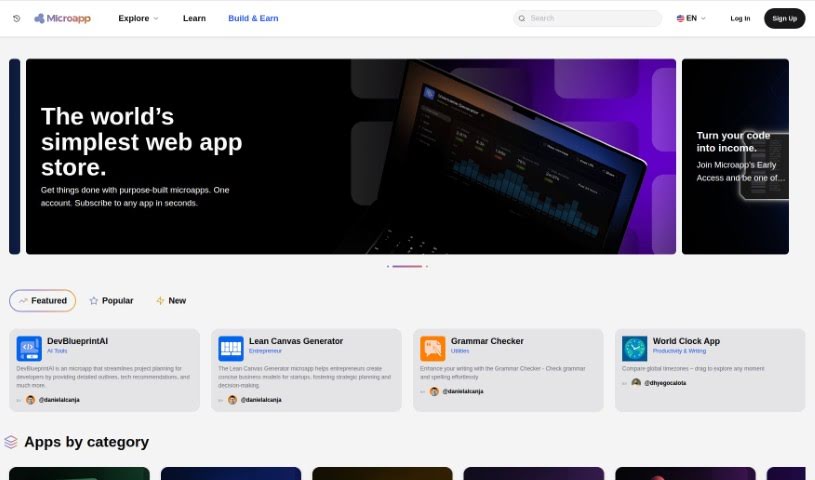
Screenshot of Microapp.io

Microapp.io

Freemium

Microapp.io is an AI-powered platform for software engineering, offering tools for developers working with React and Tailwind CSS. Its standout feature is an AI component generator that creates and previews React + Tailwind CSS components, letting you build and tweak UI components quickly. The platform also sends out an engineering newsletter covering platform updates.

Code Generation View Tool →
Screenshot of MightyMeld for Tailwind

MightyMeld for Tailwind

Freemium

MightyMeld is a visual development tool for building React applications styled with Tailwind CSS. You arrange and modify your interface by dragging and dropping elements, and MightyMeld writes the corresponding code automatically. Code on disk updates in real time, so visual edits and source files stay in sync.

Code Generation View Tool →
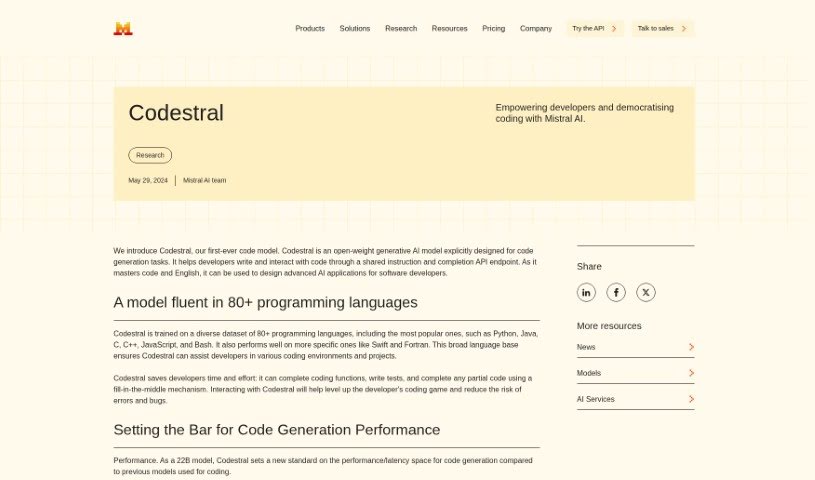
Screenshot of Mistral AI Codestral

Mistral AI Codestral

Freemium

Mistral AI Codestral is a coding assistant built by Mistral AI. It is a generative AI model designed for developers and accessed through an API endpoint: you provide instructions or partial code, and the model completes it.

Code Generation View Tool →
Screenshot of Mistral AI Mistral Large 2

Mistral AI Mistral Large 2

Freemium

Mistral Large 2 is the flagship model from Mistral AI, designed as a significant step up in code generation, math, and reasoning. It features a 128k context window, supports many languages, and includes advanced function calling capabilities.

Code Generation View Tool →
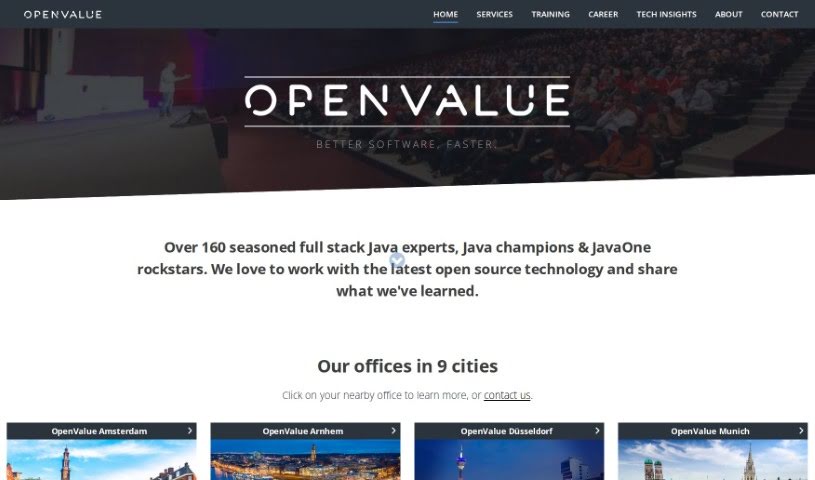
Screenshot of OpenValue

OpenValue

Freemium

OpenValue's Digital Developers™ are AI-powered alternatives to hiring traditional Java developers. Built on the GPT-4 model, they generate fully tested code around the clock, operate 24/7, and scale in the cloud. Each developer can be customized with different looks, including various skins and outfits.

Code Generation View Tool →
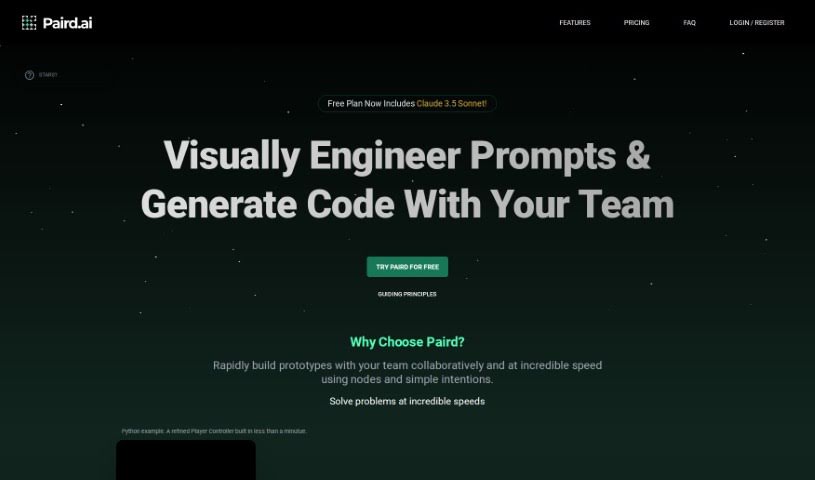
Screenshot of Paird.ai

Paird.ai

Freemium

Paird.ai is an AI-powered coding assistant that generates code and provides a real-time collaboration space where developers can work alongside the AI. It targets developers who want to set specific coding goals, manage projects, and work without ads. A "Save to a Project" feature keeps work organized.

Code Generation View Tool →
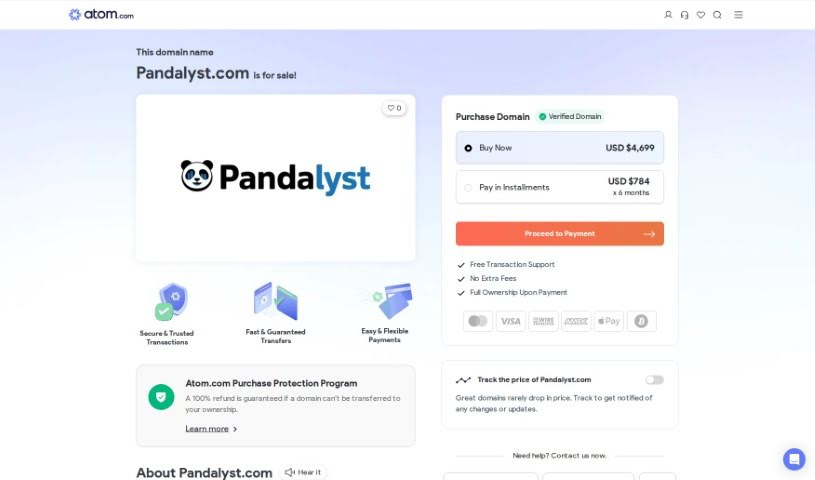
Screenshot of Pandalyst

Pandalyst

Freemium

Pandalyst is a tool designed to simplify writing SQL queries for both beginners and experienced users. It uses AI to generate accurate SQL queries quickly, saving time on a task that can otherwise be tedious. Subscription plans include Basic and Pro, each with a set number of queries per month. If you make a mistake in your SQL, you can easily fix it. Pandalyst works in any web browser on desktop or mobile, and it does not store user data on its systems, providing a secure experience.

Code Generation View Tool →
Screenshot of Pine Script Wizard AI

Pine Script Wizard AI

Freemium

Pine Script Wizard is an AI tool that generates Pine Script code for TradingView strategies and functions. It works like a chat assistant: you describe what you want in plain text, and it produces optimized Pine Script code ready to paste into TradingView's Pine Editor. If errors appear when saving or compiling the code, you can ask the AI to correct them.

Code Generation View Tool →
Screenshot of Pixels2Flutter

Pixels2Flutter

Freemium

Pixels2Flutter is a tool that turns UI screenshots directly into working Flutter code. You upload a picture of the user interface you want, and it generates the Dart code needed for Flutter. It's useful for experienced Flutter developers looking to speed up their workflow, as well as beginners who want to get their visual designs into actual code.

Code Generation View Tool →
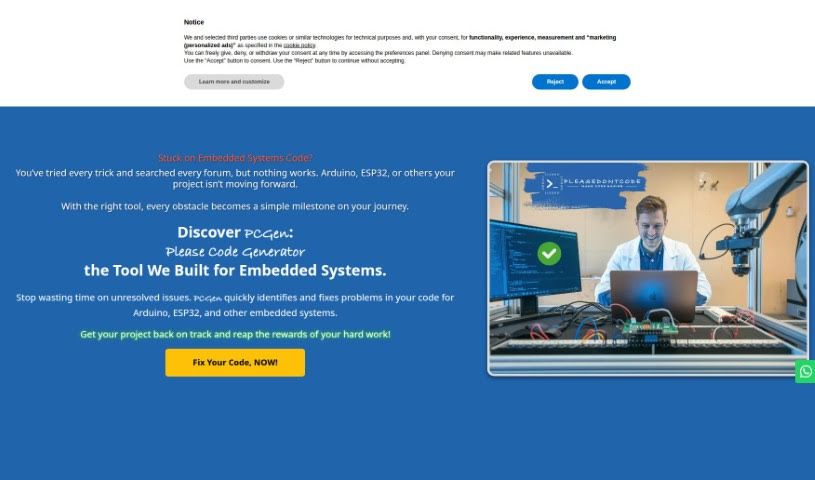
Screenshot of Please Don't Code

Please Don't Code

Freemium

Please Don't Code is an initiative from ITALCODY that speeds up and automates the creation of basic code for professionals and small to medium-sized businesses. It applies to fields such as IoT, education, automotive, blockchain, and home automation. The goal is to let businesses spend less time on low-level programming and more time on their core operations.

Code Generation View Tool →
Screenshot of Programming Helper

Programming Helper

Freemium

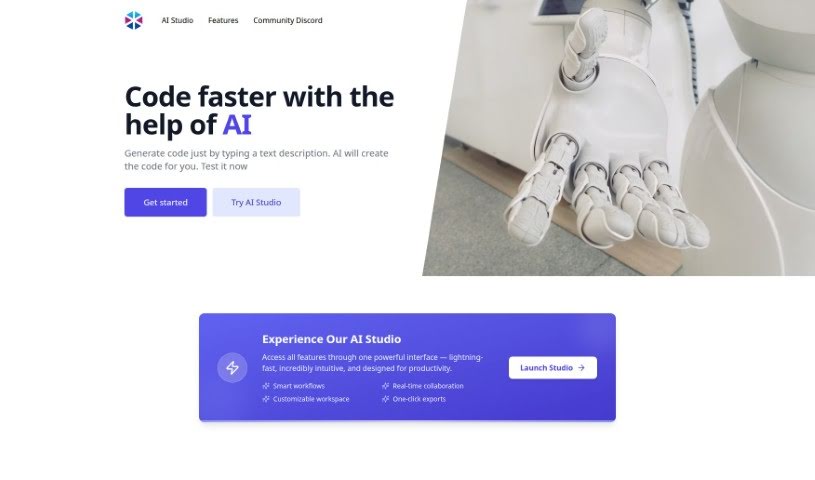
Programming Helper is a tool built to help with coding projects. It generates code from text descriptions using AI, and handles specific tasks such as setting up encryption algorithms or building particular program functions — for example, a program that can encrypt and decrypt using a Caesar cipher.

Code Generation View Tool →
Screenshot of Prototyper

Prototyper

Freemium

Prototyper is an AI-powered design tool that generates UI elements from a simple text prompt or an image. Describe your idea in plain language, and it turns that description into working code. You can edit the code in real time in an editor beside the preview, so changes appear instantly. It supports popular frameworks including Tailwind, HTML, and React, and includes features for team collaboration on prototypes.

Code Generation View Tool →

About Code Generation tools

Writing code is rewarding; hunting down a missing semicolon or fixing a broken dependency at 1 AM definitely isn’t. While traditional auto-complete tools can finish a single line or suggest a quick function, autonomous coding agents take things a step further. Instead of just suggesting snippets as you type, these systems act like a digital pair programmer that can read your entire project, edit multiple files at once, and run tests until a feature actually works.

Pair Programming with an Agent

Think of a standard auto-complete tool like the predictive text on your phone: it guesses the next word based on what you just typed. A coding agent is more like giving a clear task to a junior developer sitting next to you. You tell the system to “add a dark mode toggle to the settings page and save user preferences to local storage.” The agent searches your project, identifies which visual components need updating, writes the code across three separate files, and runs terminal commands to check whether the build passes.

These agents fit into several parts of the development lifecycle. Refactoring older code is a prime example. Swapping out an outdated library across dozens of files by hand takes hours of tedious copy-pasting. An agent maps out dependencies, replaces outdated calls across your whole project, and catches breaking changes before you commit. They’re also incredibly helpful for fixing bugs straight from error logs. Paste a stack trace into the editor, and the agent scans your files to find the exact line causing the crash, offering a tested fix in seconds.

What to Look for in a Coding Assistant:

  • Full repository context: Systems that analyze your whole codebase, not just the single file open on your screen.
  • Terminal execution: Tools that run shell commands, install dependencies, and run test suites in a sandbox environment.
  • Multi-file edits: Agents capable of editing multiple scripts at once while keeping variable names and imports consistent.
  • CLI and IDE integration: Applications that work inside your favorite text editor, command terminal, or web workspace.
  • Security and code privacy: Features that keep your private codebase confidential without using your data for model training.

These systems won’t build a complex enterprise app entirely on their own without human guidance. They still hallucinate packages or propose messy fixes when instructions aren’t clear. Experienced developers treat them as fast assistants rather than hands-off replacements. You’ll still need to review pull requests, enforce security rules, and guide the overall architecture.

But the repetitive busywork—writing basic unit tests and making repetitive edits across ten files—can finally take a back seat.

Explore the directory below to find the right fit for your development environment.

The Best AI Code Generators

  1. Cursor: Great for quickly creating basic code snippets.
  2. Replicate AI: Automates repetitive coding tasks.
  3. Code Sandbox: Automates boilerplate code.
  4. Taskade: Efficiently creates code snippets when you need them.
  5. UpCodes: Streamlines the code generation process.
  6. Code Signal: Automates code generation tasks.
  7. ZZZ Code AI: Provides automated code templates.
  8. Tabnine: Automates repetitive coding tasks.
  9. Locofy: Quickly converts designs into code.
  10. Code Rabbit: Automates code creation.
  11. Codeium: Automates repetitive coding tasks.
  12. Together AI Llama Coder: Automates repetitive coding tasks.
  13. Code GPT: Generates code snippets automatically.
  14. Code Convert AI: Instantly converts code snippets with ease.
  15. Bito AI: Generates complex code snippets quickly.
New tools, in your inbox.

Weekly picks of the best AI tools we've researched and added — no spam, unsubscribe anytime.

Join 25,000+ AI enthusiasts. No spam, unsubscribe anytime.