AI Tools for Code Generation

Discover the best Code Generation AI tools to enhance your productivity and creativity.

Page 6 of 9 • 97 total tools

Coding can sometimes feel like a tricky puzzle, where each piece needs to fit just right to complete the whole picture. As technology keeps advancing, especially with artificial intelligence, new tools are popping up to help developers navigate this complex world.

AI code generators are becoming really popular. They promise to make coding smoother, cut down on mistakes, and even help you be more creative. By using powerful algorithms, these tools can work with different programming languages and project needs, making them super helpful for both experienced coders and those just starting out.

There are so many options out there, it can be a bit much to figure out which AI code generator is the best fit for you. That’s where my research comes in. I’ve spent time trying out the top choices available right now to see how well they work, how easy they are to use, and if they really deliver.

Whether you need to generate quick code snippets or tackle complicated algorithms, the right AI code generator can really boost your productivity. So, if you’re looking to automate boring tasks or get new ideas for your coding projects, let’s dive into the best ones out there.

The best AI Code Generators

  1. Cursor: Great for quickly creating basic code snippets.
  2. Replicate AI: Automates repetitive coding tasks.
  3. Code Sandbox: Automates boilerplate code.
  4. Taskade: Efficiently creates code snippets when you need them.
  5. UpCodes: Streamlines the code generation process.
  6. Code Signal: Automates code generation tasks.
  7. ZZZ Code AI: Provides automated code templates.
  8. Tabnine: Automates repetitive coding tasks.
  9. Locofy: Quickly converts designs into code.
  10. Code Rabbit: Automates code creation.
  11. Codeium: Automates repetitive coding tasks.
  12. Together AI Llama Coder: Automates repetitive coding tasks.
  13. Code GPT: Generates code snippets automatically.
  14. Code Convert AI: Instantly converts code snippets with ease.
  15. Bito AI: Generates complex code snippets quickly.

How do AI code generators work?

AI code generators use advanced machine learning models, mostly large language models (LLMs). These models learn from huge amounts of code across many programming languages, repositories, and documentation. Because of this training, they pick up on patterns and structures, which helps them generate code snippets or even whole functions based on what you ask.

When you give it a request, the AI figures out what you mean and predicts the most fitting code based on its training. It looks at your specific needs, like the language, framework, and what you want the code to do, to offer relevant suggestions. This predictive ability is pretty similar to how human programmers think and write code.

AI code generators often use techniques like natural language processing (NLP). This helps bridge the gap between human language and programming syntax, making it easier for developers to talk to the AI using plain English. This makes coding feel more natural and accessible.

Lots of popular coding tools and platforms, like GitHub Copilot and TabNine, already include these AI features. They improve common coding environments by offering real-time help, auto-completions, and debugging support, all using the same underlying LLM tech.

While these tools can really speed up development and reduce errors, they still need a human to check them. Developers need to review and tweak the generated code to make sure it fits project requirements and follows best practices. Ultimately, combining human smarts with AI creates a powerful coding experience.

Our best AI code generators at a glance

RankNameBest forPlans and PricingRating
1CursorQuickly creating boilerplate code snippets.Paid plans start at $20/Month.4.83 (6 reviews)
2Replicate AIAutomating repetitive coding tasks.N/A4.82 (11 reviews)
3CodeSandboxAutomating boilerplate code.N/A4.45 (11 reviews)
4TaskadeEfficiently creating code snippets on demand.Paid plans start at $8/month.4.23 (13 reviews)
5UpCodesStreamlining the code generation process.N/A4.83 (12 reviews)
6CodeSignalAutomating code generation tasks.Paid plans start at $24.29/month.4.69 (13 reviews)
7ZZZ Code AIAutomated code templates.N/A4.17 (6 reviews)
8TabnineAutomating repetitive coding tasks.Paid plans start at $12/month.4.17 (12 reviews)
9LocofyRapid design-to-code conversion.N/A4.75 (24 reviews)
10CodeRabbitAutomated code creation.N/A4.73 (37 reviews)
11CodeiumAutomating repetitive coding tasks.Paid plans start at $12/month.4.57 (14 reviews)
12Together AI Llama CoderAutomating repetitive coding tasks.N/A4.71 (31 reviews)
13CodeGPTAutomated code snippet generation.Paid plans start at $9.99/month.4.17 (6 reviews)
14CodeConvert AIInstantly converting code snippets easily.N/A3.60 (5 reviews)
15Bito AIGenerating complex code snippets quickly.Paid plans start at $15/month.4.85 (20 reviews)
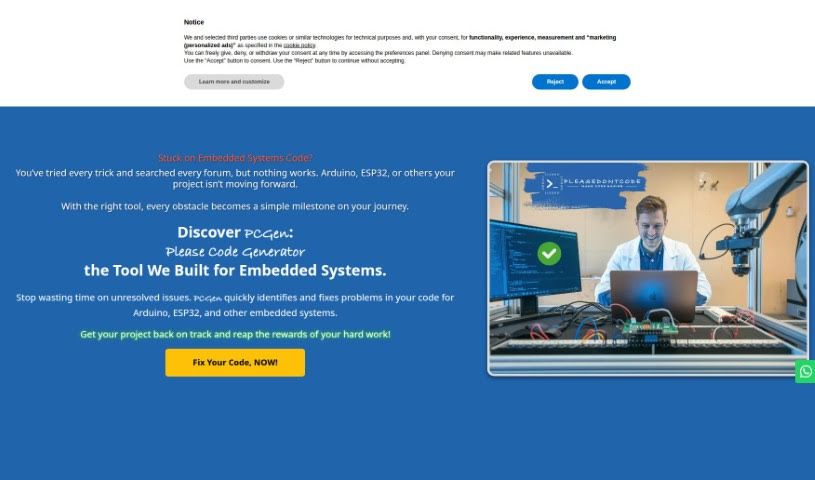
Screenshot of Please Don't Code

Please Don't Code

Freemium

'Please Don't Code' is an initiative from ITALCODY designed to speed up and automate the creation of basic code for professionals and small to medium-sized businesses. It's useful across many fields, like IoT, education, automotive, blockchain, and home automation. The main idea is to boost efficiency by offering easy-to-use tools for generating and fixing code. This way, businesses can spend less time on the nitty-gritty of programming and more time on what really matters for their core operations.

Web Development View Tool →
Screenshot of Programming Helper

Programming Helper

Freemium

Based on the details in "programming-helper.pdf," Programming Helper is essentially a tool built to lend a hand with your coding projects. It's packed with features that can help you out, like generating code just from your text descriptions, using AI to write code for you, and even handling specific tasks such as setting up encryption algorithms or building particular program functions – think of a program that can encrypt and decrypt using a Caesar cipher.

Web Development View Tool →
Screenshot of Prototyper

Prototyper

Freemium

Prototyper is a smart design tool that uses AI to help you create UI elements. All you need to do is give it a simple text prompt or even an image, and it'll generate what you need. This means you can prototype your products much faster and more efficiently. The whole idea behind Prototyper is to let you build and test UIs really quickly, just by describing your ideas in plain language. It taps into artificial intelligence to turn those descriptions into actual code, making the whole prototyping process feel more natural and speedy. Plus, you can tweak the code in real-time using the editor right there beside your preview, so you see the results of your changes instantly. Prototyper plays nicely with different development needs, supporting popular frameworks like Tailwind, HTML, and React. It also has features that let teams work together smoothly on prototypes.

Web Development View Tool →
Screenshot of Pulumi

Pulumi

Freemium

Pulumi is an experimental feature that lets you generate Pulumi infrastructure-as-code programs simply by chatting with an AI. You can find this AI through a chat widget right on the website. Just describe the infrastructure you're planning to build, and the AI will whip up the code for you in languages like TypeScript, Python, Java, C#, Go, F#, VB, and YAML. Once the code is generated, you can tweak it however you like and then deploy it using the simple command 'pulumi up'. Even though this tool is still in its early stages and web-based, it really shines with its real-time interactive coding and conversational prompts for building cloud infrastructure.

Web Development View Tool →
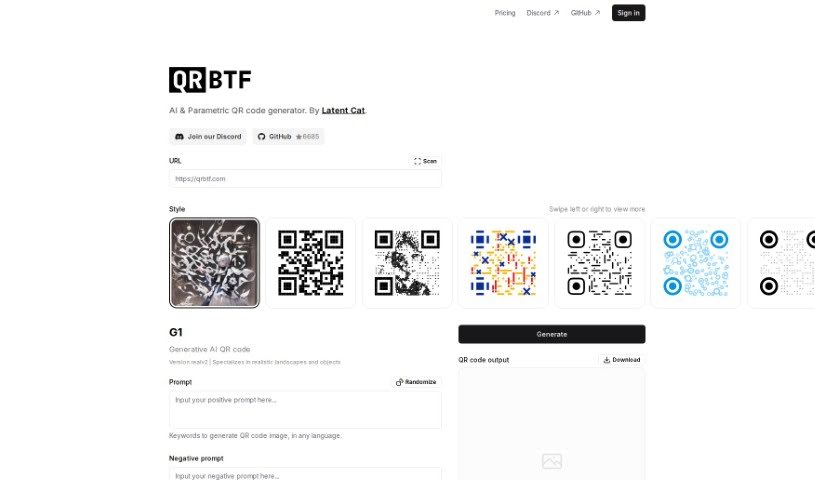
Screenshot of QRBTF

QRBTF

Freemium

QRBTF is a really cool platform focused on making generative QR codes. It is a place where you can create QR codes that aren't just functional, but also look great. With QRBTF AI, you can easily whip up beautiful, one-of-a-kind QR codes that really boost your online presence. If you're into tweaking things yourself, QRBTF Classic is an open-source tool that lets you customize your QR codes even further. The whole platform is built around community; they have a Discord server where everyone hangs out, a gallery showing off all the awesome QR codes people have made (great for inspiration!), and plenty of documentation to help you out. It’s a fantastic tool if you want your QR codes to really stand out, offering community interaction, open-source options, and those special generative designs.

Web Development View Tool →
Screenshot of Queryflex

Queryflex

Freemium

Queryflex, also known as MultiDB QueryFlex, is a really handy tool. It is your go-to, all-in-one Database Query Generator. It's built specifically for developers like you who work with all sorts of database systems. Whether you're dealing with SQL, PostgreSQL, Firebase, MongoDB, Prisma, or other platforms, Queryflex is designed to help. It makes generating queries across these different databases much easier, boosting your efficiency and simplifying how you interact with your data.

Web Development View Tool →
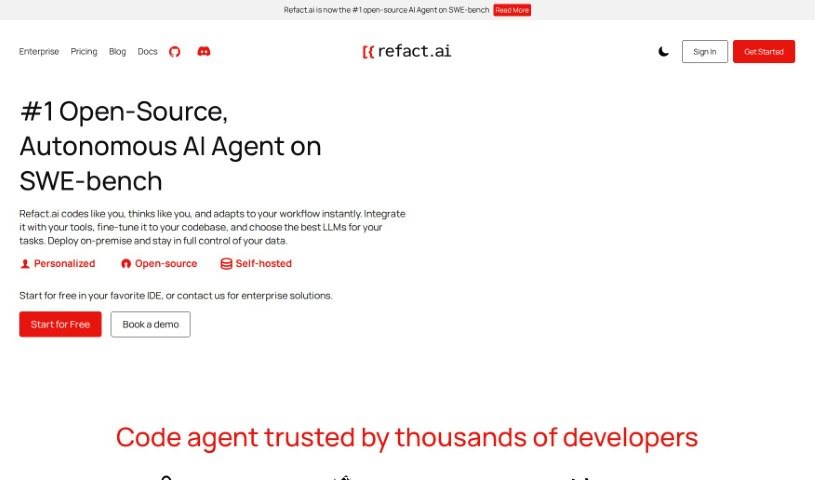
Screenshot of Refact

Refact

Freemium

Refact is essentially an AI coding assistant built to make life easier for software engineers. It is a smart partner that helps speed up your development work. It’s packed with useful features like suggesting code as you type, helping you rewrite existing code for better quality, offering instant help through an AI chat right in your coding environment, and even analyzing your code across various programming languages. It plays nicely with popular IDEs such as JetBrains and VS Code, all with the goal of boosting your efficiency and making sure your code is top-notch. Plus, Refact really gets that privacy matters, so it gives you control over what it sees, letting you restrict access to specific files or entire projects to keep your confidential code safe.

Web Development View Tool →
Screenshot of Refraction

Refraction

Freemium

I couldn't find a direct explanation of what Refraction is within the document I retrieved. Would you like me to try searching again with different keywords?

Web Development View Tool →
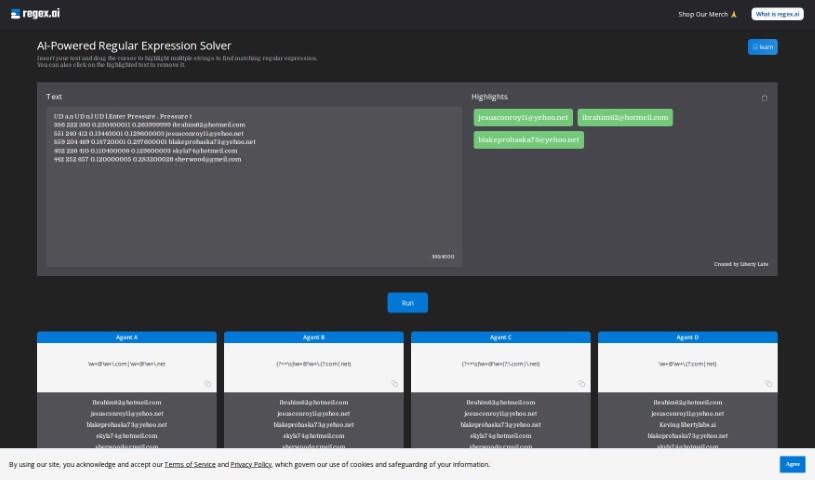
Screenshot of Regex.ai

Regex.ai

Freemium

Regex.ai is a platform designed to help programmers create regular expressions, often called regex. It was built to tackle the common struggle of writing effective regex patterns efficiently. This tool uses advanced AI to really understand what you need and then generates regex that not only works but often does even better than expected. The main idea behind Regex.ai is to make programming and handling data simpler by automating regex creation. This, in turn, makes the whole coding process more approachable and enjoyable for everyone. The team behind Regex.ai envisions pushing AI's role in programming further, aiming to create a comprehensive, AI-driven solution for developers everywhere. At its heart, the company values innovation, simplicity, and making sure customers are happy, which drives them to constantly improve their AI algorithms.

Web Development View Tool →
Screenshot of Replicate AI

Replicate AI

Freemium

Replicate AI is a really neat platform designed to automate data analysis and reporting using AI. It is a smart assistant for your data tasks. It helps businesses and individuals speed things up by offering powerful automation features. With Replicate AI, you can easily get insights from your data, create visualizations, and put together detailed reports without having to do all the manual work yourself. It uses advanced algorithms and machine learning to make your data analysis faster, more accurate, and generally more efficient. Basically, if you're looking to get more out of your data processing and make smarter decisions based on clear, actionable insights, Replicate AI is a great tool to consider.

Web Development View Tool →
Screenshot of Rgx Tools

Rgx Tools

Freemium

Rgx Tools is a handy AI-powered tool for creating and editing regular expressions, developed by Amir Mendelson. It uses OpenAI's gpt-3.5-chat to help you generate regexes that are both efficient and easy to read, all based on the patterns you describe. It is a smart assistant for building complex search patterns. You can use rgx.tools to find all sorts of data patterns – like matching website URLs, phone numbers, specific date formats, or even validating things like email addresses, passwords, and social security numbers. It's also great for just finding specific words. The tool makes creating regexes much simpler than doing it all by hand, offering code examples and being completely free to use. Plus, its interface is really user-friendly, and it generates clean, readable regexes, which is a big help when you're dealing with complex patterns. It really streamlines the whole regex creation process, making the results more efficient and easier to understand.

Web Development View Tool →
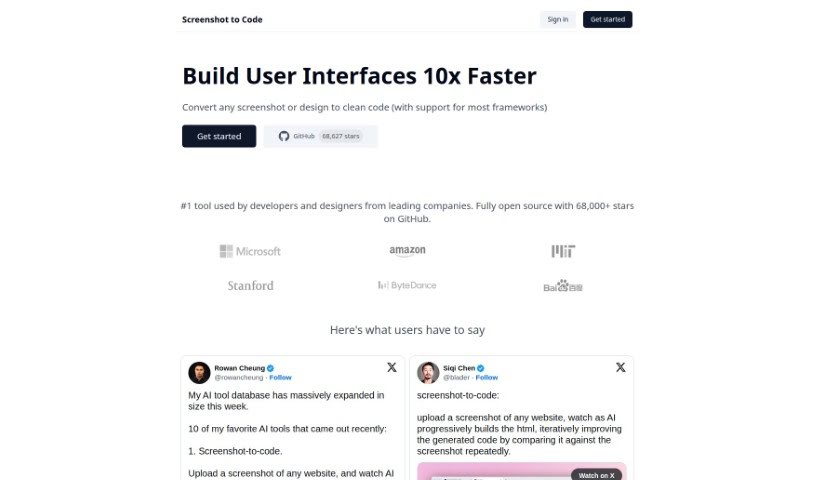
Screenshot of Screenshot to Code

Screenshot to Code

Freemium

Screenshot to Code is a clever tool that takes any screenshot or design you have and turns it into clean, usable code. It's pretty versatile, supporting popular frameworks like HTML, Tailwind CSS, and React. You'll find developers and designers from some big companies using it. What can it do? Well, it converts screenshots into code, lets you clone entire websites just by entering a URL, and even works with AI tools like GPT-4 Vision and DALL-E 3. Plus, you can edit and preview the code right there as it's being generated. Essentially, it's designed to speed up web development, offering quick ways to iterate and prototype, which is a huge plus for developers and their teams.

Web Development View Tool →

Stay Updated with AI Tools

Get weekly updates on the latest AI tools, trends, and insights delivered to your inbox

Join 25,000+ AI enthusiasts. No spam, unsubscribe anytime.