AI Tools for Code Generation

Discover the best Code Generation AI tools to enhance your productivity and creativity.

Page 7 of 9 • 97 total tools

Coding can sometimes feel like a tricky puzzle, where each piece needs to fit just right to complete the whole picture. As technology keeps advancing, especially with artificial intelligence, new tools are popping up to help developers navigate this complex world.

AI code generators are becoming really popular. They promise to make coding smoother, cut down on mistakes, and even help you be more creative. By using powerful algorithms, these tools can work with different programming languages and project needs, making them super helpful for both experienced coders and those just starting out.

There are so many options out there, it can be a bit much to figure out which AI code generator is the best fit for you. That’s where my research comes in. I’ve spent time trying out the top choices available right now to see how well they work, how easy they are to use, and if they really deliver.

Whether you need to generate quick code snippets or tackle complicated algorithms, the right AI code generator can really boost your productivity. So, if you’re looking to automate boring tasks or get new ideas for your coding projects, let’s dive into the best ones out there.

The best AI Code Generators

  1. Cursor: Great for quickly creating basic code snippets.
  2. Replicate AI: Automates repetitive coding tasks.
  3. Code Sandbox: Automates boilerplate code.
  4. Taskade: Efficiently creates code snippets when you need them.
  5. UpCodes: Streamlines the code generation process.
  6. Code Signal: Automates code generation tasks.
  7. ZZZ Code AI: Provides automated code templates.
  8. Tabnine: Automates repetitive coding tasks.
  9. Locofy: Quickly converts designs into code.
  10. Code Rabbit: Automates code creation.
  11. Codeium: Automates repetitive coding tasks.
  12. Together AI Llama Coder: Automates repetitive coding tasks.
  13. Code GPT: Generates code snippets automatically.
  14. Code Convert AI: Instantly converts code snippets with ease.
  15. Bito AI: Generates complex code snippets quickly.

How do AI code generators work?

AI code generators use advanced machine learning models, mostly large language models (LLMs). These models learn from huge amounts of code across many programming languages, repositories, and documentation. Because of this training, they pick up on patterns and structures, which helps them generate code snippets or even whole functions based on what you ask.

When you give it a request, the AI figures out what you mean and predicts the most fitting code based on its training. It looks at your specific needs, like the language, framework, and what you want the code to do, to offer relevant suggestions. This predictive ability is pretty similar to how human programmers think and write code.

AI code generators often use techniques like natural language processing (NLP). This helps bridge the gap between human language and programming syntax, making it easier for developers to talk to the AI using plain English. This makes coding feel more natural and accessible.

Lots of popular coding tools and platforms, like GitHub Copilot and TabNine, already include these AI features. They improve common coding environments by offering real-time help, auto-completions, and debugging support, all using the same underlying LLM tech.

While these tools can really speed up development and reduce errors, they still need a human to check them. Developers need to review and tweak the generated code to make sure it fits project requirements and follows best practices. Ultimately, combining human smarts with AI creates a powerful coding experience.

Our best AI code generators at a glance

RankNameBest forPlans and PricingRating
1CursorQuickly creating boilerplate code snippets.Paid plans start at $20/Month.4.83 (6 reviews)
2Replicate AIAutomating repetitive coding tasks.N/A4.82 (11 reviews)
3CodeSandboxAutomating boilerplate code.N/A4.45 (11 reviews)
4TaskadeEfficiently creating code snippets on demand.Paid plans start at $8/month.4.23 (13 reviews)
5UpCodesStreamlining the code generation process.N/A4.83 (12 reviews)
6CodeSignalAutomating code generation tasks.Paid plans start at $24.29/month.4.69 (13 reviews)
7ZZZ Code AIAutomated code templates.N/A4.17 (6 reviews)
8TabnineAutomating repetitive coding tasks.Paid plans start at $12/month.4.17 (12 reviews)
9LocofyRapid design-to-code conversion.N/A4.75 (24 reviews)
10CodeRabbitAutomated code creation.N/A4.73 (37 reviews)
11CodeiumAutomating repetitive coding tasks.Paid plans start at $12/month.4.57 (14 reviews)
12Together AI Llama CoderAutomating repetitive coding tasks.N/A4.71 (31 reviews)
13CodeGPTAutomated code snippet generation.Paid plans start at $9.99/month.4.17 (6 reviews)
14CodeConvert AIInstantly converting code snippets easily.N/A3.60 (5 reviews)
15Bito AIGenerating complex code snippets quickly.Paid plans start at $15/month.4.85 (20 reviews)
Screenshot of Shuttle

Shuttle

Freemium

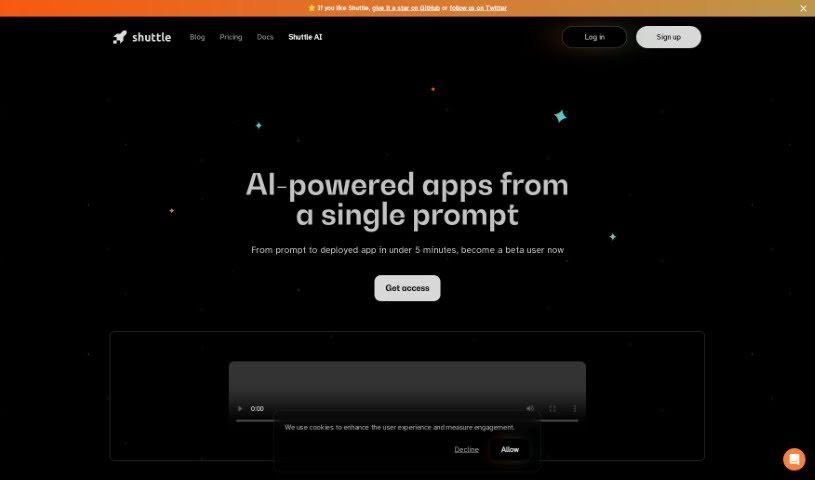
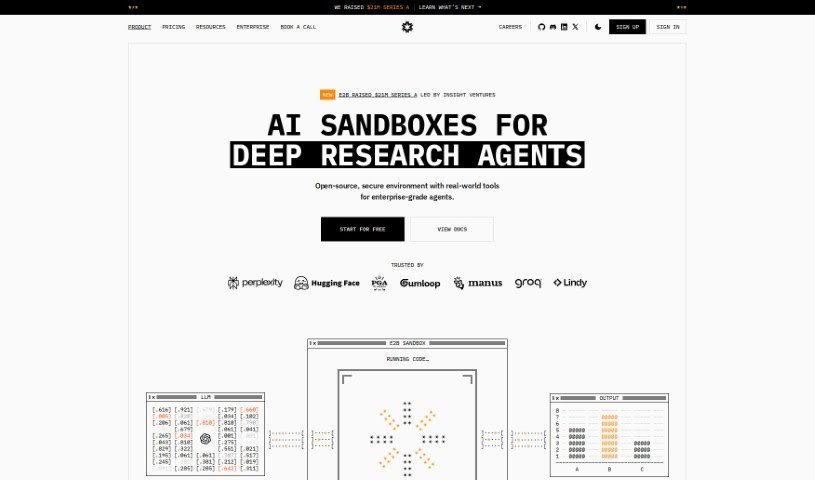
Shuttle is a really cool service that totally changes how developers get their apps running in the cloud. With Shuttle, you can go from a simple idea to a fully working app in less than 5 minutes. Seriously, you don't have to worry about any of the complicated infrastructure stuff. It uses smart AI agents that understand what you're asking for, write the code, set up the servers, and deploy everything automatically. Want a blog service? Just type something like `shuttle-ai build` with a prompt like 'Build me a blog service,' and the AI handles the rest, from writing the Rust code to getting it live on Shuttle's Cloud. Adding new features is just as easy – a command like `shuttle-ai add-feature 'Add comment support'` does the trick. Shuttle is all about making app development and deployment smoother and helping you get more done.

Web Development View Tool →
Screenshot of Sketch2App

Sketch2App

Freemium

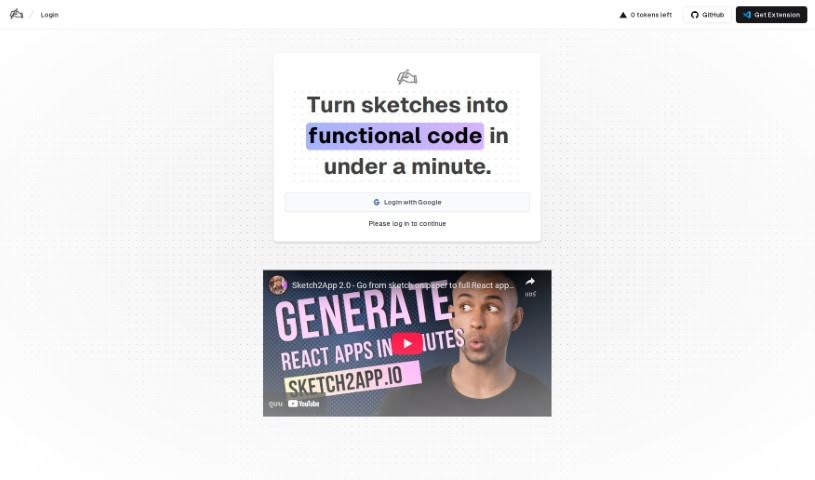
Sketch2App is a really neat tool that helps you create basic UI code just from your own sketches. It's designed to speed up mobile app development and make you more productive. Basically, it takes your hand-drawn designs and turns them into working code, which is fantastic for quickly building prototypes or designing apps. You can use your webcam or another camera to capture your sketches, and the tool will then generate the code for you. Sketch2App works hand-in-hand with Visual Studio Code, syncing up smoothly, and you can even find an extension for it on the VS Code marketplace to add more features. It's super versatile, whether you're working on UI elements or entire mobile apps, generating code for single components or complete applications.

Web Development View Tool →
Screenshot of Smartpress

Smartpress

Freemium

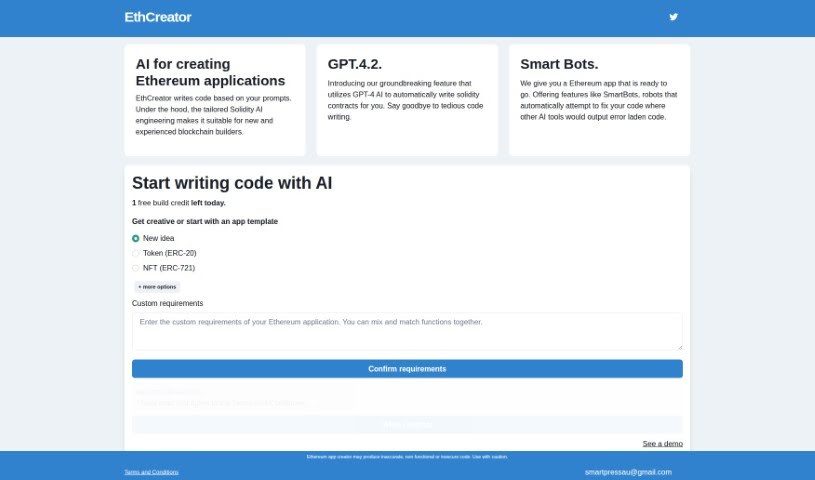
Smartpress is an AI tool built to help you create Ethereum applications. It is a smart assistant that writes code for you based on what you tell it. This makes building applications on the Ethereum blockchain much simpler and faster. Smartpress's main goal is to make developing Ethereum apps more accessible, especially if you're looking to cut down on the amount of manual coding you have to do. It really focuses on making the whole process easier and more user-friendly through its AI-powered approach.

Web Development View Tool →
Screenshot of SmartScripter

SmartScripter

Freemium

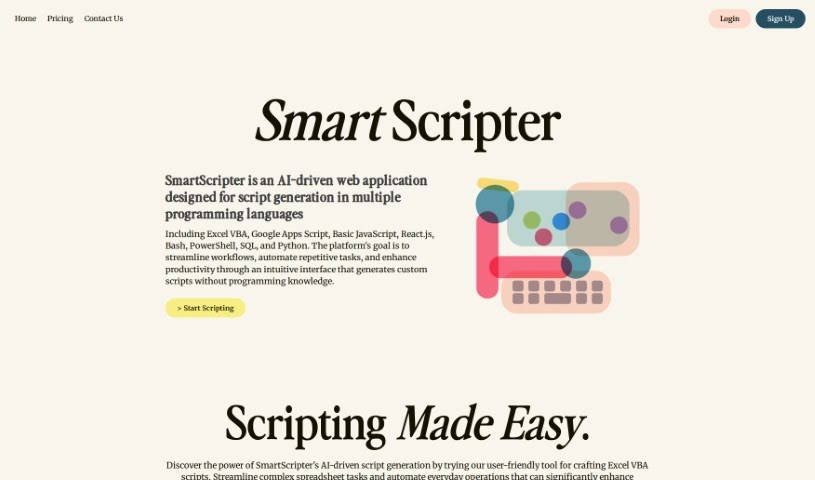
SmartScripter is a web application powered by AI, built to automatically create scripts in a variety of programming languages. Its main goal is to boost your productivity and make your work processes smoother by offering custom script generation through a really easy-to-use interface. You don't need any programming experience to use SmartScripter. It supports many languages, including Excel VBA, Google Apps Script, JavaScript, Bash, PowerShell, Python, and others. SmartScripter can be a big help in fields like finance, marketing, and IT, making tasks simpler when it comes to managing spreadsheets, working on web development projects, handling command line tasks, and doing data analysis.

Web Development View Tool →
Screenshot of Smol Developer

Smol Developer

Freemium

Smol Developer offers a personalized AI developer experience, all wrapped up in an advanced platform. At its heart is the Smol Developer AI agent, which runs using the E2B SDK. This setup means you can tackle development tasks with just a single click, making things incredibly easy. It's built for everyone, whether you're a seasoned pro or just starting out in coding. Smol Developer provides an automated coding and development solution that's both efficient and super user-friendly. You might have seen it around – it's got a strong following in the developer community, with over 10,000 stars on GitHub. This really shows it's a reliable tool. It's great for experienced developers looking to speed up their work, and it's also perfect for beginners diving into coding for the first time. The platform is designed to be flexible, adapting to what you need and helping you get your projects done effectively.

Web Development View Tool →
Screenshot of Snappify

Snappify

Freemium

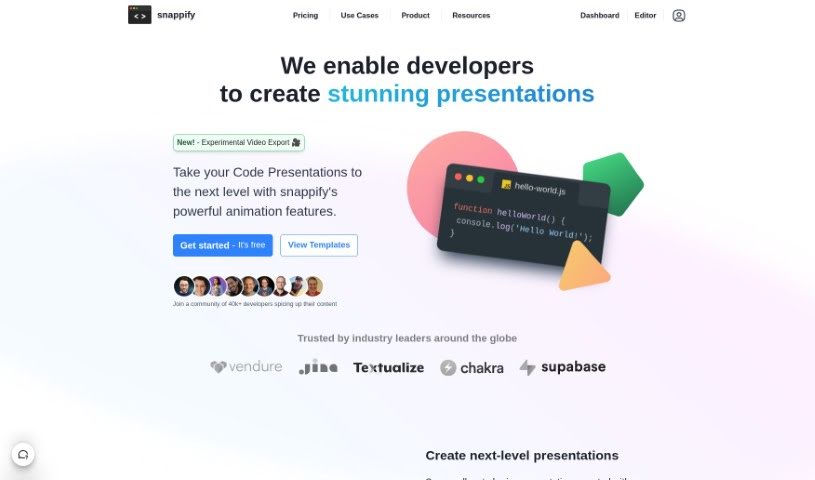
Snappify is a really handy tool that helps you animate your code snippets. It is a way to make your code presentations and videos much more engaging. It's pretty neat because it supports interactive slides, which means people watching can easily copy code directly from your presentation or click on links. This really boosts how much people interact with your technical content. Plus, Snappify offers cool, eye-catching infographics perfect for social media. These make explaining technical stuff much simpler, and they're a great help for teachers who want to make complex ideas easier for students to understand.

Web Development View Tool →
Screenshot of Solace Vision

Solace Vision

Freemium

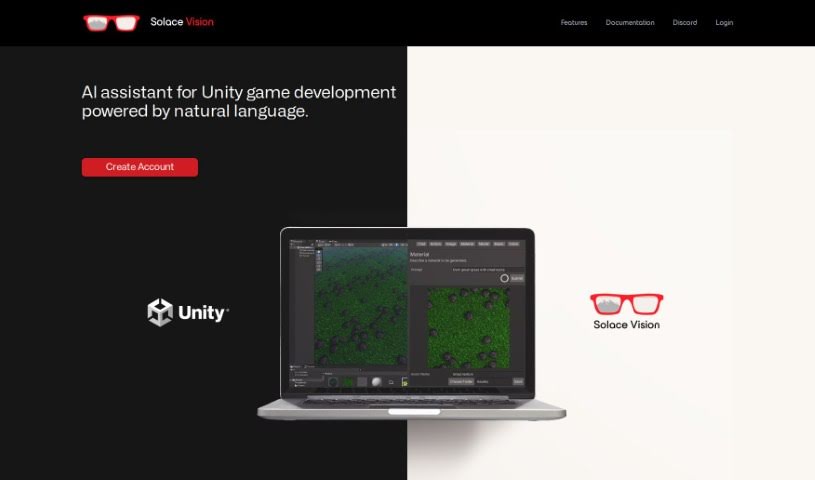
Solace Vision is a really neat AI tool that helps you create 3D stuff. It uses natural language processing, which basically means you can tell it what you want in plain English, and it'll generate 3D objects for you. It's packed with features to make game development in Unity smoother. You've got "Text-to-Action" to automate tasks, "Text-to-Code" for whipping up scripts, and "Text-to-Documentation" to get quick answers and keep your development on track. Plus, they're working on "Text-to-3D" and "Text-to-Music," which sounds pretty exciting!

Web Development View Tool →
Screenshot of SourceAI

SourceAI

Freemium

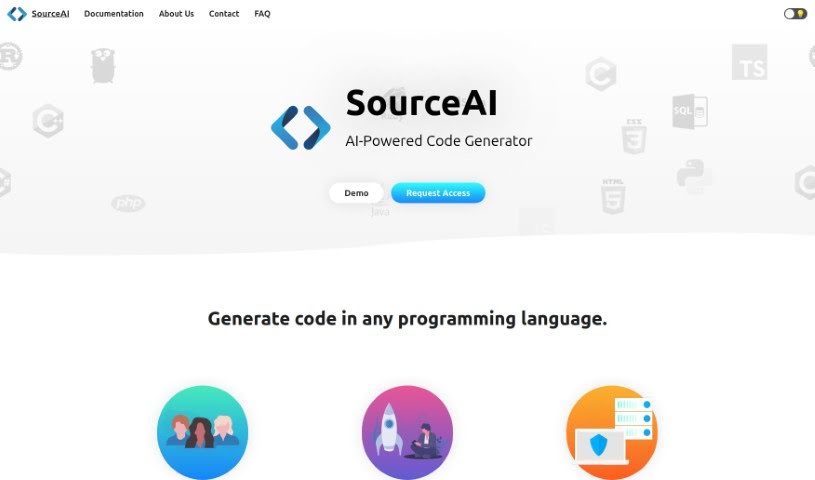
SourceAI is a really neat AI tool that makes coding much simpler. It can write code for you in any programming language, just from a description you give it in plain English (or other languages!). It uses smart technology to save developers a ton of time and effort. It is a way to skip the tedious parts of writing code yourself, as it can even spot and fix errors automatically. SourceAI is designed to be easy for everyone to use, whether you're just starting out or you're a seasoned pro. It’s all about making your work smoother and letting your creativity really shine in software development.

Web Development View Tool →
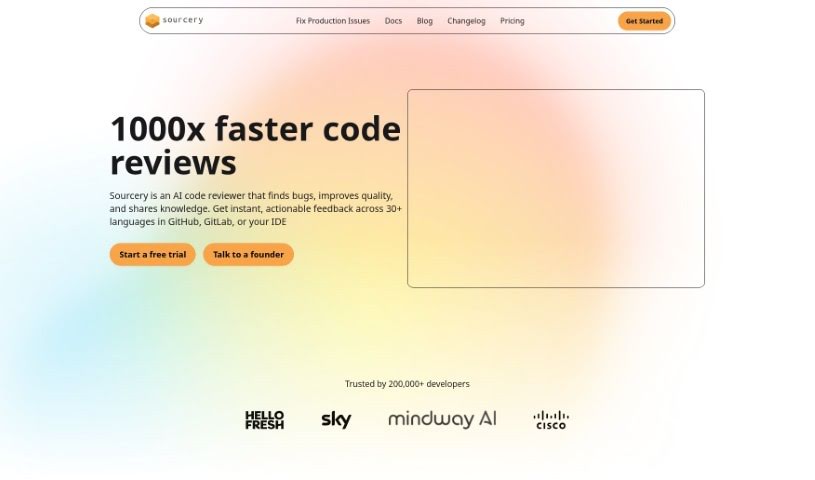
Screenshot of Sourcery

Sourcery

Freemium

Sourcery is an AI-powered tool designed to make your code better and speed up how you build things. Think of it like a helpful coding partner that's always ready with quick, accurate answers to your coding questions. It's great for getting up to speed with new projects, understanding older code, or learning new concepts. Sourcery can automate a lot of those repetitive tasks, like writing tests, creating docstrings, and even doing code reviews. By handling these with just a click, it really saves developers time and makes their work simpler. Plus, it helps you refactor your code by suggesting best practices, offering improvements, and giving you feedback in real-time. This means you can keep your code quality high, speed up reviews, and get feedback right away. It also helps with documentation, automatically generating docstrings and tests, which makes your code easier to read and ensures you have good test coverage. Many engineers from well-known companies like Hello Fresh, Sky, Mindway, and Cisco trust Sourcery. It's a really useful tool if you want to improve your code, get smarter insights, automate boring tasks, and keep making your projects better.

Web Development View Tool →
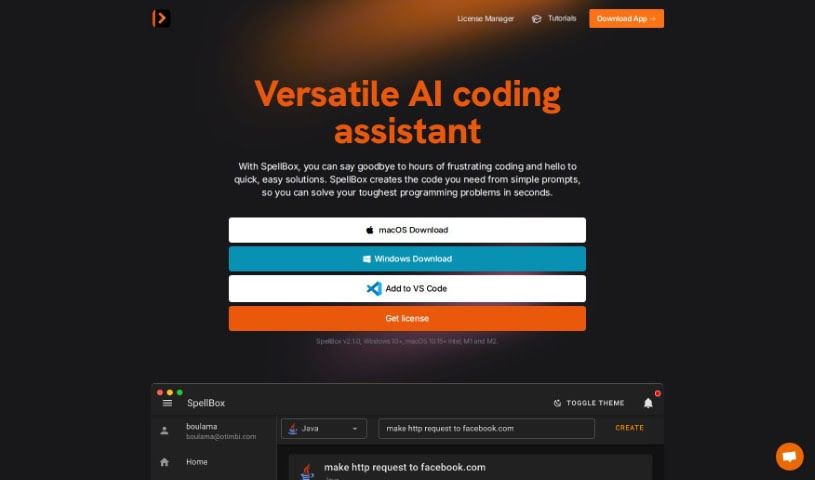
Screenshot of SpellBox

SpellBox

Freemium

SpellBox is a really neat platform that uses artificial intelligence to make programming tasks simpler and help you solve tricky coding problems. You just give it a simple prompt, and it creates custom code solutions that fit exactly what you need. Its smart machine learning algorithms are designed to understand programming logic quickly, so you get accurate and dependable code snippets. This makes it a super useful tool, whether you're just starting out or you're a seasoned developer.

Web Development View Tool →
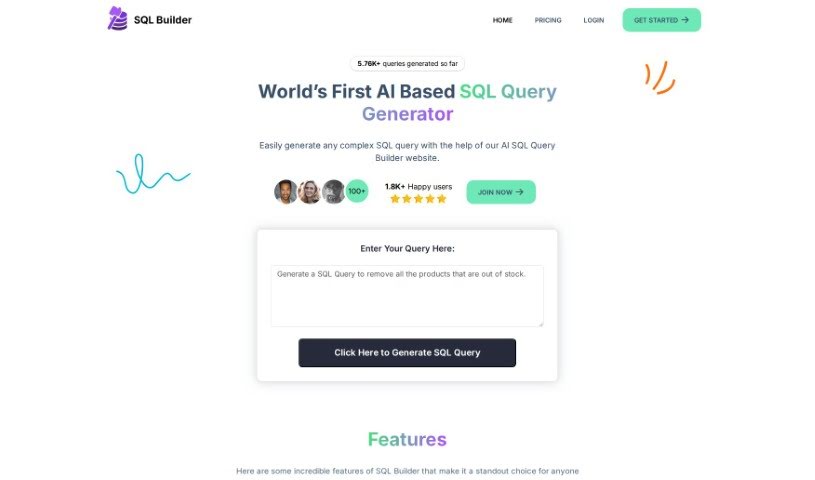
Screenshot of Sql Builder

Sql Builder

Freemium

SQL Builder is a smart tool that uses AI to make writing SQL queries much simpler. You just tell it what you need, and it generates the SQL code for your database. It's packed with helpful features, too. There's an SQL Syntax Explainer to help you understand tricky queries, an SQL Optimizer to speed up how fast your queries run, an SQL Formatter to make your code easy to read, and an SQL Syntax Validator to catch and fix any errors. Basically, the AI here takes your requirements and turns them into optimized, well-formatted SQL, even spotting mistakes. Plus, it supports NoSQL databases with a special No-Code NoSQL Query Builder.

Web Development View Tool →
Screenshot of SQL Genius

SQL Genius

Freemium

SQL Genius is a really clever tool that turns your everyday English questions into SQL queries. This means you can talk to databases using plain language, which is a huge help! It makes asking for information much simpler because it understands what you're trying to do and then writes the correct SQL query for you. You won't need to spend time learning complicated SQL commands anymore. This really boosts efficiency and productivity, whether you're a business person, a researcher, or anyone who needs to get data from a database. The tool has a super easy-to-use interface that doesn't require any tech background. Plus, it might even have some advanced features like smart query optimization and the ability to work with different kinds of databases, making it a flexible and accessible option for all sorts of SQL querying tasks.

Web Development View Tool →

Stay Updated with AI Tools

Get weekly updates on the latest AI tools, trends, and insights delivered to your inbox

Join 25,000+ AI enthusiasts. No spam, unsubscribe anytime.