10Web
Web Development Website Builders
Learn more
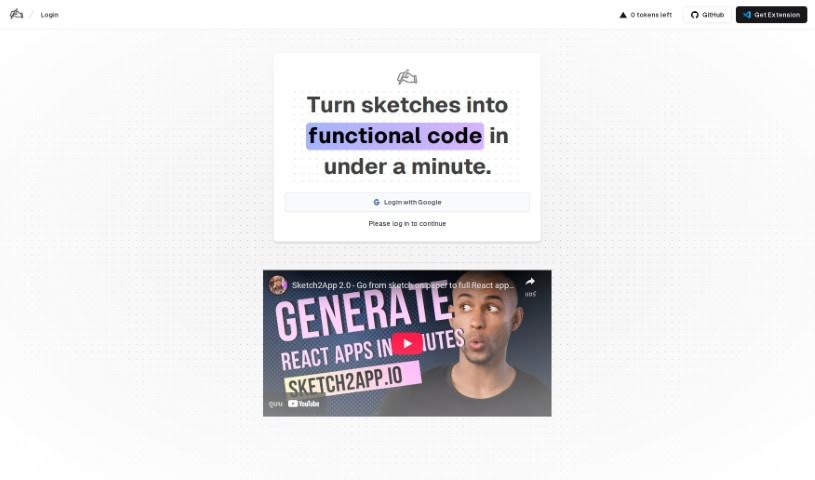
Sketch2App is a Visual Studio Code extension that converts hand-drawn sketches into functional UI code for mobile app prototyping and design.
Sketch2App generates UI code from hand-drawn sketches. Capture a sketch with a webcam or another camera, and the tool converts it into working code for mobile app development. It handles both single UI components and entire mobile applications, making it useful for building prototypes and designing apps quickly.
The tool works as a Visual Studio Code extension available on the VS Code marketplace. After installing it, launch Sketch2App inside VS Code, let it convert your sketch into functional UI code, and adjust the output manually to fit your project.
Sketch2App was created by Cameron Yking to automate mobile app development by turning hand-drawn sketches into functional code, reducing manual UI work inside Visual Studio Code.
Sketch2App suits developers, UI designers, mobile app developers, and prototypers who want to move from sketch to code without rebuilding layouts by hand. It also makes coding more accessible to non-technical users, who can draw an interface and get working code back without writing it from scratch.
Related
Discover more tools in similar categories
Weekly picks of the best AI tools we've researched and added — no spam, unsubscribe anytime.
Join 25,000+ AI enthusiasts. No spam, unsubscribe anytime.