AI Tools for Code Generation

Discover the best Code Generation AI tools to enhance your productivity and creativity.

Page 8 of 9 • 97 total tools

Coding can sometimes feel like a tricky puzzle, where each piece needs to fit just right to complete the whole picture. As technology keeps advancing, especially with artificial intelligence, new tools are popping up to help developers navigate this complex world.

AI code generators are becoming really popular. They promise to make coding smoother, cut down on mistakes, and even help you be more creative. By using powerful algorithms, these tools can work with different programming languages and project needs, making them super helpful for both experienced coders and those just starting out.

There are so many options out there, it can be a bit much to figure out which AI code generator is the best fit for you. That’s where my research comes in. I’ve spent time trying out the top choices available right now to see how well they work, how easy they are to use, and if they really deliver.

Whether you need to generate quick code snippets or tackle complicated algorithms, the right AI code generator can really boost your productivity. So, if you’re looking to automate boring tasks or get new ideas for your coding projects, let’s dive into the best ones out there.

The best AI Code Generators

  1. Cursor: Great for quickly creating basic code snippets.
  2. Replicate AI: Automates repetitive coding tasks.
  3. Code Sandbox: Automates boilerplate code.
  4. Taskade: Efficiently creates code snippets when you need them.
  5. UpCodes: Streamlines the code generation process.
  6. Code Signal: Automates code generation tasks.
  7. ZZZ Code AI: Provides automated code templates.
  8. Tabnine: Automates repetitive coding tasks.
  9. Locofy: Quickly converts designs into code.
  10. Code Rabbit: Automates code creation.
  11. Codeium: Automates repetitive coding tasks.
  12. Together AI Llama Coder: Automates repetitive coding tasks.
  13. Code GPT: Generates code snippets automatically.
  14. Code Convert AI: Instantly converts code snippets with ease.
  15. Bito AI: Generates complex code snippets quickly.

How do AI code generators work?

AI code generators use advanced machine learning models, mostly large language models (LLMs). These models learn from huge amounts of code across many programming languages, repositories, and documentation. Because of this training, they pick up on patterns and structures, which helps them generate code snippets or even whole functions based on what you ask.

When you give it a request, the AI figures out what you mean and predicts the most fitting code based on its training. It looks at your specific needs, like the language, framework, and what you want the code to do, to offer relevant suggestions. This predictive ability is pretty similar to how human programmers think and write code.

AI code generators often use techniques like natural language processing (NLP). This helps bridge the gap between human language and programming syntax, making it easier for developers to talk to the AI using plain English. This makes coding feel more natural and accessible.

Lots of popular coding tools and platforms, like GitHub Copilot and TabNine, already include these AI features. They improve common coding environments by offering real-time help, auto-completions, and debugging support, all using the same underlying LLM tech.

While these tools can really speed up development and reduce errors, they still need a human to check them. Developers need to review and tweak the generated code to make sure it fits project requirements and follows best practices. Ultimately, combining human smarts with AI creates a powerful coding experience.

Our best AI code generators at a glance

RankNameBest forPlans and PricingRating
1CursorQuickly creating boilerplate code snippets.Paid plans start at $20/Month.4.83 (6 reviews)
2Replicate AIAutomating repetitive coding tasks.N/A4.82 (11 reviews)
3CodeSandboxAutomating boilerplate code.N/A4.45 (11 reviews)
4TaskadeEfficiently creating code snippets on demand.Paid plans start at $8/month.4.23 (13 reviews)
5UpCodesStreamlining the code generation process.N/A4.83 (12 reviews)
6CodeSignalAutomating code generation tasks.Paid plans start at $24.29/month.4.69 (13 reviews)
7ZZZ Code AIAutomated code templates.N/A4.17 (6 reviews)
8TabnineAutomating repetitive coding tasks.Paid plans start at $12/month.4.17 (12 reviews)
9LocofyRapid design-to-code conversion.N/A4.75 (24 reviews)
10CodeRabbitAutomated code creation.N/A4.73 (37 reviews)
11CodeiumAutomating repetitive coding tasks.Paid plans start at $12/month.4.57 (14 reviews)
12Together AI Llama CoderAutomating repetitive coding tasks.N/A4.71 (31 reviews)
13CodeGPTAutomated code snippet generation.Paid plans start at $9.99/month.4.17 (6 reviews)
14CodeConvert AIInstantly converting code snippets easily.N/A3.60 (5 reviews)
15Bito AIGenerating complex code snippets quickly.Paid plans start at $15/month.4.85 (20 reviews)
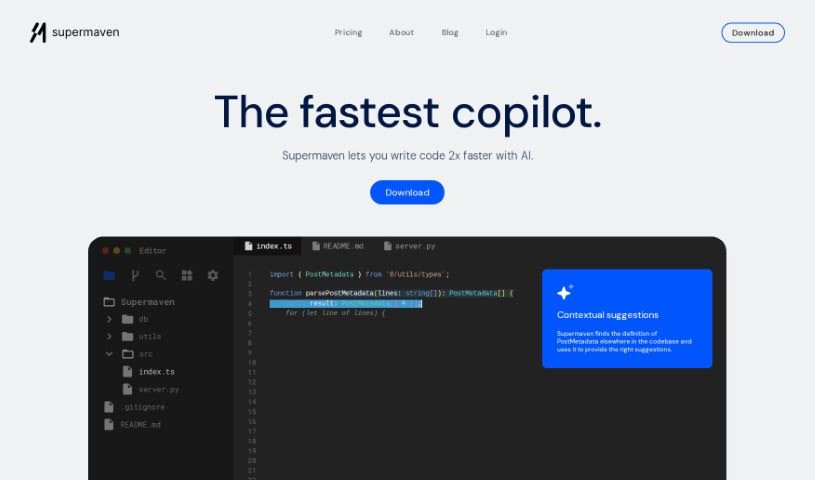
Screenshot of Supermaven

Supermaven

Freemium

Supermaven is a super-fast copilot tool. What really makes it stand out is its massive 1 million token context window, which helps it give you really good code completions, really quickly. Because it can look at so much code at once, Supermaven is great at offering suggestions that are not just fast, but also spot-on for what you're trying to do. This focus on a huge context window is what helps developers be more productive and makes their workflow smoother. It’s designed to give you precise, context-aware code suggestions, perfect for anyone looking for a more efficient way to code.

Web Development View Tool →
Screenshot of Sweep AI

Sweep AI

Freemium

Sweep AI is your smart coding sidekick, specifically built to help manage your GitHub tickets and make coding smoother for you and your team. It's an AI tool that can actually create code changes based on bug reports or new feature ideas. It can even generate code for your entire repository. Plus, it plays nicely with Slack, making communication a breeze, and lets you take action directly within GitHub. Big names like PyTorch-Ignite, Medplum, and even universities like Stanford, Carnegie Mellon, and Waterloo have used Sweep to keep their code in top shape, handle those tedious repetitive tasks, and get smart suggestions for their code.

Web Development View Tool →
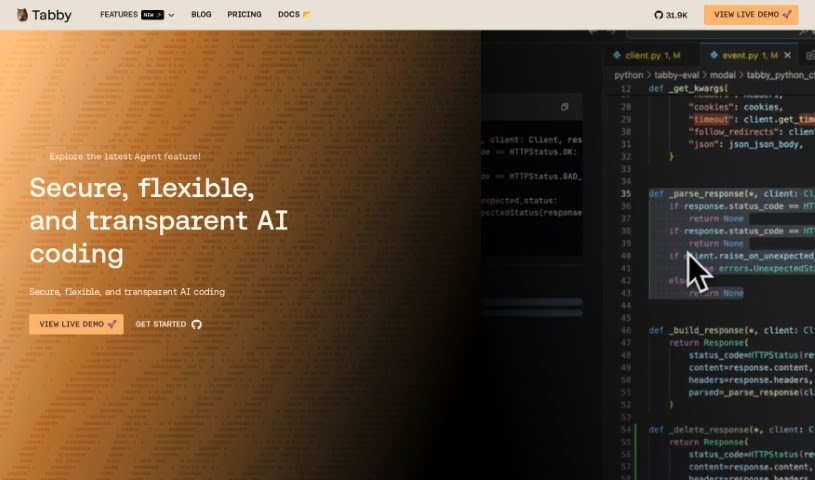
Screenshot of Tabby

Tabby

Freemium

Tabby is an AI coding assistant that's open-source and you can host it yourself. Its main goal is to make coding faster, safer, and more customizable, really improving your overall experience. It's built with Rust, which is known for being super reliable and efficient. Setting up Tabby is a breeze; you just use a TOML config file to tailor the deployment exactly how you like it. Security and compliance are big priorities here. Since the codebase is open-source, you can check it out on GitHub anytime. Plus, you have the option to host your own version, giving you complete control over your coding setup. Tabby also offers plenty of helpful resources, like detailed documentation, tutorials, and a community you can connect with on Slack. You can also keep up with the latest news and updates by checking out the Tabby blog, status page, and media kit.

Web Development View Tool →
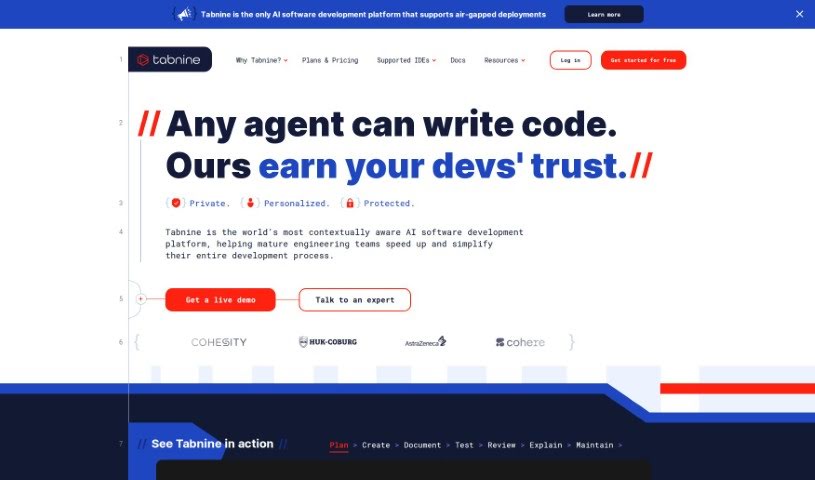
Screenshot of Tabnine

Tabnine

Freemium

Tabnine is an AI code assistant built to help developers write code faster and automate tasks. Essentially, it lets you focus more on the creative parts of your work rather than getting bogged down in repetitive coding. It's known for generating high-quality code snippets, offering personalized AI suggestions that learn from your unique coding habits, and importantly, keeping your code completely private with no data retention. Millions of developers and thousands of companies already trust Tabnine for everything from creating new code to testing, maintaining, and more, all while prioritizing privacy and security.

Web Development View Tool →
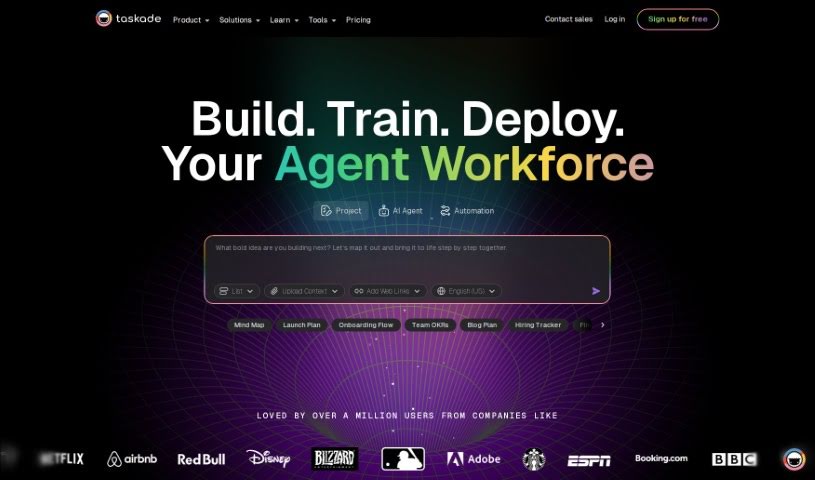
Screenshot of Taskade

Taskade

Freemium

Taskade's AI Regex Generator is a really smart and easy-to-use tool. It's built to make your coding better and faster by using AI to create regular expressions for you. It is a helpful assistant that speeds up development, improves the quality of your code, and automates tasks, making your whole development process feel more flexible and productive.

Web Development View Tool →
Screenshot of Together AI Llama Coder

Together AI Llama Coder

Freemium

Llama Coder is an AI-powered platform designed to help you generate code for your next app, specifically using Llama 3.1 405B. It is your automated coding assistant, built to help developers create applications more efficiently. By using AI-generated code, Llama Coder really helps streamline the app development process. The goal here is to boost your productivity and make coding simpler, whether you're building a complex application or a quick prototype.

Web Development View Tool →
Screenshot of Trace

Trace

Freemium

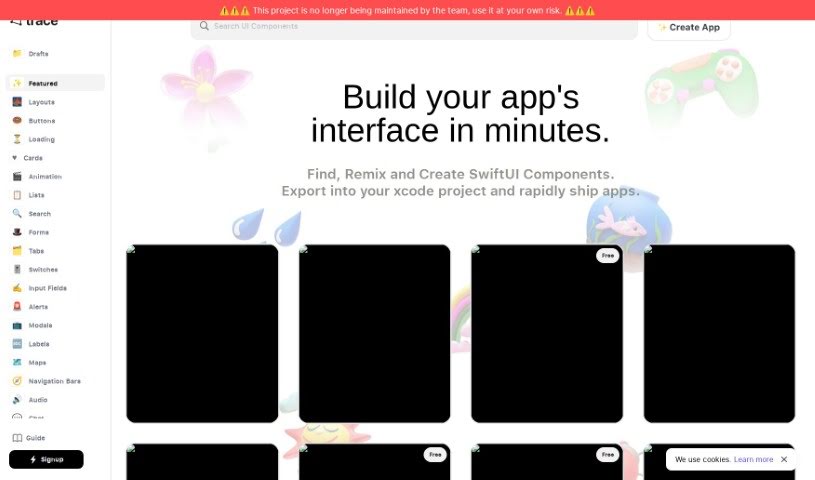
When we talk about "Trace" here, we're actually referring to Trace.Page. It's a neat AI-powered tool designed specifically for creating and sharing Swift UI components. It is your go-to assistant for quickly designing and prototyping app interfaces. It uses artificial intelligence to turn your text descriptions into SwiftUI code. This means you can whip up designs for all sorts of apps – whether it's for fitness, social media, managing tasks, or handling payments – much faster. You can even export the SwiftUI code directly into your Xcode projects, or run the components right on your phone. The desktop version is pretty handy too; you can easily copy Swift code for components and even create your own custom UI elements. Plus, Trace has a community feature where you can share what you've made and team up with other developers, which really helps spark new ideas in app development.

Web Development View Tool →
Screenshot of Tusk AI

Tusk AI

Freemium

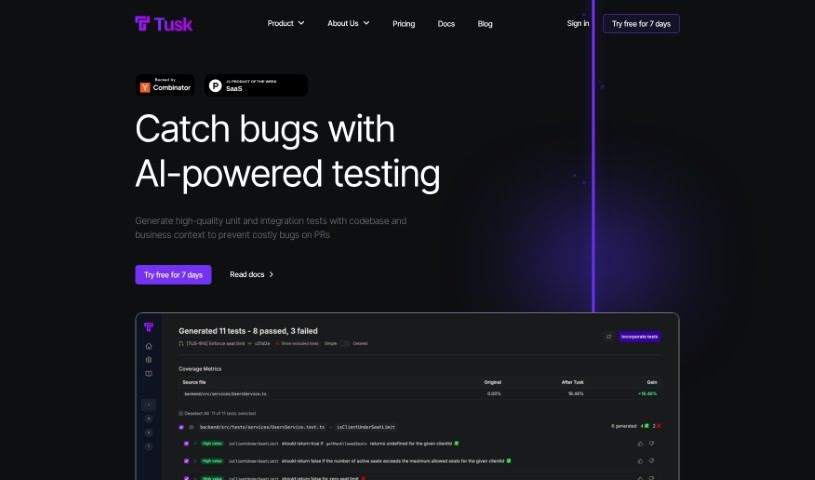
Tusk AI is a tool built to help software engineers get their tasks done faster. It is a smart assistant for your coding workflow. You can tag tasks in platforms like Linear, Jira, or Notion, and Tusk AI will automatically send the code changes to your GitHub repository, usually within minutes. It's designed to handle code changes, run automated tests to make sure everything works, and even give you code context if it can't create a pull request right away. The main goal here is to save engineers time by taking on things like fixing bugs reported by customers, making small copy updates, or improving the user experience with UI/UX tweaks. People who've used Tusk AI have said it's really effective, often needing just a quick review and merge from the engineer. Tusk AI offers different pricing plans, so you can pick one that fits your team size and needs, from a free option for individuals to enterprise plans for bigger companies.

Web Development View Tool →
Screenshot of Txt2Sql.com

Txt2Sql.com

Freemium

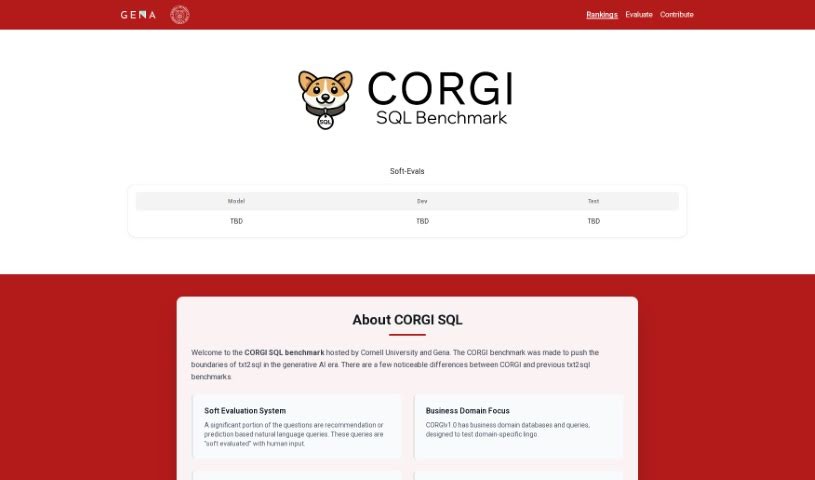
Txt2SQL is a really handy AI tool that lets you create SQL queries just by typing in plain text. It is a way to speed up your work by having the tool automatically build the queries you need, based on your database's structure. It works with a bunch of popular databases, including MySQL, Postgres, SQLite, and MS SQL, so it should fit right into your existing setup. They also seem to take user data security seriously, following good data protection practices, though they don't go into a lot of detail about it on their site. If you run into any issues or have questions, they offer email support to help you out. You can even try Txt2SQL for free to get a feel for how it works and what it can do before you decide on a subscription. Basically, Txt2SQL is all about making your data tasks smoother by automating SQL query generation from text, which should save you a good chunk of time and make your work more efficient.

Web Development View Tool →
Screenshot of UpCodes

UpCodes

Freemium

UpCodes is a platform that offers UpCodes: Copilot, an AI-powered tool designed to help you research and understand US construction and building code regulations. It is your personal code assistant. It's built to give you specific answers to questions about your projects, pull together all the relevant code regulations in one place, and even provide information tailored to specific states and cities. The core features include a vast, searchable database of all code regulations, AI that provides answers customized just for you, and tools that really speed up how you do your code research. Essentially, it's there to help construction professionals stay on the right side of building rules and make smarter choices based on the codes that matter.

Web Development View Tool →
Screenshot of Userway Fix My Code

Userway Fix My Code

Freemium

Userway Fix My Code is a handy service built to help businesses and website owners make sure their sites are accessible to everyone, especially people with disabilities. It zeroes in on fixing code issues that might make it tough for users with disabilities to get around and use your website. The goal here is to boost website accessibility by finding and correcting those coding errors and roadblocks that could stop people from enjoying all the features and content your site offers. By providing this service, Userway is really helping to build a more inclusive online world where everyone can fully connect with digital content.

Web Development View Tool →
Screenshot of WPTurbo

WPTurbo

Freemium

WPTurbo is a really handy set of free tools for WordPress, all designed to help make your website better. It focuses on a few key areas: making your site more visible on search engines (SEO), speeding up how fast it loads, and generally improving how people experience it.

Web Development View Tool →

Stay Updated with AI Tools

Get weekly updates on the latest AI tools, trends, and insights delivered to your inbox

Join 25,000+ AI enthusiasts. No spam, unsubscribe anytime.