What is Trace?
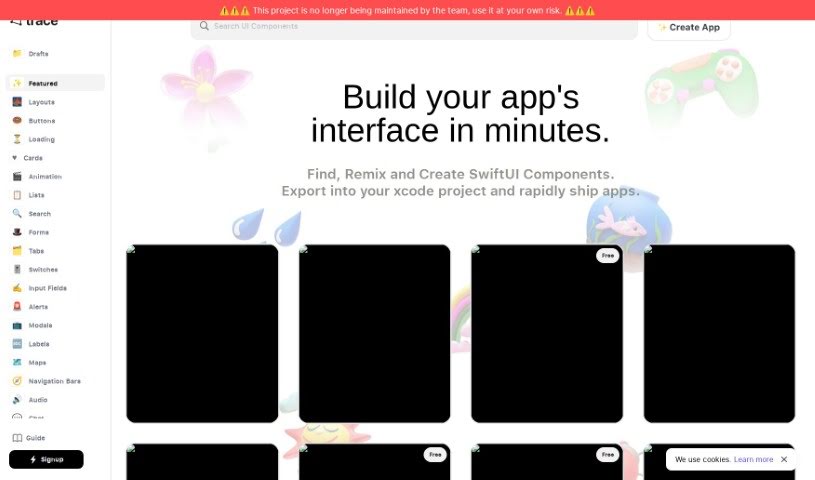
When we talk about “Trace” here, we’re actually referring to Trace.Page. It’s a neat AI-powered tool designed specifically for creating and sharing Swift UI components. It is your go-to assistant for quickly designing and prototyping app interfaces. It uses artificial intelligence to turn your text descriptions into SwiftUI code. This means you can whip up designs for all sorts of apps – whether it’s for fitness, social media, managing tasks, or handling payments – much faster. You can even export the SwiftUI code directly into your Xcode projects, or run the components right on your phone. The desktop version is pretty handy too; you can easily copy Swift code for components and even create your own custom UI elements. Plus, Trace has a community feature where you can share what you’ve made and team up with other developers, which really helps spark new ideas in app development.
Who created Trace?
Trace was brought to life by Graam, Inc. They officially launched it on June 29, 2023. As an AI tool focused on designing and sharing Swift UI components, Trace.Page is all about making the process of turning text into SwiftUI code smoother. This really cuts down on the time and specialized knowledge you’d normally need to prototype app interfaces. Developers can easily export the generated SwiftUI code to their Xcode projects or even run it directly on their mobile devices. Graam, Inc. is the owner of Trace.Page, and they’re known for pushing the boundaries in technological innovation.
What is Trace used for?
- Designing and sharing Swift UI components: It’s your platform for creating and distributing reusable UI elements.
- Building apps for various categories: Whether you’re working on fitness apps, social media platforms, task managers, or payment applications, Trace can help.
- Exporting SwiftUI code to Xcode projects: Get your designs ready for full development with easy export options.
- Running Swift UI components directly on a phone: Test your creations in real-time on a mobile device.
- Generating custom UI components: Tailor your app’s look and feel with unique elements.
- Copying Swift code for each component: Grab the code snippets you need quickly.
- Contributing to the AI developer community: Share your work and be part of a collaborative environment.
- Fostering collaboration and sharing: Connect with other developers, exchange ideas, and learn from each other.
- Accelerating innovation: Speed up the app development process by turning ideas into code faster.
- Simplifying app design: Transform your concepts directly into SwiftUI code, making design more accessible.
Who is Trace for?
- App developers: Streamline your workflow and speed up prototyping.
- UI/UX Designers: Bring your interface ideas to life quickly and test them easily.
- AI developers: Explore new ways to integrate AI into the design process and collaborate with a community.
How to use Trace?
Here’s a straightforward guide to using the Trace tool effectively:
- Turn Text into SwiftUI Code: Trace.Page uses AI to convert your text descriptions into SwiftUI code. This makes designing much simpler, letting you create UI components from your ideas without needing deep coding expertise.
- Design for Many App Types: Trace.Page is versatile, supporting the design of various app categories. You can create interfaces for fitness apps, social media, task management, payment apps, and more.
- Export to Xcode Seamlessly: Once your design is ready, you can easily export the generated SwiftUI code straight into an Xcode project. This really helps smooth out the app development process.
- Test on Your Phone in Real-Time: Run your Swift UI components directly on a mobile device. This allows for instant testing and quick adjustments, making development much more efficient.
- Explore Desktop Version Features: The desktop version offers extra handy features. You can copy Swift code for specific components or generate custom UI elements right from your computer.
- Collaborate in the Community: Trace.Page hosts an AI developer community. It’s a great place to share what you’ve created, collaborate with others, get inspired, and find learning resources.
- Generate Custom UI Components: Need something unique? Trace.Page lets you generate custom UI components, giving you the flexibility to design truly distinctive app interfaces.
- Cookies for Better Experience: Trace.Page uses cookies to help its site work as well as possible, provide personalized responses, and generally improve your experience, all in line with their user policies.
- Owned by Graam, Inc.: Just so you know, Trace.Page is owned by Graam, Inc. They’re a company well-known for driving innovation in technology.
- Speeding Up Innovation: Trace.Page helps speed up app development innovation. It lets you quickly generate custom SwiftUI code from your ideas, lowering the learning curve and accelerating prototyping for faster development cycles.
By following these steps and using the many features Trace offers, you can efficiently design, test, and refine your SwiftUI components for your app development projects.