What is WPTurbo?
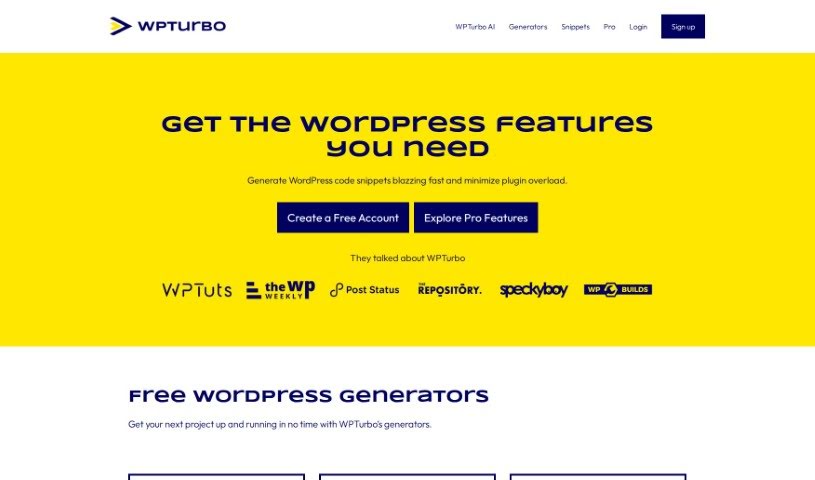
WPTurbo is a really handy set of free tools for WordPress, all designed to help make your website better. It focuses on a few key areas: making your site more visible on search engines (SEO), speeding up how fast it loads, and generally improving how people experience it.
For SEO, you get tools to help you figure out what keywords to use and how to improve your on-page elements, like generating meta tags and creating XML sitemaps.
When it comes to performance, WPTurbo offers features like caching and minification. These help speed up your website and make it run more efficiently.
And because user experience is so important, WPTurbo has a straightforward interface with easy-to-use features. This makes managing and building your WordPress site simpler, whether you’re just starting out or you’ve been doing this for years. Basically, WPTurbo is built to give your WordPress site a boost in how well it works and how productive it can be.
Who created WPTurbo?
WPTurbo was actually created by Alex Borto. He’s the person behind WPMarmite, which is a blog that shares really detailed tutorials and reviews about WordPress. Alex lives in Troyes, France, and he’s been working with WordPress for over a decade now. While he’s not a developer himself, he really enjoys playing around with code and is great at talking to developers. WPTurbo is his way of helping WordPress developers out by giving them code generators, a library of code snippets, and even an AI feature that can quickly create custom WordPress code for them.
What is WPTurbo used for?
WPTurbo can help you with a lot of things related to your WordPress site:
- Improve User Experience: Make your site more pleasant and easier for visitors to use.
- Generate Code Snippets: Quickly create pieces of WordPress code you need.
- Automate Coding: Use WPTurbo AI to speed up coding for your WordPress projects.
- Create Custom Themes & Plugins: Build your own themes and plugins using WPTurbo’s generators and AI snippets.
- Organize Your Code: Keep all your code snippets neatly organized in a central library.
- Manage Projects: Save and update your entire WordPress projects easily.
- Boost SEO: Optimize your website to rank better on search engines.
- Enhance Performance: Make your website load faster and run more efficiently.
- Streamline Development: Simplify the process of building and managing your website.
- Seamless Integration: Connect smoothly with important parts of the WordPress system.
- Access Pro Features: Get the most out of WPTurbo Pro for full AI access, private snippet saving, and more.
- Keyword Research: Dive deep into keyword research and analysis to understand what people are searching for.
- On-Page SEO: Fine-tune elements like meta tags, XML sitemaps, and SEO-friendly URLs.
- Speed Optimization: Improve your website’s loading speed and reduce how long the server takes to respond.
- Image Optimization: Compress images without losing quality, which is great for performance.
- Centralized Management: Keep all your custom post types, metaboxes, shortcodes, and hooks in one main plugin.
- Snippet Library: Store and manage code snippets you use often.
- Fast Code Generation: Create WordPress code snippets super fast and avoid needing too many separate plugins.
- AI-Powered Coding: Use artificial intelligence to write WordPress code in just seconds.
- Project Management: Create, save, and update entire WordPress projects efficiently.
- Rank Improvement: Analyze and improve your website’s position in search engine results.
- Browsing Experience: Ensure a smooth experience for visitors with caching and minification tools.
- Best Practices: Build high-quality websites quickly, following the best methods.
- Quick Project Start: Get your next project up and running fast with WPTurbo’s generators.
- Clean Code: Generate WordPress code that’s clean, efficient, and can be customized.
Who is WPTurbo for?
WPTurbo is a great tool for a variety of people involved with websites:
- Digital marketers
- SEO specialists
- Web Developers
- Content creators
- Small Business Owners
- Bloggers
- E-commerce Managers
- Social media managers
- Website administrators
- Freelance Designers
How to use WPTurbo?
Here’s a simple, step-by-step guide to get the most out of WPTurbo:
- Install It: First, you’ll need to download and install the WPTurbo plugin onto your WordPress site. You can usually find it right in the WordPress plugin directory.
- Activate It: Once it’s installed, just activate WPTurbo through your WordPress admin panel.
- Set It Up: Head over to the WPTurbo settings in your WordPress dashboard. Here, you can adjust things like caching settings, performance options, and other features to fit what you need.
- Configure Caching: Set up the caching feature to help speed up your website. You can tweak the cache settings to match your site’s specific needs.
- Generate Content: Use WPTurbo’s tools to automatically create content like articles or posts for your site. You can customize how this content is generated.
- Optimize for SEO: Make your website more visible on search engines by using WPTurbo’s SEO tools. This includes optimizing meta tags, keywords, and other important SEO elements.
- Schedule Posts: If you want to automate when your content goes live, use the scheduled posting feature to set specific times for publishing.
- Track Performance: Keep an eye on how your website is doing using the built-in monitoring tools. Check the reports to see how your speed, SEO, and overall site performance are improving.
- Stay Updated & Get Help: Make sure to keep WPTurbo updated to get the latest features and improvements. If you run into any problems or need a hand, don’t hesitate to reach out to customer support.
- Test and Refine: Keep testing your website with WPTurbo and making adjustments to ensure it’s always performing at its best and offering a great user experience.
By following these steps, you’ll be able to use all of WPTurbo’s features effectively to make your WordPress website work better and do more.