AI Tools for Code Generation

Discover the best Code Generation AI tools to enhance your productivity and creativity.

Page 5 of 9 • 97 total tools

Coding can sometimes feel like a tricky puzzle, where each piece needs to fit just right to complete the whole picture. As technology keeps advancing, especially with artificial intelligence, new tools are popping up to help developers navigate this complex world.

AI code generators are becoming really popular. They promise to make coding smoother, cut down on mistakes, and even help you be more creative. By using powerful algorithms, these tools can work with different programming languages and project needs, making them super helpful for both experienced coders and those just starting out.

There are so many options out there, it can be a bit much to figure out which AI code generator is the best fit for you. That’s where my research comes in. I’ve spent time trying out the top choices available right now to see how well they work, how easy they are to use, and if they really deliver.

Whether you need to generate quick code snippets or tackle complicated algorithms, the right AI code generator can really boost your productivity. So, if you’re looking to automate boring tasks or get new ideas for your coding projects, let’s dive into the best ones out there.

The best AI Code Generators

  1. Cursor: Great for quickly creating basic code snippets.
  2. Replicate AI: Automates repetitive coding tasks.
  3. Code Sandbox: Automates boilerplate code.
  4. Taskade: Efficiently creates code snippets when you need them.
  5. UpCodes: Streamlines the code generation process.
  6. Code Signal: Automates code generation tasks.
  7. ZZZ Code AI: Provides automated code templates.
  8. Tabnine: Automates repetitive coding tasks.
  9. Locofy: Quickly converts designs into code.
  10. Code Rabbit: Automates code creation.
  11. Codeium: Automates repetitive coding tasks.
  12. Together AI Llama Coder: Automates repetitive coding tasks.
  13. Code GPT: Generates code snippets automatically.
  14. Code Convert AI: Instantly converts code snippets with ease.
  15. Bito AI: Generates complex code snippets quickly.

How do AI code generators work?

AI code generators use advanced machine learning models, mostly large language models (LLMs). These models learn from huge amounts of code across many programming languages, repositories, and documentation. Because of this training, they pick up on patterns and structures, which helps them generate code snippets or even whole functions based on what you ask.

When you give it a request, the AI figures out what you mean and predicts the most fitting code based on its training. It looks at your specific needs, like the language, framework, and what you want the code to do, to offer relevant suggestions. This predictive ability is pretty similar to how human programmers think and write code.

AI code generators often use techniques like natural language processing (NLP). This helps bridge the gap between human language and programming syntax, making it easier for developers to talk to the AI using plain English. This makes coding feel more natural and accessible.

Lots of popular coding tools and platforms, like GitHub Copilot and TabNine, already include these AI features. They improve common coding environments by offering real-time help, auto-completions, and debugging support, all using the same underlying LLM tech.

While these tools can really speed up development and reduce errors, they still need a human to check them. Developers need to review and tweak the generated code to make sure it fits project requirements and follows best practices. Ultimately, combining human smarts with AI creates a powerful coding experience.

Our best AI code generators at a glance

RankNameBest forPlans and PricingRating
1CursorQuickly creating boilerplate code snippets.Paid plans start at $20/Month.4.83 (6 reviews)
2Replicate AIAutomating repetitive coding tasks.N/A4.82 (11 reviews)
3CodeSandboxAutomating boilerplate code.N/A4.45 (11 reviews)
4TaskadeEfficiently creating code snippets on demand.Paid plans start at $8/month.4.23 (13 reviews)
5UpCodesStreamlining the code generation process.N/A4.83 (12 reviews)
6CodeSignalAutomating code generation tasks.Paid plans start at $24.29/month.4.69 (13 reviews)
7ZZZ Code AIAutomated code templates.N/A4.17 (6 reviews)
8TabnineAutomating repetitive coding tasks.Paid plans start at $12/month.4.17 (12 reviews)
9LocofyRapid design-to-code conversion.N/A4.75 (24 reviews)
10CodeRabbitAutomated code creation.N/A4.73 (37 reviews)
11CodeiumAutomating repetitive coding tasks.Paid plans start at $12/month.4.57 (14 reviews)
12Together AI Llama CoderAutomating repetitive coding tasks.N/A4.71 (31 reviews)
13CodeGPTAutomated code snippet generation.Paid plans start at $9.99/month.4.17 (6 reviews)
14CodeConvert AIInstantly converting code snippets easily.N/A3.60 (5 reviews)
15Bito AIGenerating complex code snippets quickly.Paid plans start at $15/month.4.85 (20 reviews)
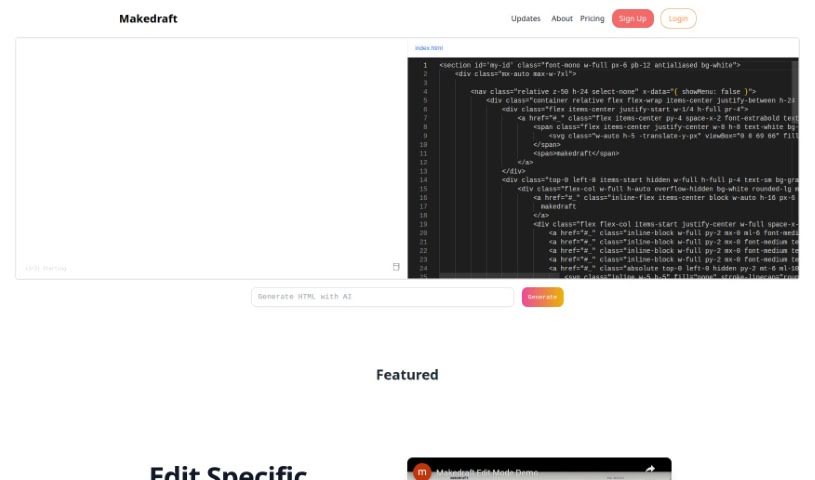
Screenshot of Makedraft

Makedraft

Freemium

Makedraft is a smart AI tool that helps you create frontend code just by giving it instructions. It is a way to quickly build HTML templates. While it's especially handy for backend developers who want to speed up frontend work, frontend developers and designers can get a lot out of it too. Right now, Makedraft creates HTML that's styled with Tailwind CSS. They're planning to add support for Alpine.js and Vue.js soon, which is pretty exciting. If you want to use the code it generates, you'll need to add the Tailwind CSS library. Just pop a script tag into the `<head>` section of your code. It's currently in an open beta, meaning you can try it out for free. And don't worry about surprise charges later on – they're committed to keeping a free tier available even after the beta period wraps up. What's really neat is that almost everything you see on the Makedraft website – all the HTML components, except for the actual code editor and the text itself – was generated using Makedraft. It's a cool, self-referential way to show off what the tool can do. Basically, Makedraft makes building HTML templates much simpler by using AI, offering a really convenient way for developers and designers to get the code they need, exactly how they want it.

Web Development View Tool →
Screenshot of MERN.AI

MERN.AI

Freemium

MERN.AI is a full-stack web application development platform that uses artificial intelligence to make building things much simpler. It is a smart assistant for creating websites and applications. It offers several helpful features, including an AI chat for generating code, a real-time preview so you can see your work as you go, a code editor for making tweaks, and tools for deploying your projects efficiently. The main goal here is to help you build and launch applications and websites super fast, all through an easy-to-use interface. You can chat with the AI to generate entire MERN applications and websites. Plus, if you want to get hands-on, you can easily switch to Code mode to edit and refine the code yourself. People have found it really useful for saving time, making coding less complicated, and it's also a handy way to share your progress with others for collaboration or further development.

Web Development View Tool →
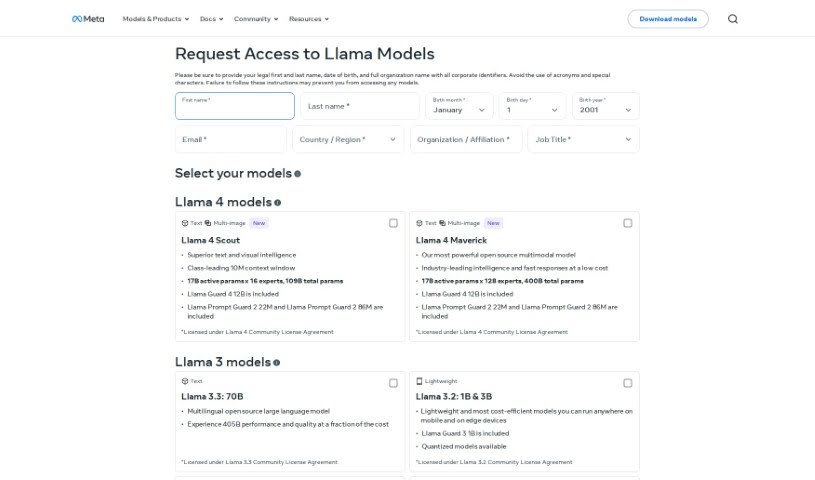
Screenshot of Meta Code Llama 70B

Meta Code Llama 70B

Freemium

Based on the information I have, there isn't enough detail to give you a solid overview of Meta Code Llama 70B. It seems like a term or model that isn't fully described in the documents I was given. If you have more information or specific questions about it, please share, and I'll do my best to help!

Web Development View Tool →
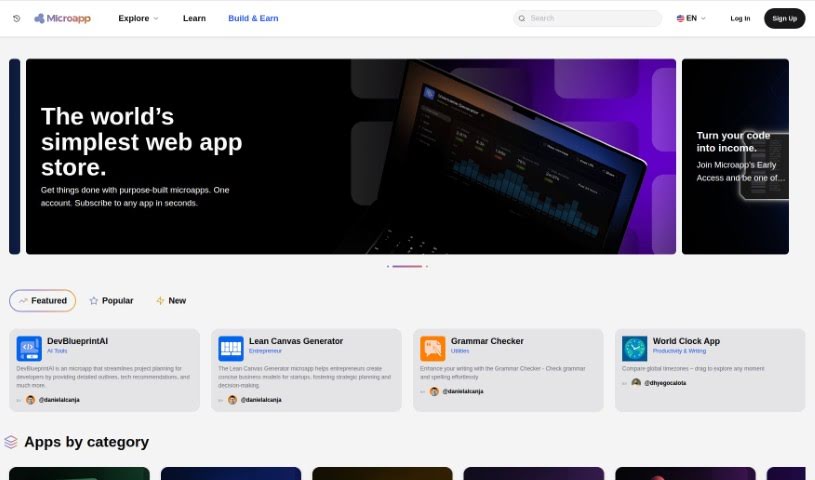
Screenshot of Microapp.io

Microapp.io

Freemium

Microapp.io is an AI-powered platform designed to transform how we build software. It really dives into artificial intelligence for software engineering, offering some neat tools specifically for developers working with React and Tailwind CSS. It is a way to code smarter and boost your productivity. Its standout feature is an AI that can generate components for you, making it super easy to create and preview them. Plus, by working hand-in-hand with Tailwind CSS, you can quickly build and tweak UI components. They also send out an engineering newsletter, which is a great way to keep up with what's new on the platform. It’s all the work of a Senior React Developer, so you know it’s built with efficiency and modern development in mind.

Web Development View Tool →
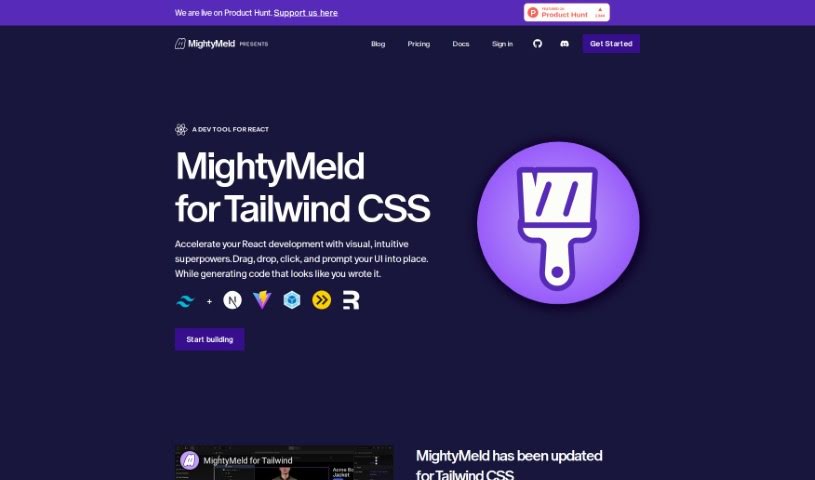
Screenshot of MightyMeld for Tailwind

MightyMeld for Tailwind

Freemium

MightyMeld is a visual development tool designed specifically to make building React applications with Tailwind CSS much smoother. It is a super helpful assistant that lets you drag, drop, and click your way to organizing and changing user interfaces. What's really neat is that as you make these visual adjustments, it automatically writes the code for you, which saves a ton of time and makes the whole process simpler. It also keeps your code on disk updated in real-time, so everything stays in sync. Beyond just Tailwind CSS, MightyMeld plays nicely with other popular tools like Next.js and Vite. Plus, it's got AI smarts built in to automatically update your Tailwind styling, and you can even use it with other component libraries if your project needs that kind of flexibility.

Web Development View Tool →
Screenshot of Mistral AI Codestral

Mistral AI Codestral

Freemium

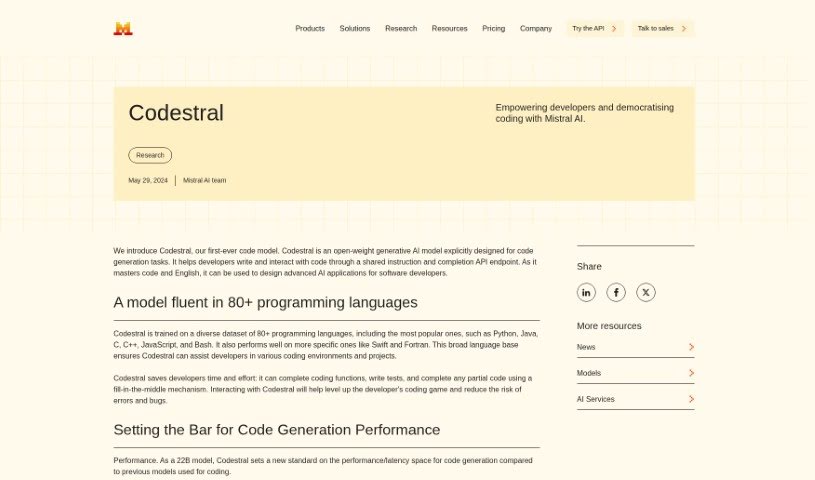
Mistral AI Codestral is a really smart coding assistant, built by the folks at Mistral AI. It's a special kind of generative AI model, designed from the ground up to help developers with all sorts of coding tasks. Codestral works through a simple API endpoint, letting you give it instructions or ask it to complete code snippets. What's pretty amazing is that it's been trained on a massive dataset covering over 80 different programming languages. This means it's super versatile, whether you're working with Python, Java, C, JavaScript, or many others. It's particularly good at finishing coding functions, writing tests, and filling in the blanks when you've only got part of the code. With its 22B model, Codestral is really pushing the boundaries, performing better than many previous models and offering a larger context window, which generally leads to more accurate and helpful results.

Web Development View Tool →
Screenshot of Mistral AI Mistral Large 2

Mistral AI Mistral Large 2

Freemium

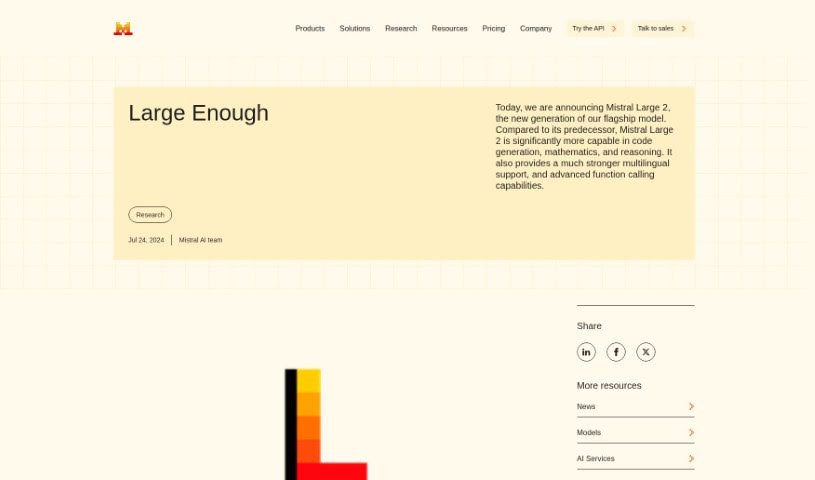
Mistral Large 2 is the latest flagship model from Mistral AI. It's a big step up, especially for tasks like generating code, handling math problems, and reasoning. Plus, it's much better with multiple languages and has advanced features for function calling. This model boasts a 128k context window, meaning it can handle a lot of information at once, and it supports a wide array of languages and over 80 coding languages. This makes it super versatile for all sorts of projects. It was designed with single-node inference and long-context applications in mind, packing an impressive 123 billion parameters. This size allows for high throughput, even on a single machine. It's currently released under the Mistral Research License, which is great for research and non-commercial use.

Web Development View Tool →
Screenshot of OpenValue

OpenValue

Freemium

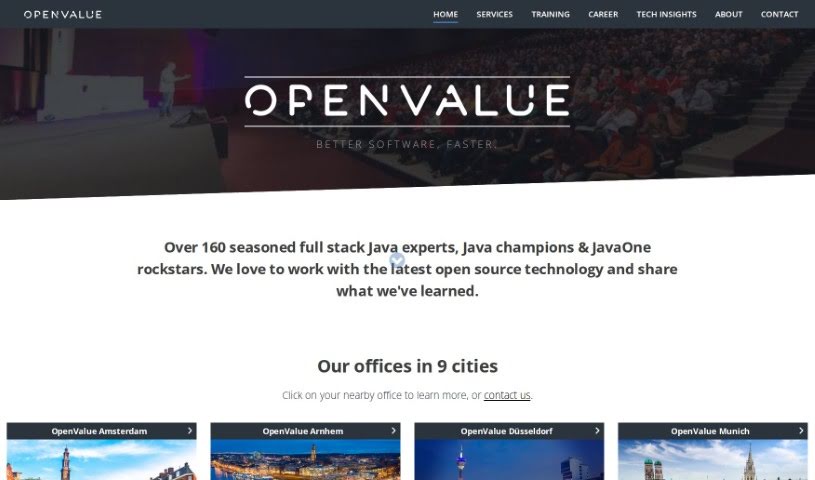
OpenAIValue's Digital Developersâ„¢ are a new kind of AI-powered solution, offering an alternative to hiring traditional Java developers. They are AI assistants built on the powerful GPT-4 model, capable of generating high-quality code around the clock. They're designed for 24/7 operation, can easily scale up in the cloud, and you can even customize them with different looks, like various skins and outfits. A really neat feature is their auto-balancing prompting system, which mimics a diverse team with a mix of skills, cultural backgrounds, genders, and experiences. While they're all about technical skills, they represent a forward-thinking approach to software development, aiming to transform how we build software and ensure smooth scaling in the cloud.

Web Development View Tool →
Screenshot of Paird.ai

Paird.ai

Freemium

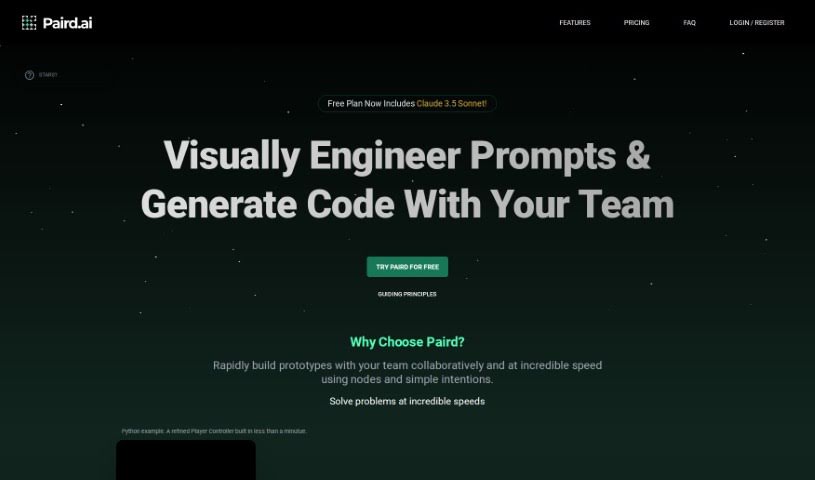
Paird.ai is an AI-powered platform built to help developers out. It is a coding assistant that not only generates code but also creates a really dynamic space for you to learn and grow. What makes it stand out is its real-time collaboration feature. This means you can actually work side-by-side with the AI, making coding faster and much more efficient. On top of that, it lets you pick specific coding goals, helps you manage your projects, and offers a completely ad-free experience. Right now, Paird.ai is in its beta phase, so it's constantly being improved. It's free to use, and it even has a handy 'Save to a Project' feature to keep your work organized. However, it's worth noting that it doesn't have offline capabilities yet, no mobile app, and its project management tools aren't super advanced. They also don't have a super clear data privacy policy or live support at the moment.

Web Development View Tool →
Screenshot of Pandalyst

Pandalyst

Freemium

Pandalyst is a really handy tool designed to make writing SQL queries much simpler, whether you're just starting out or you've been doing it for years. It uses smart AI technology to whip up accurate SQL queries in a flash, saving you the time you'd normally spend on this task. You can pick from different subscription plans, like Basic and Pro, which give you a set number of queries each month. If you make a mistake in your SQL, you can easily fix it. Plus, you can use Pandalyst from any web browser, on your desktop or your phone. And don't worry about your data – Pandalyst keeps it safe by not storing any user information on their systems, so you get a secure and reliable experience.

Web Development View Tool →
Screenshot of Pine Script Wizard AI

Pine Script Wizard AI

Freemium

The Pine Script Wizard is a handy AI tool built to create Pine script code for TradingView strategies or functions. Think of it like a chat assistant for your coding needs. You just tell it what you want in plain text, and the AI figures out the best way to build your code. You can be specific about the kind of trading system you're after, which indicators you like and their settings, the exact rules for entering and exiting trades, whether you want long or short signals, and your preferred take profit and stop loss levels. The tool then whips up optimized, accurate Pine script code that's ready to go straight into TradingView's Pine Editor.

Web Development View Tool →
Screenshot of Pixels2Flutter

Pixels2Flutter

Freemium

Pixels2Flutter is a really neat tool that makes app development smoother. It's designed to turn your UI screenshots directly into working Flutter code. It is a smart assistant for your design-to-code process. This handy software is great for experienced Flutter developers who want to speed things up, and it's also perfect for beginners trying to figure out how to get their visual designs into actual code. You just upload a picture of the user interface you want, and Pixels2Flutter does the heavy lifting, intelligently creating the Dart code you need for Flutter. It really saves time and helps make sure everything is accurate and efficient.

Web Development View Tool →

Stay Updated with AI Tools

Get weekly updates on the latest AI tools, trends, and insights delivered to your inbox

Join 25,000+ AI enthusiasts. No spam, unsubscribe anytime.