F
Fine
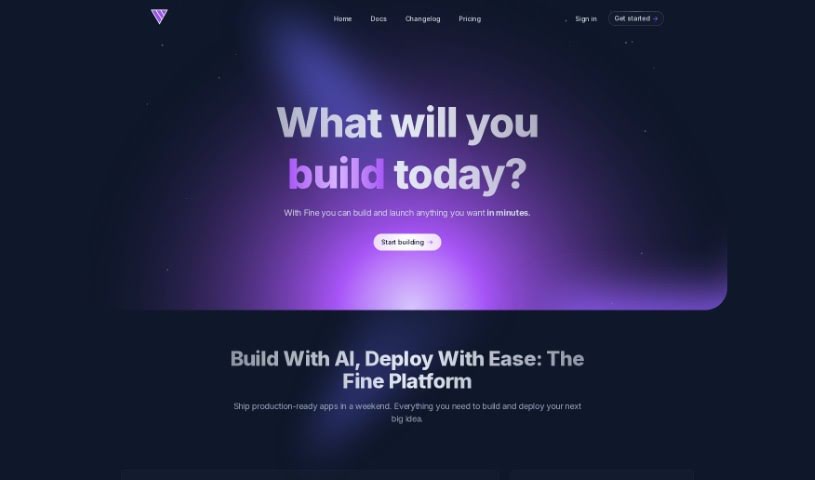
FreemiumBased on the details in the "fine.pdf" document, Fine is an AI software development platform packed with features designed to make coding smoother for teams.
Web Development
View Tool →
Discover the best Code Generation AI tools to enhance your productivity and creativity.
Coding can sometimes feel like a tricky puzzle, where each piece needs to fit just right to complete the whole picture. As technology keeps advancing, especially with artificial intelligence, new tools are popping up to help developers navigate this complex world.
AI code generators are becoming really popular. They promise to make coding smoother, cut down on mistakes, and even help you be more creative. By using powerful algorithms, these tools can work with different programming languages and project needs, making them super helpful for both experienced coders and those just starting out.
There are so many options out there, it can be a bit much to figure out which AI code generator is the best fit for you. That’s where my research comes in. I’ve spent time trying out the top choices available right now to see how well they work, how easy they are to use, and if they really deliver.
Whether you need to generate quick code snippets or tackle complicated algorithms, the right AI code generator can really boost your productivity. So, if you’re looking to automate boring tasks or get new ideas for your coding projects, let’s dive into the best ones out there.
AI code generators use advanced machine learning models, mostly large language models (LLMs). These models learn from huge amounts of code across many programming languages, repositories, and documentation. Because of this training, they pick up on patterns and structures, which helps them generate code snippets or even whole functions based on what you ask.
When you give it a request, the AI figures out what you mean and predicts the most fitting code based on its training. It looks at your specific needs, like the language, framework, and what you want the code to do, to offer relevant suggestions. This predictive ability is pretty similar to how human programmers think and write code.
AI code generators often use techniques like natural language processing (NLP). This helps bridge the gap between human language and programming syntax, making it easier for developers to talk to the AI using plain English. This makes coding feel more natural and accessible.
Lots of popular coding tools and platforms, like GitHub Copilot and TabNine, already include these AI features. They improve common coding environments by offering real-time help, auto-completions, and debugging support, all using the same underlying LLM tech.
While these tools can really speed up development and reduce errors, they still need a human to check them. Developers need to review and tweak the generated code to make sure it fits project requirements and follows best practices. Ultimately, combining human smarts with AI creates a powerful coding experience.
| Rank | Name | Best for | Plans and Pricing | Rating |
|---|---|---|---|---|
| 1 | Cursor | Quickly creating boilerplate code snippets. | Paid plans start at $20/Month. | 4.83 (6 reviews) |
| 2 | Replicate AI | Automating repetitive coding tasks. | N/A | 4.82 (11 reviews) |
| 3 | CodeSandbox | Automating boilerplate code. | N/A | 4.45 (11 reviews) |
| 4 | Taskade | Efficiently creating code snippets on demand. | Paid plans start at $8/month. | 4.23 (13 reviews) |
| 5 | UpCodes | Streamlining the code generation process. | N/A | 4.83 (12 reviews) |
| 6 | CodeSignal | Automating code generation tasks. | Paid plans start at $24.29/month. | 4.69 (13 reviews) |
| 7 | ZZZ Code AI | Automated code templates. | N/A | 4.17 (6 reviews) |
| 8 | Tabnine | Automating repetitive coding tasks. | Paid plans start at $12/month. | 4.17 (12 reviews) |
| 9 | Locofy | Rapid design-to-code conversion. | N/A | 4.75 (24 reviews) |
| 10 | CodeRabbit | Automated code creation. | N/A | 4.73 (37 reviews) |
| 11 | Codeium | Automating repetitive coding tasks. | Paid plans start at $12/month. | 4.57 (14 reviews) |
| 12 | Together AI Llama Coder | Automating repetitive coding tasks. | N/A | 4.71 (31 reviews) |
| 13 | CodeGPT | Automated code snippet generation. | Paid plans start at $9.99/month. | 4.17 (6 reviews) |
| 14 | CodeConvert AI | Instantly converting code snippets easily. | N/A | 3.60 (5 reviews) |
| 15 | Bito AI | Generating complex code snippets quickly. | Paid plans start at $15/month. | 4.85 (20 reviews) |
Based on the details in the "fine.pdf" document, Fine is an AI software development platform packed with features designed to make coding smoother for teams.
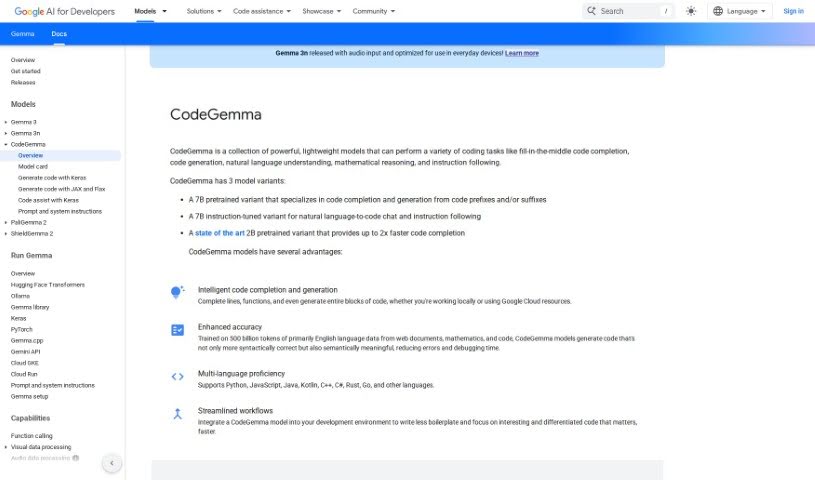
Google CodeGemma is a suite of really helpful, lightweight models built specifically for all sorts of coding jobs. Whether you need help finishing a line of code, generating entire code blocks, understanding natural language instructions, tackling math problems, or just following directions, CodeGemma has you covered. It actually comes in three different flavors: a 7B pretrained model that's great for finishing your code and creating new snippets, a 7B instruction-tuned model that's perfect for translating your plain English requests into code, and a super-fast 2B pretrained model that excels at quick code completion. What really makes CodeGemma models stand out is their knack for accurately completing lines, functions, and generating code blocks. Plus, they're smart enough to work with popular languages like Python, JavaScript, Java, and many others. By bringing CodeGemma models into your everyday development setup, you can really smooth out your workflow, cut down on repetitive code, and free yourself up to focus on writing the really important, impactful code you want to create.
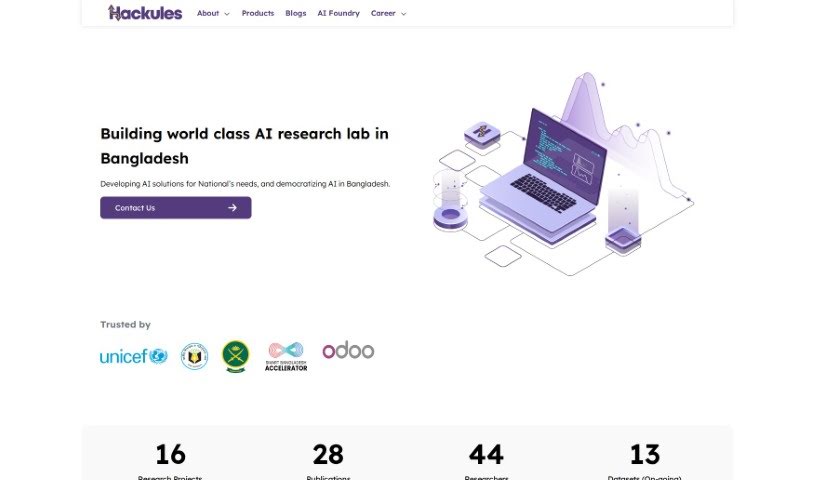
From what I can gather, Hackules is a company involved in a few different areas. They've won awards, teamed up with universities, and are expanding globally through partnerships and new offices. It sounds like they're working on modern web applications, corporate social responsibility initiatives, and have formed partnerships with groups like Odoo Middle East and Research Station. If you're looking for the full, detailed picture of Hackules, checking out their official website or any official documents they've published would be the best way to go.
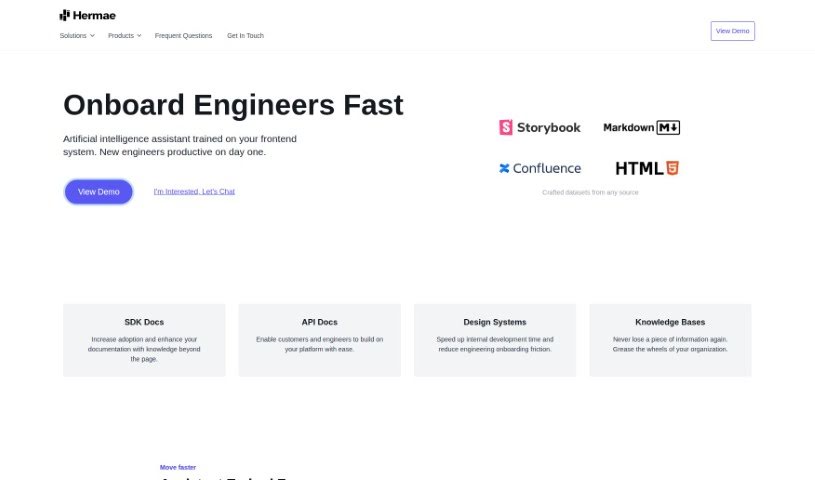
Hermae AI is an intelligent assistant built for businesses, designed to make their design systems run much more smoothly. It is a smart helper that really boosts how fast your team can develop things, makes it easier for new engineers to get up to speed, and can quickly sort through tons of documentation. By using AI, Hermae AI gives you immediate feedback, can write code for you, and helps get everyone on board with your front-end systems. It’s great for cutting down on those initial hurdles when bringing new people in, fits right into your existing documentation sites, and genuinely supports your internal teams.
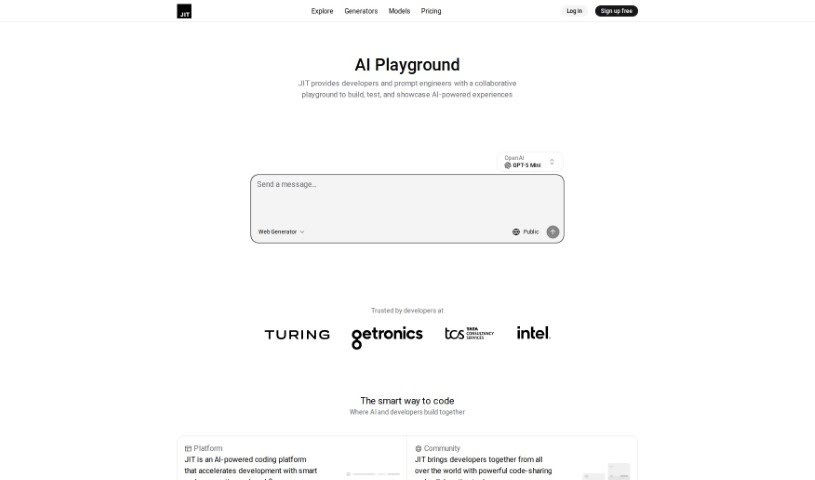
Jit.codes is a cutting-edge platform designed to significantly speed up your coding process. It uses AI to quickly generate code snippets, templates, and algorithms. It is a powerful assistant that helps you write code faster. Beyond just generation, it also offers a vibrant community where developers can connect, share their code, and exchange ideas, which really boosts collaboration on projects. By bringing JIT (Just-In-Time) into your development workflow, you'll find yourself coding more efficiently and working together more smoothly, leading to a noticeable jump in productivity. Some of the key features you'll find on Jit.codes include:
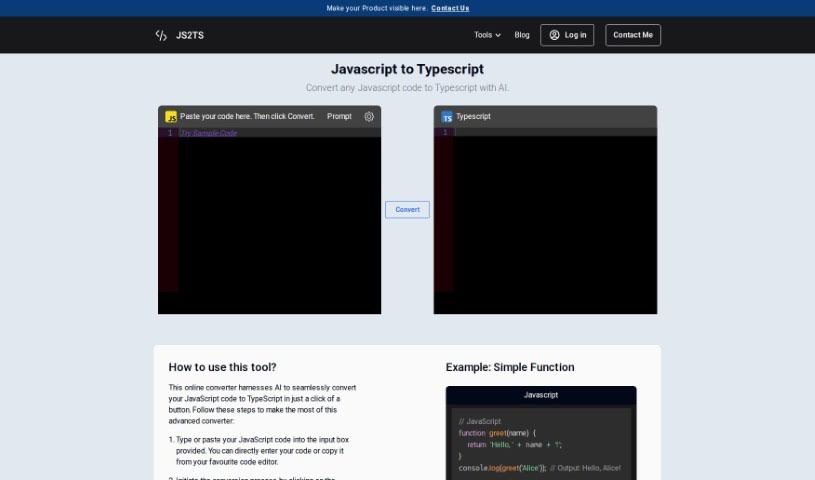
Js2Ts is a handy tool that uses AI to convert your JavaScript code into TypeScript. It's pretty straightforward: you just paste your JavaScript code into the input area, hit the "Convert" button, and voilà! You'll see the TypeScript version appear in the output box.
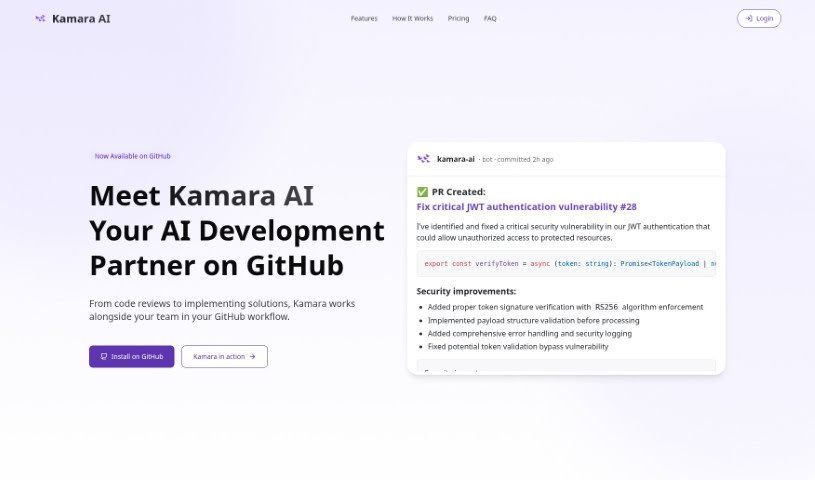
Kamara is an AI Code Writer that works as a VS Code extension, designed to really boost your programming experience. It is your AI coding buddy, capable of writing and editing code with impressive accuracy. It can even implement new features across multiple files, all based on simple instructions you give it. Kamara is built to make adding new features much smoother, write and edit code efficiently, offer a personalized experience through a configuration file, provide an easy-to-use interface, and operate on a credit-based pricing model so you only pay for what you use.
Kognitium is a sophisticated AI platform, brought to life by a team of highly skilled professionals and launched in December 2023. It's built to give you reliable, practical, and personalized answers, no matter the topic. Unlike the AI chatbots you might be used to, Kognitium really focuses on being incredibly precise and thorough. Its main goal is to help you learn more and make finding information much easier. You can ask it about pretty much anything – from current events and science to history, philosophy, and even linguistics. Plus, for developers, Kognitium is a real lifesaver. It can provide exact code snippets in multiple languages, all tailored to your specific project needs. This means you can spend less time hunting for solutions and more time actually building things.
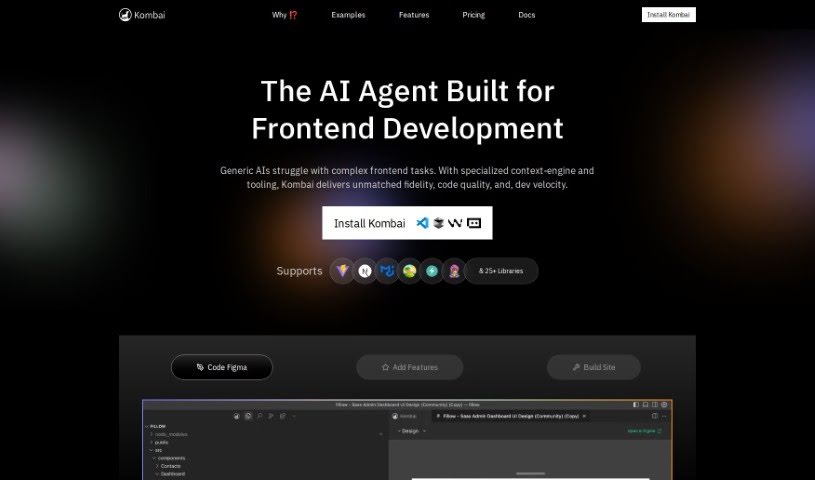
Kombai is a really smart AI tool that turns your Figma designs into code. Instead of just pulling code directly from Figma, it uses special models built just for this job to understand your UI designs and create great code. Kombai can output code for React and HTML with CSS. For the CSS part, you can choose between plain CSS or Tailwind. Plus, it's flexible enough to work with other frameworks like Vue, Svelte, Angular, and Django. The best part? You don't need to do any special tagging or naming in Figma. Kombai figures out how to generate code just by looking at how the design appears to a developer. If you run into any issues with the code it generates, you can always try regenerating it. You can also use something called 'design prompt engineering' to give the AI more specific instructions for better results.
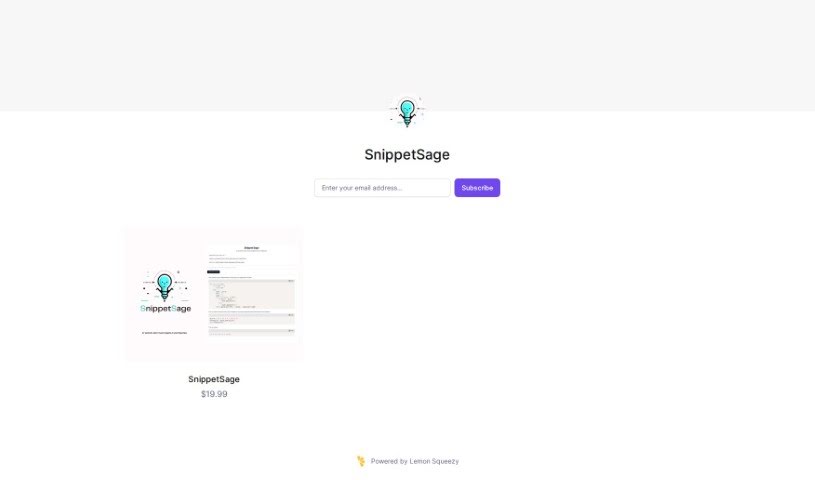
SnippetSage is a handy AI tool from Lemon Squeezy, built to help you keep your code snippets organized and easy to manage. It is your personal coding assistant. It's got a really user-friendly interface, making it simple to search, filter, and sort through your code. Plus, it includes a built-in code editor and even lets you collaborate with others. It supports a bunch of different programming languages and frameworks, too. Essentially, SnippetSage uses AI to understand common coding patterns, so it can offer you relevant snippets that you can then tweak and test right there in the app.
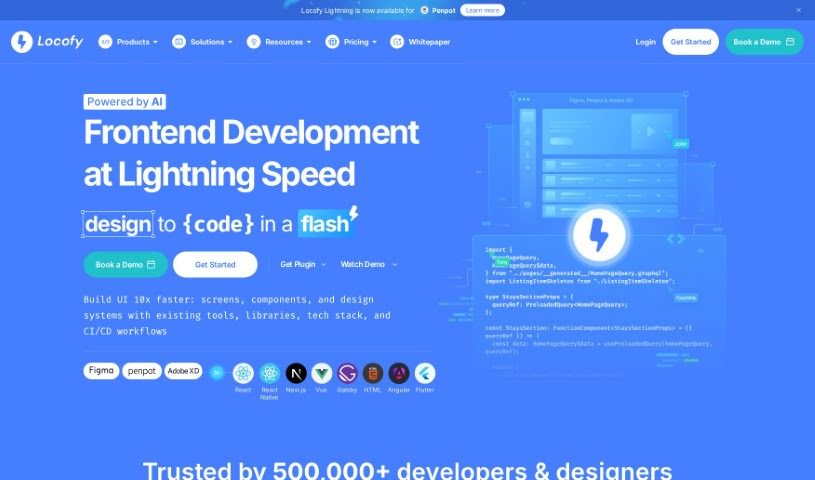
Locofy is a platform designed to completely change how front-end engineers create pixel-perfect, production-ready code directly from their design files. It is a low-code platform that really helps skilled coders automate a big chunk of their daily work. This frees them up to tackle the more challenging, complex problem-solving tasks that really need their expertise. It's built to speed up the workflow for both high-performance designers and coders, letting them ship new features about 2 to 3 times faster than they could before. People love Locofy because it's so good at turning designs into production-ready code for all sorts of frameworks like React, React Native, HTML-CSS, Next.js, Angular, Gatsby, and Vue. They're even planning to support more down the line! Users often mention saving up to 80% of their time and are really impressed with how high-quality and professional the generated code is.
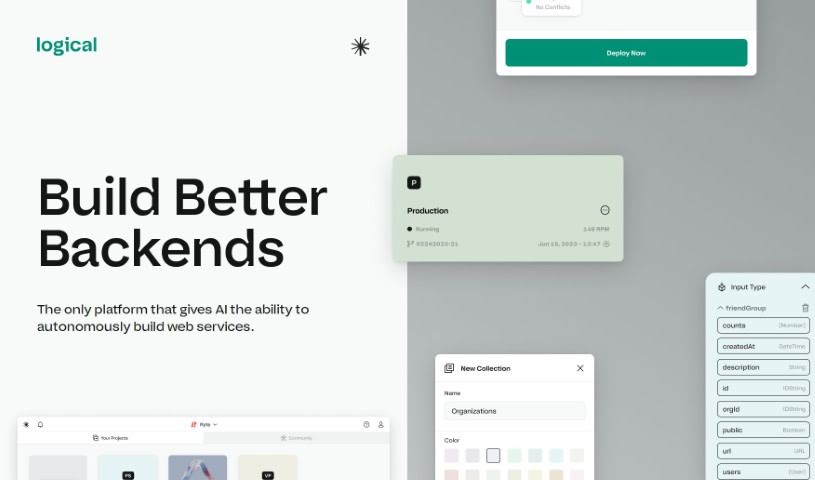
Logical is a visual playground for building backend systems, powered by AI. It's designed to automatically create web services for you, making backend development much simpler. You won't need to mess with the command line at all. Logical handles everything from setting things up to getting your code live – that includes databases, APIs, deployments, and hosting. The really cool part? It takes away all the infrastructure headaches, so you can just focus on building your product. Plus, Logical aims to get your code deployed way faster, and its AI 'teammates' can actually write, test, and deploy code all by themselves.
Get weekly updates on the latest AI tools, trends, and insights delivered to your inbox
Join 25,000+ AI enthusiasts. No spam, unsubscribe anytime.