AI Tools for Code Generation

Discover the best Code Generation AI tools to enhance your productivity and creativity.

Page 3 of 9 • 97 total tools

Coding can sometimes feel like a tricky puzzle, where each piece needs to fit just right to complete the whole picture. As technology keeps advancing, especially with artificial intelligence, new tools are popping up to help developers navigate this complex world.

AI code generators are becoming really popular. They promise to make coding smoother, cut down on mistakes, and even help you be more creative. By using powerful algorithms, these tools can work with different programming languages and project needs, making them super helpful for both experienced coders and those just starting out.

There are so many options out there, it can be a bit much to figure out which AI code generator is the best fit for you. That’s where my research comes in. I’ve spent time trying out the top choices available right now to see how well they work, how easy they are to use, and if they really deliver.

Whether you need to generate quick code snippets or tackle complicated algorithms, the right AI code generator can really boost your productivity. So, if you’re looking to automate boring tasks or get new ideas for your coding projects, let’s dive into the best ones out there.

The best AI Code Generators

  1. Cursor: Great for quickly creating basic code snippets.
  2. Replicate AI: Automates repetitive coding tasks.
  3. Code Sandbox: Automates boilerplate code.
  4. Taskade: Efficiently creates code snippets when you need them.
  5. UpCodes: Streamlines the code generation process.
  6. Code Signal: Automates code generation tasks.
  7. ZZZ Code AI: Provides automated code templates.
  8. Tabnine: Automates repetitive coding tasks.
  9. Locofy: Quickly converts designs into code.
  10. Code Rabbit: Automates code creation.
  11. Codeium: Automates repetitive coding tasks.
  12. Together AI Llama Coder: Automates repetitive coding tasks.
  13. Code GPT: Generates code snippets automatically.
  14. Code Convert AI: Instantly converts code snippets with ease.
  15. Bito AI: Generates complex code snippets quickly.

How do AI code generators work?

AI code generators use advanced machine learning models, mostly large language models (LLMs). These models learn from huge amounts of code across many programming languages, repositories, and documentation. Because of this training, they pick up on patterns and structures, which helps them generate code snippets or even whole functions based on what you ask.

When you give it a request, the AI figures out what you mean and predicts the most fitting code based on its training. It looks at your specific needs, like the language, framework, and what you want the code to do, to offer relevant suggestions. This predictive ability is pretty similar to how human programmers think and write code.

AI code generators often use techniques like natural language processing (NLP). This helps bridge the gap between human language and programming syntax, making it easier for developers to talk to the AI using plain English. This makes coding feel more natural and accessible.

Lots of popular coding tools and platforms, like GitHub Copilot and TabNine, already include these AI features. They improve common coding environments by offering real-time help, auto-completions, and debugging support, all using the same underlying LLM tech.

While these tools can really speed up development and reduce errors, they still need a human to check them. Developers need to review and tweak the generated code to make sure it fits project requirements and follows best practices. Ultimately, combining human smarts with AI creates a powerful coding experience.

Our best AI code generators at a glance

RankNameBest forPlans and PricingRating
1CursorQuickly creating boilerplate code snippets.Paid plans start at $20/Month.4.83 (6 reviews)
2Replicate AIAutomating repetitive coding tasks.N/A4.82 (11 reviews)
3CodeSandboxAutomating boilerplate code.N/A4.45 (11 reviews)
4TaskadeEfficiently creating code snippets on demand.Paid plans start at $8/month.4.23 (13 reviews)
5UpCodesStreamlining the code generation process.N/A4.83 (12 reviews)
6CodeSignalAutomating code generation tasks.Paid plans start at $24.29/month.4.69 (13 reviews)
7ZZZ Code AIAutomated code templates.N/A4.17 (6 reviews)
8TabnineAutomating repetitive coding tasks.Paid plans start at $12/month.4.17 (12 reviews)
9LocofyRapid design-to-code conversion.N/A4.75 (24 reviews)
10CodeRabbitAutomated code creation.N/A4.73 (37 reviews)
11CodeiumAutomating repetitive coding tasks.Paid plans start at $12/month.4.57 (14 reviews)
12Together AI Llama CoderAutomating repetitive coding tasks.N/A4.71 (31 reviews)
13CodeGPTAutomated code snippet generation.Paid plans start at $9.99/month.4.17 (6 reviews)
14CodeConvert AIInstantly converting code snippets easily.N/A3.60 (5 reviews)
15Bito AIGenerating complex code snippets quickly.Paid plans start at $15/month.4.85 (20 reviews)
Screenshot of CodePrompt

CodePrompt

Freemium

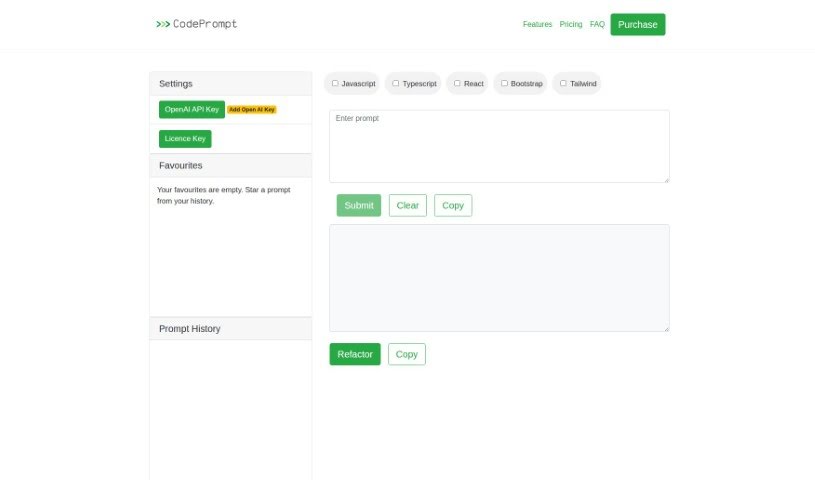
CodePrompt is a handy web application designed to help you generate code, specifically for JavaScript, TypeScript, and React. It's built with the Bootstrap framework in mind, making it a great tool for frontend development. You'll find a user-friendly web interface that includes some really useful features like a favorites system to save your go-to code snippets, the ability to use a license key for enhanced functionality, and a prompt history so you can easily revisit past generations. Plus, it offers code refactoring options to help you clean up your code and makes copying code a breeze with convenient links.

Web Development View Tool →
Screenshot of CodeRabbit

CodeRabbit

Freemium

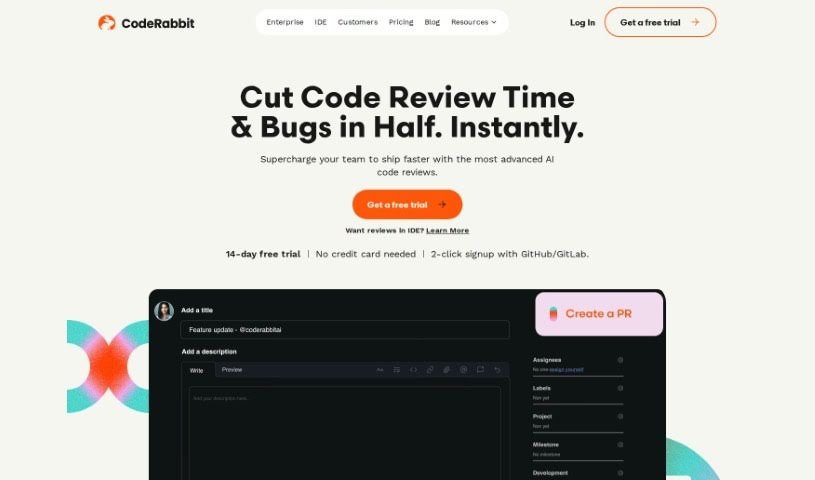
CodeRabbit is a really smart AI platform that's changing how we do code reviews. It uses advanced language models to automatically spot issues in your GitHub pull requests. Think of things like problems with how the code reads, logic bugs, or even if it’s not following best practices. This tool makes code reviews much more efficient. It cuts down the time spent on the initial checks, leaving more room for deeper conversations about code quality. Lots of organizations and developers trust CodeRabbit; it's already handled millions of pull requests. Plus, with CRV, it's continuing to push the boundaries in AI-assisted software development.

Web Development View Tool →
Screenshot of CodeSandbox

CodeSandbox

Freemium

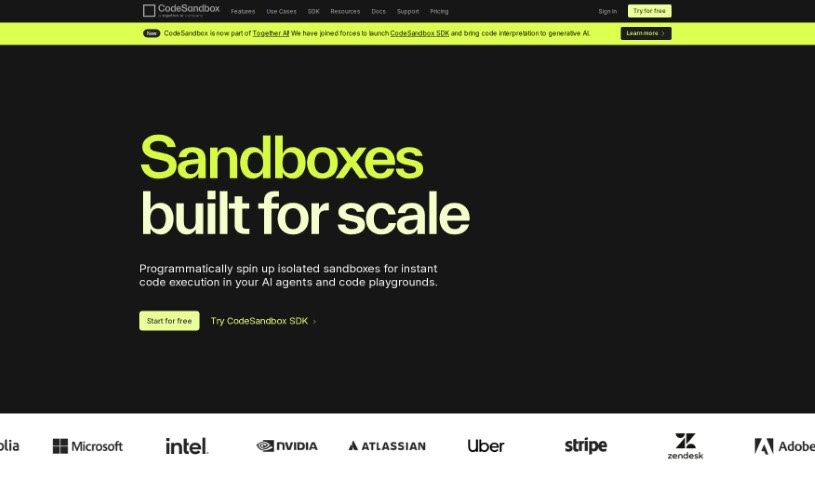
CodeSandbox, developed by the team at CodeSandbox, is an AI coding assistant designed specifically to boost your coding efficiency right within the CodeSandbox environment. It is your smart coding partner. It offers a range of helpful features, including explaining code in context, generating new code snippets, helping you refactor existing code, spotting bugs, and even improving your code's security. CodeSandbox can whip up custom code for you, suggest automatic commit messages, and generally help you learn and grow as a developer.

Web Development View Tool →
Screenshot of CodeSignal

CodeSignal

Freemium

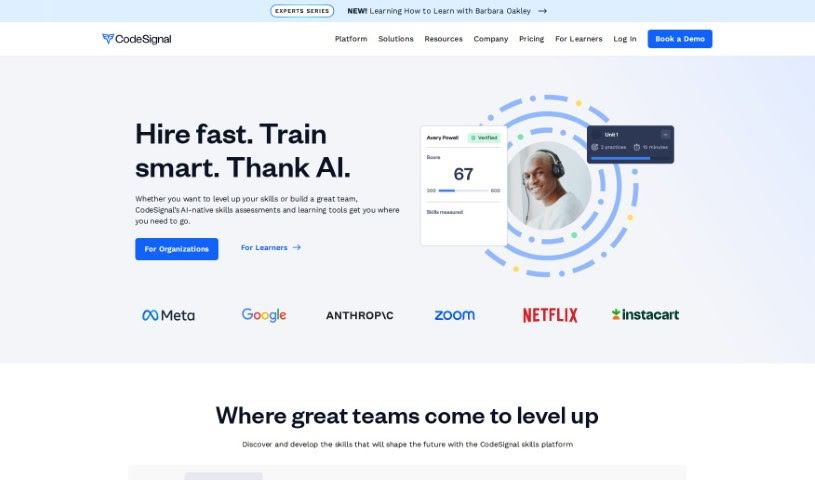
CodeSignal Learn is a really practical platform designed to help you learn key tech skills through hands-on practice. Think Data Science, Front-End and Full Stack Engineering, and Machine Learning – it covers a lot of ground. What's neat is that it has a built-in AI tutor called Cosmo. Cosmo offers personalized help, adapting to where you are in your learning journey. You'll tackle challenges that feel like real-world tasks, which is a great way to boost your technical abilities and earn skill badges as you go. Whether you're just starting out or you're a seasoned pro looking to sharpen your skills, CodeSignal Learn is built to help you succeed and match what employers are looking for in today's job market.

Web Development View Tool →
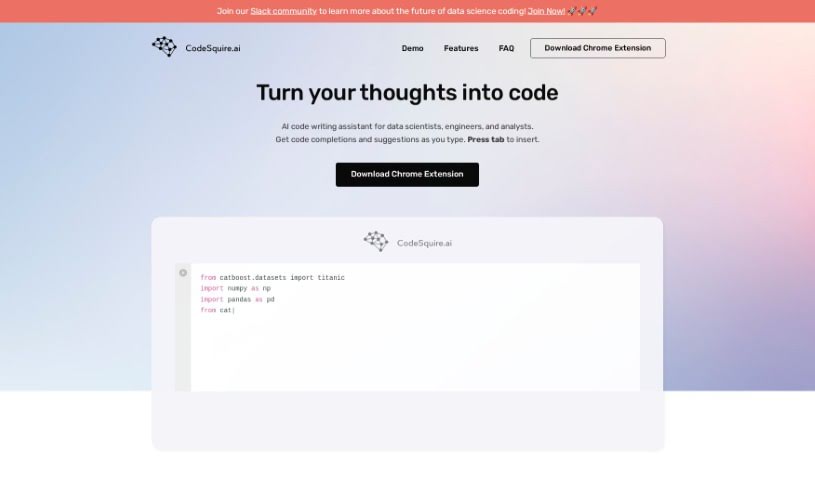
Screenshot of CodeSquire

CodeSquire

Freemium

CodeSquire is an AI-powered coding assistant built specifically for data scientists. It offers smart code suggestions and autocompletions across popular platforms like Google Colab, BigQuery, and JupyterLab. What's really neat is that CodeSquire can actually generate entire functions, all tailored to your specific data science needs. This means you can save a lot of time and make sure your code is efficient. It is your trusted copilot in the data science world, always ready with intelligent suggestions and real-time recommendations to make your coding experience smoother.

Web Development View Tool →
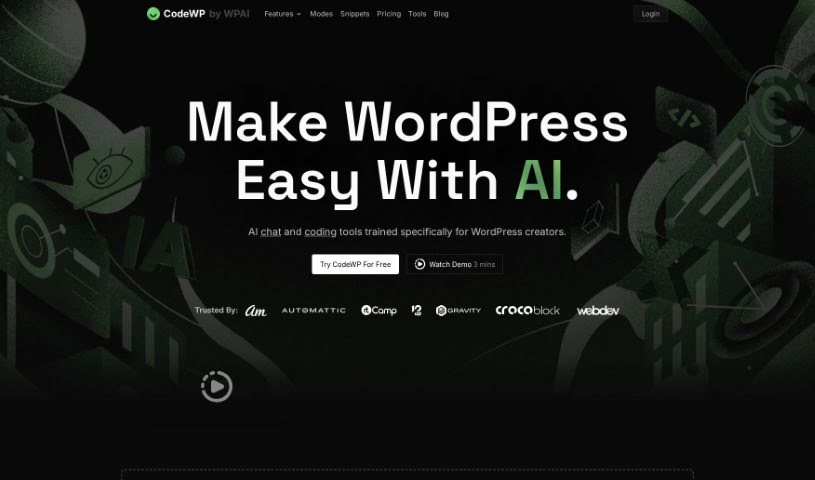
Screenshot of CodeWP

CodeWP

Freemium

CodeWP is a really neat platform built to make WordPress development smoother, especially for creators. It uses AI specifically designed for WordPress, offering chat and coding help right when you need it. It is having a coding assistant that can analyze your code in real-time, suggesting improvements and spotting errors. The goal here is to make coding less of a headache and more enjoyable for everyone, whether you're just starting out or you're a seasoned pro. Plus, CodeWP has a bunch of other AI tools to help you create content, design your site, and optimize it for search engines, so you can build websites that look great and perform well.

Web Development View Tool →
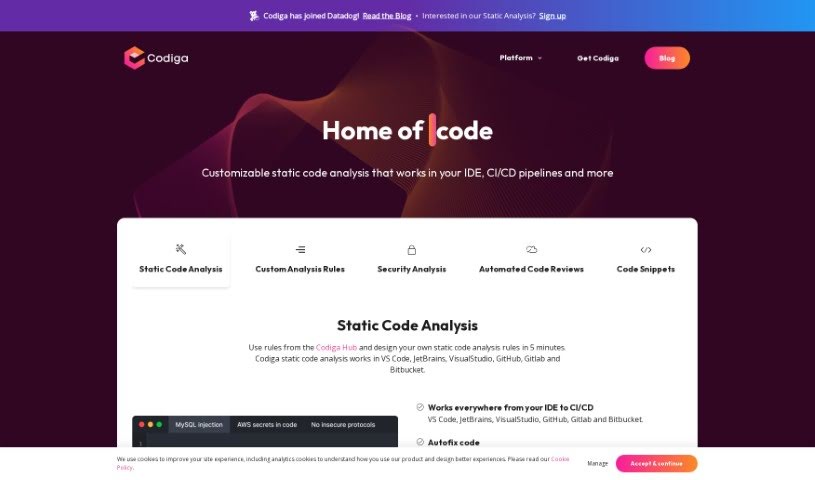
Screenshot of Codiga

Codiga

Freemium

Codiga is an AI-powered tool designed for static code analysis. It is a smart assistant that checks your code for potential problems. It offers a range of helpful features, including customizable static code analysis, automated fixes for coding issues, and security analysis that keeps an eye on major standards like OWASP Top 10, MITRE CWE, and the SANS/CWE Top 25. It also handles automated code reviews and works with many different programming languages and libraries. You can easily connect Codiga with popular development environments such as VS Code, JetBrains, VisualStudio, and version control systems like GitHub, GitLab, and Bitbucket.

Web Development View Tool →
Screenshot of Codiumai

Codiumai

Freemium

CodiumAI is a tool designed to really nail down code integrity. It does this by generating tests, which helps developers get a clearer picture of how their code actually behaves. It is a smart assistant that points out tricky edge cases and any suspicious patterns, ultimately making your code more robust. What sets CodiumAI apart is its laser focus on code integrity, rather than just general code completion. It brings in real expertise from the testing world, can handle multiple test prompts at once to give you a variety of tests, and is really good at grabbing just the right code context for those prompts. It's free for individual developers and works with popular languages across IDEs like VSCode and JetBrains. Plus, they're serious about security and privacy – they only look at the code needed to generate tests, use SSL encryption for data, and are SOC2 certified. While CodiumAI can definitely speed things up and make your code better, it's always a good idea to double-check the tests it creates. If you want to dive deeper or get started, you can grab the free VSCode extension, the JetBrains plugin, or just head over to the CodiumAI website.

Web Development View Tool →
Screenshot of CommandDash

CommandDash

Freemium

CommandDash is a really neat platform that lets you build your own AI assistants for all sorts of frameworks, libraries, or packages. And the best part? You can get them set up in just a few minutes! It offers help that's tailored just for you, whether you're working on the web or right inside your favorite coding environment (your IDE). It is using AI Code Agents to make your coding life simpler and smoother, leading to development that's not only more efficient but also more effective. CommandDash really aims to make the building process easier by giving you AI tools that guide and support you based on exactly what you need. Ultimately, it's all about boosting your productivity and making sure your code is top-notch. The platform empowers developers to harness the power of artificial intelligence, helping them fine-tune their workflow and achieve better results in all their coding projects.

Web Development View Tool →
Screenshot of Copilotchat

Copilotchat

Freemium

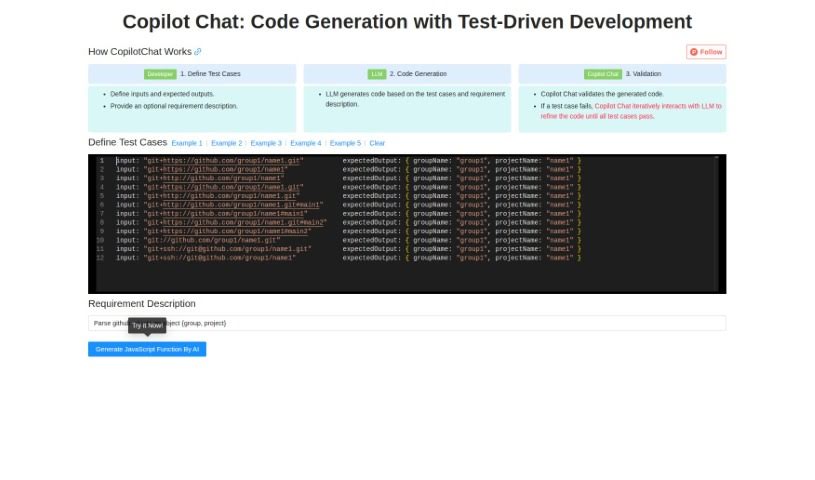
Copilotchat is your AI coding assistant, specifically designed to make writing code much simpler, especially when you're following a Test-Driven Development (TDD) approach. It works in a straightforward, three-step process: first, you define your test cases; then, the AI engine, which is a type of Large Language Model (LLM), generates the code; and finally, it checks that code against your tests to make sure it's solid and accurate. This whole system is built to help developers work faster, cut down on coding mistakes, solve problems more quickly, and ultimately produce better quality code. Some of its standout features include the ability to code collaboratively, automatically validate your code, and it all comes in a really easy-to-use interface. Essentially, it uses AI to speed up how you write code, based on the test cases and descriptions you give it.

Web Development View Tool →
Screenshot of Cursor

Cursor

Freemium

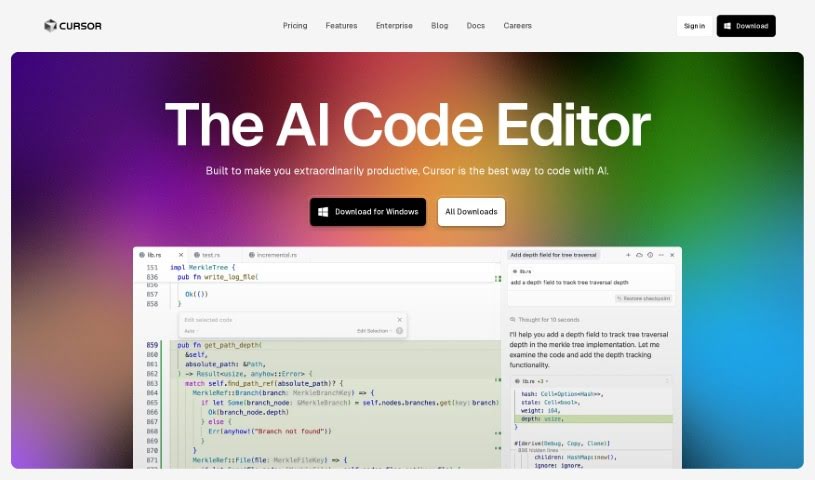
Cursor is an Integrated Development Environment (IDE) built specifically for AI-assisted pair programming. It is a smart coding partner that helps developers build software much faster. It comes packed with features like the ability to chat directly with your projects, edit code using plain English instructions, and even automatically fix bugs as you find them. What's really neat is that Cursor respects your privacy – your code stays on your machine and never goes to their servers. Plus, if you're already using VSCode, migrating your settings, extensions, and themes is a breeze with just one click. You can grab Cursor for Mac right from their website.

Web Development View Tool →
Screenshot of FavTutor

FavTutor

Freemium

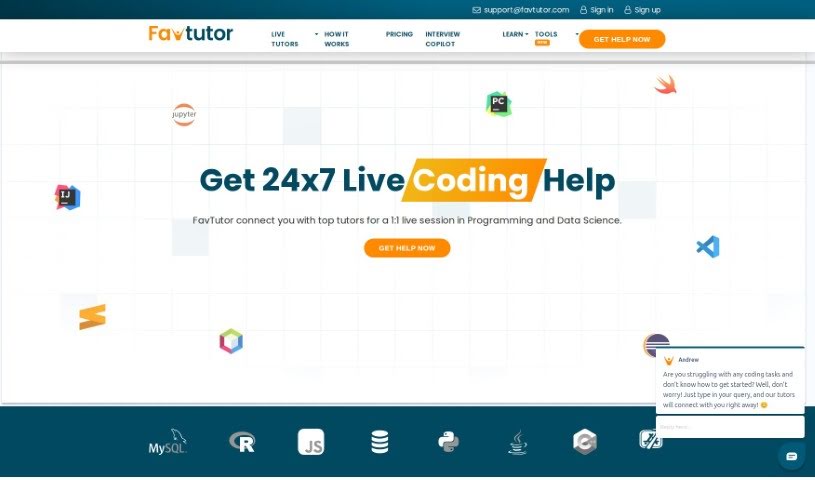
FavTutor is an online service that connects students with expert tutors across a wide range of Computer Science subjects. Think Java, Python, C, C++, SQL, Data Science, Machine Learning, Statistics, and many more. Their goal is to make coding easier and more enjoyable. They do this by offering personalized help, expert advice, creative solutions, and smart AI tools designed to simplify learning for everyone, no matter their skill level. The tutors themselves are experienced developers, educators, and AI enthusiasts who are genuinely passionate about giving coders the tools they need to succeed.

Web Development View Tool →

Stay Updated with AI Tools

Get weekly updates on the latest AI tools, trends, and insights delivered to your inbox

Join 25,000+ AI enthusiasts. No spam, unsubscribe anytime.