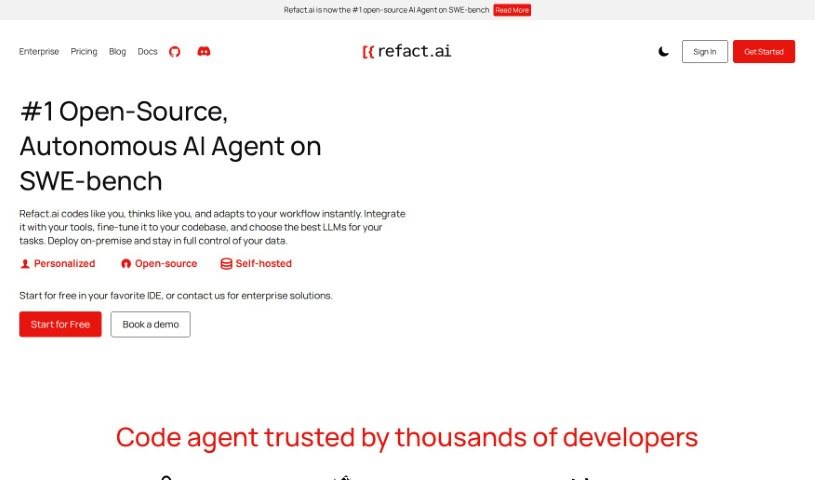
Screenshot of Refact

Refact

Discover what Refact is and how to make the most of it in 2025. We'll dive into its features, compare it to other code generators, and show you how to integrate it seamlessly into your development process.

Screenshot

What is Refact?

Refact is essentially an AI coding assistant built to make life easier for software engineers. It is a smart partner that helps speed up your development work. It’s packed with useful features like suggesting code as you type, helping you rewrite existing code for better quality, offering instant help through an AI chat right in your coding environment, and even analyzing your code across various programming languages. It plays nicely with popular IDEs such as JetBrains and VS Code, all with the goal of boosting your efficiency and making sure your code is top-notch. Plus, Refact really gets that privacy matters, so it gives you control over what it sees, letting you restrict access to specific files or entire projects to keep your confidential code safe.

Who created Refact?

Refact was brought to life by a talented group of people, each bringing their unique skills to the table. We’ve got ML engineers like Dimitry Ageev, Kirill Starkov, and Valeriy Verezhynkyi, data engineer Maksym Nevinchanyy, our go-to DevOps expert Marc McIntosh, software engineer Ilya Yarmalkevich, and business developer Katia Bystrakova. Based in Barcelona, our team also includes folks with expertise in marketing, growth strategies, and financial advice. At its core, Refact offers AI coding help that you can customize, all designed to boost developer productivity and improve code quality. You can choose from a free version, a Pro plan, or an Enterprise option, depending on what best fits your needs.

Who is Refact for?

Refact is designed to help a wide range of professionals in the tech space:

  • ML Engineers: Streamline model development and data processing.
  • Data Engineers: Enhance data pipeline efficiency and analysis.
  • DevOps Experts: Improve deployment processes and system management.
  • Software Engineers: Accelerate coding, refactoring, and debugging.
  • Business Developers: Understand technical capabilities and market potential.
  • PR/Marketing Professionals: Grasp technical features for effective communication.
  • Marketing & Growth Specialists: Identify opportunities for product adoption and user engagement.

How to use Refact?

To really get the most out of Refact, here’s a straightforward guide:

  1. Tailor the AI Model: You can train the AI using your own files that showcase good coding practices. This helps the AI give you more relevant suggestions, potentially improving code completion accuracy by 30% to 45%.
  2. Keep Your Code Secure: For maximum data security, you can run Refact on your own servers. This way, all telemetry stays within your control, ensuring privacy and transparency in how your code is handled.
  3. Track Your Productivity Gains: It’s a good idea to measure how Refact impacts your team’s code output. This lets you see the quantifiable improvements in efficiency and productivity.
  4. Get Dedicated Support: You’ll have continuous help from our engineers, right from the initial setup through to ongoing fine-tuning of the AI.
  5. Explore All the Features:
    • Code Completion: Get smart, context-aware code suggestions that help you write code faster.
    • Code Refactoring: Refact can spot parts of your code that could be improved, making it easier to read and more efficient.
    • AI Chat: Have a conversation with the AI directly within your IDE for quick coding assistance.
    • Code Analysis: Understand your code better with insights into its complexity and how it transforms across different languages.
  6. Protect Your Code’s Privacy: Refact offers features that let you limit its access to sensitive files, ensuring your codebase remains confidential.
  7. Seamless Integration: Refact works smoothly with major IDEs like JetBrains and VS Code. It supports a wide variety of programming languages and frameworks, making it easy to adopt.

By following these steps and making use of Refact’s capabilities, you can really smooth out your development process, boost your productivity, and keep your code quality high.

Related AI Tools

Discover more tools in similar categories that might interest you

Stay Updated with AI Tools

Get weekly updates on the latest AI tools, trends, and insights delivered to your inbox

Join 25,000+ AI enthusiasts. No spam, unsubscribe anytime.