Writing code is rewarding; hunting down a missing semicolon or fixing a broken dependency at 1 AM definitely isn’t. While traditional auto-complete tools can finish a single line or suggest a quick function, autonomous coding agents take things a step further. Instead of just suggesting snippets as you type, these systems act like a digital pair programmer that can read your entire project, edit multiple files at once, and run tests until a feature actually works.
Pair Programming with an Agent
Think of a standard auto-complete tool like the predictive text on your phone: it guesses the next word based on what you just typed. A coding agent is more like giving a clear task to a junior developer sitting next to you. You tell the system to “add a dark mode toggle to the settings page and save user preferences to local storage.” The agent searches your project, identifies which visual components need updating, writes the code across three separate files, and runs terminal commands to check whether the build passes.
These agents fit into several parts of the development lifecycle. Refactoring older code is a prime example. Swapping out an outdated library across dozens of files by hand takes hours of tedious copy-pasting. An agent maps out dependencies, replaces outdated calls across your whole project, and catches breaking changes before you commit. They’re also incredibly helpful for fixing bugs straight from error logs. Paste a stack trace into the editor, and the agent scans your files to find the exact line causing the crash, offering a tested fix in seconds.
What to Look for in a Coding Assistant:
- Full repository context: Systems that analyze your whole codebase, not just the single file open on your screen.
- Terminal execution: Tools that run shell commands, install dependencies, and run test suites in a sandbox environment.
- Multi-file edits: Agents capable of editing multiple scripts at once while keeping variable names and imports consistent.
- CLI and IDE integration: Applications that work inside your favorite text editor, command terminal, or web workspace.
- Security and code privacy: Features that keep your private codebase confidential without using your data for model training.
These systems won’t build a complex enterprise app entirely on their own without human guidance. They still hallucinate packages or propose messy fixes when instructions aren’t clear. Experienced developers treat them as fast assistants rather than hands-off replacements. You’ll still need to review pull requests, enforce security rules, and guide the overall architecture.
But the repetitive busywork—writing basic unit tests and making repetitive edits across ten files—can finally take a back seat.
Explore the directory below to find the right fit for your development environment.
The Best AI Code Generators
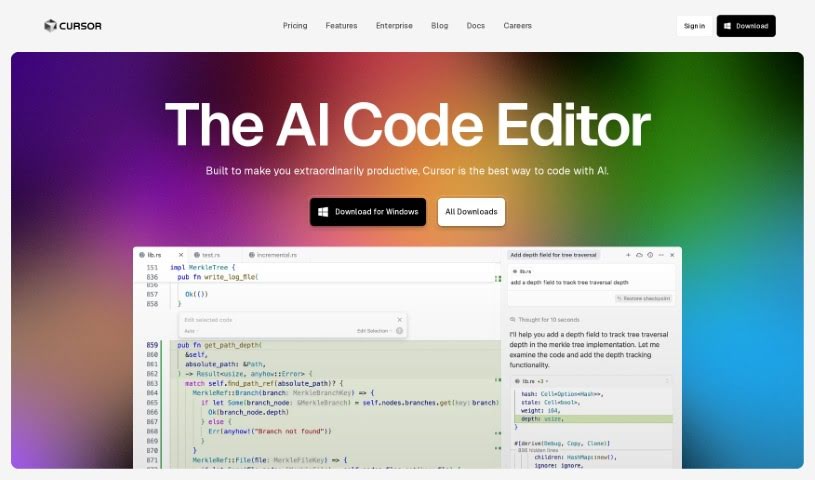
- Cursor: Great for quickly creating basic code snippets.
- Replicate AI: Automates repetitive coding tasks.
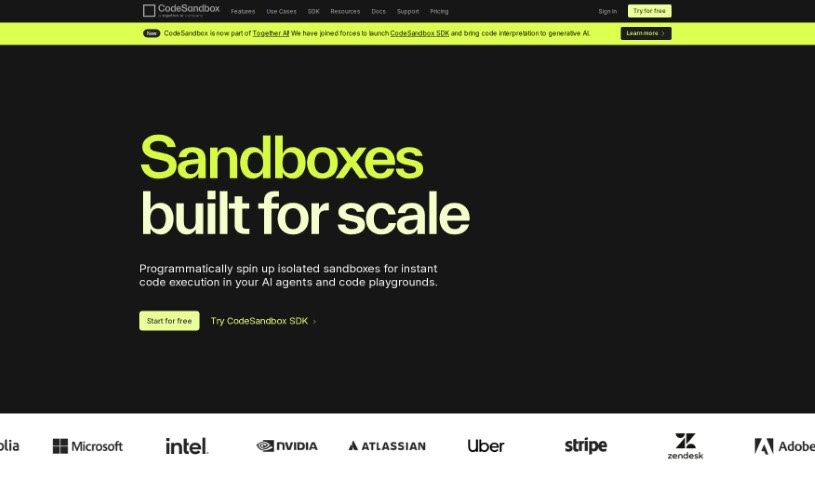
- Code Sandbox: Automates boilerplate code.
- Taskade: Efficiently creates code snippets when you need them.
- UpCodes: Streamlines the code generation process.
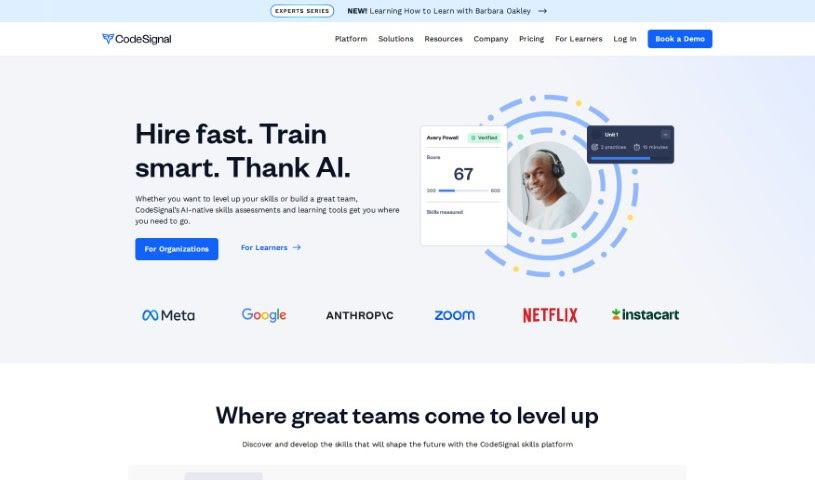
- Code Signal: Automates code generation tasks.
- ZZZ Code AI: Provides automated code templates.
- Tabnine: Automates repetitive coding tasks.
- Locofy: Quickly converts designs into code.
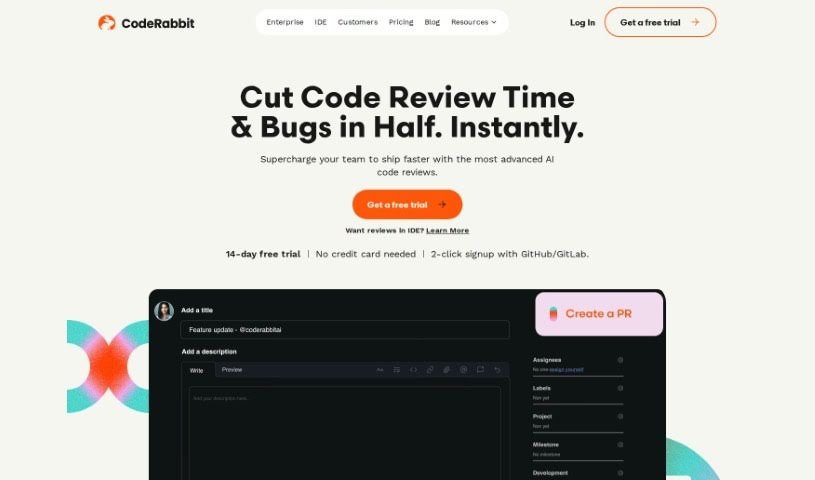
- Code Rabbit: Automates code creation.
- Codeium: Automates repetitive coding tasks.
- Together AI Llama Coder: Automates repetitive coding tasks.
- Code GPT: Generates code snippets automatically.
- Code Convert AI: Instantly converts code snippets with ease.
- Bito AI: Generates complex code snippets quickly.