AI Automation Tools: Top Picks & How They Work

AI Tools for Automation

Discover the best Automation AI tools to enhance your productivity and creativity.

Page 2 of 39 • 461 total tools
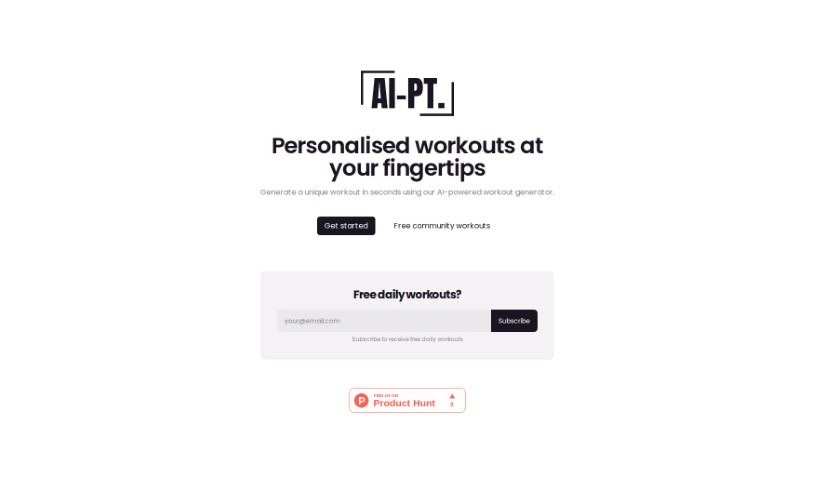
Screenshot of Ai-Pt

Ai-Pt

Freemium

AI-PT is an AI-powered workout generator that creates personalized routines based on your target body parts and desired workout length. It is designed for people who don't have a personal trainer. Generated workouts can be scheduled for a specific date, saved to a personal library for later access, and shared with friends.

Automation View Tool →
Screenshot of AIBrane

AIBrane

Freemium

AIBrane is an AI assistant that works as a browser extension and integrates into everyday online tasks. Setup takes two steps. It assists with writing emails in Gmail, working with data in Google Sheets, and creating posts for Twitter, LinkedIn, and Facebook.

Automation View Tool →
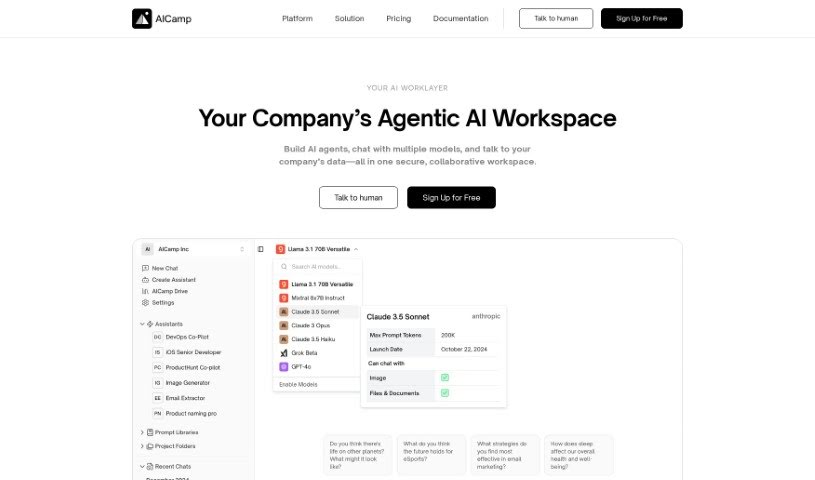
Screenshot of Aicamp

Aicamp

Freemium

Aicamp is a team platform for working with AI. It brings multiple AI models into a single dashboard where teams can organize, share, and refine prompts. It supports LLMs including GPT-4, Bard, Claude, and Llama 2, with an emphasis on smoother AI interactions and team productivity. Aicamp follows GDPR rules, offers workflow automation, and provides access to a growing knowledge library. Its stated aim is to make AI integration simple, affordable, and collaborative for businesses of any size.

Automation View Tool →
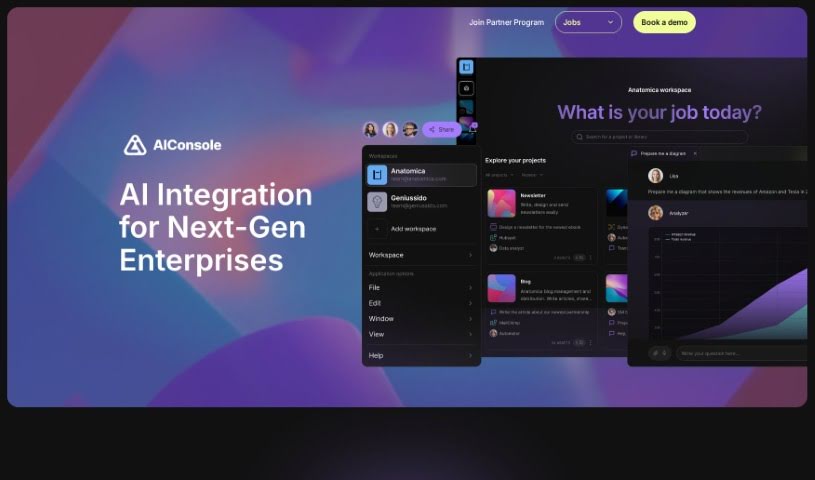
Screenshot of AIConsole

AIConsole

Freemium

AIConsole is an open-source desktop AI editor that adapts to user needs. It automates tasks, creates content, and manages applications while keeping data private: it sends only essential data to AI language model (LLM) APIs. It runs on Linux, Mac, and Windows and can be downloaded from the official website. Development emphasizes community collaboration on GitHub and Discord.

Automation View Tool →
Screenshot of AIEmploye

AIEmploye

Freemium

AIEmploye is a Chrome extension built on Robotic Process Automation (RPA). It works as a virtual assistant inside your browser, automating repetitive online tasks and streamlining workflows. It can also be used to guide new interns through tasks so they get done efficiently.

Automation View Tool →
Screenshot of Airparser

Airparser

Freemium

Airparser is a data extraction tool that uses GPT-4 to pull structured information from emails, PDFs, and other documents. It automates manual data entry, supports over 60 languages, and reads typed, scanned, or handwritten text. Connections to other tools run through APIs and webhooks, and data is protected with encryption and other security measures. Users highlight its ease of use, reliable handling of different document types, and efficient extraction. The team behind it is known for being helpful and quick to respond.

Automation View Tool →
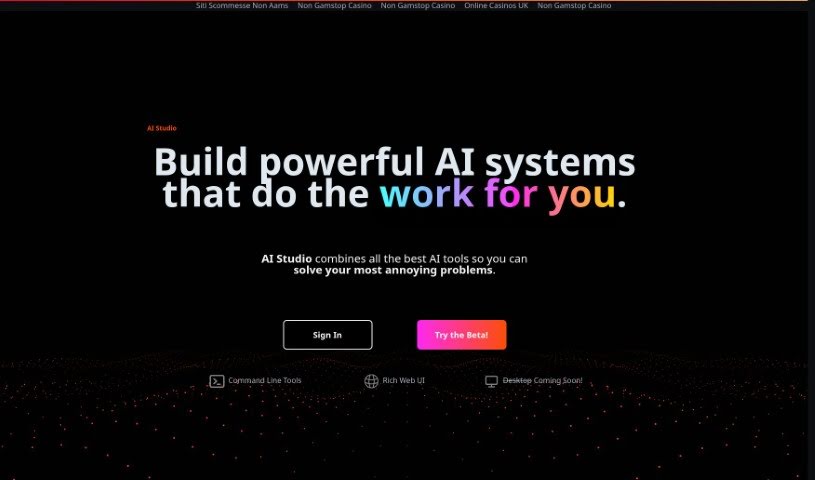
Screenshot of AIStud-io

AIStud-io

Freemium

AIStud-io is an AI platform that brings together a suite of AI tools for automating everyday tasks and building complex AI systems. It pairs a Rich Web UI with command line tools for advanced operations, making it suitable for AI beginners and experienced developers alike. The platform aims to simplify AI development so it is accessible even without much coding experience. A desktop version is in development.

Automation View Tool →
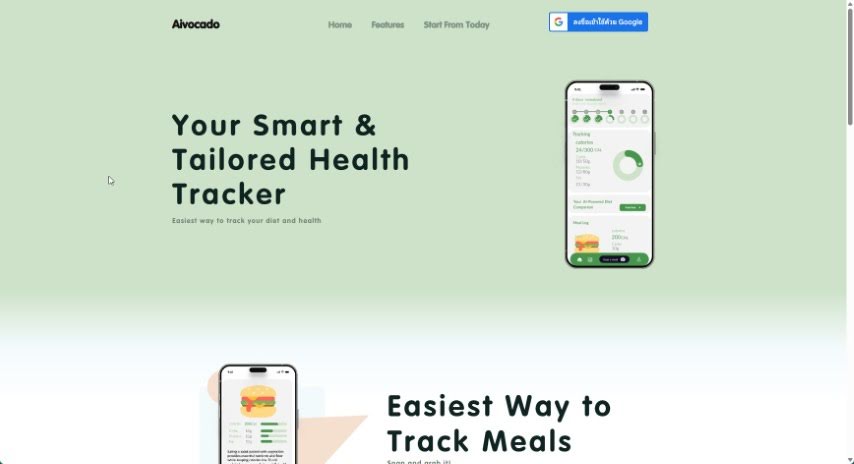
Screenshot of Aivocado

Aivocado

Freemium

Aivocado is a health tracking tool that simplifies diet monitoring. Users photograph their meals, and the tool analyzes the images to produce a nutrition breakdown along with personalized diet advice aligned with their health goals. Launched by an unnamed creator, it is designed to make healthy eating more accessible through tailored tracking and guidance.

Automation View Tool →
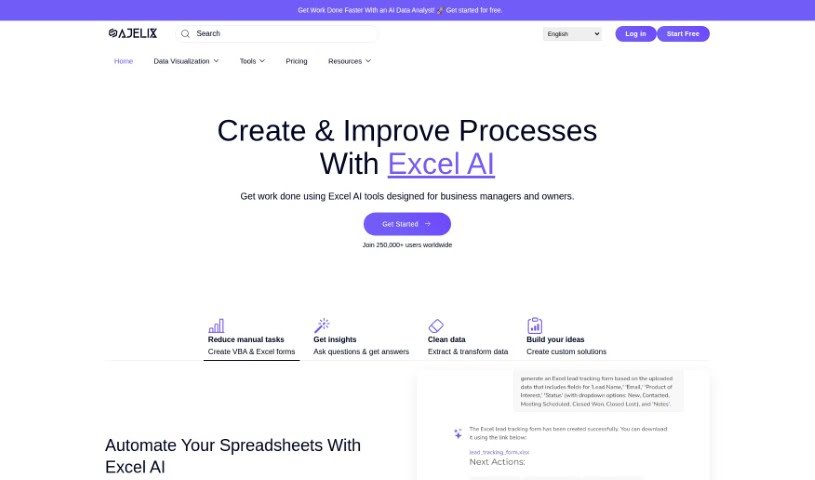
Screenshot of Ajelix

Ajelix

Freemium

Ajelix is an AI assistant for Excel and Google Sheets. It includes an AI Formula Generator, an AI VBA Script Generator, spreadsheet translation, template generation, a Formula and Script Library, an Excel Add-in, and a Virtual AI Assistant. The tools are built to speed up common spreadsheet work: writing formulas and scripts, translating files, and collaborating on shared sheets.

Automation View Tool →
Screenshot of Akooda

Akooda

Freemium

Akooda is an AI-powered platform that analyzes a company's internal digital footprint to surface problems and potential issues as they happen, so challenges can be addressed early. It connects to the SaaS tools a business already uses, eliminating manual data entry and providing an unbiased view of operations across processes, people, customers, and resources.

Automation View Tool →
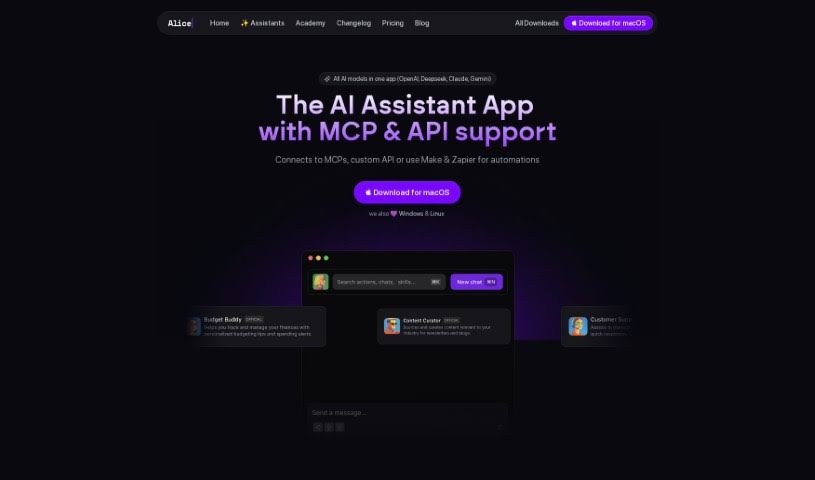
Screenshot of Alice

Alice

Freemium

Alice is a desktop AI assistant that provides quick access to multiple AI models, including OpenAI, Perplexity, and Claude. It supports chat, custom templates (Snippets), app integration via Remote Actions, easy switching between models, image processing, voice dictation and response, and keyboard shortcuts. Chat history is stored locally, and it runs on the latest versions of Windows and macOS. Its differentiators include desktop focus, model flexibility, custom Snippets, integrations, privacy, regular updates, and a lifetime-license option.

Automation View Tool →
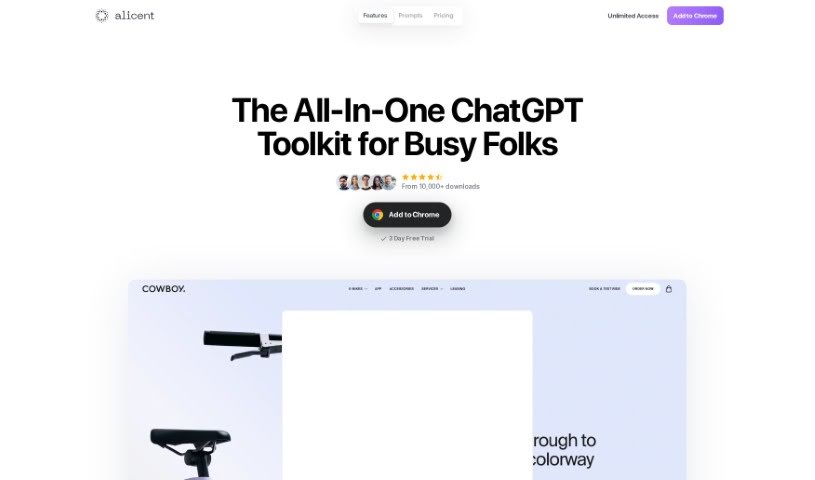
Screenshot of Alicent AI

Alicent AI

Freemium

Alicent AI is a Chrome extension that works alongside ChatGPT as a browser-based writing assistant. It uses GPT models to deliver smart suggestions and language processing, and is built for content creators, marketers, and business professionals who need to produce text quickly and streamline their writing process.

Automation View Tool →

About Automation tools

We’ve all got daily chores that make us feel like human copy-paste machines. Transferring numbers from a PDF invoice into a spreadsheet, sending repetitive follow-up emails, or copying lead details from a web form into a database can eat up half your workday. It’s boring work, and one tiny distraction means you accidentally paste the wrong phone number into the wrong field.

Smart automation platforms go far beyond traditional software rules that only follow rigid “if this happens, then do that” triggers. Instead, AI tools can read unstructured information, understand what needs to happen next, and execute multi-step tasks across all your favorite applications.

Building Smarter Workflows

Older automation tools required every single step to be perfectly predictable. If an incoming email didn’t match an exact format, the whole system broke down. AI tools change that by understanding context. For instance, if a customer emails your support team with a mixed request about a delayed shipment and a billing question, an AI assistant can read the message, extract the order number, categorize the issue, and open the correct ticket in your help desk automatically.

Data entry and document cleanup get a massive speed boost, too. Instead of spending hours typing details from receipts, contracts, or paper forms into your system, intelligent scanning software extracts names, dates, and line items instantly. It structures messy text, flags unusual errors for your review, and pushes clean information straight into your accounting software.

Connecting different applications is another major time saver. Rather than jumping across ten browser tabs to update project statuses, send team messages, and reschedule calendar invites, you can build smooth pipelines. When a new sales lead books a meeting, the system can automatically create a client record, generate a custom proposal draft, and set a reminder for your sales rep.

Key Features to Look For:

  • Natural language workflow builders: Systems that let you describe an automated sequence in plain English rather than building complex logic chains.
  • Unstructured data extraction: Software capable of reading receipts, PDFs, and casual emails to pull out accurate numbers and details.
  • Multi-app connectivity: Tools that link smoothly with your existing stack, from spreadsheets and email to project boards and CRMs.
  • Conditional decision making: Engines that evaluate incoming information and choose the best next step based on custom rules.
  • Human-in-the-loop checks: Safety features that pause an automated task to request your approval before taking major actions, like sending an external email or processing a payment.

While smart software handles routine mechanics, human oversight and strategy still matter most. Automation takes care of the background work so you can give your full attention to solving real problems and serving your clients.

Check out the selection below to find the right automation setup for your daily routine.

The Best AI Automation Tools

  1. Databricks: Great for automating data pipeline workflows.
  2. Cal.ai: Makes scheduling tasks easy.
  3. UiPath: Automates invoice processing.
  4. Glean: Automates insights with custom AI bots.
  5. Kaiber: Streamlines video editing.
  6. Text Blaze: Helps you breeze through repetitive tasks.
  7. Phantom Buster: Automates LinkedIn outreach campaigns.
  8. God of Prompt: Streamlines repetitive tasks effectively.
  9. MyMind: Automates capturing and organizing notes.
  10. SlidesGPT.com: Automates presentation creation.
  11. Carepatron: Streamlines medical documentation.
  12. HiPDF: Automates splitting PDFs by page ranges.
  13. HARPA AI: Automates email replies and notifications.
  14. Fibery: Streamlines task workflows efficiently.
  15. Addoobot: Hub for robot comparisons, job listings and community events.
New tools, in your inbox.

Weekly picks of the best AI tools we've researched and added — no spam, unsubscribe anytime.

Join 25,000+ AI enthusiasts. No spam, unsubscribe anytime.