AI Automation Tools: Top Picks & How They Work

AI Tools for Automation

Discover the best Automation AI tools to enhance your productivity and creativity.

Page 12 of 39 • 461 total tools
Screenshot of Extend

Extend

Freemium

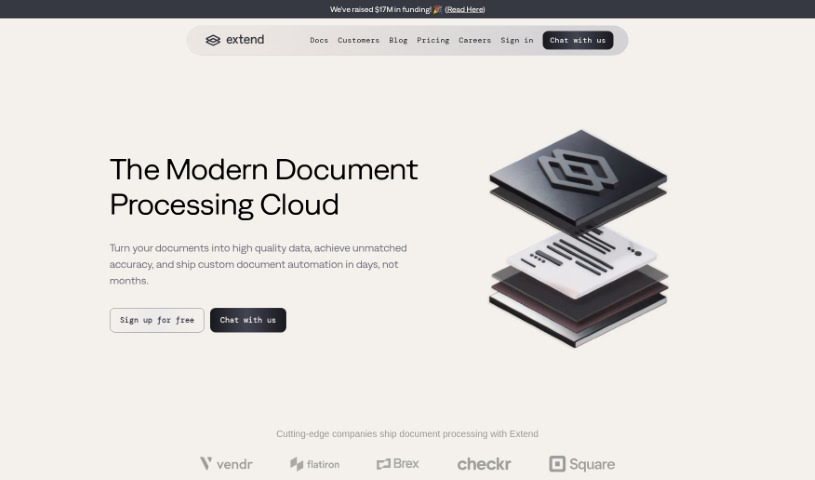
Extend is an AI tool for automating enterprise workflows with unstructured data. It extracts and processes information from documents, images, and emails, handling formats that include PDFs, CSVs, XLSX files, images, and handwritten notes. Beyond extraction, it supports sorting, analysis, and question-answering over your data.

Automation View Tool →
Screenshot of Extracta.ai

Extracta.ai

Freemium

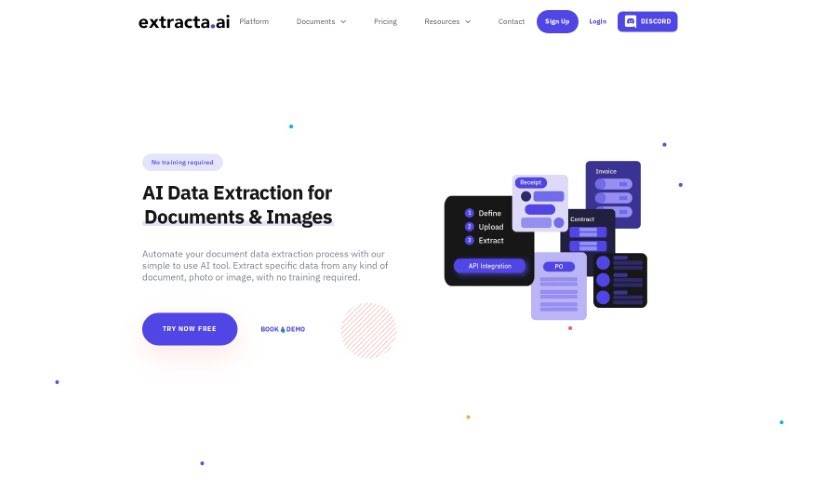
Extracta.ai is a platform for pulling data from unstructured documents. It reads scanned papers and extracts the key information you need without manual training. Businesses can create custom templates to automate data extraction tasks, improving efficiency and accuracy. The platform also offers specialized APIs for document types such as invoices, resumes, and contracts, and supports smart data automation and business intelligence data mining.

Automation View Tool →
Screenshot of Eye Shape AI

Eye Shape AI

Freemium

Eye Shape AI uses image processing and AI to analyze your eyes from uploaded photos, measuring their size, spacing, and curve. Trained on a large dataset, it identifies a range of eye shapes — almond, round, upturned, downturned, wide-set, and close-set — one eye at a time, then suggests frames suited to your shape.

Automation View Tool →
Screenshot of FabSoft

FabSoft

Freemium

FabSoft's flagship product, DeskConnect, is part of the Fab-Connect Suite. It uses Intelligent Document Capture technology to automatically capture, classify, extract data from, and distribute transactional documents. Built on Machine Learning and OCR (Optical Character Recognition), it aims to improve processing accuracy and route documents into the business applications you already use.

Automation View Tool →
Screenshot of Fibery

Fibery

Freemium

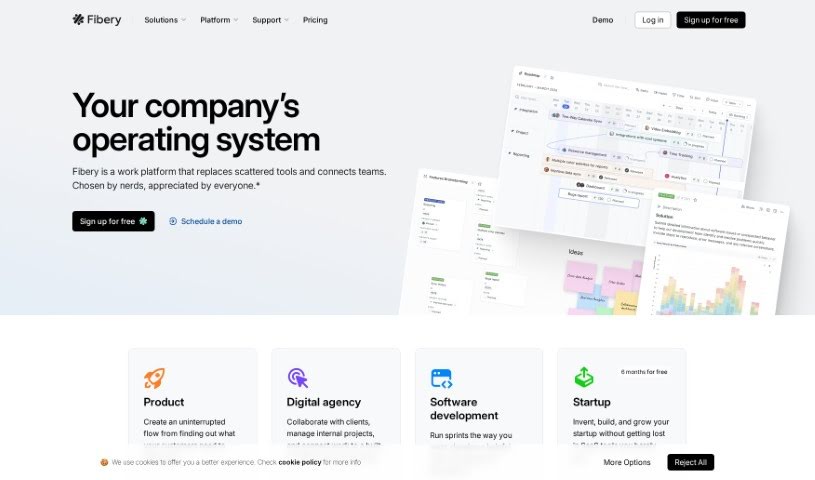
Fibery is an adaptable work management tool that helps teams collaborate and manage projects. Its distinguishing feature is a fully customizable workspace: you define your own structures, relationships between items, and workflows. Key capabilities include custom entity types (your own data categories), two-way links between entities, and integrations with tools like Slack and Zapier. Fibery aims to simplify work processes and increase team productivity.

Automation View Tool →
Screenshot of Filebox

Filebox

Freemium

Filebox is a cloud storage solution that uses artificial intelligence to improve how you store and manage data. Its core features include AI-powered cloud storage that helps organize files, data security to protect sensitive information, and enhanced user privacy. It also offers a user-friendly interface and advanced file management designed to boost productivity, serving everyone from individuals to businesses.

Automation View Tool →
Screenshot of Fine-Tuner.ai

Fine-Tuner.ai

Freemium

Fine-Tuner.ai is a platform for building AI agents without coding or technical experience. You create custom AI helpers by sharing your own data and ideas, skipping lengthy development cycles and avoiding the need for a team of machine learning experts.

Automation View Tool →
Screenshot of Flavorish

Flavorish

Freemium

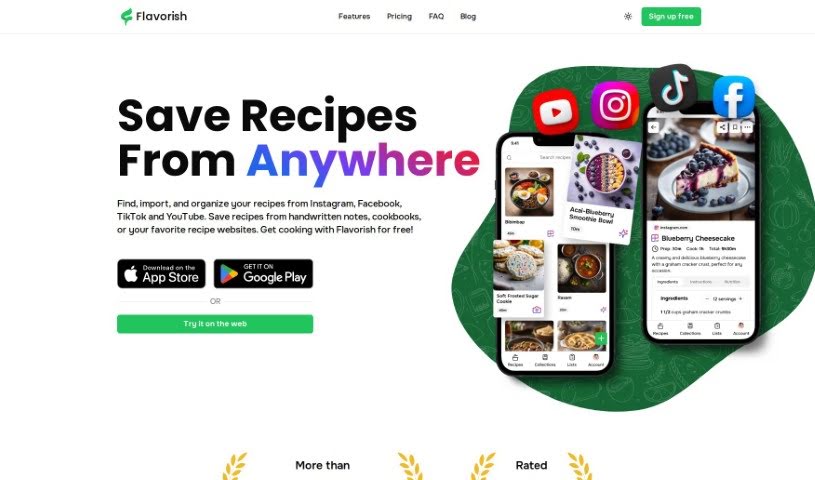
Flavorish is a cooking platform that suggests personalized recipes based on the ingredients you have on hand and your dietary preferences. You can browse dishes from around the world, save and adjust them to your taste, and turn selected recipes into organized shopping lists automatically. The app also works offline.

Automation View Tool →
Screenshot of Fliz

Fliz

Freemium

Fliz is an AI video creation tool that turns a web link into a video. Paste the URL of an article, product page, or ad, and the tool extracts the key content and arranges it into a video using images, text, and animations. The workflow is deliberately simple: enter a URL and get a video, with no advanced technical skills or editing software required.

Automation View Tool →
Screenshot of Floode

Floode

Freemium

Floode is a personal AI executive assistant that takes over time-consuming communication tasks. It brings conversations from your messaging apps and email together in one place, sorting, labeling, and summarizing messages so your inbox is easier to manage. It drafts replies with prompts and suggestions, handles scheduling tasks and events, and offers customizable folders for organizing conversations your way. Floode learns your writing style and tone, understands commands in multiple languages, and does not sell your data.

Automation View Tool →
Screenshot of Flowcharts.ai

Flowcharts.ai

Freemium

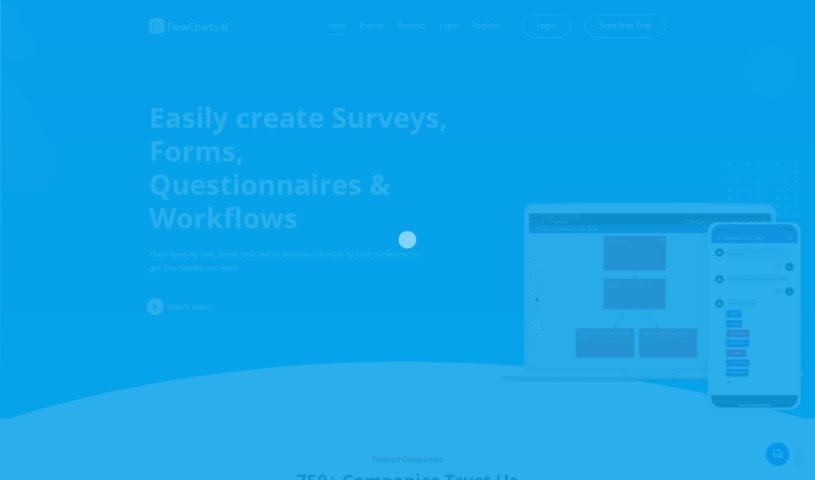
Flowcharts.ai is an AI-powered platform for creating and distributing surveys, forms, questionnaires, and workflows. You can share your creations through SMS, email, a website link, or an AI chatbot widget. Smart surveys adapt as people respond, and the platform supports interactive elements, personalized decision trees, and flexible workflows. You can gather data, analyze it in real time, and adjust surveys based on responses. Response formats include yes/no, free text, single choice, and multiple choice. Mobile apps for iPhone, iPad, and Android let you manage surveys and forms on the go.

Automation View Tool →
Screenshot of FlutterFlow AI Gen

FlutterFlow AI Gen

Freemium

FlutterFlow AI Gen is a platform that integrates AI into your workflow, making it easier to add features like payment processing. It is designed to help product teams collaborate: you can view, edit, and test apps without installing anything extra, connect to live data to gather feedback, and use advanced branching features for collaborative development. You can also share UI components across projects to avoid rebuilding the same elements. Overall, AI Gen aims to give developers more flexibility and control when deploying apps across multiple platforms.

Automation View Tool →

About Automation tools

We’ve all got daily chores that make us feel like human copy-paste machines. Transferring numbers from a PDF invoice into a spreadsheet, sending repetitive follow-up emails, or copying lead details from a web form into a database can eat up half your workday. It’s boring work, and one tiny distraction means you accidentally paste the wrong phone number into the wrong field.

Smart automation platforms go far beyond traditional software rules that only follow rigid “if this happens, then do that” triggers. Instead, AI tools can read unstructured information, understand what needs to happen next, and execute multi-step tasks across all your favorite applications.

Building Smarter Workflows

Older automation tools required every single step to be perfectly predictable. If an incoming email didn’t match an exact format, the whole system broke down. AI tools change that by understanding context. For instance, if a customer emails your support team with a mixed request about a delayed shipment and a billing question, an AI assistant can read the message, extract the order number, categorize the issue, and open the correct ticket in your help desk automatically.

Data entry and document cleanup get a massive speed boost, too. Instead of spending hours typing details from receipts, contracts, or paper forms into your system, intelligent scanning software extracts names, dates, and line items instantly. It structures messy text, flags unusual errors for your review, and pushes clean information straight into your accounting software.

Connecting different applications is another major time saver. Rather than jumping across ten browser tabs to update project statuses, send team messages, and reschedule calendar invites, you can build smooth pipelines. When a new sales lead books a meeting, the system can automatically create a client record, generate a custom proposal draft, and set a reminder for your sales rep.

Key Features to Look For:

  • Natural language workflow builders: Systems that let you describe an automated sequence in plain English rather than building complex logic chains.
  • Unstructured data extraction: Software capable of reading receipts, PDFs, and casual emails to pull out accurate numbers and details.
  • Multi-app connectivity: Tools that link smoothly with your existing stack, from spreadsheets and email to project boards and CRMs.
  • Conditional decision making: Engines that evaluate incoming information and choose the best next step based on custom rules.
  • Human-in-the-loop checks: Safety features that pause an automated task to request your approval before taking major actions, like sending an external email or processing a payment.

While smart software handles routine mechanics, human oversight and strategy still matter most. Automation takes care of the background work so you can give your full attention to solving real problems and serving your clients.

Check out the selection below to find the right automation setup for your daily routine.

The Best AI Automation Tools

  1. Databricks: Great for automating data pipeline workflows.
  2. Cal.ai: Makes scheduling tasks easy.
  3. UiPath: Automates invoice processing.
  4. Glean: Automates insights with custom AI bots.
  5. Kaiber: Streamlines video editing.
  6. Text Blaze: Helps you breeze through repetitive tasks.
  7. Phantom Buster: Automates LinkedIn outreach campaigns.
  8. God of Prompt: Streamlines repetitive tasks effectively.
  9. MyMind: Automates capturing and organizing notes.
  10. SlidesGPT.com: Automates presentation creation.
  11. Carepatron: Streamlines medical documentation.
  12. HiPDF: Automates splitting PDFs by page ranges.
  13. HARPA AI: Automates email replies and notifications.
  14. Fibery: Streamlines task workflows efficiently.
  15. Addoobot: Hub for robot comparisons, job listings and community events.
New tools, in your inbox.

Weekly picks of the best AI tools we've researched and added — no spam, unsubscribe anytime.

Join 25,000+ AI enthusiasts. No spam, unsubscribe anytime.