AI Audio Tools

AI Tools for Audio

Discover the best Audio AI tools to enhance your productivity and creativity.

Page 28 of 37 • 442 total tools
Screenshot of Staccato AI

Staccato AI

Freemium

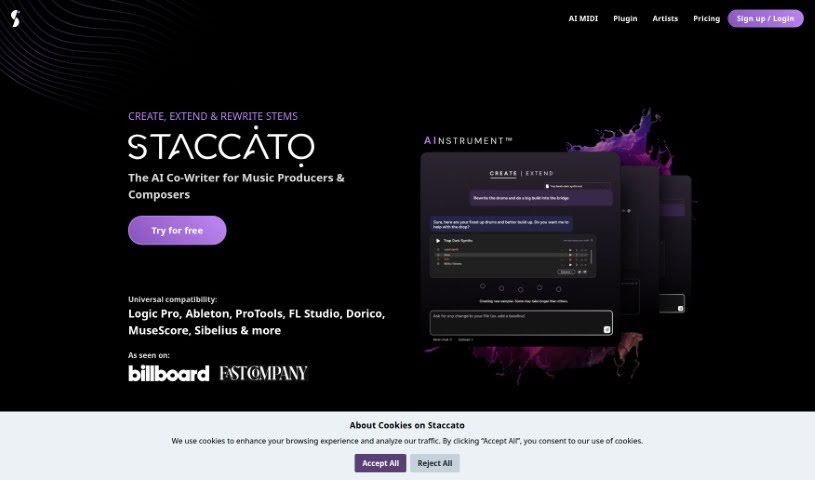
Staccato AI is a tool for musicians and lyricists that combines an AI lyrics generator with an AI MIDI generator, called the AI Instrument™. Its purpose is to help users get past writer's block, explore new approaches to composing, and find fresh inspiration during the songwriting process. Staccato AI offers several pricing plans, and its main features can be tried for free. Professional songwriters have praised it for supporting their songwriting process and boosting creativity. The tool can create, expand, and analyze music through its AI-powered MIDI creation and lyric generation.

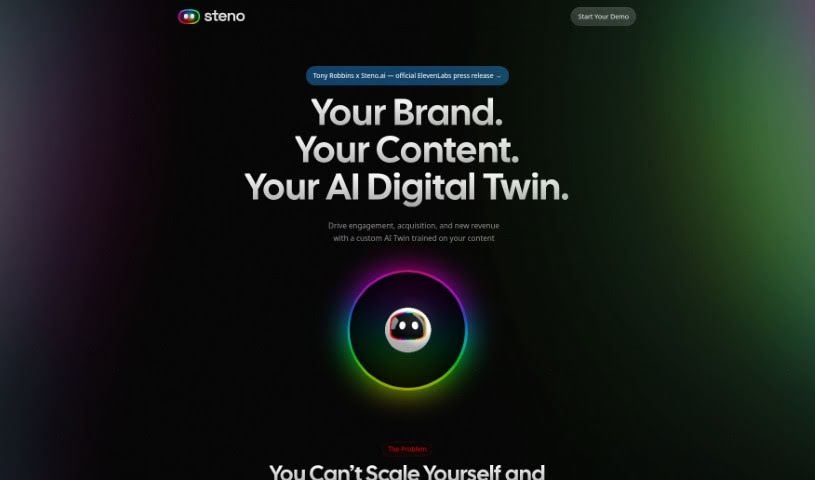
Screenshot of Steno.ai

Steno.ai

Freemium

Steno.ai is an AI transcription tool that converts spoken words into written text using speech recognition technology. It is designed for journalists, students, and business professionals who need fast, accurate audio-to-text conversion.

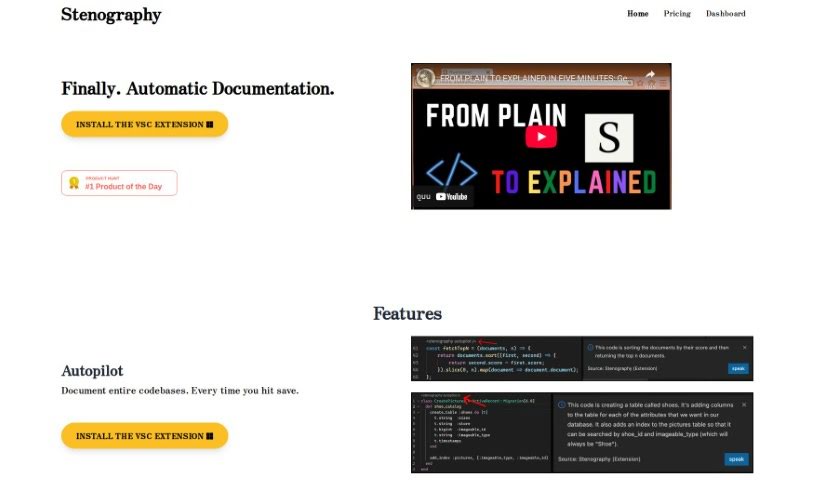
Screenshot of Stenography

Stenography

Freemium

Stenography is a fast way to write that uses shorthand to capture spoken words or information quickly and efficiently. It's a useful skill for anyone who needs to transcribe meetings, interviews, or lectures accurately without wasting time. Using stenographic tools and techniques, you can document what's being said with precision, saving time while ensuring everything is captured correctly. Stenography is applied in fields like law, journalism, and professional transcription services.

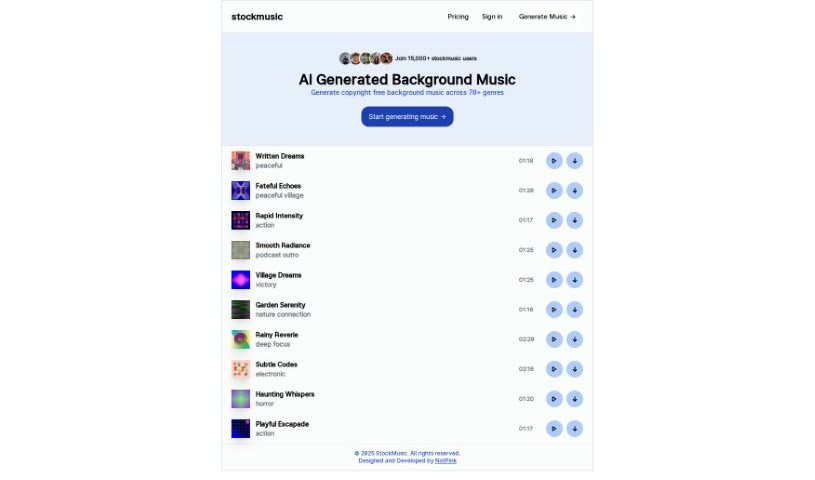
Screenshot of Stockmusic

Stockmusic

Freemium

StockMusic is an AI music generator that creates royalty-free tracks across a range of genres and styles, from romantic and dream pop to retro synthwave, chillwave, and orchestral pieces. It also includes a library of ready-to-use AI-generated examples for games, podcasts, films, and other creative projects. No musical background or composition skills are required, and a free trial provides 120 seconds of AI-generated music at no cost.

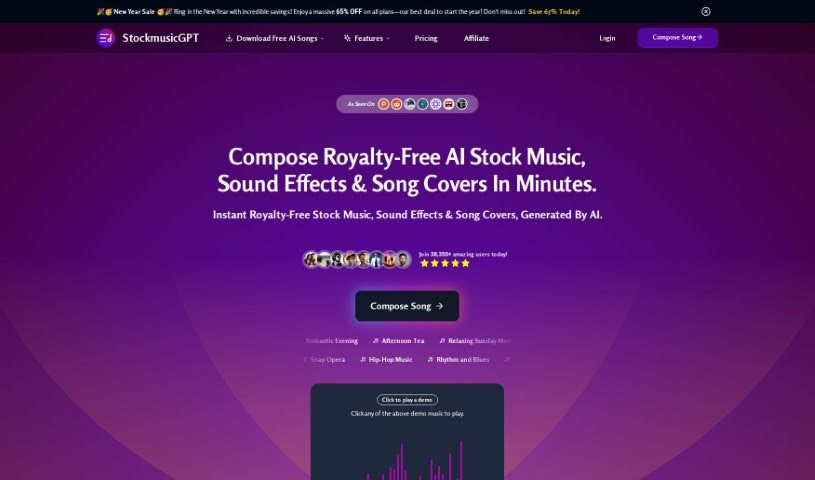
Screenshot of StockmusicGPT

StockmusicGPT

Freemium

StockmusicGPT is an AI platform for creating royalty-free music without prior experience or technical skills. You specify the genre, theme, mood, tempo, instruments, chords, effects, and duration, and the AI generates a unique track that is saved to your account, where it can be played, downloaded, and shared.

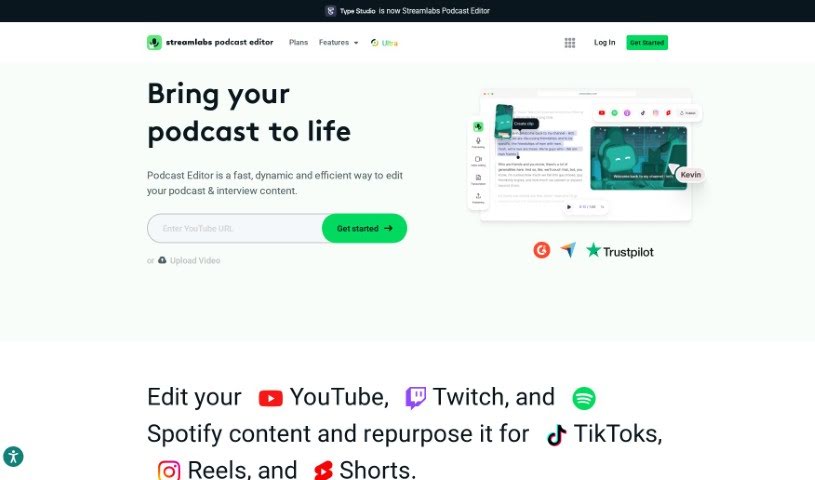
Screenshot of Streamlabs

Streamlabs

Freemium

Streamlabs is a platform offering tools for content creators, particularly those focused on live streaming and video. Its core features include streaming and recording directly from your computer, a video editor for collaborative editing, and "Cross Clip," which converts videos from platforms like Twitch and YouTube into short, shareable clips. The platform is designed to streamline streaming and video editing workflows for creators.

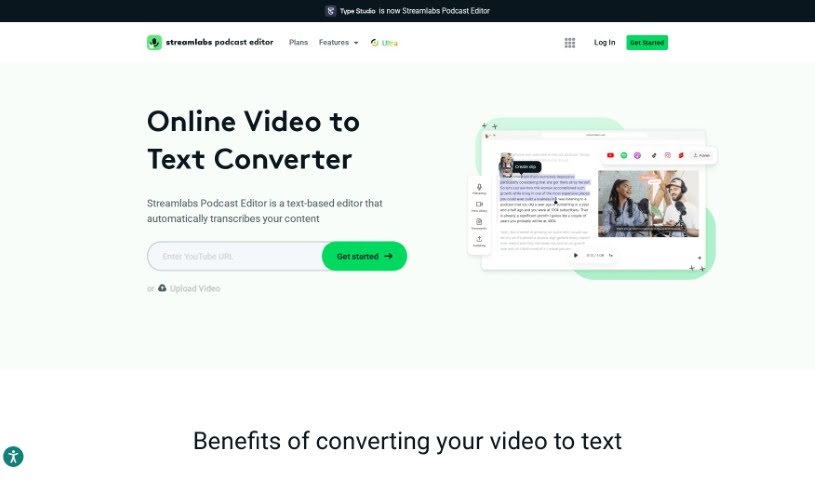
Screenshot of Streamlabs AI Video to Text

Streamlabs AI Video to Text

Freemium

Streamlabs AI Video to Text is a transcription service that automatically converts the spoken words in your videos into written text. Transcripts can be saved in .srt, .vtt, or .txt formats, and shared via email without downloading the whole video first.

Screenshot of Strofe

Strofe

Freemium

Strofe is a platform that makes it easy for anyone to create music using AI. Whether you're working on video games, Twitch streams, YouTube videos, or podcasts, Strofe helps you craft music that matches the mood and theme you're going for. It includes built-in mixing and mastering tools, so you can tweak your tracks until they sound right. Every song you make with Strofe is unique and won't get you into trouble with copyright or DMCA takedowns. It works for both experienced music producers and beginners.

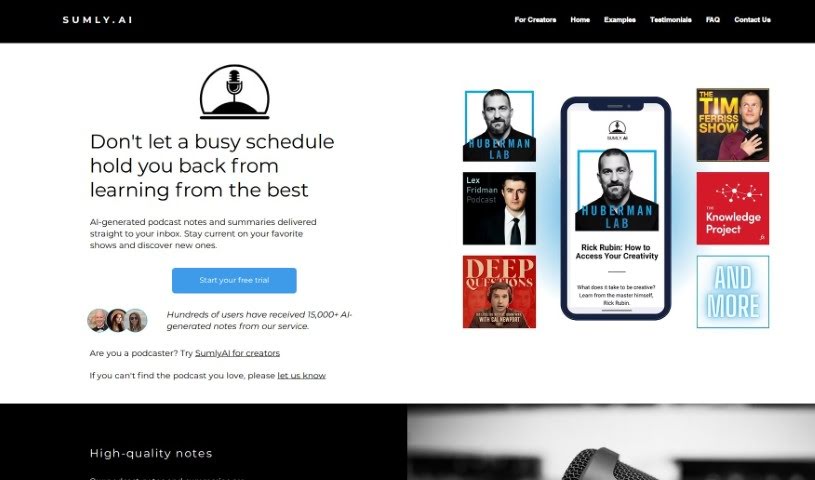
Screenshot of Sumlyai

Sumlyai

Freemium

SumlyAI sends AI-generated podcast notes and summaries straight to your inbox. Summaries are created with AI and then reviewed by humans for quality. Supported shows include "Huberman Lab," "Lex Fridman Podcast," "The Tim Ferriss Show," "The Knowledge Project with Shane Parrish," and "Deep Questions with Cal Newport," with more being added. A 7-day free trial is available before subscribing.

Screenshot of Summarize.one

Summarize.one

Freemium

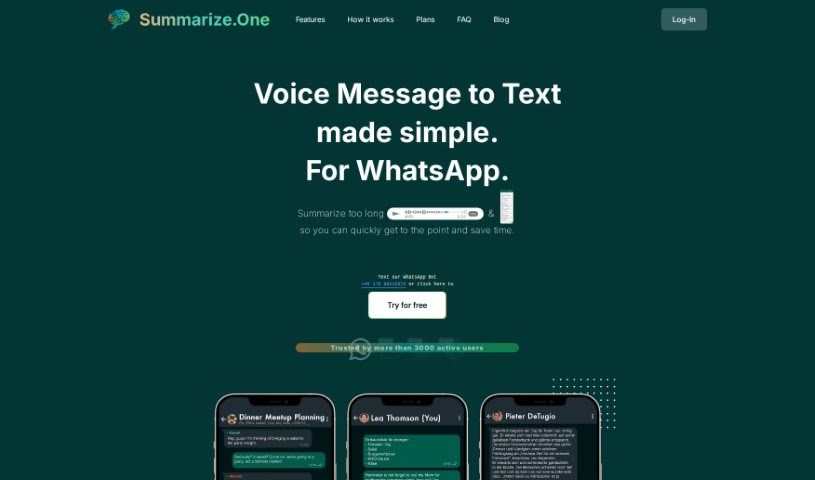
Summarize.one is an AI tool that creates concise summaries of WhatsApp voice and text messages, regardless of length. Send or forward a voice message to the Summarize.one WhatsApp bot like any other message, and you receive a summary within seconds. The tool highlights crucial information so you don't have to replay messages to remember what was said.

Screenshot of Sunflower Sparrow

Sunflower Sparrow

Freemium

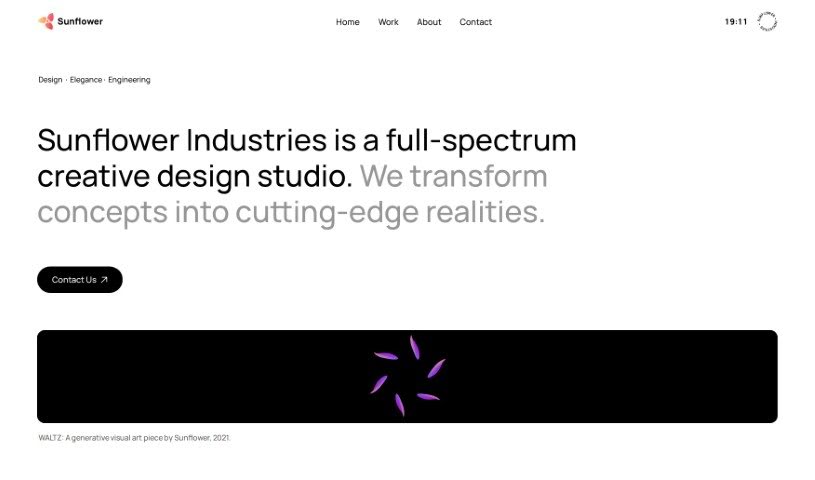
Sunflower Sparrow is a VST/AU plugin that converts your vocals into AI voices with near-real-time playback. It listens to your voice and transforms it using voice conversion models. You can adjust a voice's character, create entirely new voices, load custom models, and run unlimited conversions. Output is royalty-free for commercial projects. Planned additions include personal voice training and a performance mode that further reduces latency.

Screenshot of Suno

Suno

Freemium

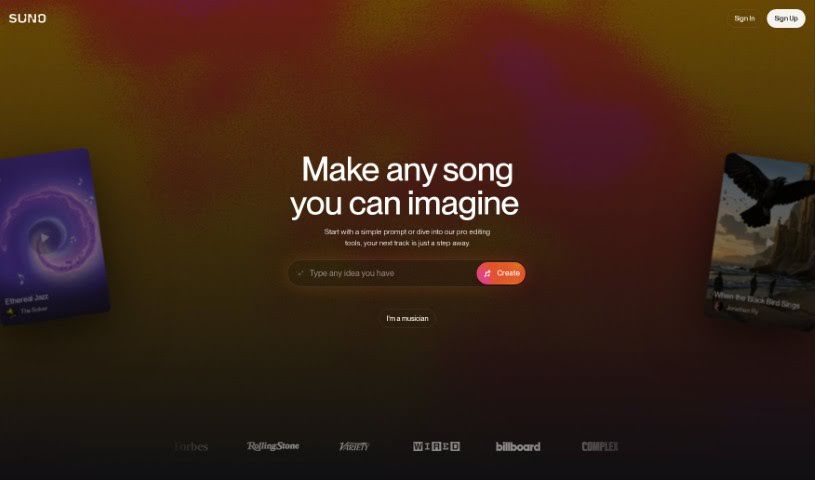
Suno is a platform designed to make creating music accessible to everyone, whether you sing for fun or are a seasoned artist. The company, based in Cambridge, MA, is made up of a team passionate about both music and artificial intelligence. Suno lets you turn your own ideas into songs without needing any traditional instruments, and the team encourages people from all backgrounds to try out the platform.

About Audio tools

Recording clean audio can be frustrating. You hit record, start talking, and suddenly a neighbor starts mowing their lawn, your air conditioner kicks into high gear, or you realize you spoke too close to the mic. In the past, fixing those issues meant spending hours in complex editing software manually cutting out background noise or re-recording takes from scratch.

The AI audio tools in this section handle the tedious cleanup work in minutes so your podcasts, video voiceovers, and music projects sound polished without the technical headaches.

Where Audio AI Saves the Most Time

Noise removal is easily one of the most practical uses for this technology. Modern noise reduction tools don’t just apply a harsh filter that makes your voice sound like it’s trapped in a tin can. Instead, they isolate the unique frequency patterns of human speech, separating your voice from background hums, traffic, or room echoes. You can take a conversation recorded on a noisy street corner and make it sound like it was captured inside a quiet studio.

Editing speech has changed completely, too. Older workflows required staring at complex waveforms for hours, hunting down every awkward pause, slip of the tongue, or repeated word. Text-based audio editors transcribe your recording into written text first. Delete a word or sentence from the transcript, and the tool cuts that exact audio segment automatically. You can edit a full podcast episode in minutes just like tweaking a text document.

Voice synthesis and localized dubbing have also taken a massive leap forward. If you need a quick voiceover for a product demo or internal training video, text-to-speech engines generate natural-sounding voices with realistic pauses and subtle tone shifts. Some platforms even let you clone your own voice or translate audio files into new languages while matching the speaker’s original cadence.

For creators who need background tracks, generative music tools build royalty-free sound effects and original background tracks on demand. Specify the mood, tempo, and duration, and the software builds a custom piece that fits your video perfectly without copyright risks.

Key Features to Consider:

  • Background noise isolation: Software that strips out air conditioner hums, wind noise, and room echo without distorting human speech.
  • Text-based editing: Tools that automatically transcribe your files and let you edit audio by editing the written transcript.
  • Voice synthesis and cloning: Applications that convert text to speech or replicate existing voices for quick voiceover work.
  • Automated mastering: Systems that balance volume levels, equalize frequencies, and optimize audio for streaming platforms.
  • Multilingual translation and dubbing: Features that translate spoken words into new languages while preserving the original voice’s tone.

Clear sound is non-negotiable for keeping an audience engaged. Viewers might forgive a slightly grainy video, but harsh audio makes them click away in seconds. While software handles background noise, leveling, and fast edits, your message and creative direction remain the heart of the project.

Take a look through the options below to upgrade your audio workflow.

The Best AI Audio Tools

  1. ElevenLabs: Great for making multilingual video voiceovers if you’re a creator.
  2. Suno: Perfect for creating custom soundscapes to help you relax.
  3. BandLab: Lets you mix and master tracks smoothly.
  4. TurboScribe: Helps improve audio for clearer transcriptions.
  5. Voicemod: Lets you change your voice for creative projects.
  6. Adobe Podcast: Enhances audio with simple, one-click AI tools.
  7. Transkriptor: An automated tool for transcribing lectures.
  8. Speechify: Makes it easy to listen to articles and documents.
  9. NaturalReader: Good for creating voiceovers for your video content.
  10. Riffusion: Offers real-time audio manipulation for creators.
  11. Narakeet: Converts subtitles into synchronized audio.
  12. 008 Agent: Open-source assistant for VoIP calls, with transcription and call summaries.
  13. Lalal.ai: Lets you remove vocals seamlessly for remixes.
  14. Ttsmaker: Effortlessly create voiceovers for videos.
  15. Udio: Craft unique sounds using its audio tools.
New tools, in your inbox.

Weekly picks of the best AI tools we've researched and added — no spam, unsubscribe anytime.

Join 25,000+ AI enthusiasts. No spam, unsubscribe anytime.