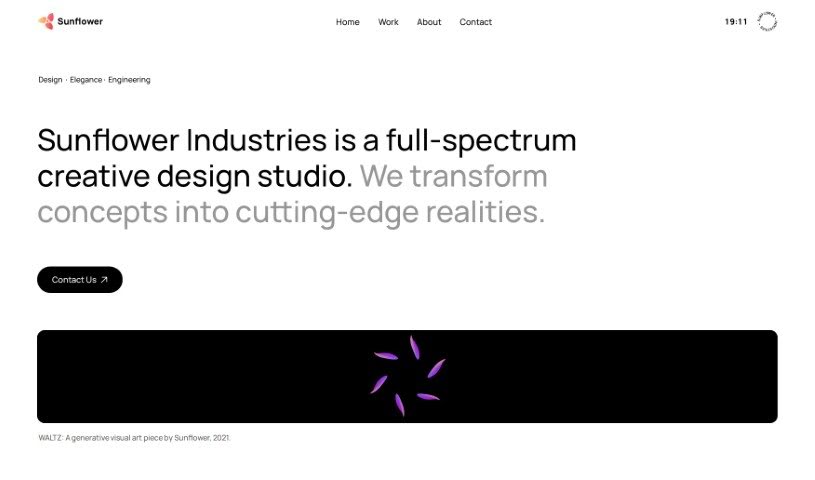
Screenshot of Sunflower Sparrow

Sunflower Sparrow

Discover what Sunflower Sparrow is and how to use it effectively in 2025. We'll explore its features and see how it stacks up against other Voice Generators.

Screenshot

What is Sunflower Sparrow?

Sunflower Sparrow is a software designed to change your vocals into AI voices, and it does this with playback that’s almost in real-time. It uses smart AI algorithms and models to listen to your voice and then apply voice conversion techniques to create those AI voices. You can load your own custom models, convert voices as much as you want without limits, and even use the converted voices for commercial projects because they’re royalty-free. Plus, Sunflower Sparrow works with VST and AU plugins, lets you tweak the voice’s character, and even helps you create entirely new voices. Looking ahead, they plan to bring the software to Windows, offer personal voice training, and really push for ethical use of this AI tool.

Who created Sunflower Sparrow?

Sunflower Sparrow was developed by Sunflower Industries. It first came out on December 21, 2023. The company’s goal is to open up new ways for musicians, whether they’re just starting out or are seasoned pros, to express themselves musically. This fits right in with Sunflower Industries’ overall mission to use technology to build really innovative musical tools.

What is Sunflower Sparrow used for?

  • Turning your own vocals into AI voices that you can use in Digital Audio Workstations (DAWs) with playback that feels almost instant.
  • Creating brand new AI voices and building your own custom voice models.
  • Doing unlimited voice conversions – there are no limits on how many you can create.
  • Changing the character of a voice and playing around with different vocal tones.
  • A virtual singer audition feature that lets you try out what a specific singer’s voice might sound like, especially if you can’t access it otherwise.
  • Using AI for vocal transformation to unlock fresh creative possibilities.
  • It supports both VST (Virtual Studio Technology) and AU (Audio Units) plugins, giving you more flexibility.
  • They’re committed to promoting ethical use and offer royalty-free voice conversions.
  • You can create unique, personalized character voices by training the AI yourself.
  • It offers a smoother user experience by reducing latency, thanks to its performance mode.

Who is Sunflower Sparrow for?

  • Musicians
  • Music producers
  • Audio Engineers
  • Artists
  • Creators

How to use Sunflower Sparrow?

Here’s how you can get started with Sunflower Sparrow:

  1. Download and Install:
    • First, grab the installer for your system: you can find it for M1 Macs or Windows.
    • Just follow the instructions on your screen to install it.
  2. Transform Vocals to AI Voices:
    • Open Sunflower Sparrow within your DAW (Digital Audio Workstation).
    • Use the built-in AI algorithms to transform your vocals into AI voices, and you’ll get near-real-time playback.
  3. Customize and Modify:
    • You can easily modify the voice’s character using the vocal transformation features.
    • Feel free to create new voices by transforming existing vocals or by loading up custom models you’ve made.
  4. Explore Features:
    • Enjoy benefits like unlimited voice conversions and the ability to generate royalty-free voices.
    • Try out the virtual singer audition feature to simulate the voices of singers you might not otherwise have access to.
    • You can also access VST & AU plugin support for even more functionality.
  5. Future Enhancements:
    • Keep an eye out for upcoming improvements, like support for Windows platforms and the ability to train your own personal voice.
    • They’re also working on a performance mode that should reduce latency even further.
  6. Pricing and Demos:
    • You can choose between the Standard plan, which is $6/month or $59/year, or the Pro tier for more features.
    • Check out the demos on the Sunflower Industries website to get a better feel for how to use the tool effectively.
  7. Commercial Use and Updates:
    • Yes, you can use Sunflower Sparrow for commercial projects, and the voice conversions are royalty-free.
    • Sign up for updates on the Sunflower Sparrow website so you don’t miss out on new features or when it becomes available on different platforms.

By following these steps, you’ll be able to make the most of Sunflower Sparrow’s features for transforming vocals into AI voices and really boost your creative projects.

Related AI Tools

Discover more tools in similar categories that might interest you

Stay Updated with AI Tools

Get weekly updates on the latest AI tools, trends, and insights delivered to your inbox

Join 25,000+ AI enthusiasts. No spam, unsubscribe anytime.