Best AI YouTube Video Tools Compared

AI Tools for Youtube Video

Discover the best Youtube Video AI tools to enhance your productivity and creativity.

Page 2 of 3 • 28 total tools
Screenshot of Magic Thumbnails

Magic Thumbnails

Freemium

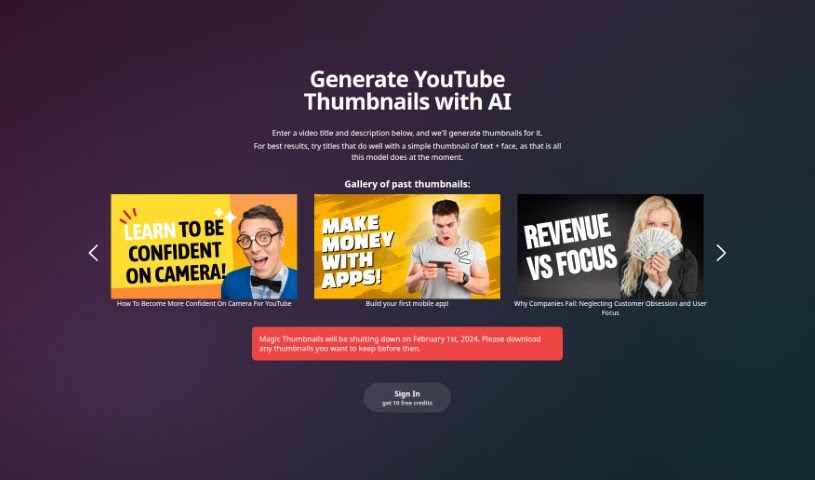
Magic Thumbnails is an AI-powered tool that generates YouTube thumbnail options based on your video's title and description. It automatically creates multiple designs and supports customization of layout styles, fonts, colors, and images.

Youtube Video View Tool →
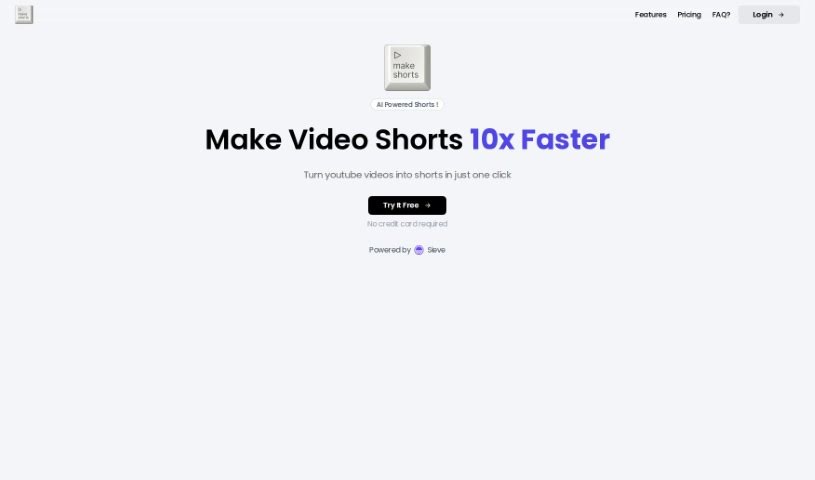
Screenshot of MakeShorts

MakeShorts

Freemium

MakeShorts is an AI tool that repurposes longer YouTube videos into short clips for YouTube Shorts, TikTok, and Reels. It automatically identifies the most engaging parts of a video, converts landscape footage to vertical format with smart cropping that keeps the speaker in frame, and adds AI-powered subtitles. It also generates descriptions and hashtags to improve discoverability.

Youtube Video View Tool →
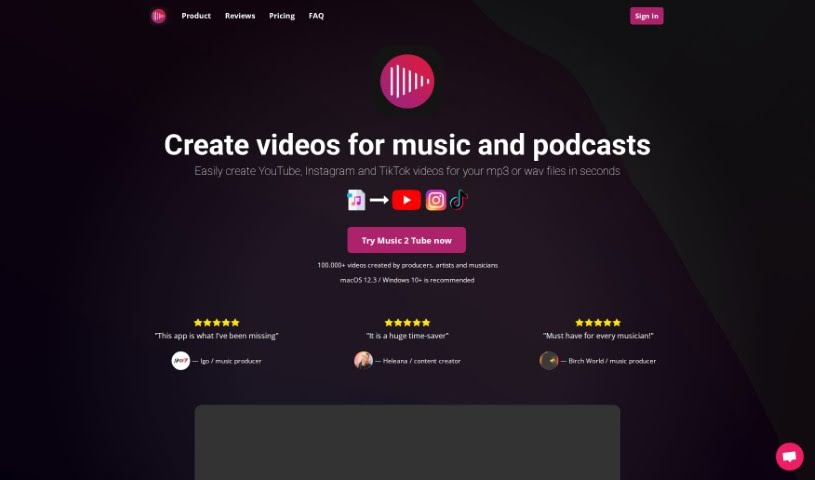
Screenshot of Music 2 Tube

Music 2 Tube

Freemium

Music 2 Tube is a platform for creating and uploading videos for your music, beats, and podcasts. It can generate beat videos in bulk, upload an unlimited number of videos to YouTube, and schedule uploads to go live at a specific time. Videos are customizable: adjust elements, blur background images, apply overlays such as a VHS look or film grain, include GIF animations, and add watermarks for branding. The tool integrates with cloud storage services including Google Drive, supports formats for YouTube, Instagram, Reels, Shorts, and TikTok, and can render videos while you're offline.

Youtube Video View Tool →
Screenshot of Ranku

Ranku

Freemium

RankU is a tool for YouTube creators who want to validate their channel or video ideas before investing time and resources. Enter a proposed title or brief description, and RankU provides insights into the competition for that idea, how the concept might rank in the market, and suggestions for improving the plan. Recommendations are tailored to your channel's statistics and current market position.

Youtube Video View Tool →
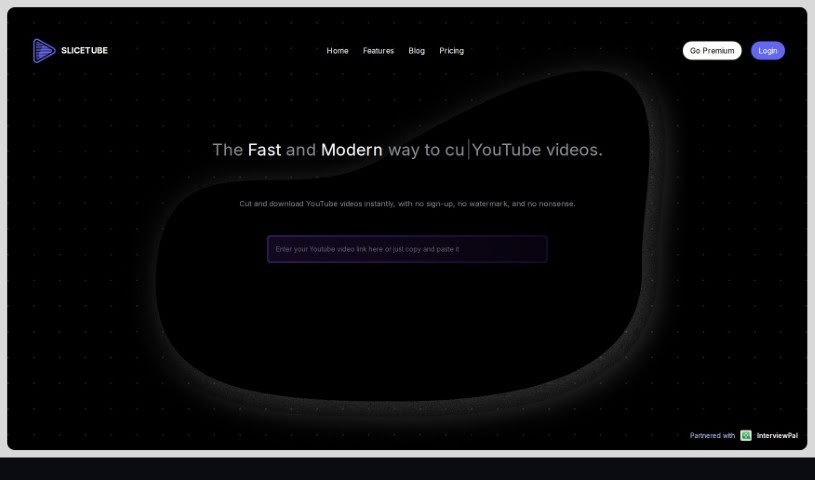
Screenshot of Slicetube

Slicetube

Freemium

Slicetube is a tool for downloading and trimming YouTube videos. It supports downloads in up to 4K quality and lets you trim videos directly within the tool by selecting a time range, so you can save only the parts you need. Downloads are available in MP3, MP4, and WEBM formats. Slicetube has partnered with InterviewPal and is used by many YouTube creators who value its straightforward workflow.

Youtube Video View Tool →
Screenshot of Taja AI

Taja AI

Freemium

Taja AI is a platform for managing the entire YouTube video workflow, from preparation to publication. It helps write titles and descriptions optimized for YouTube's algorithm, creates thumbnails, and turns longer videos into short, shareable clips. According to the tool, it can save users up to 90% of their time.

Youtube Video View Tool →
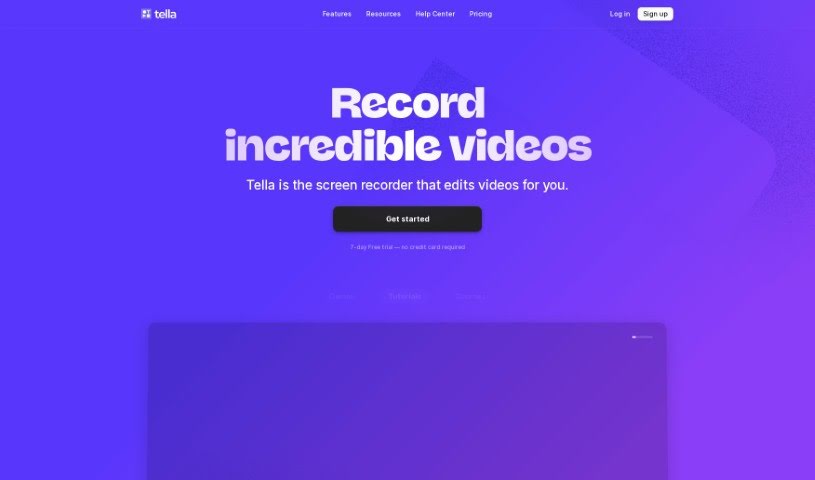
Screenshot of Tella

Tella

Freemium

Tella.tv offers an AI YouTube Description Generator that creates custom video descriptions tailored to your content. It saves time and helps you write descriptions that grab attention. The tool is built with YouTube SEO in mind, letting you use the full 5000 characters allowed. You can specify which keywords to include, add emojis, and choose a tone that matches your brand. For anyone who makes videos, it simplifies writing descriptions and frees up time for creating content.

Youtube Video View Tool →
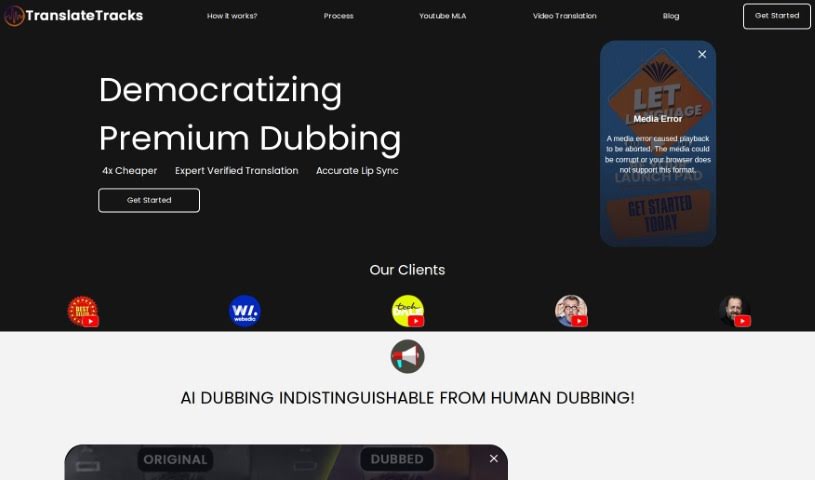
Screenshot of TranslateTracks

TranslateTracks

Freemium

TranslateTracks is an AI-powered dubbing and translation service that helps creators reach global audiences by removing language and cultural barriers. The platform pairs its own AI models with expert localization teams to deliver accurate dubbing and translation at a lower cost than fully human workflows. It supports many languages at once, offers fast turnaround, and lets you customize subtitles and dubs to match your style.

Youtube Video View Tool →
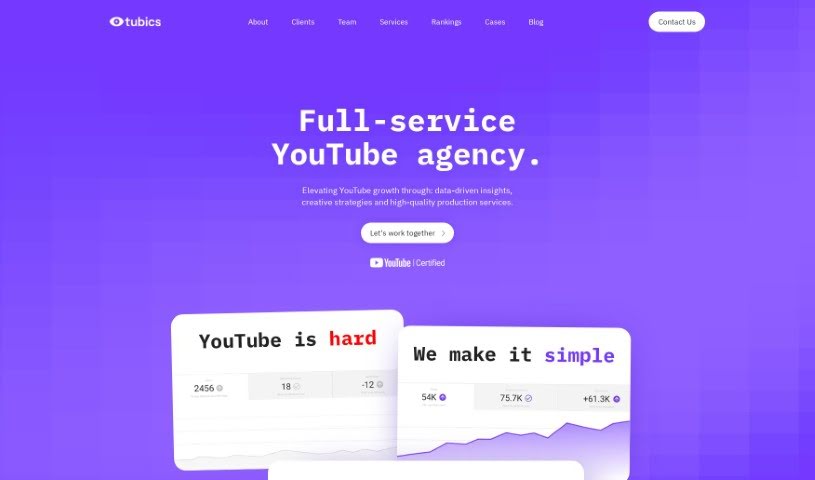
Screenshot of Tubics

Tubics

Freemium

Tubics is a startup from Vienna, founded in 2017 by Claudia Eder, Matthias Funk, and Matthias Posch. Its goal is to make YouTube a real asset for businesses. The founders, former consultants, saw that many companies struggled to get a return on their YouTube efforts without pouring money into paid ads, and that most brands didn't understand how the YouTube algorithm worked. They built a self-service software platform that automates and optimizes YouTube channels using a data-driven workflow.

Youtube Video View Tool →
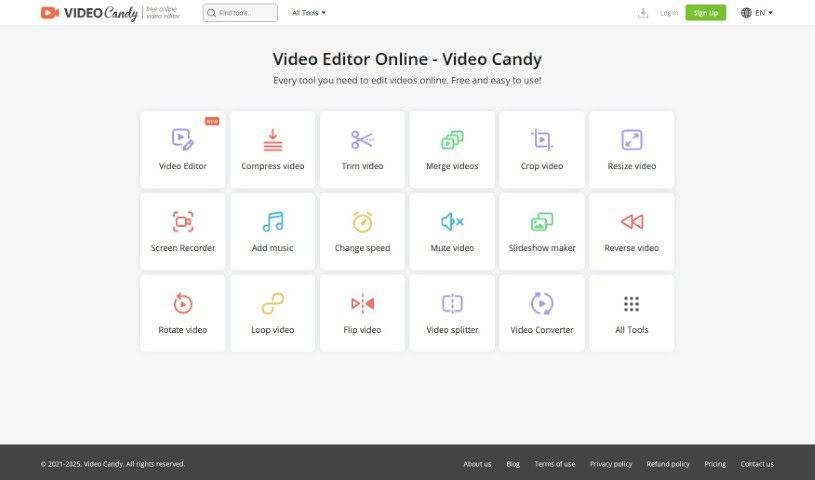
Screenshot of Video Candy

Video Candy

Freemium

Video Candy is an online platform offering a collection of free video editing tools. It covers trimming, merging clips, compressing videos, cropping, resizing, screen recording, adding music, changing video speed, removing audio, creating slideshows, and converting video and audio files. The interface is designed to be easy to use, whether you're new to editing or experienced. Every tool is free, and finished projects have no watermark.

Youtube Video View Tool →
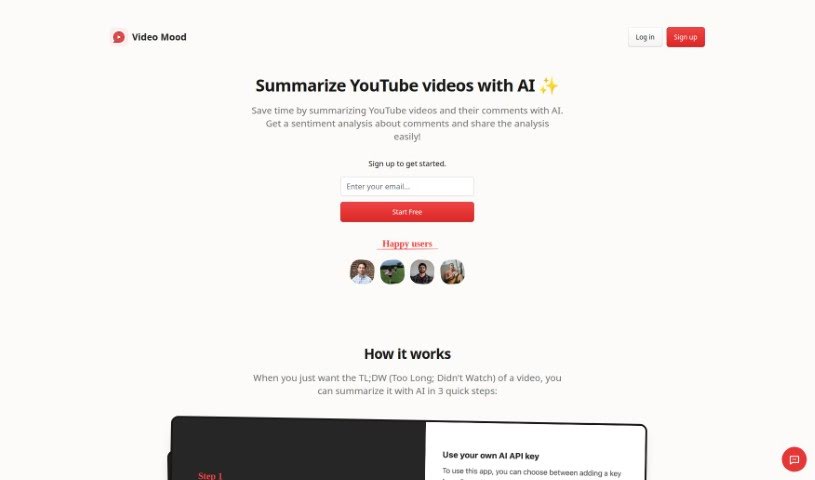
Screenshot of Video Mood

Video Mood

Freemium

Video Mood is an AI tool that summarizes YouTube videos and analyzes the sentiment of their comments. It provides a condensed overview alongside insights into viewer reactions, helping users determine whether a video is worth their time and understand audience feedback.

Youtube Video View Tool →
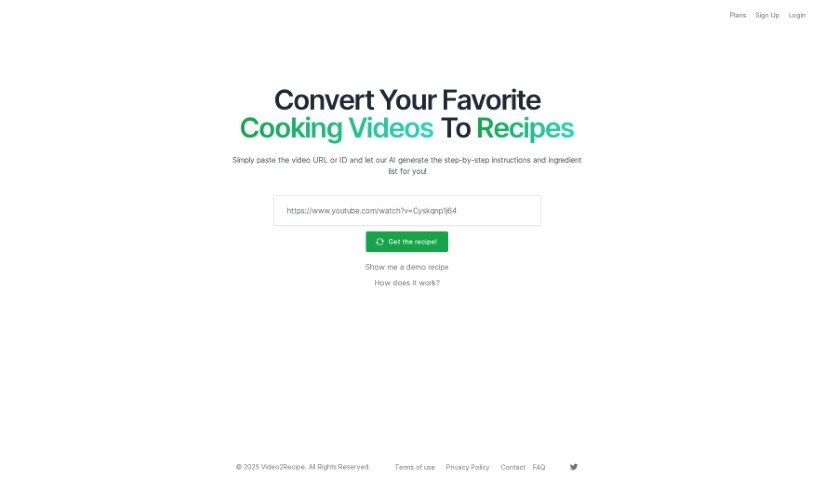
Screenshot of Video2Recipe

Video2Recipe

Freemium

Video2Recipe converts cooking videos into easy-to-follow recipes. Paste a video's URL or ID, and the tool's AI generates step-by-step instructions and an ingredient list — no manual transcription required. It's useful for anyone who cooks along with tutorials and wants to spend more time cooking and less time pausing and taking notes. The platform aims to make it easier to try new dishes and save recipes from videos you like.

Youtube Video View Tool →

About Youtube Video tools

Coming up with fresh video ideas every week, writing compelling scripts, and optimizing titles and tags to beat the algorithm can feel like a full-time job. Whether you’re running an educational channel, sharing daily vlogs, or producing product reviews, growing a YouTube presence takes far more than hitting record. It’s easy to spend hours staring at analytics or wrestling with script outlines before you even start filming.

These tools serve as smart creative partners for YouTube creators. They help you brainstorm high-performing topics, outline engaging scripts, and optimize every upload for maximum reach without taking over your channel or fabricating personal stories.

Topic Ideation, Metadata SEO, and Retention Analytics

Breaking through creative blocks and finding video concepts that resonate with viewers is often the hardest part of content creation. Smart YouTube tools analyze search trends, audience interests, and competitor topics to suggest fresh video ideas and high-converting titles in seconds. Instead of guessing what your audience wants to watch next, you get data-backed topic ideas and structured script outlines that give your videos a strong narrative hook from the first frame.

Managing video metadata and search engine optimization gets much simpler, as well. Writing catchy video descriptions, picking relevant tags, and calculating chapter timestamps takes valuable time away from actual filming. AI channel assistants scan your script or video transcript to generate optimized metadata, write detailed descriptions, and suggest thumbnail concepts that help your content stand out in search results and recommended feeds.

Understanding channel performance and keeping up with subscriber expectations also becomes far less overwhelming. Deep analytics tools help you identify drop-off points in viewer retention, track trending topics in your niche, and schedule content strategies that keep your channel growing consistently. You spend less time stressing over the algorithm and more time creating videos you genuinely enjoy making.

Useful Features for Creators:

  • Topic and title generation: Systems that analyze search trends and competitor channels to suggest catchy titles and high-performing video concepts.
  • Scriptwriting and outline support: Tools that help draft structured video scripts, hook openings, and call-to-action prompts tailored to your channel style.
  • Metadata and SEO optimization: Features that automatically generate keyword-rich descriptions, relevant video tags, and search-friendly metadata.
  • Thumbnail visual concepts: Assistants that generate thumbnail ideas, layout suggestions, or visual assets designed to boost click-through rates.
  • Retention and trend analytics: Analytics platforms that track audience drop-off points, competitor performance, and niche search trends to guide your strategy.

Building a thriving YouTube community will always depend on your authenticity, unique perspective, and genuine connection with your audience. Software cannot replace human charisma or form real relationships with subscribers. But handing off routine topic research, script outlines, and video SEO gives you back the time and mental energy needed to shine on camera.

Take a look through the tools below to elevate your YouTube video strategy.

The Best AI Youtube Video Tools

  1. Video Candy: Great for editing and improving your YouTube videos.
  2. Lumen5: Makes creating YouTube videos much simpler.
  3. Slicetube: Helps you create video highlights effortlessly.
  4. Tella: Automates the process of writing YouTube video descriptions.
  5. Taja AI: Generates video titles and descriptions.
  6. Tubics: Designed to boost your organic views on YouTube.
  7. ChatTube: Offers tips for optimizing your video content.
  8. You-Tldr: Lets you quickly summarize YouTube videos with ease.
  9. AI Youtube Thumbnails: Creates YouTube-ready thumbnail designs from your video content.
  10. Facelessvideos.ai: Helps you create viral YouTube Shorts without showing your face.
  11. Video2Recipe: Converts YouTube cooking videos into easy-to-follow recipes.
  12. Chapterme: Boosts YouTube engagement effortlessly.
  13. Braiv: Enhances your YouTube content with custom branding.
  14. Happy SRT: Generates AI subtitles for your YouTube videos.
  15. Aico: Turns YouTube videos into ready-to-edit shorts with AI subtitles.
New tools, in your inbox.

Weekly picks of the best AI tools we've researched and added — no spam, unsubscribe anytime.

Join 25,000+ AI enthusiasts. No spam, unsubscribe anytime.