B
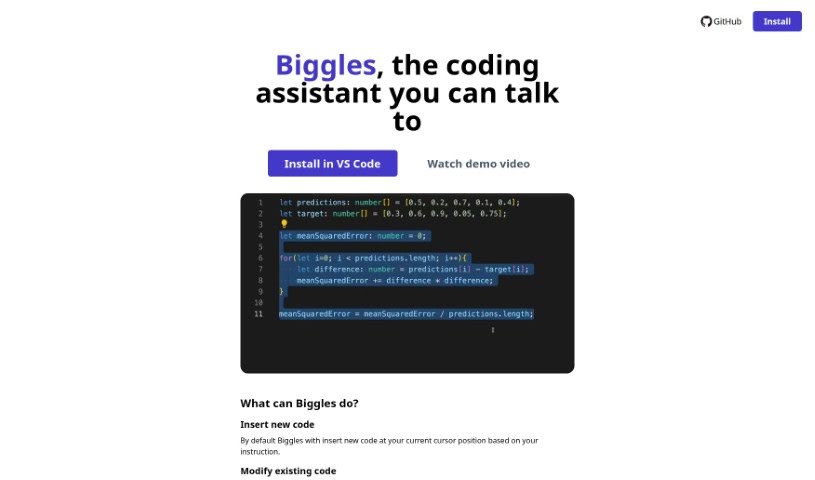
Biggles
FreemiumBiggles is a software development tool listed in this directory under the Web Development, Software Development, and Programming categories.
Web Development
View Tool →
Discover the best Web Development AI tools to enhance your productivity and creativity.
Biggles is a software development tool listed in this directory under the Web Development, Software Development, and Programming categories.
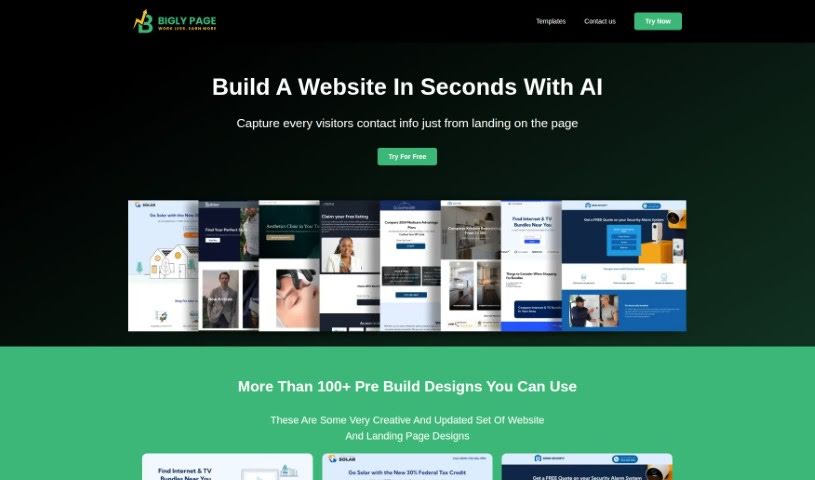
Biglypage (Bigly Pages) is an AI-powered landing page builder. You upload your company logo, select your industry from a broad list, and describe the features and services you want to highlight. The tool is built around speed and produces ready-to-use pages without requiring technical expertise.

Binanalysis is an AI-powered assistant for finding security weaknesses in binary files. It decompiles an executable with Ghidra, cleans up the resulting code, and compares it against a database of over 20,000 historical vulnerabilities.
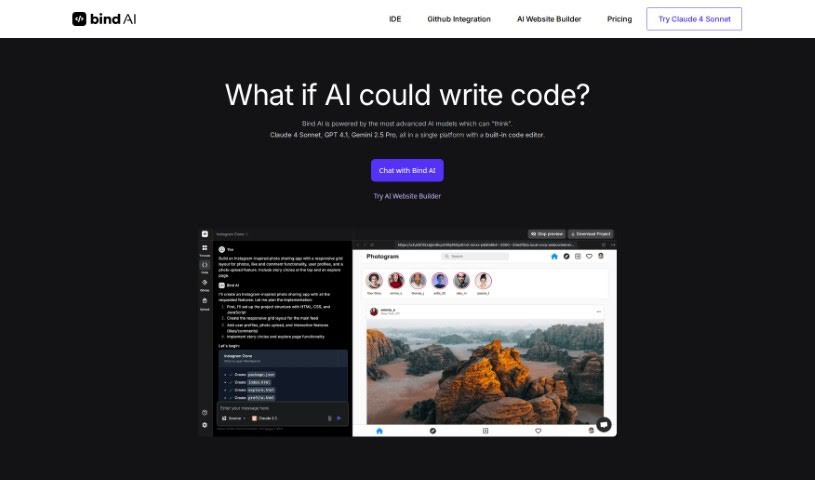
Bind AI is a platform that provides access to more than 15 AI models trained on data covering more than 72 programming languages, including Python, Java, C, C++, JavaScript, Bash, Swift, and Fortran. You can use it to build landing pages, write scripts, or create a complete backend. It is particularly strong at generating frontend code for web apps using HTML, NextJS, React, and Tailwind CSS. The built-in AI Code Editor also lets you write and run Python, C++, and bash scripts.
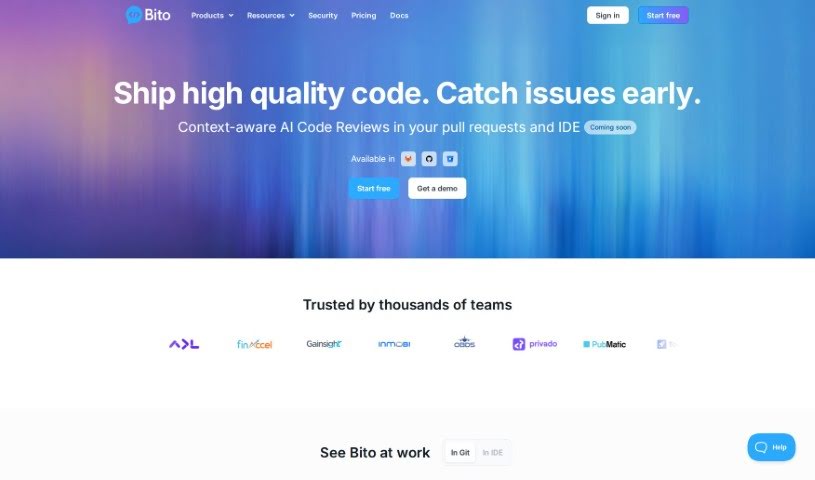
Bito AI is a platform that makes AI tools accessible and accurate for developers. It acts as an assistant for software engineers, aiming to improve coding speed and code quality. Its tools include AI Code Review Agents, an AI Chat that works inside your IDE or CLI, AI Code Completions, and AI that understands your code.
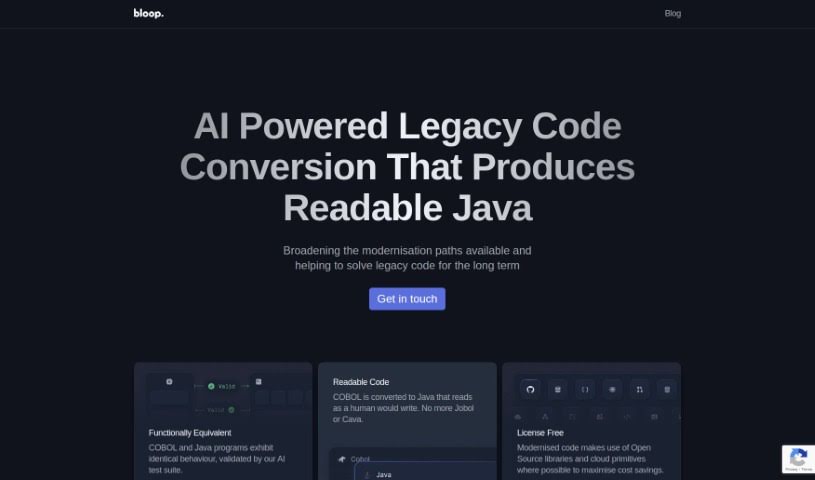
Bloop is an open-source, AI-powered code assistant built to help developers navigate and understand their codebases. Its core feature is natural language search: you can ask questions about your code in plain English and find what you need quickly. It also identifies internal libraries and common patterns, showing how a codebase fits together and helping you avoid unnecessary dependencies. For more specific searches, Bloop supports regex matching and precise code navigation.
Bongocat is an interactive tool that responds to MIDI input with animations and sounds. It is designed for music-making and visual performance.
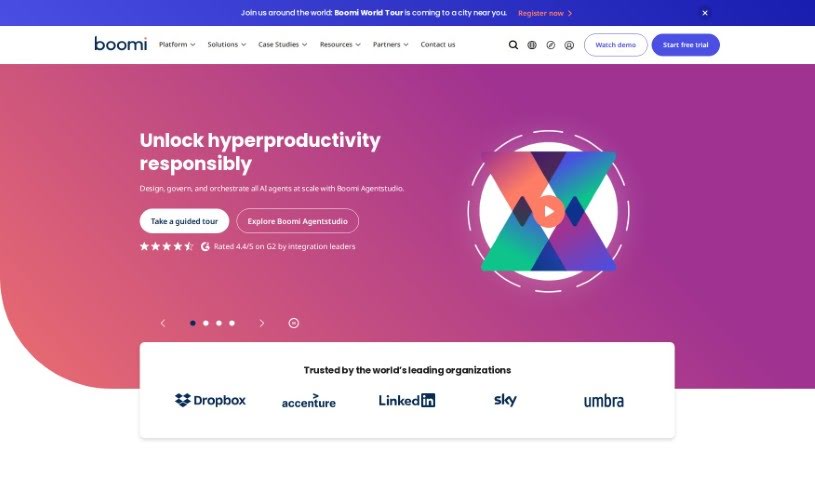
Boomi is a cloud-based integration platform as a service (iPaaS). Organizations use it to connect applications and data sources, manage APIs, handle B2B/EDI, process real-time events, and automate workflows across their systems.

Brandmark is a logo design platform that provides full copyright over your designs, so you can use them for commercial and personal projects. It offers unlimited revisions, even after purchase, and lets you generate as many logos as you like for free without creating an account. Users describe the service as exceptional quality, complete branding solutions, and good value for money. It's aimed at non-designers who want a logo they'll be happy with.
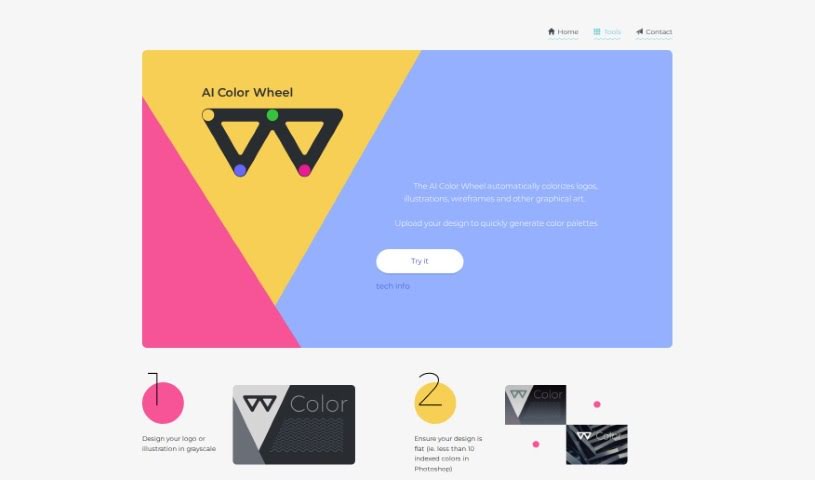
The Brandmark Color Wheel is a tool for improving logo designs. It offers color quantization (simplifying colors in an image), a connectivity matrix for understanding color relationships, and image colorization. It simplifies working with colors and design elements to help craft a distinctive logo.

Branition is a platform for logos and brandable names. Designers can showcase and sell unused logos without paying commission fees. Customers connect directly with designers before buying. Branition may show ads to support its free core services.
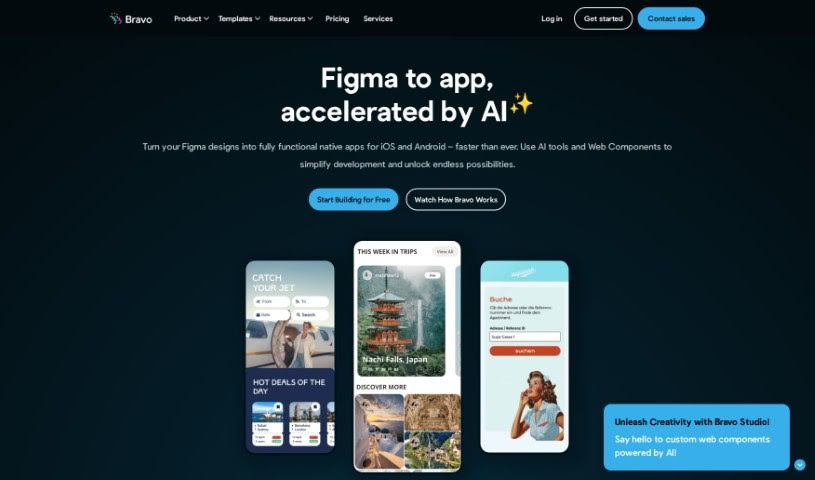
Bravo Studio is a no-code tool for building mobile apps for iOS and Android, from simple MVPs to full apps ready for the App Store and Google Play. Its Figma plugin, Bravorizer, converts Figma or Adobe XD designs into native apps for both platforms at the same time, and includes UI presets, customizable containers, and an AI assistant. You can preview changes in real time and connect your own data through REST APIs or other integrations. Clickable prototypes let you share your work and gather feedback. More than 100,000 users and businesses worldwide use Bravo Studio.
Struggling with cryptic error messages, writing repetitive boilerplate code, or debugging complex API integrations can slow down even the most experienced developers. Whether you’re building full-stack web applications, maintaining backend databases, or configuring deployment pipelines, turning technical requirements into functional code takes significant time. It’s easy to spend hours hunting down missing syntax or setting up project configurations before writing core logic.
Built for web developers and software engineers, these tools act as intelligent coding partners. They autocomplete functions, speed up routine boilerplate creation, and catch subtle bugs before you commit your code.
Generating routine code structures and API endpoints used to require typing out repetitive boilerplate line by line. Smart coding assistants analyze your project context and comments to suggest full function blocks, database schemas, and API handlers in real time. Instead of searching documentation for basic syntax or setup code, you get inline code completion right in your editor to keep you in flow.
Debugging complex logic and fixing broken build pipelines becomes far less frustrating, as well. Tracking down memory leaks, asynchronous execution issues, or obscure framework errors can burn hours of development time. Modern developer tools analyze stack traces and source code to identify root causes, suggest precise bug fixes, and explain complicated error messages in plain language.
Maintaining legacy codebases and writing comprehensive test suites also gets much simpler. Creating unit tests and writing inline documentation often gets pushed aside when project deadlines are tight. AI development platforms scan your code to auto-generate unit tests, create clear README files, and help refactor outdated code to modern standards without breaking existing application features.
Useful Capabilities for Developers:
- Real-time inline code completion: Systems that suggest accurate code snippets, functions, and line completions inside your code editor as you type.
- Automated bug detection and debugging: Features that analyze error logs and source files to pinpoint bugs and offer quick-fix solutions.
- Test suite generation: Tools that automatically write comprehensive unit, integration, and end-to-end tests based on your codebase.
- Code refactoring and modernization: Settings that clean up legacy code, convert syntax between programming languages, and apply best practices.
- Documentation generation: Capabilities that automatically create clear inline comments, function docstrings, and project documentation from source code.
Building high-performing, secure web applications will always depend on your logical reasoning, system design, and software architecture skills. Software cannot replace critical thinking or design scalable system architectures for you. But letting smart tools handle routine boilerplate, test generation, and bug hunting gives you back the focus needed to solve tough engineering challenges.
Explore the web development tools below to upgrade your stack.
Weekly picks of the best AI tools we've researched and added — no spam, unsubscribe anytime.
Join 25,000+ AI enthusiasts. No spam, unsubscribe anytime.