AI Tools for Web Development

Discover the best Web Development AI tools to enhance your productivity and creativity.

Page 40 of 58 • 694 total tools

Web development has really changed lately, and AI tools are a big part of that. What used to take a lot of coding and design skill can now be made much simpler with smart programs that speed things up. Today, AI-assisted development tools are changing how we build websites, making it easier for newcomers and more efficient for experienced pros.

These tools offer everything from easy design features to help with writing code, letting you create great-looking, functional sites more quickly. Developers don’t have to start from scratch or fix every single line of code manually anymore. Instead, AI can offer suggestions and even create whole parts of a website based on what you need.

Having worked in web development for years, I’ve seen firsthand how AI can make tasks simpler and more efficient. But with so many options out there, picking the right tool can feel overwhelming.

In this article, I’ll share the best AI web development tools you can find right now. Whether you want to improve your coding, automate routine jobs, or make your design process better, there’s something here for you. Let’s explore the tools that can really change your web development experience.

The best AI Web Development Tools

  1. Lovable: Great for making frontend design work smoother.
  2. Cursor: Helps with real-time code collaboration.
  3. Replit AI: Generates code snippets for web apps.
  4. Supabase: For teams to manage databases together.
  5. v0 by Vercel: Quickly creates UI kits for web projects.
  6. Replicate AI: Automates code generation for web apps.
  7. Carrd: Perfect for a single-page site to promote an event.
  8. AI Dungeon: Lets you create interactive web stories with code.
  9. Ollama: For quickly building early versions of web interfaces.
  10. Jimdo: Makes building and managing websites easy.
  11. Code Sandbox: Simplifies CSS preprocessor workflows.
  12. Tilda: Lets you create websites easily without coding.
  13. Bubble: A drag-and-drop tool for building web applications.
  14. Weights & Biases: Streamlines integrating ML models into web apps.
  15. Warp Terminal: Helps deploy web apps quickly.
How do AI web development tools work?

AI web development tools use smart algorithms to handle different parts of designing and building websites. These tools often use large language models, much like AI writing software, to look at coding patterns and make things more efficient. They offer suggestions, code pieces, or even build whole sections of code based on what you tell them.

Basically, these tools understand what you’re asking for, so you can describe what you want in simple terms. For example, you could say, “Create a navigation bar,” and the AI will generate the HTML, CSS, or JavaScript code needed. This makes web development more accessible, even if you don’t have a lot of programming experience.

Many AI web development platforms connect with popular coding environments and content management systems. This means they can improve tools like WordPress, Wix, or GitHub by offering smart code completions or finding errors as you type. With these connections, users can really smooth out their development process.

The data these AI systems learn from usually includes tons of source code, guides, and content created by users on sites like GitHub. This helps them learn different coding styles and the best ways to do things. Their effectiveness comes from spotting patterns and suggesting the best solutions based on what the user needs.

In short, AI web development tools make coding simpler, letting developers focus on creativity and solving problems instead of getting stuck on syntax. As technology keeps changing, these tools are expected to get even better, likely changing how web developers work.

Our best AI web development tools at a glance

RankNameBest forPlans and PricingRating
1LovableMaking frontend design work smoother.N/A4.84 (43 reviews)
2CursorReal-time collaboration on code projects.Paid plans start at $20/Month.4.83 (6 reviews)
3Replit AIGenerating code snippets for web apps.N/A4.70 (44 reviews)
4SupabaseCollaborative database management for dev teamsN/A5.00 (32 reviews)
5v0 by VercelQuickly creating UI kits for web projects.N/A4.73 (11 reviews)
6Replicate AIAutomating code generation for web apps.N/A4.82 (11 reviews)
7CarrdA single-page site for event promotion.Paid plans start at $19/year.4.72 (29 reviews)
8AI DungeonCreating interactive web story experiences.N/A4.54 (39 reviews)
9OllamaRapid prototyping of web interfaces.N/A4.63 (8 reviews)
10JimdoBuilding and maintaining websites easily.N/A4.64 (11 reviews)
11CodeSandboxSimplifying CSS preprocessor workflows.N/A4.45 (11 reviews)
12TildaEffortless website creation without coding.N/A4.75 (20 reviews)
13BubbleA drag-and-drop web applications builder.N/A4.73 (11 reviews)
14Weights & BiasesStreamlining ML model integration in web apps.N/A4.50 (12 reviews)
15Warp TerminalDeploying web apps swiftly.N/A4.79 (28 reviews)
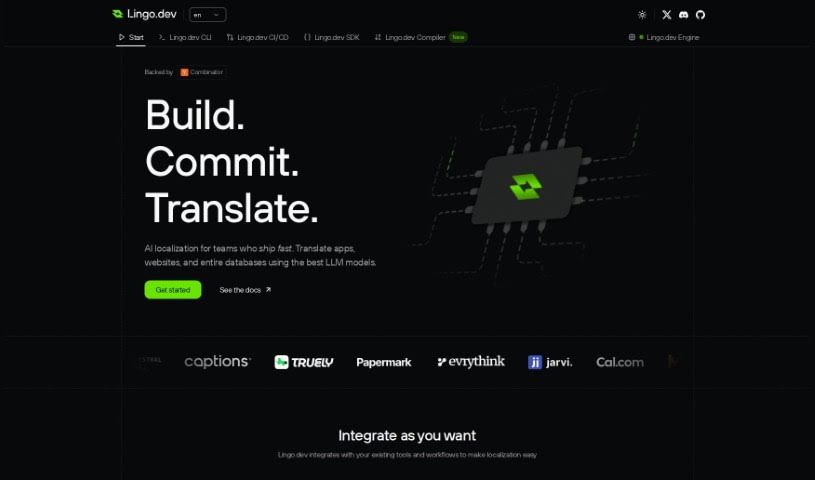
Screenshot of Portkey

Portkey

Freemium

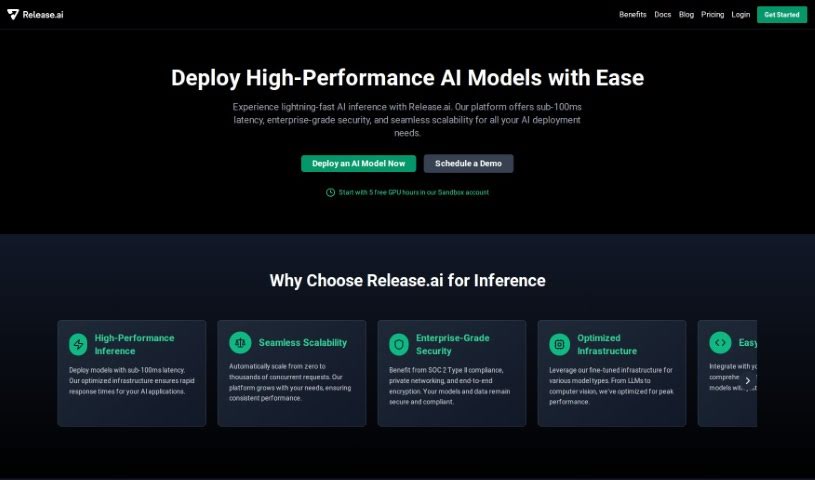
Portkey is a platform built to make it much simpler to get your AI applications ready for the real world. It is a helpful assistant for productionizing AI. It comes packed with features designed to keep your apps running smoothly and securely. You get an AI Gateway, which is key for making sure your app is reliable. There's also Observability, giving you real-time insights through logging and monitoring. Prompt Management lets you easily test and deploy your prompts, and its Privacy & Compliance features are there to keep your data anonymous and meet strict standards like SOC 2, GDPR, and ISO. Portkey plays nicely with AI providers like OpenAI and Langchain, helping you launch faster, maintain high uptime, reduce latency with its proxies, and ultimately, achieve success as an app developer.

Web Development View Tool →
Screenshot of Predibase

Predibase

Freemium

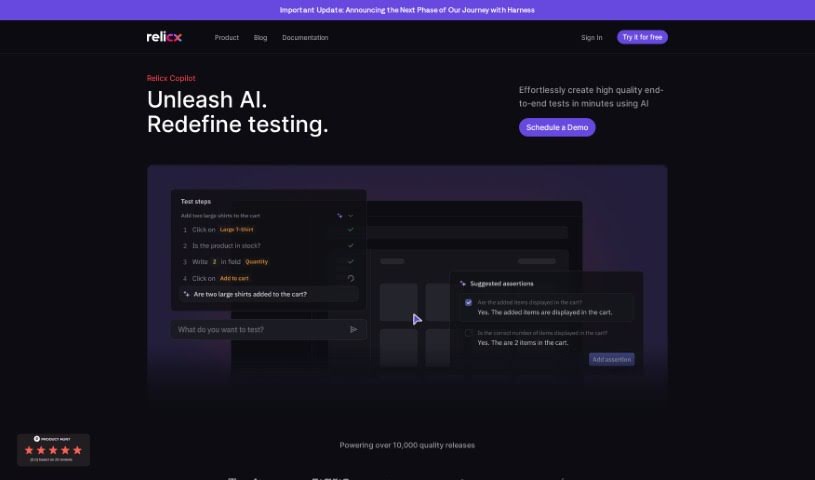
Predibase is a low-code AI platform built specifically for developers like you. It really makes building and deploying AI models much simpler by taking care of a lot of the tricky coding behind the scenes. It uses a declarative approach, meaning you tell it what you want, and it figures out how to get there. This lets you train, fine-tune, and deploy machine learning models really efficiently, with hardly any configuration code needed. Whether you're working on sentiment analysis, spotting fraud, or something else entirely, Predibase supports a wide range of ML models and use cases. Plus, it offers private hosting, lets you customize large language models, and scales up to deploy models wherever you need them.

Web Development View Tool →
Screenshot of Prem AI

Prem AI

Freemium

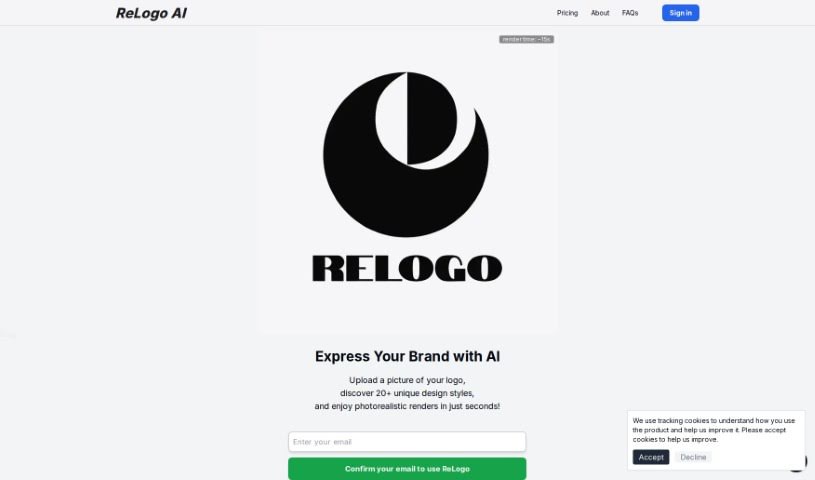
Prem AI is a sophisticated AI platform built to offer advanced AI solutions for both developers and businesses. It really focuses on making AI accessible and easy to work with, packing in features for prompt engineering, evaluation, and fine-tuning. What's great is its emphasis on data sovereignty – Prem lets you use a wide variety of high-quality AI models while keeping firm control over your own intellectual property. Plus, they offer on-premise options, which is fantastic for data privacy and security. This makes it ideal for things like regulatory compliance, spotting fraud, and building custom applications. You'll find personalized Large Language Models (LLMs), a self-sovereign infrastructure, an all-in-one platform for deploying AI, privacy-focused technologies, scalable solutions, custom AI options for businesses, and even open-source Small Language Models (SLMs) to boost your business applications.

Web Development View Tool →
Screenshot of Produkto

Produkto

Freemium

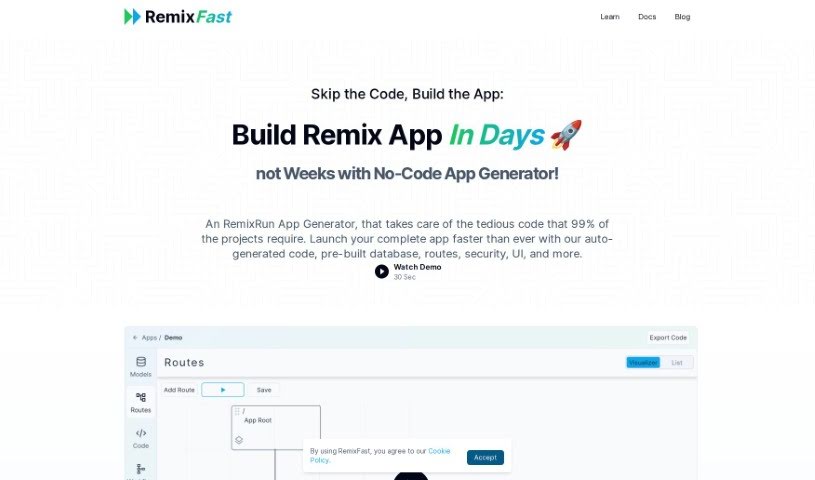
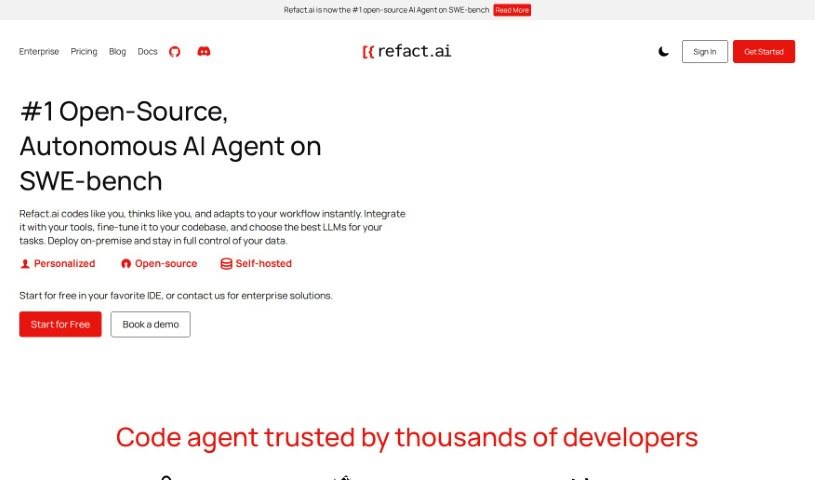
Produkto is an AI Website Builder tool that really makes it simple for anyone to create professional-looking websites, and fast! The platform is super user-friendly, offering tons of ways to customize your site. This means it's perfect for folks who want an online presence but don't have a lot of technical know-how. With Produkto, you can actually get your online business up and running in just minutes. Forget those long, drawn-out website development projects! The tool takes care of all the coding for you, so you don't need any coding skills at all. Plus, it includes hosting, which really simplifies the whole process of creating and maintaining your website. People love Produkto because it's affordable, lets you build sites quickly, and helps you instantly create a professional online presence for your business ventures.

Web Development View Tool →
Screenshot of Programming Helper

Programming Helper

Freemium

Based on the details in "programming-helper.pdf," Programming Helper is essentially a tool built to lend a hand with your coding projects. It's packed with features that can help you out, like generating code just from your text descriptions, using AI to write code for you, and even handling specific tasks such as setting up encryption algorithms or building particular program functions – think of a program that can encrypt and decrypt using a Caesar cipher.

Web Development View Tool →
Screenshot of Projectx

Projectx

Freemium

ProjectX is an AI tool designed to help founders build their startups much faster and more efficiently. It is your AI co-founder. It automates the whole process of creating full-stack applications, meaning you can skip those late nights coding, hiring freelancers, or wrestling with complicated boilerplate code. You simply chat with AI agents, look over their development plans, and then the AI handles all the heavy lifting in just minutes. ProjectX takes security seriously, too; your code is only accessible to you and the AI agents you assign. It's really flexible, supporting all sorts of coding languages and frameworks. Plus, you can watch each development cycle happen in real-time and give feedback to make future work even better. Essentially, ProjectX lets founders speed up how they build their startups, cut down on technical headaches, and create better, more scalable apps right from the start.

Web Development View Tool →
Screenshot of Prompt Studio

Prompt Studio

Freemium

Prompt Studio is a handy tool built to make testing and validating generative AI use cases for businesses much simpler. It really helps with prompt engineering by giving you a visual editor to design AI features you can reuse. With Prompt Studio, you can easily plug AI tools into your own applications and workflows, either through an SDK or a REST API. The best part? Prompt Studio handles all the tricky integration, hosting, and deployment stuff for you. This means you stay in charge and can fine-tune language models with your own examples to get even better results. It's also great for teams, making prompt development, prototyping, and testing a collaborative effort, which speeds things up and makes the whole process more efficient. Plus, Prompt Studio has role-based permissions to control who can access what, and it's GDPR compliant, so your privacy and data security are well looked after. They offer different pricing plans to fit what you need, from a free version to try things out, to pro and enterprise options with more customization and support.

Web Development View Tool →
Screenshot of Promptfoo

Promptfoo

Freemium

Promptfoo is a really useful library for checking and testing prompts you use with Language Model Mathematics (LLM) models. It is a quality control tool for your AI prompts. It helps make sure you're getting the best possible results from your LLMs by running automatic evaluations based on clear, objective measurements. You can set up your own test cases, create specific ways to measure how well prompts are doing, and then easily compare different prompts and what the models say side-by-side. This helps take the guesswork out of tweaking your prompts, letting you test them with a good mix of real-world user inputs. It's pretty popular too – LLM applications serving over 10 million users rely on it, which really speaks to how much people trust it in the LLM world.

Web Development View Tool →
Screenshot of Promptmetheus

Promptmetheus

Freemium

Promptmetheus is a really solid Prompt Engineering IDE, built to help developers make their applications and workflows much better using advanced AI. It's a cross-platform tool that gives you a friendly space to bring cutting-edge AI technologies into your projects. With Promptmetheus, you can fine-tune your code, automate repetitive tasks, and generally speed up how efficiently you develop. The IDE comes packed with a whole range of AI-powered features and tools designed to add intelligent capabilities to your applications.

Web Development View Tool →
Screenshot of Prototyper

Prototyper

Freemium

Prototyper is a smart design tool that uses AI to help you create UI elements. All you need to do is give it a simple text prompt or even an image, and it'll generate what you need. This means you can prototype your products much faster and more efficiently. The whole idea behind Prototyper is to let you build and test UIs really quickly, just by describing your ideas in plain language. It taps into artificial intelligence to turn those descriptions into actual code, making the whole prototyping process feel more natural and speedy. Plus, you can tweak the code in real-time using the editor right there beside your preview, so you see the results of your changes instantly. Prototyper plays nicely with different development needs, supporting popular frameworks like Tailwind, HTML, and React. It also has features that let teams work together smoothly on prototypes.

Web Development View Tool →
Screenshot of Pseudocode Online Editor

Pseudocode Online Editor

Freemium

Meet PseudoEditor: Your Go-To for Pseudocode

Web Development View Tool →
Screenshot of Pullflow

Pullflow

Freemium

Pullflow is a smart tool that uses AI to make code review collaboration smoother. It's like a central hub where developers, systems, and AI can all chat together in sync. This handy tool works with popular platforms like GitHub, Slack, and Visual Studio Code, making teamwork and communication much easier. What makes Pullflow stand out is its ability to keep conversations flowing naturally across different platforms. Plus, it uses AI to offer helpful, context-aware answers right when you're discussing code. It also gives you a clear, all-in-one view of your pull requests, from the very first draft all the way to deployment.

Web Development View Tool →

Stay Updated with AI Tools

Get weekly updates on the latest AI tools, trends, and insights delivered to your inbox

Join 25,000+ AI enthusiasts. No spam, unsubscribe anytime.