AI Tools for Web Development

Discover the best Web Development AI tools to enhance your productivity and creativity.

Page 39 of 58 • 694 total tools

Web development has really changed lately, and AI tools are a big part of that. What used to take a lot of coding and design skill can now be made much simpler with smart programs that speed things up. Today, AI-assisted development tools are changing how we build websites, making it easier for newcomers and more efficient for experienced pros.

These tools offer everything from easy design features to help with writing code, letting you create great-looking, functional sites more quickly. Developers don’t have to start from scratch or fix every single line of code manually anymore. Instead, AI can offer suggestions and even create whole parts of a website based on what you need.

Having worked in web development for years, I’ve seen firsthand how AI can make tasks simpler and more efficient. But with so many options out there, picking the right tool can feel overwhelming.

In this article, I’ll share the best AI web development tools you can find right now. Whether you want to improve your coding, automate routine jobs, or make your design process better, there’s something here for you. Let’s explore the tools that can really change your web development experience.

The best AI Web Development Tools

  1. Lovable: Great for making frontend design work smoother.
  2. Cursor: Helps with real-time code collaboration.
  3. Replit AI: Generates code snippets for web apps.
  4. Supabase: For teams to manage databases together.
  5. v0 by Vercel: Quickly creates UI kits for web projects.
  6. Replicate AI: Automates code generation for web apps.
  7. Carrd: Perfect for a single-page site to promote an event.
  8. AI Dungeon: Lets you create interactive web stories with code.
  9. Ollama: For quickly building early versions of web interfaces.
  10. Jimdo: Makes building and managing websites easy.
  11. Code Sandbox: Simplifies CSS preprocessor workflows.
  12. Tilda: Lets you create websites easily without coding.
  13. Bubble: A drag-and-drop tool for building web applications.
  14. Weights & Biases: Streamlines integrating ML models into web apps.
  15. Warp Terminal: Helps deploy web apps quickly.
How do AI web development tools work?

AI web development tools use smart algorithms to handle different parts of designing and building websites. These tools often use large language models, much like AI writing software, to look at coding patterns and make things more efficient. They offer suggestions, code pieces, or even build whole sections of code based on what you tell them.

Basically, these tools understand what you’re asking for, so you can describe what you want in simple terms. For example, you could say, “Create a navigation bar,” and the AI will generate the HTML, CSS, or JavaScript code needed. This makes web development more accessible, even if you don’t have a lot of programming experience.

Many AI web development platforms connect with popular coding environments and content management systems. This means they can improve tools like WordPress, Wix, or GitHub by offering smart code completions or finding errors as you type. With these connections, users can really smooth out their development process.

The data these AI systems learn from usually includes tons of source code, guides, and content created by users on sites like GitHub. This helps them learn different coding styles and the best ways to do things. Their effectiveness comes from spotting patterns and suggesting the best solutions based on what the user needs.

In short, AI web development tools make coding simpler, letting developers focus on creativity and solving problems instead of getting stuck on syntax. As technology keeps changing, these tools are expected to get even better, likely changing how web developers work.

Our best AI web development tools at a glance

RankNameBest forPlans and PricingRating
1LovableMaking frontend design work smoother.N/A4.84 (43 reviews)
2CursorReal-time collaboration on code projects.Paid plans start at $20/Month.4.83 (6 reviews)
3Replit AIGenerating code snippets for web apps.N/A4.70 (44 reviews)
4SupabaseCollaborative database management for dev teamsN/A5.00 (32 reviews)
5v0 by VercelQuickly creating UI kits for web projects.N/A4.73 (11 reviews)
6Replicate AIAutomating code generation for web apps.N/A4.82 (11 reviews)
7CarrdA single-page site for event promotion.Paid plans start at $19/year.4.72 (29 reviews)
8AI DungeonCreating interactive web story experiences.N/A4.54 (39 reviews)
9OllamaRapid prototyping of web interfaces.N/A4.63 (8 reviews)
10JimdoBuilding and maintaining websites easily.N/A4.64 (11 reviews)
11CodeSandboxSimplifying CSS preprocessor workflows.N/A4.45 (11 reviews)
12TildaEffortless website creation without coding.N/A4.75 (20 reviews)
13BubbleA drag-and-drop web applications builder.N/A4.73 (11 reviews)
14Weights & BiasesStreamlining ML model integration in web apps.N/A4.50 (12 reviews)
15Warp TerminalDeploying web apps swiftly.N/A4.79 (28 reviews)
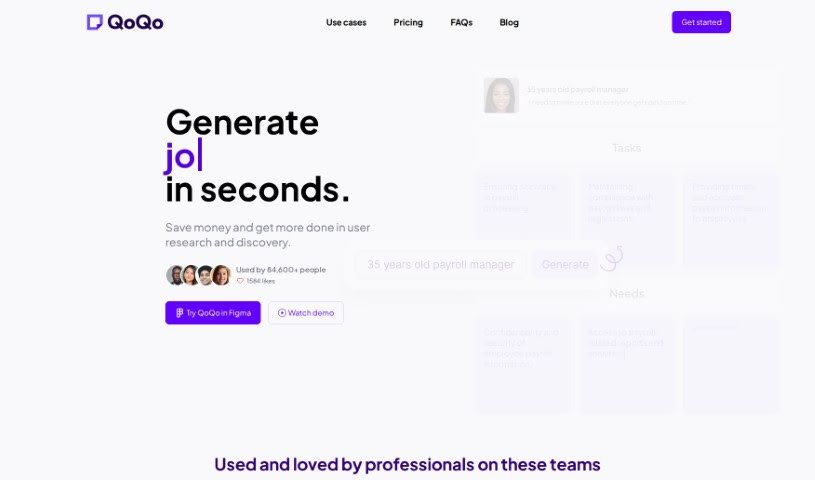
Screenshot of Pgrammer

Pgrammer

Freemium

Pgrammer is a really smart tool designed to make your coding interview preparation feel more personal and effective. It creates a learning path just for you, no matter your current skill level or what kind of interviews you're facing. What's cool is that it supports over 20 different programming languages. Plus, it uses the latest AI technology, specifically GPT-4, to give you a practice interview that feels incredibly real and interactive. You'll get helpful hints right when you need them, detailed feedback on your code solutions, and you can even adjust the settings to match your experience and how confident you feel. Pgrammer also covers frontend UI questions, so you can practice with HTML, CSS, JavaScript, and popular frameworks like React and Svelt.

Web Development View Tool →
Screenshot of Phidata

Phidata

Freemium

Phidata is an open-source tool built to help you construct, deploy, and keep an eye on your AI applications. It is a way to make building AI stuff much smoother. It comes with ready-made templates, lets you run things locally using Docker, and makes deploying to AWS a breeze. Plus, Phidata helps you continuously check your AI apps for quality and performance. It also supports deploying applications as a Function as a Service (FaaS), which is great for scaling, and generally aims to make workflows better for both individual developers and teams.

Web Development View Tool →
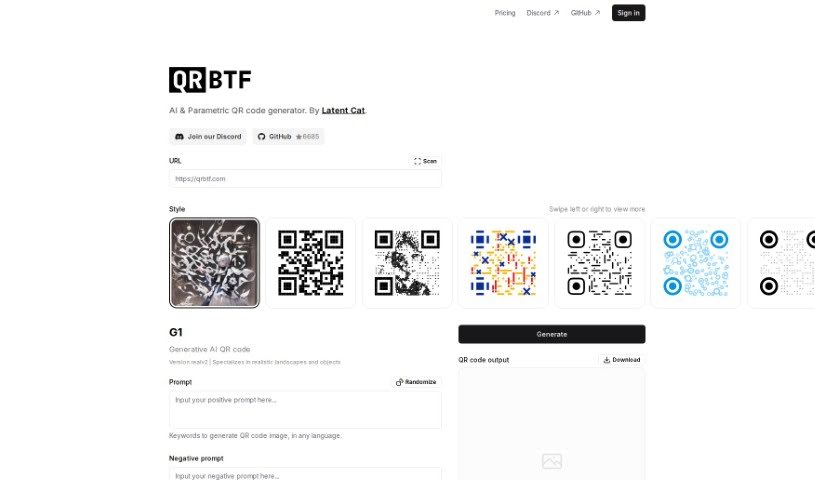
Screenshot of Pico

Pico

Freemium

Pico is a really neat AI-powered platform built for entrepreneurs, consultants, and small business owners. It makes creating micro-apps super easy, even if you don't know much about coding. You just use natural language! The platform uses Metagpt and GPT to help build interactive micro-apps that can actually have conversations and respond like a person. You can use these micro-apps for all sorts of things – like showing off your expertise, explaining product features, or even for marketing campaigns. Pico's interface is really user-friendly, it supports ChatGPT, and there's a great community where you can share your creations and get ideas for improvement. It’s a versatile tool that can really boost your productivity and creativity. Plus, Pico offers different pricing plans to fit what you need, including a free option to start and premium subscriptions with more advanced features and support.

Web Development View Tool →
Screenshot of Pine Script Wizard AI

Pine Script Wizard AI

Freemium

The Pine Script Wizard is a handy AI tool built to create Pine script code for TradingView strategies or functions. Think of it like a chat assistant for your coding needs. You just tell it what you want in plain text, and the AI figures out the best way to build your code. You can be specific about the kind of trading system you're after, which indicators you like and their settings, the exact rules for entering and exiting trades, whether you want long or short signals, and your preferred take profit and stop loss levels. The tool then whips up optimized, accurate Pine script code that's ready to go straight into TradingView's Pine Editor.

Web Development View Tool →
Screenshot of Pineapple Builder

Pineapple Builder

Freemium

Pineapple Builder is an AI website builder designed specifically for busy entrepreneurs who want to boost their online presence without a fuss. This platform uses smart AI technology to help you create a fully working website with just one click. It comes with built-in features like a blog, newsletter sign-up forms, and ways to process payments. Forget the headaches of website management – things like design, hosting, and security certificates are all handled for you. This means you can easily focus on building your online brand. Plus, with better SEO and AI-powered writing assistance, Pineapple Builder helps you make your website content work harder for you, keeping visitors engaged and improving your site's overall performance. It's a really efficient and effective way to get your website up and running.

Web Development View Tool →
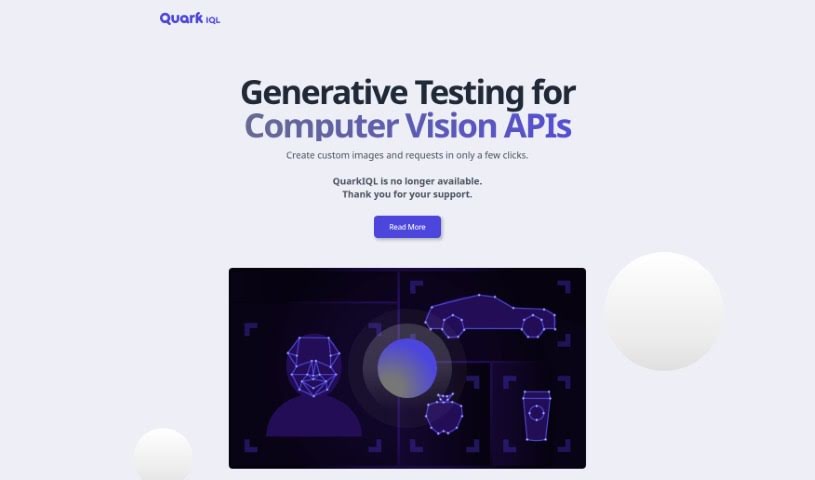
Screenshot of Pixee AI

Pixee AI

Freemium

Pixee AI is essentially an automated tool, called Pixeebot, designed to make your code more secure. It does this by finding and fixing vulnerabilities, strengthening your code, and generally improving its quality and how well it performs. It is a helpful assistant that can instantly fix security flaws, fitting right into your development process through IDEs and GitHub apps. It also keeps an eye on your repositories and pull requests, offering proactive monitoring. Pixee supports a bunch of programming languages, including Java, Python, JavaScript, Go, C#, Node, and Ruby. Plus, Pixeebot uses an open-source framework called Codemodder, which lets you make custom changes to your code. For a complete experience, there's a handy GitHub app, and a CLI tool is available if you prefer working in your local development environment. The whole idea is to make code safety and security practices smoother for software development, without slowing down innovation or your team's productivity.

Web Development View Tool →
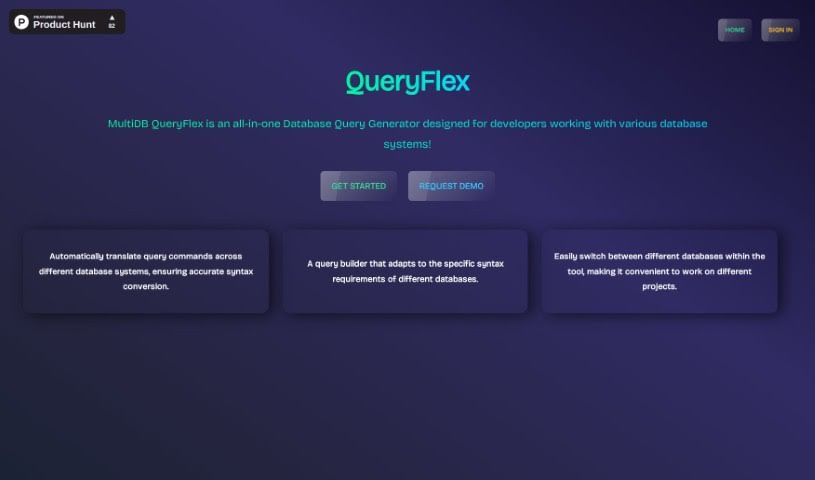
Screenshot of Pixels2Flutter

Pixels2Flutter

Freemium

Pixels2Flutter is a really neat tool that makes app development smoother. It's designed to turn your UI screenshots directly into working Flutter code. It is a smart assistant for your design-to-code process. This handy software is great for experienced Flutter developers who want to speed things up, and it's also perfect for beginners trying to figure out how to get their visual designs into actual code. You just upload a picture of the user interface you want, and Pixels2Flutter does the heavy lifting, intelligently creating the Dart code you need for Flutter. It really saves time and helps make sure everything is accurate and efficient.

Web Development View Tool →
Screenshot of PixelVibe

PixelVibe

Freemium

PixelVibe is a really handy, flexible tool that runs right in your browser and uses AI to help game developers and creators. It makes it simple to create great-looking game assets without needing complicated software or a ton of technical know-how. You can easily generate assets by picking the options you like – think choosing models, setting image sizes, and deciding how many images you want. It supports JPG and PNG formats, and you can even tweak your assets with effects like pixelation or outlining. Plus, there's a cool 're-vibe' feature that lets you create masks from your own images, opening up even more creative avenues for your assets. Once you sign in and pick your images, PixelVibe can really speed things up, like making background removal a breeze so you can easily isolate foreground elements. Honestly, with all the ways you can customize it, PixelVibe is a fantastic asset for anyone making games.

Web Development View Tool →
Screenshot of Play Afar

Play Afar

Freemium

Play Afar invites you into the exciting world of idle racing, where you can compete against players from all over the globe. The game, AFAR Rush, features a unique champion named Rafa. Your goal is to win races across a variety of action-packed courses by cleverly choosing the right gear to match each track. You can collect all sorts of gear, from common items to legendary ones, like the Light Bike or the Laser Disintegrator. Every race in AFAR Rush is different, throwing unique challenges, terrains, and obstacles your way, so you'll need to come up with smart strategies to win. It's also really important to train Rafa in different stats – think running, smashing, climbing, and flying. Doing this will help you unlock new techniques that boost Rafa's racing skills and speed. Keep an eye out for the global release of Afar Rush so you can show off what you've learned and grab that victory!

Web Development View Tool →
Screenshot of PlayTorch

PlayTorch

Freemium

PlayTorch is a toolkit that makes building mobile apps with Artificial Intelligence super fast. It's designed to help you easily add AI models for things like image recognition or understanding language right onto your users' phones. This means you can create mobile AI experiences that work smoothly, even without an internet connection. PlayTorch is great for quickly getting AI features into prototypes, but it's also built to handle the demands of full-scale production apps. It's built on the foundations of PyTorch and React Native, so if you're familiar with those, you'll feel right at home.

Web Development View Tool →
Screenshot of Please Don't Code

Please Don't Code

Freemium

'Please Don't Code' is an initiative from ITALCODY designed to speed up and automate the creation of basic code for professionals and small to medium-sized businesses. It's useful across many fields, like IoT, education, automotive, blockchain, and home automation. The main idea is to boost efficiency by offering easy-to-use tools for generating and fixing code. This way, businesses can spend less time on the nitty-gritty of programming and more time on what really matters for their core operations.

Web Development View Tool →
Screenshot of Pmfm

Pmfm

Freemium

Pmfm.ai is a platform built to help creators develop, launch, and make money from their own AI applications, all without needing to write a single line of code. You can build AI chatbot apps, connect with Stripe to handle payments, and take advantage of features like secure hosting, detailed dashboards for managing your earnings, and strong data privacy protections. The platform also supports a variety of frameworks for building websites, offers open-source themes to help you create your apps, and includes analytics and marketing tools to give you insights and help you reach your audience more effectively. Plus, you can keep an eye on your earnings, use interactive components, and benefit from things like automatic SEO generation.

Web Development View Tool →

Stay Updated with AI Tools

Get weekly updates on the latest AI tools, trends, and insights delivered to your inbox

Join 25,000+ AI enthusiasts. No spam, unsubscribe anytime.