AI Web Design Tools Explained: Top Tools & How They Work

AI Tools for Web Design

Discover the best Web Design AI tools to enhance your productivity and creativity.

Page 5 of 6 • 67 total tools
Screenshot of Tailwindai

Tailwindai

Freemium

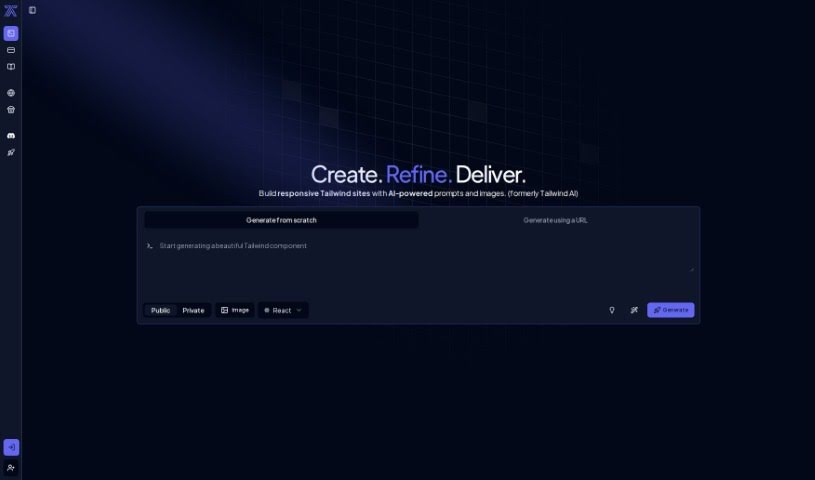
Tailwind AI uses artificial intelligence to speed up web interface design by automating the creation of Tailwind components. It generates custom components from simple text prompts and images, reducing the manual work typically involved in web design.

Web Design View Tool →
Screenshot of ThemeAI

ThemeAI

Freemium

ThemeAI is a platform that uses GPT4 to generate and manage color themes for websites. Describe a web idea in plain text and ThemeAI produces a matching color scheme, or browse the community gallery of AI-generated palettes. You can also design themes manually, save them to your profile, and follow other creators.

Web Design View Tool →
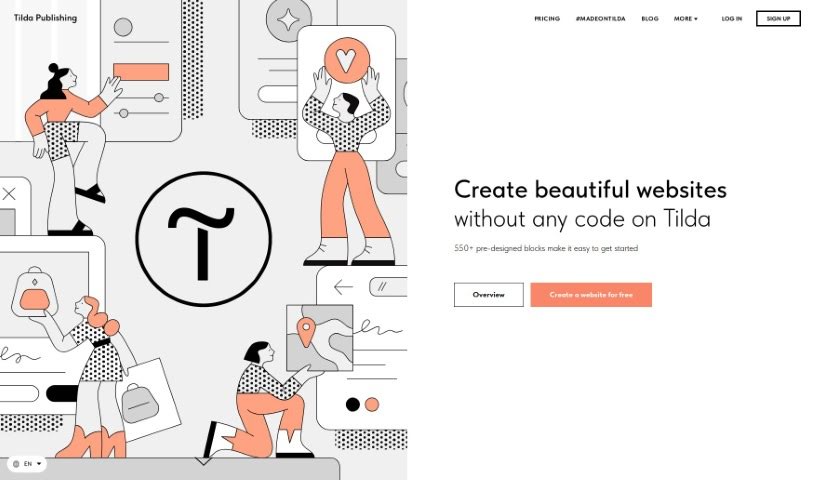
Screenshot of Tilda

Tilda

Freemium

Tilda is a website builder that lets anyone create responsive websites without writing code. It offers a library of over 550 pre-designed blocks for all types of content, with a strong emphasis on typography and visual presentation. Whether you're building an online store, a landing page, or a blog, Tilda's design tools cover the essentials, including adaptive design so your site works well on any device, and built-in SEO tools to improve visibility in search engines.

Web Design View Tool →
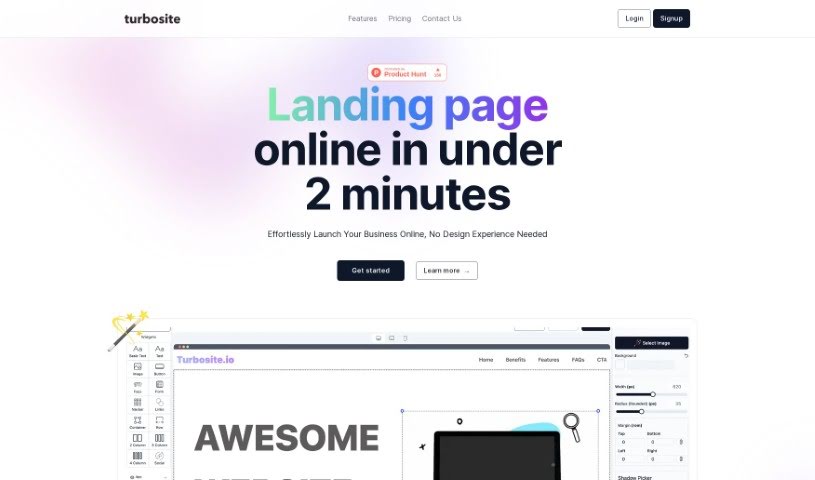
Screenshot of Turbosite

Turbosite

Freemium

Turbosite is a platform for getting a business online quickly, with a focus on creating landing pages in seconds. It uses GPT-4 AI to generate landing pages suited to your needs, paired with a drag-and-drop editor that requires no coding experience. Pages are hosted securely on Vercel's infrastructure.

Web Design View Tool →
Screenshot of TurnCage

TurnCage

Freemium

TurnCage is a platform that helps businesses of all sizes create professional websites using AI-powered technology. It combines artificial intelligence with proven tools to build sites that look good and include appropriate content, with an emphasis on affordability and ease of use. The goal is to let small businesses and individuals launch a strong online presence without needing to code or have technical expertise.

Web Design View Tool →
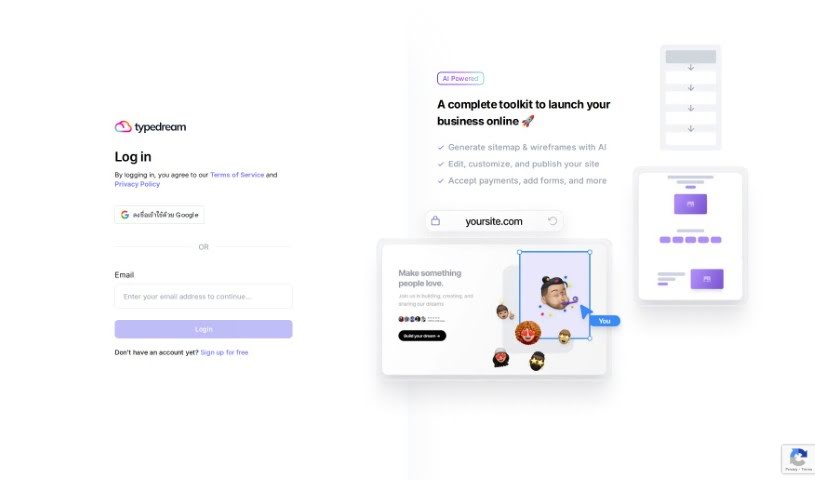
Screenshot of Typedream

Typedream

Freemium

Typedream is an AI-powered toolkit for launching a business online. Its AI generates a sitemap and wireframe for your site, which you can then edit, customize, and publish. It also supports adding forms and accepting payments directly on your site.

Web Design View Tool →
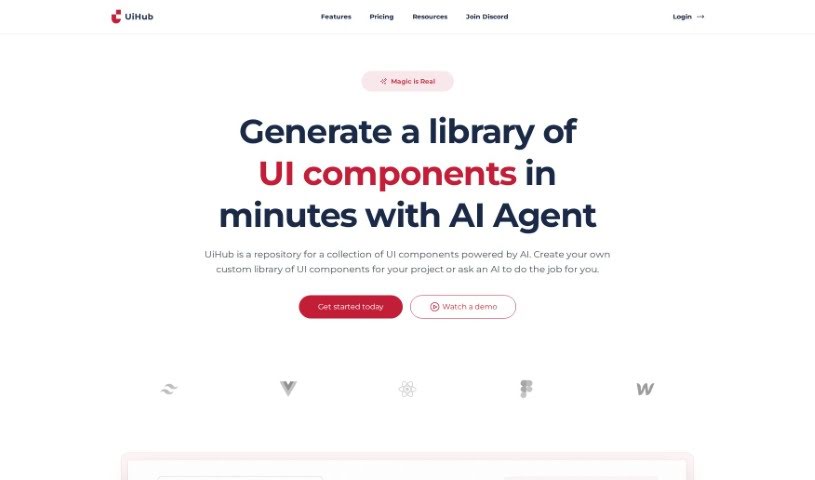
Screenshot of Uihub

Uihub

Freemium

Uihub is an AI-powered tool that streamlines UI design and development. It lets you build custom libraries of UI components with TailwindCSS, showing instant previews of every change — whether you're writing TailwindCSS or HTML code or adjusting branding colors. A built-in code editor brings component designs to life immediately.

Web Design View Tool →
Screenshot of UiMagic

UiMagic

Freemium

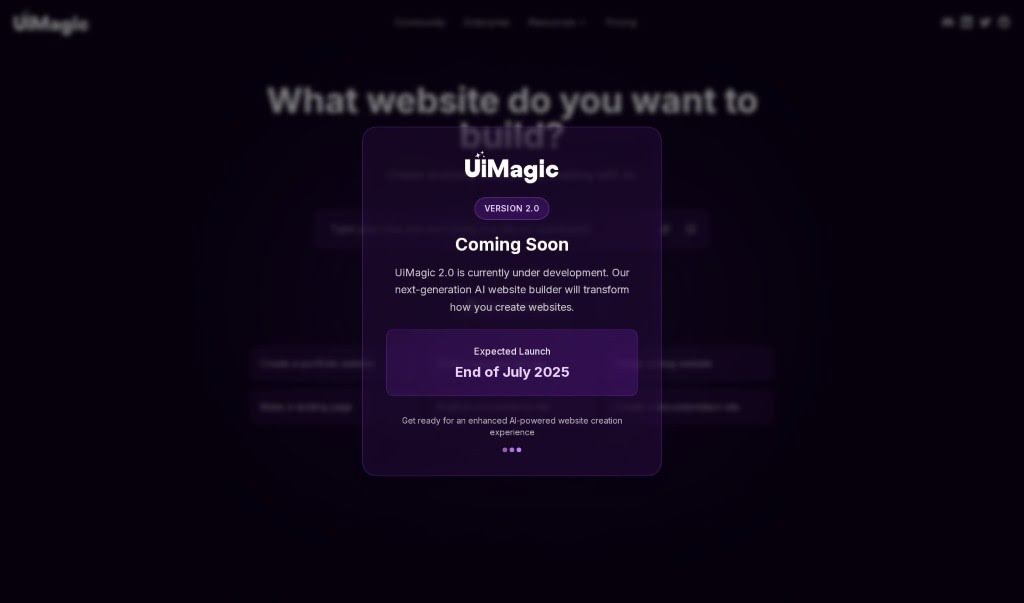
UiMagic is an AI-powered web design tool that simplifies website creation. It combines a drag-and-drop builder with AI that generates designs, written content, and custom illustrations, producing personalized websites without coding skills. The platform also includes hosting, so your site stays live while you focus on your business.

Web Design View Tool →
Screenshot of uKit AI

uKit AI

Freemium

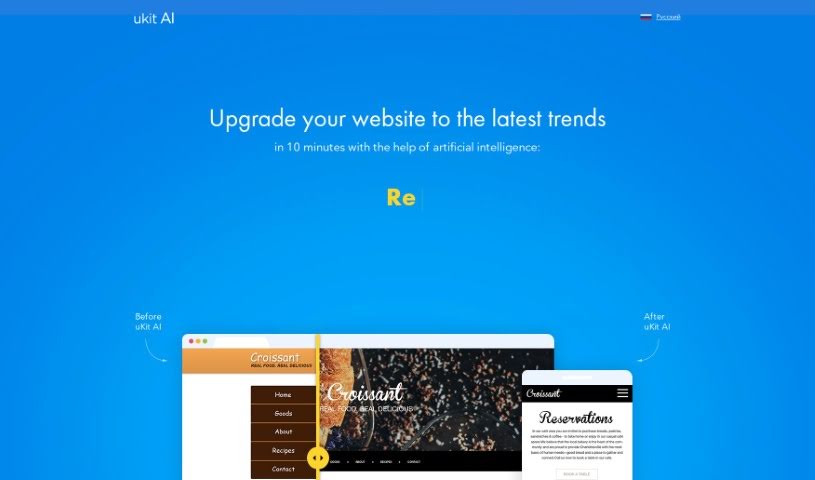
uKit AI is a system that uses artificial intelligence to improve websites. It analyzes thousands of small and medium-sized business (SMB) websites to identify what works well and which common mistakes to avoid.

Web Design View Tool →
Screenshot of Unicorn Platform

Unicorn Platform

Freemium

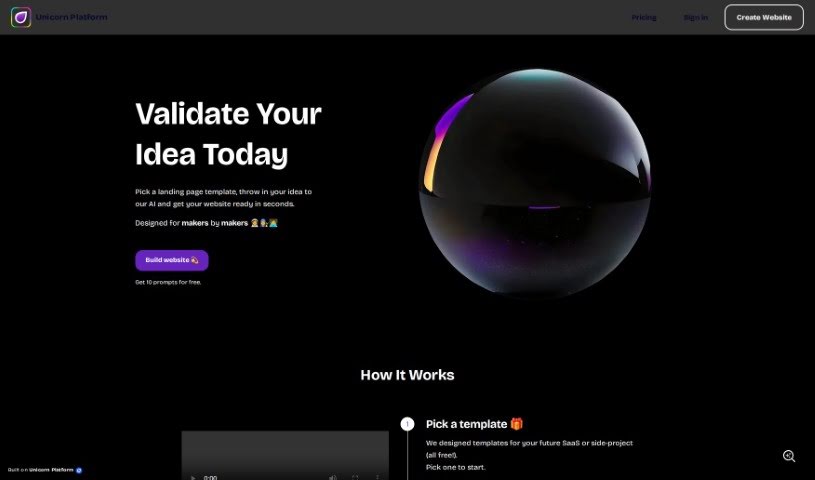
Unicorn Platform is a landing page builder that uses AI to help indie makers, startups, and SaaS companies create websites quickly. You provide an initial idea or project description, and the AI generates a landing page from it. You can then refine the result by giving the AI more detailed explanations until you get the output you want.

Web Design View Tool →
Screenshot of Use Superflow

Use Superflow

Freemium

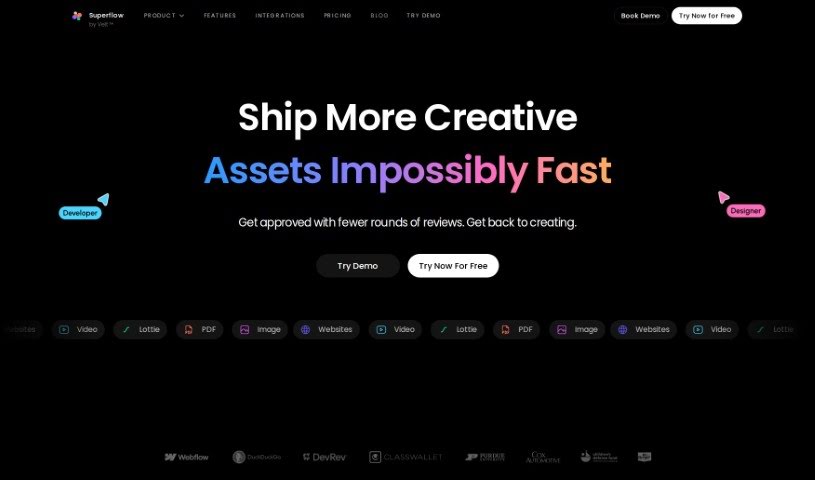
Use Superflow is an AI assistant for web teams and agencies. It helps you craft headlines and product descriptions by letting you annotate your website live, with the tool automatically generating copy as you go. You can assign tasks, collaborate with your team on live products, and connect it with tools you likely already use, such as Slack, ClickUp, and Asana. It also integrates ChatGPT for rewriting text, adding rich media annotations, and managing tasks within the app.

Web Design View Tool →
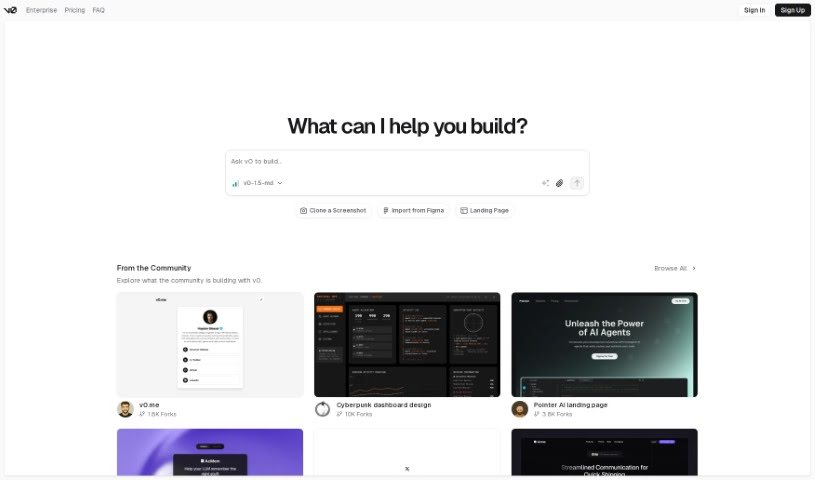
Screenshot of v0 by Vercel

v0 by Vercel

Freemium

v0 is a tool from Vercel for building websites. It creates dynamic user interfaces (UI) from simple text prompts, with a focus on speed and ease of use so developers can quickly generate UI components and add them to their projects without getting bogged down in design or coding. You describe what you want — product categories, hero sections, contact forms, or detailed e-commerce dashboards — and v0 generates it. The tool is currently in beta and includes a toggle menu that makes navigating the development environment straightforward. It works for both public and private projects.

Web Design View Tool →

About Web Design tools

Staring at a blank canvas, tweaking CSS line by line, or struggling to turn client briefs into responsive page layouts can drag down any web project. Whether you’re building landing pages for local businesses, creating custom e-commerce storefronts, or refreshing a portfolio, web design requires balancing visual aesthetics with technical performance. It’s easy to waste hours fixing mobile layout breaks and wrestling with placeholder assets before a site ever goes live.

These specialized web assistants help designers and agency teams generate initial layouts, clean up code, and speed up site building without replacing human creative direction or user experience strategy.

Prompt-to-Layout, Responsive Code, and In-Canvas Assets

Moving from a rough concept to a functional layout used to take days of manual wireframing and prototyping. Smart design assistants build responsive site structures, color palettes, and hero sections from brief text prompts or wireframe sketches in seconds. Instead of building every page element from scratch, you get a clean working foundation ready to customize, re-style, and refine.

Writing clean HTML, CSS, and JavaScript for complex layouts can be tedious, especially when making sites look great across mobile and desktop devices. Modern AI design tools convert visual mockups into clean front-end code automatically. They help generate responsive stylesheets, adjust grid layouts across breakpoints, and clean up messy code without requiring manual tweaks for every screen size.

Populating mockups with placeholder text and relevant imagery often slows down client approvals and project handoffs. Intelligent web tools generate context-aware site copy, optimize images for fast loading speeds, and suggest SEO metadata directly inside your design canvas. You can present fully realized, production-ready website prototypes to clients in a fraction of the usual time.

Key Features to Consider:

  • Prompt-to-website generation: Systems that transform written descriptions or rough sketches into complete, responsive layout templates.
  • Clean front-end code export: Tools that convert visual screen designs directly into production-ready HTML, CSS, React, or Tailwind code.
  • Automatic responsive adjustments: Settings that reconfigure desktop layouts for mobile and tablet screens without breaking visual structure.
  • In-canvas content drafting: Features that generate context-aware page copy, placeholder imagery, and SEO meta tags inside your layout editor.
  • CMS and design software syncing: Connectors that export generated wireframes and components seamlessly into platforms like Webflow, Figma, or WordPress.

Building outstanding websites will always depend on your strategic thinking, visual taste, and deep understanding of user behavior. Software cannot replace human empathy or client collaboration. But handing off initial wireframing, code generation, and asset preparation gives you back the mental energy needed to craft memorable web experiences.

Take a look through the web design tools below to elevate your site builds.

The Best AI Web Design Tools

  1. v0 by Vercel: for creating dynamic UI for websites
  2. Carrd: for making simple one-page websites
  3. Tilda: for creating stunning websites without coding.
  4. Builder.io: for visual content creation for websites.
  5. Relume: for quickly creating wireframes for websites.
  6. Wegic AI: for smart layout suggestions for websites
  7. Anima App: for streamlining design-to-code with Figma.
  8. Webwave Ai: for crafting stunning website layouts effortlessly.
  9. Webstudio: for streamlining web design processes
  10. Shuffle: for rapidly designing responsive landing pages.
  11. Fronty: for converting Figma designs to responsive websites.
  12. Hiding Elephant: for seamless wireframe creation for websites.
  13. Get Site AI: for professional design for microsites.
  14. PageGPT: for instantly creating unique web landing pages.
  15. Elegant Themes: for creating stunning WordPress websites.
New tools, in your inbox.

Weekly picks of the best AI tools we've researched and added — no spam, unsubscribe anytime.

Join 25,000+ AI enthusiasts. No spam, unsubscribe anytime.