AI Tools for Web Design

Discover the best Web Design AI tools to enhance your productivity and creativity.

Page 4 of 6 • 70 total tools

Building a website used to mean wrestling with complicated code and tedious tools. These days, AI has really changed things, making web design much more accessible and efficient. You don’t need a design degree or programming background anymore to create stunning websites—AI-powered tools can handle a lot of the hard work for you.

These AI web design tools do more than just offer simple templates. Many now suggest responsive designs, adjust layouts automatically, and help create personalized user experiences. This saves you time and helps your website stand out in today’s crowded digital world.

After testing a bunch of AI web design tools, I’ve put together a list of the best ones out there. Each tool has unique features for different needs, whether you’re just starting or you’re a pro looking to speed up your workflow.

If you’re ready to boost your web design projects with smart AI solutions, you’ve come to the right place. Let’s check out the top AI web design tools that can help bring your ideas to life.

The best AI Web Design Tools

  1. v0 by Vercel for creating dynamic UI for websites
  2. Carrd for making simple one-page websites
  3. Tilda for creating stunning websites without coding.
  4. Builder.io for visual content creation for websites.
  5. Relume for quickly creating wireframes for websites.
  6. Wegic AI for smart layout suggestions for websites
  7. Anima App for streamlining design-to-code with Figma.
  8. Webwave Ai for crafting stunning website layouts effortlessly.
  9. Webstudio for streamlining web design processes
  10. Shuffle for rapidly designing responsive landing pages.
  11. Fronty for converting Figma designs to responsive websites.
  12. Hiding Elephant for seamless wireframe creation for websites.
  13. Get Site AI for professional design for microsites.
  14. PageGPT for instantly creating unique web landing pages.
  15. Elegant Themes for creating stunning WordPress websites.

How do AI web design tools work?

AI web design tools use advanced algorithms to automate parts of the design process. Basically, these tools use machine learning models that look at tons of existing web designs. They find patterns, layouts, and styles that people tend to like. By putting all this data together, they can suggest templates, color schemes, and layout ideas that fit what you need.

When you tell the system your preferences or what you need, the AI generates design options based on past data and current trends. This includes picking good font styles, where to place images, and what interactive elements to use. The AI understands how users behave and can guess which designs will grab visitors’ attention effectively.

Lots of these tools have easy-to-use interfaces, letting people without design experience create appealing websites. The AI helps in real-time, offering suggestions and making adjustments that improve the user experience. This cuts out the often frustrating back-and-forth of traditional web design.

Some platforms also build in responsive design principles. This means the websites they create look great on all devices, from desktops to smartphones. This ability comes from data showing how different layouts perform on various screen sizes, making the design process even smoother.

For those who want to learn more about web design, these AI tools often include helpful resources like tutorials and style guides. This way, you don’t just get a template; you’re encouraged to learn and understand design basics, which empowers you to make smart choices for your projects.

So, AI web design tools offer a mix of automation and customization that works for many people. They speed up the design process while keeping quality and aesthetics high.

Our best AI web design tools at a glance

RankNameBest forPlans and PricingRating
1v0 by VercelDynamic UI creation for websitesN/A4.73 (11 reviews)
2CarrdSimple one-page website creationPaid plans start at $19/year.4.72 (29 reviews)
3TildaCreate stunning websites without coding.N/A4.75 (20 reviews)
4Builder.ioVisual content creation for websites.Paid plans start at $24/month.4.73 (11 reviews)
5RelumeQuickly create wireframes for websites.Paid plans start at $18/month.4.76 (42 reviews)
6Wegic AISmart layout suggestions for websitesN/A4.73 (11 reviews)
7Anima AppStreamline design-to-code with Figma.N/A4.71 (17 reviews)
8Webwave AiCraft stunning website layouts effortlessly.N/A4.81 (47 reviews)
9WebstudioStreamline web design processesPaid plans start at $20/month.4.76 (25 reviews)
10ShuffleRapidly design responsive landing pages.Paid plans start at $249/once.4.73 (26 reviews)
11FrontyConvert Figma designs to responsive websites.N/A4.82 (11 reviews)
12Hiding ElephantSeamless wireframe creation for websites.N/A4.73 (11 reviews)
13Get Site AIProfessional design for microsites.N/A4.74 (54 reviews)
14PageGPTInstantly create unique web landing pages.N/A4.77 (13 reviews)
15Elegant ThemesCreating stunning WordPress websites.Paid plans start at $193/year.4.18 (11 reviews)
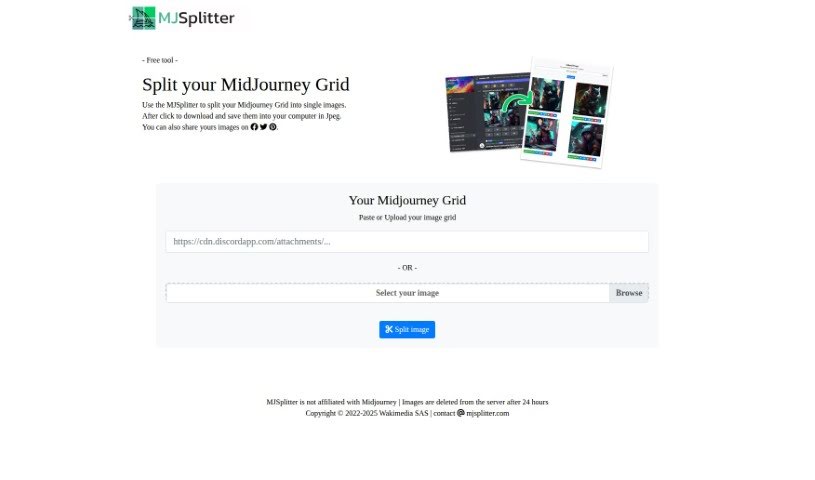
Screenshot of Midjourney Grid Splitter

Midjourney Grid Splitter

Freemium

Midjourney Grid Splitter is a really useful AI tool built to make website grid design and layout much better. It's got some advanced features that let you split, divide, and organize your grid system really effectively. One of the coolest things it does is automatically create responsive grid layouts. This means your website will look great and work smoothly on all sorts of screen sizes, giving everyone a consistent experience. The tool also comes with a huge library of pre-made grid templates, so you can customize things quickly. Whether you need a simple two-column setup or something more complex with multiple columns, it's got you covered. Plus, you can tweak things like element size, spacing, and alignment to really experiment with different looks without any hassle. Because it's so easy to use and packed with powerful features, Midjourney Grid Splitter is a top choice for web designers and developers who want to get their website grids just right.

Web Development View Tool →
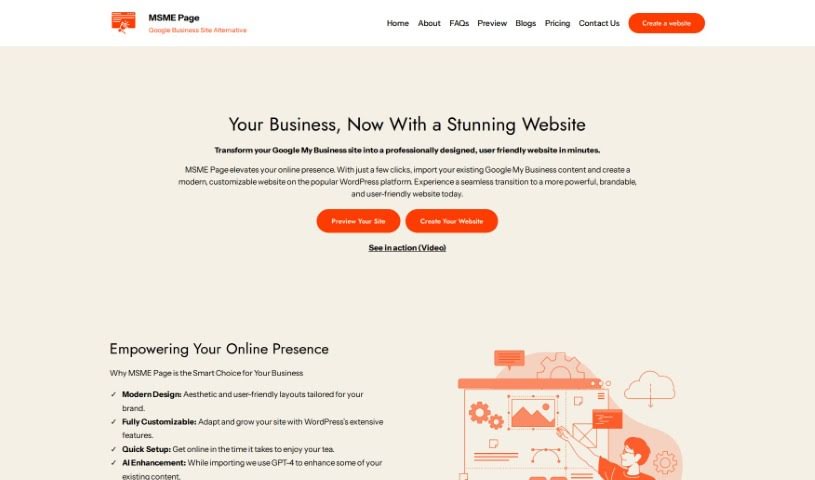
Screenshot of Msme Page

Msme Page

Freemium

MSME Page is a platform designed to make things simpler for small and medium-sized business owners. If you're looking to move from Google My Business to a more flexible and powerful website built on WordPress, this is for you. It lets you bring over your existing content with just one click. You get modern designs, full control over customization using WordPress features, a super quick setup, AI-powered content help from GPT-4, built-in SEO to help people find you, and easy ways to manage your domain, hosting, and track your website's performance with analytics. The goal is to give you a smooth upgrade to a site packed with features, without getting bogged down in technical stuff. It's all about helping entrepreneurs boost their online presence effectively. MSME Page really focuses on modern design, getting you set up fast, using AI to make your content better, optimizing for search engines, and integrating analytics to grab attention and keep visitors engaged.

Web Development View Tool →
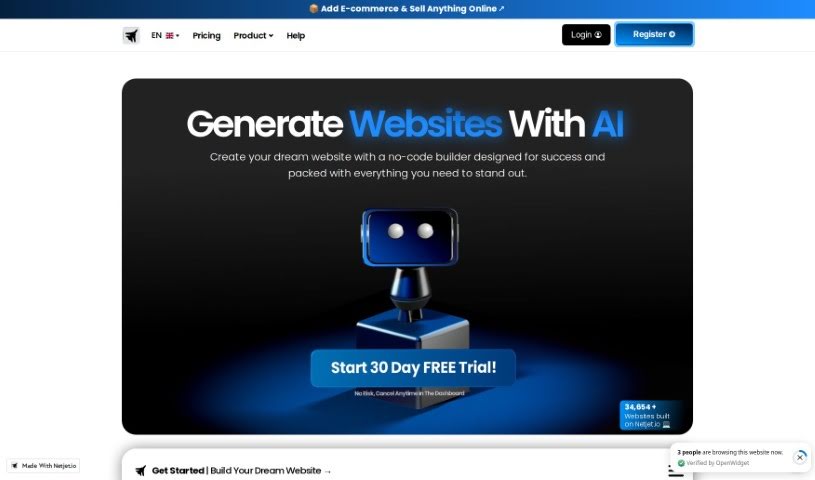
Screenshot of Netjet.io

Netjet.io

Freemium

Netjet.io is an AI-powered platform designed to help you build websites quickly and easily. It comes packed with features, including a free plan that you can use forever. You get unlimited capacity for creating websites, storage, pages, and even visits, which is pretty generous. Plus, there's premium live and email support available, access to over 200 professional templates, and advanced tools for customizing your site's design. You can also easily integrate various applications right into your website.

Web Development View Tool →
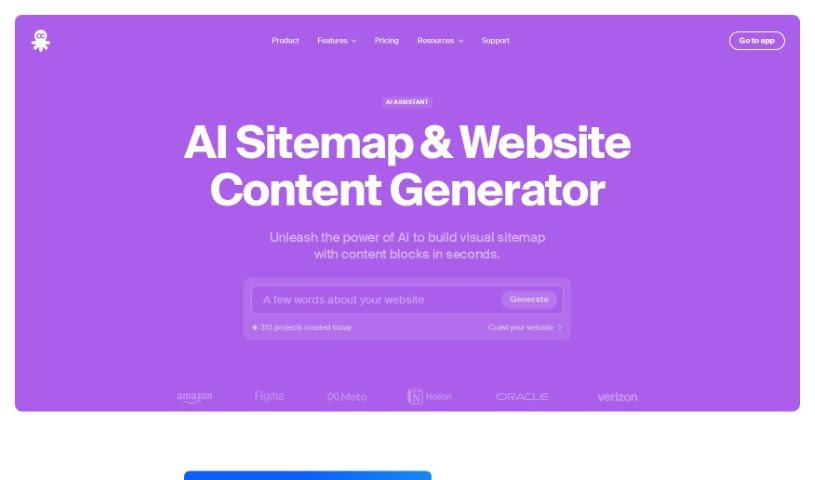
Screenshot of Octopus.do

Octopus.do

Freemium

Octopus.do is an AI-powered tool that helps you build websites. Basically, you describe the website you want, and it uses artificial intelligence to create the initial visual layout for you. You can then tweak this layout yourself or ask the AI to try again. It's a great way to get started with your website's structure, but keep in mind that the AI's suggestions might not always be spot-on with facts or advice. So, it's always a good idea to double-check anything the AI generates before you rely on it completely.

Web Development View Tool →
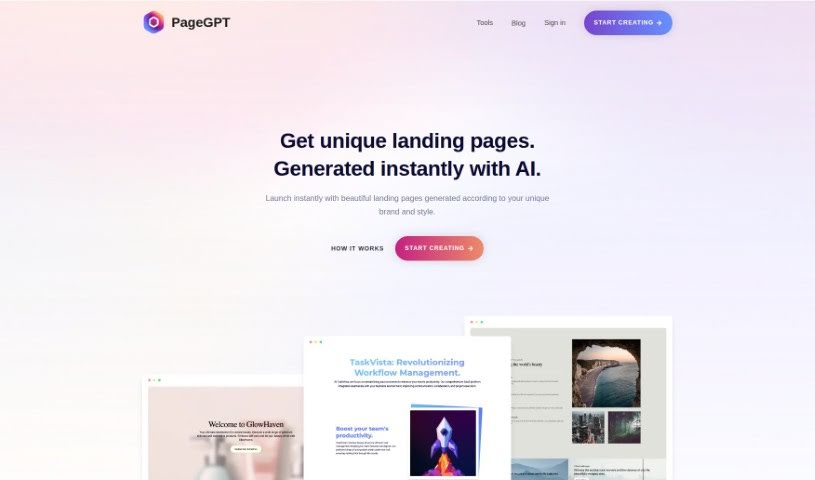
Screenshot of PageGPT

PageGPT

Freemium

PageGPT is a handy tool that helps you create custom logo designs. It's all about making logos that really capture your brand's unique personality and style. You can get one-of-a-kind logos that truly feel like they represent your brand's identity and values. Plus, you can download them right away or share them easily on different platforms. The tool also gives you several design options to pick from, so you can find the perfect fit. It’s designed to help you create logos that really stand out and connect with your audience.

Web Development View Tool →
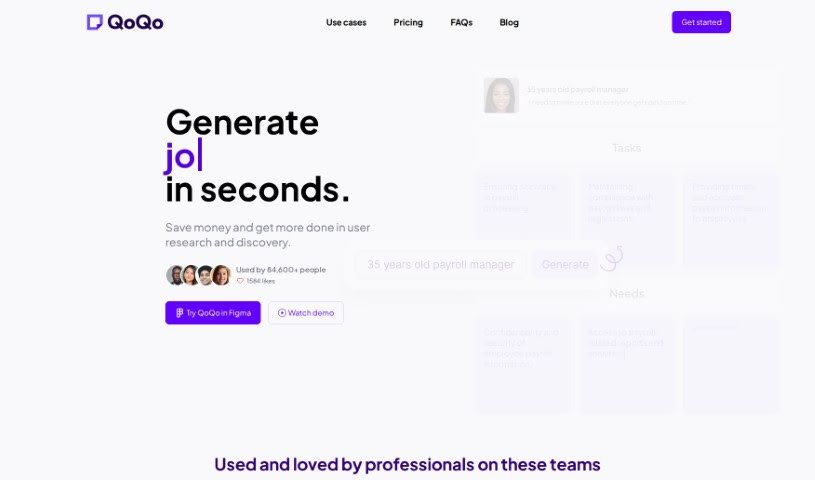
Screenshot of QoQo

QoQo

Freemium

QoQo is an AI-powered companion that helps you with user experience research and discovery. It is a smart assistant for designers and design agencies, making the process much smoother. It can whip up user personas, journey maps, and other essential research elements in just seconds. This means you can get insights and start drafting user-focused designs really quickly. QoQo is especially handy for design agencies, startups, and individual designers. It offers a bunch of useful features, including creating user personas, mapping out user journeys, affinity mapping, help with UX copywriting, and it even works as a plugin right inside Figma. They offer a clear pricing structure with monthly and yearly subscriptions for full access, all focused on making your design work more efficient, collaborative, and productive.

Web Development View Tool →
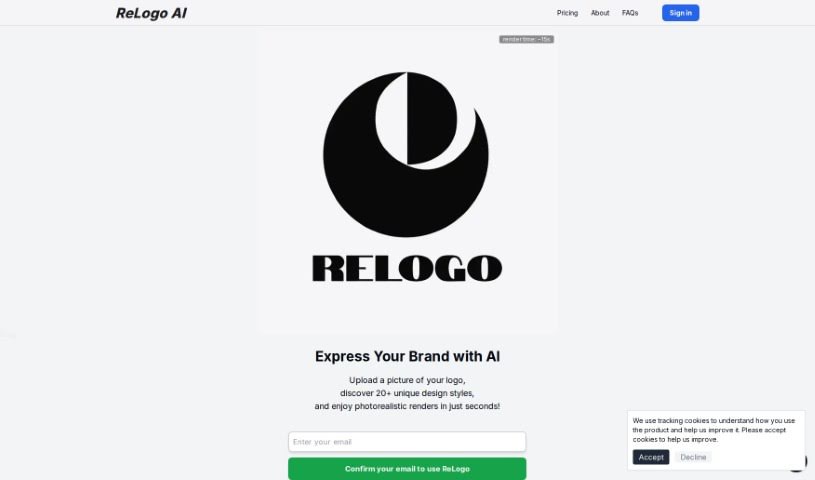
Screenshot of ReLogo AI

ReLogo AI

Freemium

ReLogo AI is a really neat artificial intelligence tool designed to help you create unique, custom logos without any fuss. It is your AI design assistant! It uses smart algorithms to whip up logo ideas based on what you like, making the whole process quick and easy. By tapping into machine learning and data smarts, ReLogo AI gives you tons of design choices that fit exactly what you need. Its interface is super user-friendly, so you can create professional-looking, eye-catching logos in no time. It's a fantastic tool for anyone looking to boost their brand or marketing efforts.

Web Development View Tool →
Screenshot of Relume

Relume

Freemium

It seems there might be a slight misunderstanding, as "Relume" isn't a term that appears in the provided files. Generally speaking, "Relume" doesn't refer to a widely recognized concept or entity. If you have a specific context or more details about what "Relume" means to you, please share them, and I'd be happy to dive deeper!

Web Development View Tool →
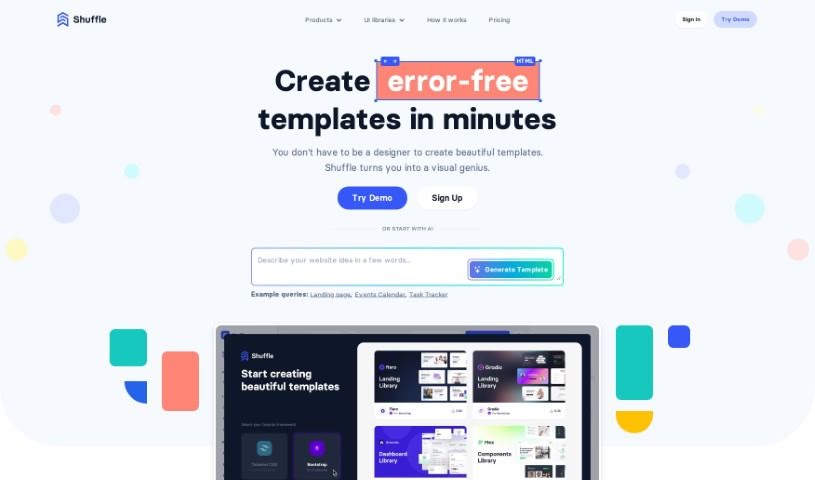
Screenshot of Shuffle

Shuffle

Freemium

Shuffle is essentially your AI-powered design buddy, built right into the Shuffle platform. It is a smart assistant that helps you whip up website templates super fast. It's got this cool chat feature that lets you easily tweak text, swap out images, or change colors on your website designs. If you're looking at pricing, Shuffle offers a few options: you can go monthly for $24, grab an annual plan for $99, or even get a lifetime deal for a one-time payment of $249. What's really neat is the sheer number of UI components available – over 7,500 of them! They're nicely organized by popular frameworks like Tailwind CSS, Bootstrap, Material-UI, and Bulma, making it a breeze to create all sorts of website layouts. The goal here is to let anyone build beautiful, responsive websites, even if you don't have a ton of design experience.

Web Development View Tool →
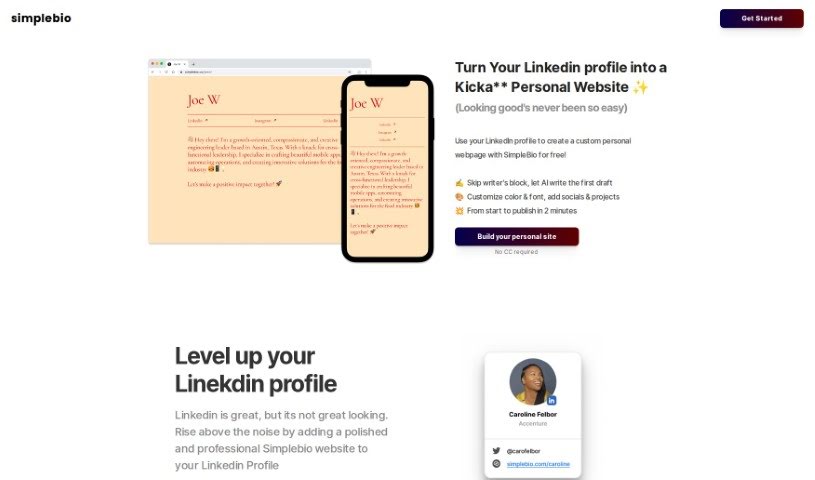
Screenshot of Simplebio

Simplebio

Freemium

Simplebio is a neat AI-powered tool from Scattered Studios LLC. It's designed to help you create personalized webpages really quickly and without much fuss, basically by turning your LinkedIn profile into a website. It is a way to skip the manual content writing and design work. You can easily tweak colors, fonts, and even add your social media links. The whole idea is to give your professional online presence a nice boost. Best of all, it's free to use – no credit card needed – and its super user-friendly interface means anyone can use it, no matter their tech skills.

Web Development View Tool →
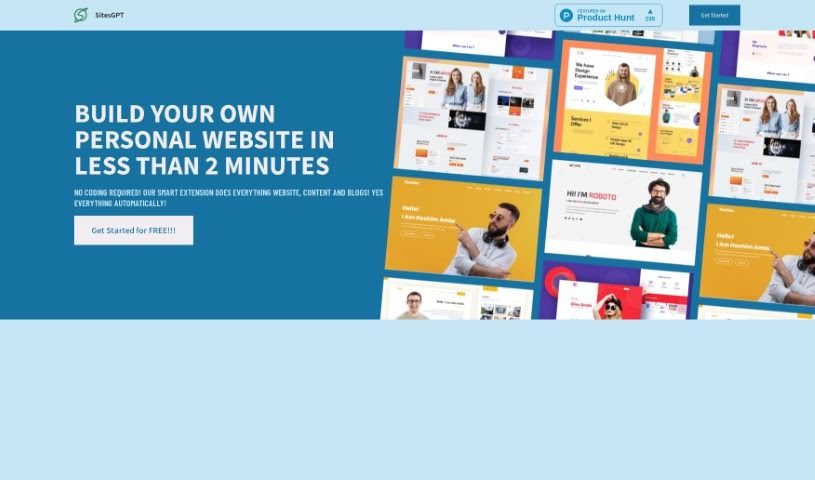
Screenshot of Sitesgpt Ai

Sitesgpt Ai

Freemium

SitesGPT is a platform that uses AI to completely change how we create personal websites. It lets you build websites really fast, add your content, create resumes, and even write blog posts, all in less than 2 minutes. You can even pull content straight from your LinkedIn profile to customize your site, really showing off your career path, accomplishments, and your best work. The whole idea behind SitesGPT is to make building a website super simple, so anyone can do it, even if you don't know anything about tech.

Web Development View Tool →
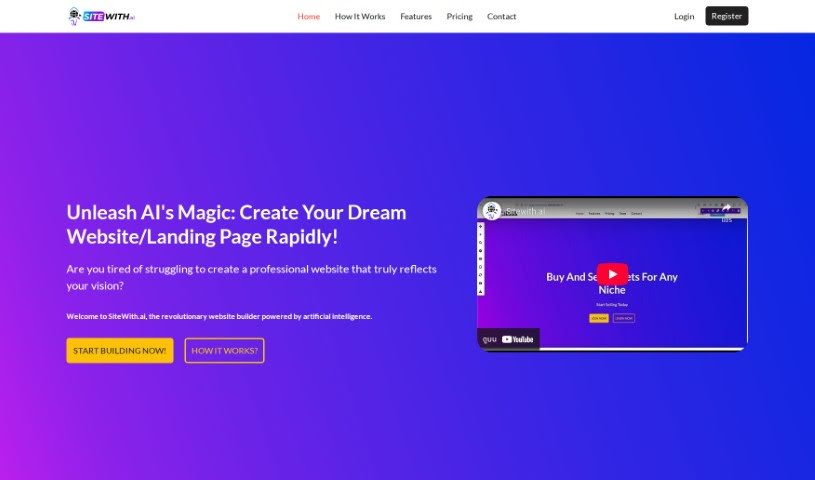
Screenshot of Sitewith.ai

Sitewith.ai

Freemium

Sitewith.ai is an AI-powered website builder that really simplifies creating professional websites and landing pages. You can bring your website ideas to life in just three easy steps, and you don't need to be a coding expert at all. This tool uses AI for precise, high-quality content generation that matches what you're looking for. Plus, it builds websites incredibly fast, offers full customization through a super user-friendly editor, and includes tons of features that don't require any coding. Basically, SiteWith.ai is changing the game for website creation, offering a solution that's fast, affordable, and packed with features for anyone wanting to build great websites.

Web Development View Tool →

Stay Updated with AI Tools

Get weekly updates on the latest AI tools, trends, and insights delivered to your inbox

Join 25,000+ AI enthusiasts. No spam, unsubscribe anytime.