AI Tools for Web Design

Discover the best Web Design AI tools to enhance your productivity and creativity.

Page 5 of 6 • 70 total tools

Building a website used to mean wrestling with complicated code and tedious tools. These days, AI has really changed things, making web design much more accessible and efficient. You don’t need a design degree or programming background anymore to create stunning websites—AI-powered tools can handle a lot of the hard work for you.

These AI web design tools do more than just offer simple templates. Many now suggest responsive designs, adjust layouts automatically, and help create personalized user experiences. This saves you time and helps your website stand out in today’s crowded digital world.

After testing a bunch of AI web design tools, I’ve put together a list of the best ones out there. Each tool has unique features for different needs, whether you’re just starting or you’re a pro looking to speed up your workflow.

If you’re ready to boost your web design projects with smart AI solutions, you’ve come to the right place. Let’s check out the top AI web design tools that can help bring your ideas to life.

The best AI Web Design Tools

  1. v0 by Vercel for creating dynamic UI for websites
  2. Carrd for making simple one-page websites
  3. Tilda for creating stunning websites without coding.
  4. Builder.io for visual content creation for websites.
  5. Relume for quickly creating wireframes for websites.
  6. Wegic AI for smart layout suggestions for websites
  7. Anima App for streamlining design-to-code with Figma.
  8. Webwave Ai for crafting stunning website layouts effortlessly.
  9. Webstudio for streamlining web design processes
  10. Shuffle for rapidly designing responsive landing pages.
  11. Fronty for converting Figma designs to responsive websites.
  12. Hiding Elephant for seamless wireframe creation for websites.
  13. Get Site AI for professional design for microsites.
  14. PageGPT for instantly creating unique web landing pages.
  15. Elegant Themes for creating stunning WordPress websites.

How do AI web design tools work?

AI web design tools use advanced algorithms to automate parts of the design process. Basically, these tools use machine learning models that look at tons of existing web designs. They find patterns, layouts, and styles that people tend to like. By putting all this data together, they can suggest templates, color schemes, and layout ideas that fit what you need.

When you tell the system your preferences or what you need, the AI generates design options based on past data and current trends. This includes picking good font styles, where to place images, and what interactive elements to use. The AI understands how users behave and can guess which designs will grab visitors’ attention effectively.

Lots of these tools have easy-to-use interfaces, letting people without design experience create appealing websites. The AI helps in real-time, offering suggestions and making adjustments that improve the user experience. This cuts out the often frustrating back-and-forth of traditional web design.

Some platforms also build in responsive design principles. This means the websites they create look great on all devices, from desktops to smartphones. This ability comes from data showing how different layouts perform on various screen sizes, making the design process even smoother.

For those who want to learn more about web design, these AI tools often include helpful resources like tutorials and style guides. This way, you don’t just get a template; you’re encouraged to learn and understand design basics, which empowers you to make smart choices for your projects.

So, AI web design tools offer a mix of automation and customization that works for many people. They speed up the design process while keeping quality and aesthetics high.

Our best AI web design tools at a glance

RankNameBest forPlans and PricingRating
1v0 by VercelDynamic UI creation for websitesN/A4.73 (11 reviews)
2CarrdSimple one-page website creationPaid plans start at $19/year.4.72 (29 reviews)
3TildaCreate stunning websites without coding.N/A4.75 (20 reviews)
4Builder.ioVisual content creation for websites.Paid plans start at $24/month.4.73 (11 reviews)
5RelumeQuickly create wireframes for websites.Paid plans start at $18/month.4.76 (42 reviews)
6Wegic AISmart layout suggestions for websitesN/A4.73 (11 reviews)
7Anima AppStreamline design-to-code with Figma.N/A4.71 (17 reviews)
8Webwave AiCraft stunning website layouts effortlessly.N/A4.81 (47 reviews)
9WebstudioStreamline web design processesPaid plans start at $20/month.4.76 (25 reviews)
10ShuffleRapidly design responsive landing pages.Paid plans start at $249/once.4.73 (26 reviews)
11FrontyConvert Figma designs to responsive websites.N/A4.82 (11 reviews)
12Hiding ElephantSeamless wireframe creation for websites.N/A4.73 (11 reviews)
13Get Site AIProfessional design for microsites.N/A4.74 (54 reviews)
14PageGPTInstantly create unique web landing pages.N/A4.77 (13 reviews)
15Elegant ThemesCreating stunning WordPress websites.Paid plans start at $193/year.4.18 (11 reviews)
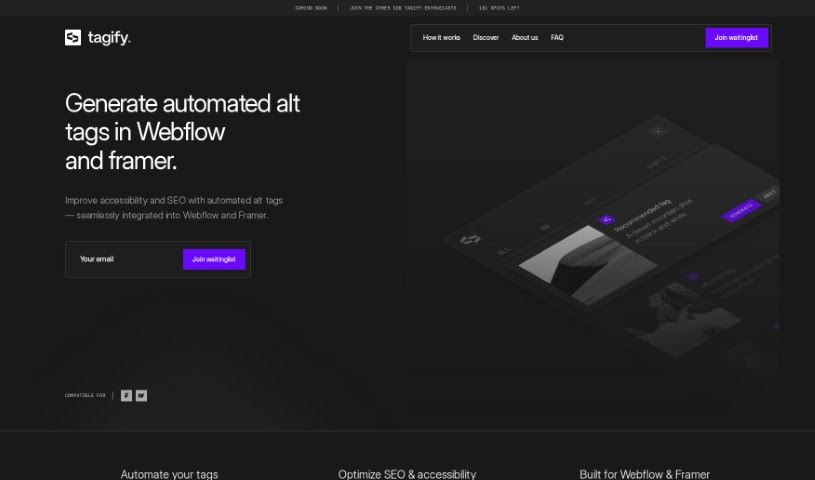
Screenshot of Tagify

Tagify

Freemium

Tagify is a handy tool built specifically for Webflow pros – think developers, designers, and marketers. Its main job is to automate the often time-consuming task of alt-tagging your website images. It uses advanced AI to create SEO-friendly alt tags, which not only saves you a ton of time but also gives you full control to tweak them as needed. Tagify works by connecting with Azure AI, known for its accurate tag generation. You can generate as many alt tags as you need, and it's designed to make managing your Webflow projects much smoother.

Web Development View Tool →
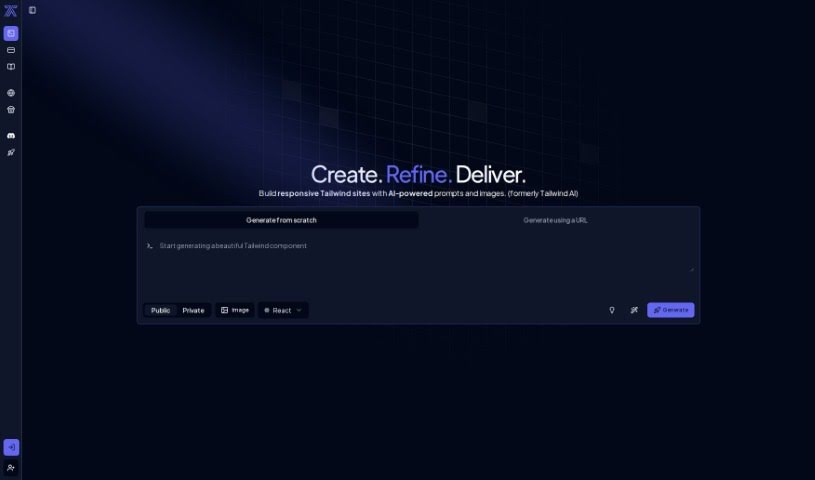
Screenshot of Tailwindai

Tailwindai

Freemium

Tailwind AI is a smart tool that uses artificial intelligence to make designing web interfaces much faster and easier. It's really good at creating custom Tailwind components efficiently. What makes it stand out is how user-friendly it is, making web design a smoother experience by simplifying things like component creation and overall design simplification. It’s a great way to avoid a lot of the manual work that usually goes into web design, thanks to its AI automation.

Web Development View Tool →
Screenshot of ThemeAI

ThemeAI

Freemium

ThemeAI is a really neat platform that blends creativity with artificial intelligence. It's designed to help you pick out just the right themes for your website without any fuss. You can explore a huge gallery of themes created by the community, whip up color schemes easily, check out AI-generated color palettes, manage your own profile, design themes yourself, and even connect with other talented creators. ThemeAI uses GPT4 technology to automate a lot of the heavy lifting. Some of its cool features include 'From Words to Waves,' which turns your ideas into themes, 'Theme Details Unveiled' for a deeper look at color themes, 'Your Profile, Your Playground' for managing your stuff, and 'Design from Scratch' if you want to build something totally custom. On the plus side, it boasts a massive theme library, makes generating color schemes a breeze, offers great profile management, and even has a Figma Plugin. However, it's not perfect – there's no offline mode, no mobile app, the font choices are a bit limited, it lacks advanced customization options, doesn't support multiple languages, and you can't collaborate in real-time with others.

Web Development View Tool →
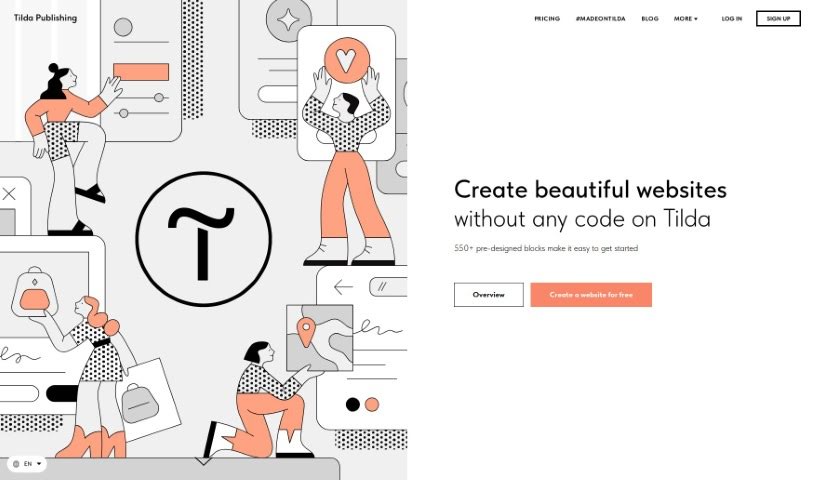
Screenshot of Tilda

Tilda

Freemium

Tilda is a website builder that makes it super easy for anyone to create beautiful, responsive websites without needing to know any code. It is having a massive library of over 550 pre-designed blocks for all sorts of content – it really speeds things up. Tilda puts a big emphasis on typography and visual content, so the websites you build are not only stylish and easy to read but also fantastic at showcasing media. Whether you want to build an online store, a simple landing page, or a blog, Tilda's intuitive design tools have you covered. Plus, it includes smart features like adaptive design, which makes sure your site looks great on any device, and built-in SEO tools to help people find you on search engines.

Web Development View Tool →
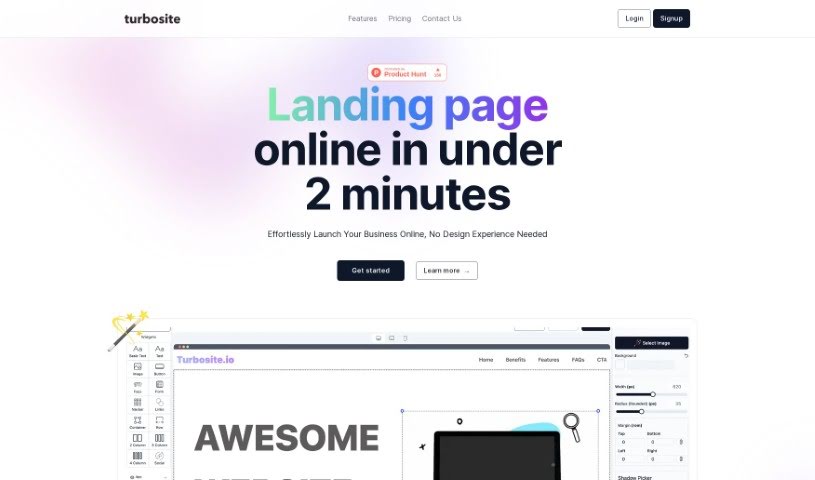
Screenshot of Turbosite

Turbosite

Freemium

Turbosite is a platform designed to help you get your business online quickly and easily. Its main focus is on creating beautiful landing pages in just seconds. It is your go-to tool for making a great first impression online. It comes with secure hosting, thanks to Vercel, and even uses GPT-4 AI to help you craft landing pages that are perfectly suited to your needs. You get a drag-and-drop editor, which makes building pages a breeze, even if you've never coded before. Plus, there are powerful analytics to help you understand what's working, forms to collect visitor data, and soon, A/B testing tools to really dial in your conversion rates. It’s built to be super user-friendly for everyone, no matter your technical background.

Web Development View Tool →
Screenshot of TurnCage

TurnCage

Freemium

TurnCage is a platform built to help businesses of all sizes succeed online. It uses AI-powered technology to make creating beautiful, functional websites super easy. It is smart tech and artificial intelligence working together with proven tools to build websites that look great and have content that's just right. TurnCage is all about being affordable, aiming to get rid of those old, unappealing websites by offering easy-to-use and cost-effective ways for anyone to have a strong online presence. What can you do with TurnCage? You get search engine optimization built-in, a simple way to pick templates, secure hosting, help with maintenance, AI-generated content, options for custom domain names, tools to grab and import images, and even integration for online stores, among other things. The big goal here is to give small businesses and individuals the power to launch professional websites without needing to code or be tech wizards. It's all about making your online presence simple, efficient, and elegant.

Web Development View Tool →
Screenshot of Typedream

Typedream

Freemium

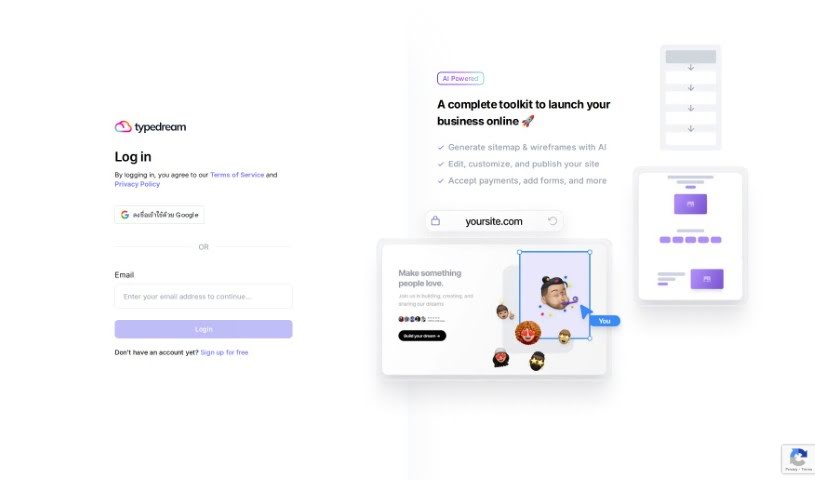
Typedream is a comprehensive toolkit designed to help you launch your business online, powered by AI. It offers a range of features to make building and managing your online presence much simpler. You can use its AI to generate sitemaps and wireframes, then easily edit, customize, and publish your website. Plus, it lets you add forms and accept payments directly. Essentially, Typedream aims to make the whole web development process smoother, whether you're just starting out or you're a seasoned pro.

Web Development View Tool →
Screenshot of Uihub

Uihub

Freemium

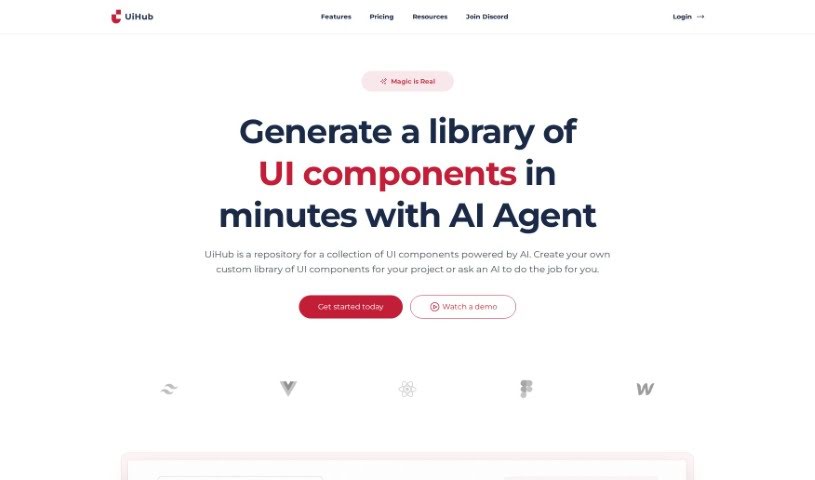
UiHub is an AI-powered tool designed to make your UI design and development workflows much smoother. It is a smart assistant that helps you build custom libraries of UI components, all using TailwindCSS. You get instant previews of your work as you go, and the AI can even help create components for you based on simple descriptions. The whole idea behind UiHub is to simplify how you design UIs and make it easier for everyone on your team to work together. Plus, you can easily tweak branding, colors, and fonts to make those UI elements truly yours.

Web Development View Tool →
Screenshot of UiMagic

UiMagic

Freemium

UiMagic is an AI-powered tool that's really changing how we build websites. It offers smart design solutions that are both efficient and easy to customize. People love its clever AI, which makes creating websites feel quick and almost effortless. You get a user-friendly drag-and-drop builder, advanced AI for generating content, and dedicated support from a professional team. UiMagic's goal is to make web design better by using artificial intelligence to simplify the whole process and create unique, personalized designs and content.

Web Development View Tool →
Screenshot of uKit AI

uKit AI

Freemium

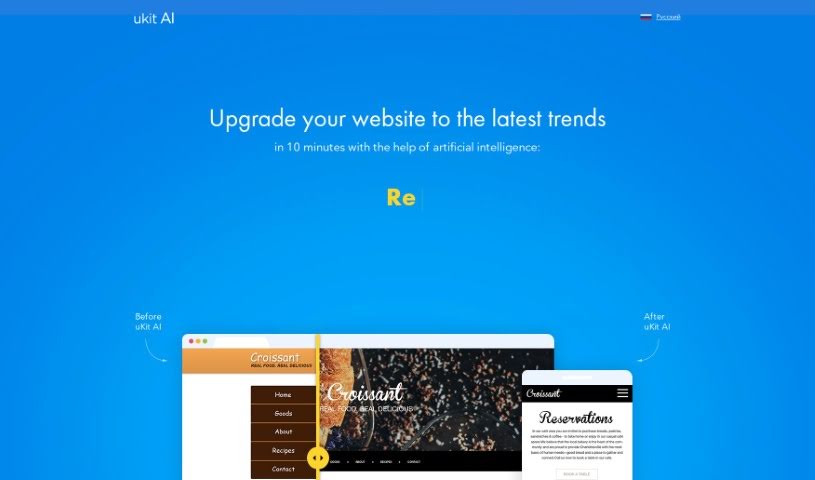
UKit AI is a smart system designed to make your website better. It uses artificial intelligence to look at thousands of small and medium-sized business (SMB) websites, figuring out what works well and what common mistakes to avoid. It's pretty straightforward to use: you just give it your website link. uKit AI then analyzes your site, creates an upgraded version on its own CMS platform, lets you tweak it, and finally, you can publish your improved website with your own domain name. Some of its key features include built-in HTTPS for security, layouts that look great on any device (mobile-friendly), AI-driven design for a modern, attractive look, SEO optimization to help people find you on search engines, and a Content Management System (CMS) packed with over 30 tools to really help your online business thrive.

Web Development View Tool →
Screenshot of Unicorn Platform

Unicorn Platform

Freemium

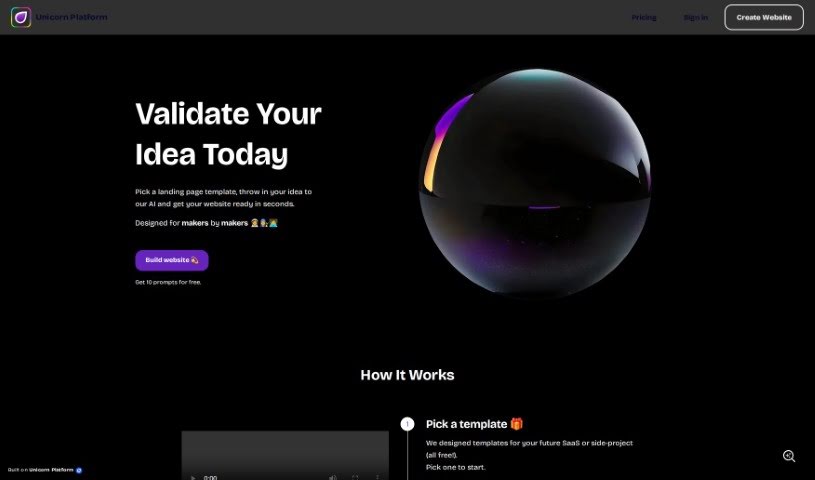
Unicorn Platform is a modern landing page builder that uses AI technology to help indie makers, startups, and SaaS companies create websites quickly. It really simplifies the whole process, turning your ideas into a live website with the help of AI. You can also tweak the look by picking different fonts and colors. Since it started in 2018, Unicorn Platform has helped build over 83,534 websites for companies like Vintti, explain.dev, Letter.so, and Humanvoiceover.

Web Development View Tool →
Screenshot of Unycorn

Unycorn

Freemium

Unycorn is a super-friendly AI helper specifically designed to make the visuals on your websites and apps look even better. The best part? It won't cost you a dime – no subscriptions or hidden fees here! Unycorn uses smart AI to tweak and improve your visual elements. This means a smoother, more enjoyable experience for anyone visiting your site or using your app, all thanks to eye-catching visuals. It's also built to work even if a user's browser doesn't have JavaScript enabled, which is pretty handy for reaching more people. Integrating Unycorn into your existing website or app is a breeze; it automatically spots areas where its AI magic can make a real difference. Ultimately, Unycorn's goal is to make enhancing your visual content simple and enjoyable for everyone.

Web Development View Tool →

Stay Updated with AI Tools

Get weekly updates on the latest AI tools, trends, and insights delivered to your inbox

Join 25,000+ AI enthusiasts. No spam, unsubscribe anytime.