Dealing with grainy smartphone footage, blurry clips from older cameras, or low-resolution AI-generated video can severely limit your final export quality. Whether you’re restoring family archive tapes, preparing old footage for modern 4K screens, or trying to clean up heavy compression artifacts from social downloads, stretching low-quality video usually leaves you with blocky pixels and soft edges. Spending hours tweaking complex sharpening plugins and denoisers in traditional video software rarely yields clean results.
The tools in this section act as specialized post-production assistants. They calculate missing visual details frame by frame, clean up noise, and increase video resolution without making your footage look artificial.
Super-Resolution, Denoising, and Frame Interpolation
Reconstructing fine visual detail during an upscale is where smart algorithms excel over traditional software. Standard upscaling methods simply stretch existing pixels, resulting in blurry outlines and muddy textures on high-definition displays. Smart video upscalers analyze context across neighboring frames to predict and generate realistic edge details, skin textures, and crisp text, cleanly lifting 720p or 1080p source files into sharp 4K resolution.
Cleaning up dark scenes, film grain, and digital compression artifacts becomes far more efficient, as well. Low-light shooting often introduces heavy digital noise, while web compression causes distracting block patterns across smooth gradients. Modern restoration algorithms separate unwanted sensor noise and compression blockiness from real visual detail, polishing each frame while preserving natural textures so skin doesn’t look plastic.
Smoothing motion and reviving legacy formats also gets much easier. AI frame interpolation models insert newly synthesized frames between existing ones, turning choppy 24fps recordings into fluid 60fps video or smooth slow-motion sequences. These tools also handle deinterlacing, color restoration, and stabilization for older video tapes, giving legacy media a clean, progressive look suitable for current viewing standards.
Key Capabilities to Look For:
- Super-resolution upscaling: Systems that upscale lower-resolution footage up to 4K or 8K while intelligently reconstructing realistic edge detail.
- Compression and noise removal: Features that strip out blocky web artifacts, film grain, and low-light sensor noise without smoothing away fine textures.
- Frame interpolation and slow motion: Tools that generate intermediate frames to boost frame rates to 60fps or create fluid slow-motion clips without stutter.
- Facial and portrait detail recovery: Settings specifically trained to sharpen facial features, eye details, and skin tones so human subjects stay clear and natural.
- Batch processing and cloud rendering: Options for processing large media libraries or long video files in parallel without overloading your local hardware.
Delivering high-impact visual projects will always depend on your creative choices, strong lighting, and solid narrative direction. Software can’t fix poor framing or replace good cinematography, but letting smart tools handle pixel reconstruction, noise cleanup, and resolution upgrades gives you back the computing power and time needed to focus on editing.
Browse the video upscaling and enhancement tools below to polish your footage.
The Best AI Video Enhancer & Upscalers
- Vmake: Great for improving video quality for marketing.
- Videoproc Video Converter: Enhances videos to 4k quality with ease.
- TensorPix: Perfect for upgrading old family video quality.
- Topaz Labs Video AI: Restores old films to HD quality.
- Pixop: Upgrades vintage footage for modern screens.
- Free AI Video Upscaler: Improves video quality for better viewing.
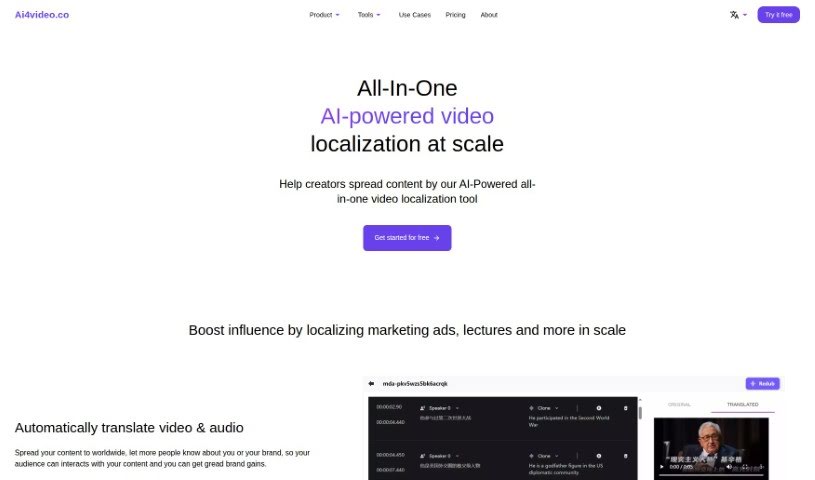
- Ai4Video: Enhances low-res videos to 4k quality.
- Bigmp4: Boosts video clarity and resolution.
- Casablanca: Improves video quality during calls.
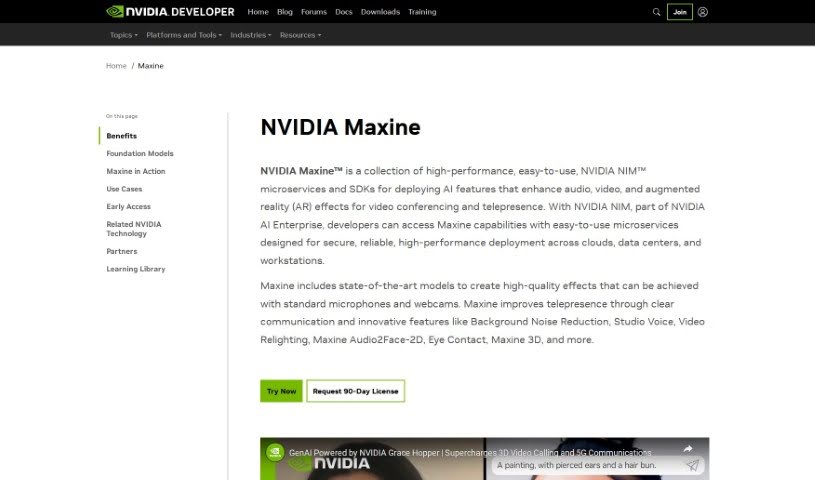
- Nvidia Maxine: Offers real-time video resolution boosts.
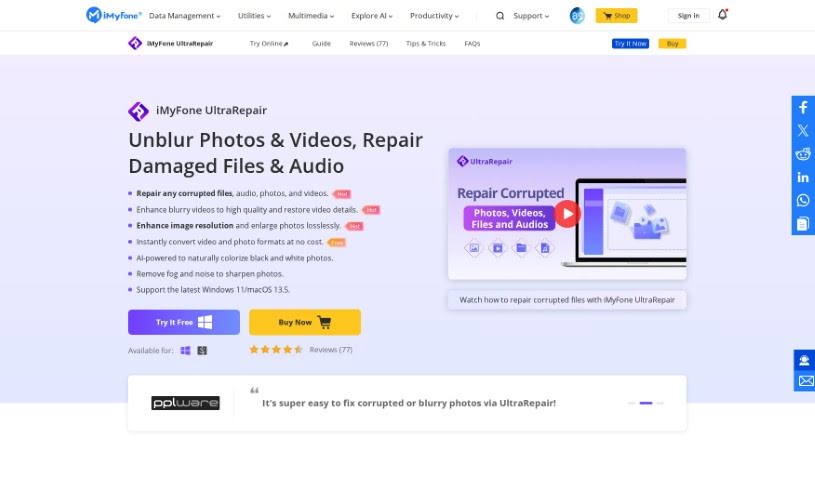
- iMyFone: Enhances video clarity and resolution.
- Idatapp: Boosts video clarity and resolution.
- Real Life 3D: Upscales vintage videos into vibrant 3D.
- Vmaker AI AI Video Background Remover: Upgrades video quality for clearer views.