10LevelUp
Video Generation Video Editing
Learn more
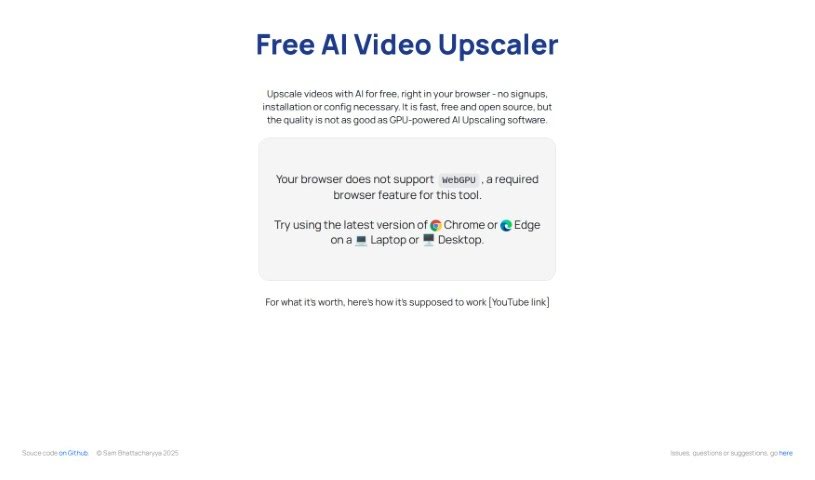
Free AI Video Upscaler enhances animated, real-life, and 3D video quality entirely in the browser — no signup or installation required.
Free AI Video Upscaler is a browser-based tool that uses AI to improve the quality of videos, including animated, real-life, and 3D content. It runs entirely in the browser — no signup, installation, or complicated settings required. You pick a small, medium, or large upscaling setting, choose where the improved file is saved, and start the process.
Processing happens locally, so it works best on a laptop or desktop, and the browser must support WebGPU — recent versions of Chrome or Edge do. The source code is available on GitHub, so technically inclined users can modify it or suggest improvements.
The tool was created by sb2702 and is built around WebGPU technology for Chrome and Edge browsers.
It suits video editors, animators, filmmakers, vloggers, content creators, and 3D designers who want to enhance footage or rendered scenes without paying for upscaling software.
Related
Discover more tools in similar categories
Weekly picks of the best AI tools we've researched and added — no spam, unsubscribe anytime.
Join 25,000+ AI enthusiasts. No spam, unsubscribe anytime.