AI Text Generation Tools

AI Tools for Text Generation

Discover the best Text Generation AI tools to enhance your productivity and creativity.

Page 65 of 84 • 998 total tools
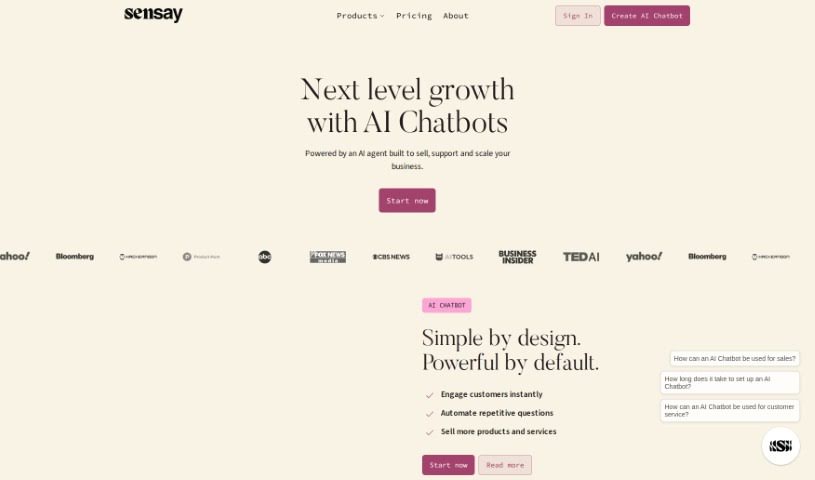
Screenshot of Sensay

Sensay

Freemium

Sensay is a platform that uses AI to create digital versions of people — digital twins that capture a person's likeness, memories, stories, and personality. It is designed in part to help people with dementia by letting them interact with digital replicas of loved ones. Beyond that, Sensay aims to make information more accessible through a network of experts who share insights and advice across a range of topics.

Text Generation View Tool →
Screenshot of Sentence Rewriter

Sentence Rewriter

Freemium

Sentence Rewriter is an AI-powered tool that takes existing content and makes it more engaging, informative, and easier to read. It uses algorithms to produce text that is clear and simple to understand, so more people can connect with what you've written. Whether you're working on articles, emails, or other text, it offers different styles — standard, formal, and fluent — so you can match the output to your needs.

Text Generation View Tool →
Screenshot of Seo Review Tools

Seo Review Tools

Freemium

SEO Review Tools is an all-in-one toolbox for search engine optimization. It includes tools for website audits, keyword research, backlink checking, and rank tracking. If you want to make your website more visible and perform better in search results, the platform provides the insights you need. It's built to be easy to use for marketers, website owners, and SEO professionals.

Text Generation View Tool →
Screenshot of Seren

Seren

Freemium

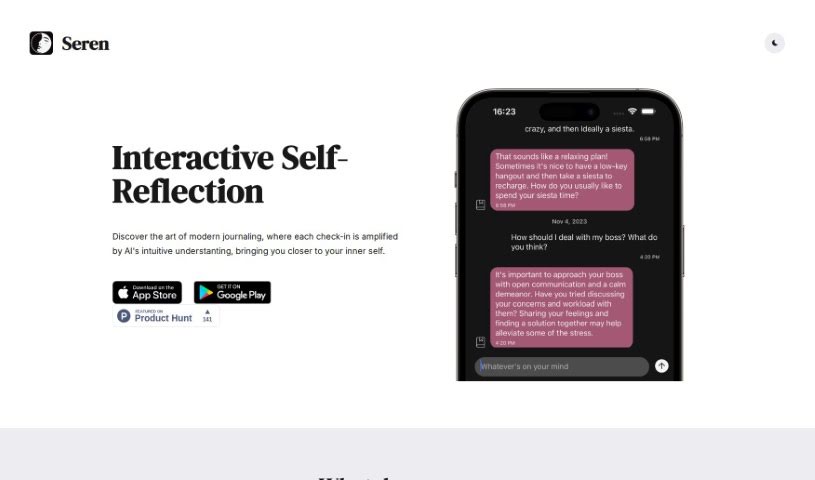
Seren is a journaling app with a built-in AI component, making it interactive and distinct from other journaling apps. Users find it helpful for self-reflection and often mention its smooth user experience. Reviewers appreciate the app's core concept, thoughtful design, and simplicity, while others highlight its usefulness for introspective journaling — tracking thoughts and feelings with the help of personalized AI chatbots.

Text Generation View Tool →
Screenshot of SermonGPT

SermonGPT

Freemium

SermonGPT is an app that uses machine learning and AI to automate sermon writing. You provide the basics — your sermon topic, key Bible verses, and the main points you want to cover — and it generates a complete sermon, including introductions, illustrations, application points, and suggestions for relevant Bible passages and quotes.

Text Generation View Tool →
Screenshot of Shakespeare

Shakespeare

Freemium

Shakespeare is an AI-powered copywriting assistant that generates a wide range of content: ad copy, emails, website text, blog posts, product descriptions, and social media posts. It requires no coding skills or professional writing background, and it can produce enough content for a full blog post in a few minutes. Features include automated copywriting, built-in SEO optimization, and keyword integration.

Text Generation View Tool →
Screenshot of Shako

Shako

Freemium

Shako is an AI chat tool that answers questions in natural language. It understands requests without requiring exact keywords and adjusts the length and detail of its responses to match each question's complexity. It handles both technical and everyday queries, with fast response times as one of its strengths.

Text Generation View Tool →
Screenshot of Shortcircuit

Shortcircuit

Freemium

Short Circuit is a premium ChatGPT app for Apple devices, built around an AI assistant named Shorty. It runs on Mac, iPhone, and iPad, is available on the App Store, and integrates with Siri, Shortcuts, and other built-in Apple features.

Text Generation View Tool →
Screenshot of Shortscript

Shortscript

Freemium

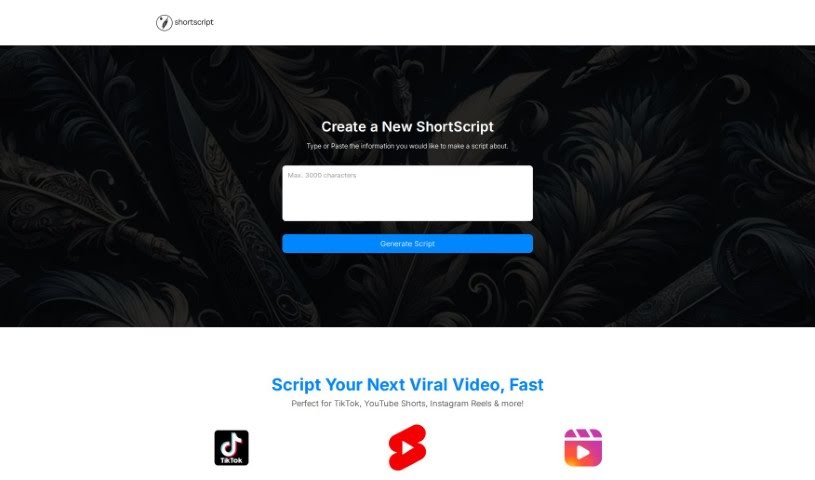
Shortscript was a tool for generating scripts for short-form video platforms, including TikTok, YouTube Shorts, and Instagram Reels. It ran on GPT4 and could combine information from multiple sources, generate ideas from minimal input, and manage content for several videos at once.

Text Generation View Tool →
Screenshot of Shy Editor

Shy Editor

Freemium

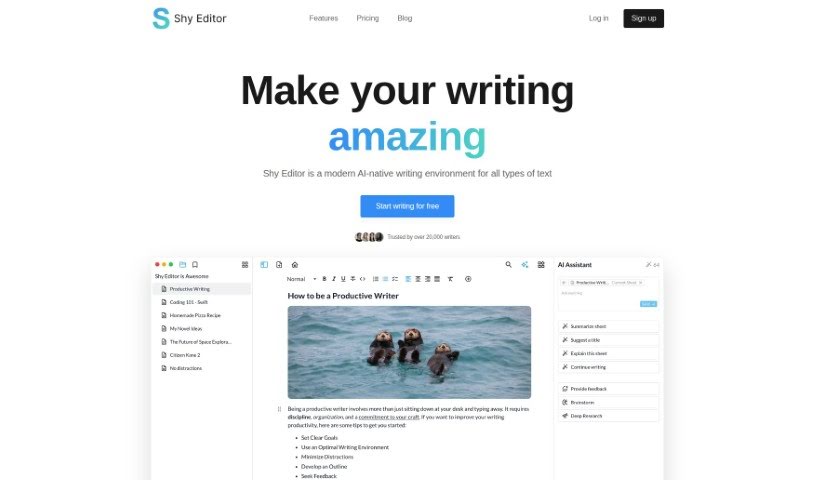
Shy Editor is an AI-powered writing platform for novelists, students, academics, bloggers, and journalists. It pairs a markdown editor with an AI assistant for brainstorming and feedback, alongside note-taking, research organization, citation management, version control, smart search, and grammar checking. Formatting is customizable — lists, toggles, markdown, and blocks — and you can mix text, images, media, and tables. The platform is built to preserve your personal writing style.

Text Generation View Tool →
Screenshot of Sibyl AI

Sibyl AI

Freemium

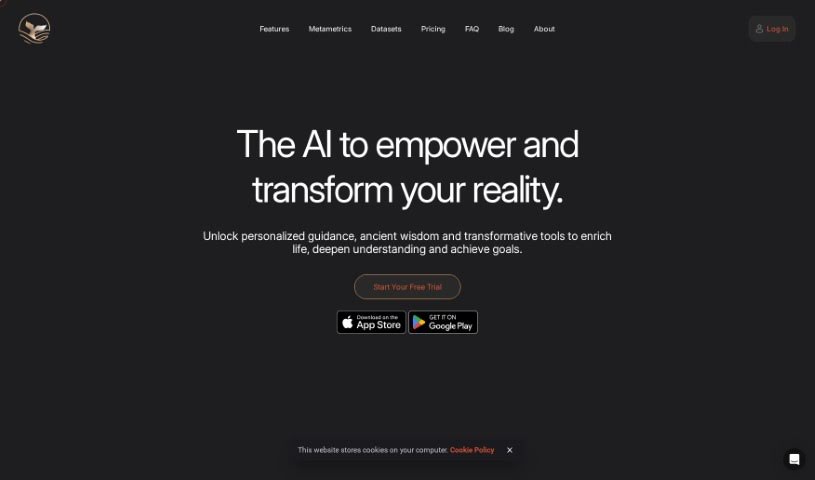
Sibyl AI is a platform positioned as a personal oracle, offering access to knowledge in metaphysics, spiritual wisdom, personal growth, and regenerative systems. Its language models are trained on thousands of years of metaphysical and spiritual insights, allowing it to provide recommendations tailored to the individual user.

Text Generation View Tool →
Screenshot of Sidechat

Sidechat

Freemium

SideChat is a free browser extension that brings ChatGPT to any website. Built on OpenAI's ChatGPT API, it provides access to the latest, fastest model without leaving the current page. Responses stream in real time, so answers appear as they're generated. The extension opens via click or keyboard shortcut (Ctrl+Y on Windows, Cmd+E on Mac) and includes different assistants tailored to specific tasks. SideChat does not collect or share additional data.

Text Generation View Tool →

About Text Generation tools

Staring at a blinking cursor while trying to draft marketing copy, outline a blog post, or clear out an inbox can quickly drain your creative energy. Whether you’re scaling up content for a business, drafting social posts across multiple platforms, or summarizing dense reports, putting thoughts into polished words takes hours of focused effort. It’s easy to waste time wrestling with sentence structure and writer’s block when deadlines loom.

These text generation tools act as flexible writing partners. They don’t replace human creativity or pump out generic filler, but they help you draft initial ideas faster, rephrase existing copy, and maintain a consistent voice across all your written work.

Drafting Outlines, Content Repurposing, and Tone Tweaks

Starting a new project from scratch is often the slowest part of any writing task. Smart text generators take brief prompts or rough notes and build structured outlines, introductory paragraphs, or complete section drafts in seconds. Instead of staring at an empty page, you get a working draft that gives you something concrete to edit and refine.

Converting one piece of content into multiple formats becomes far simpler, as well. AI text tools allow you to quickly turn a long-form article into catchy social media snippets, email newsletter updates, or brief summaries. You can easily adjust length and formatting to fit different platforms without rewriting the core message from scratch every time.

Refining tone and keeping your style consistent across projects gets much easier, too. Matching the right tone for different audiences can be tricky when managing multiple brands or client accounts. Modern text assistants let you adjust text to sound formal, casual, persuasive, or authoritative with quick prompts—helping clean up awkward phrasing and keeping messaging clear.

Key Capabilities to Look For:

  • Tone and style controls: Settings that let you adjust casual, formal, or persuasive writing tones to match your brand voice.
  • Multi-format templates: Pre-built frameworks designed for specific content types like blog outlines, ad copy, emails, and social posts.
  • Long-form context retention: Features that allow tools to maintain consistent logic and context across longer articles and reports.
  • Summarization and rewriting: Tools that help shorten long documents, expand bullet points, or rephrase paragraphs while keeping the original meaning intact.
  • Multi-language generation: Software that can write, translate, and adapt content across several languages without losing nuance.

Great writing will always depend on your personal perspective, critical thinking, and unique voice. Software cannot replicate true human empathy or replace your subject matter expertise. But letting smart tools handle routine drafting, rephrasing, and formatting gives you back the time and mental energy needed to sharpen your core message.

Explore the text generation tools below to find the right assistant for your writing workflow.

The Best AI Text Generators

  1. ChatGPT: Great for creative writing prompts.
  2. Google Translate: Useful for quickly translating generated text snippets.
  3. DeepSeek: Good for generating creative content for writers.
  4. Gemini: Helps with original story creation for writers.
  5. Claude: Excellent for creative writing and content generation.
  6. Grok: Ideal for generating creative storytelling prompts.
  7. Microsoft Copilot: Helps create engaging marketing content.
  8. DeepL Translate: Offers seamless content translation and generation.
  9. DeepAI: Lets you create custom content from prompts.
  10. Meta AI: Provides creative story prompts for writers.
  11. Chat Blackbox: Helps craft creative content quickly.
  12. Monica: Makes creating engaging blog posts easy.
  13. Papago: Acts as a creative content generation assistant.
  14. Sider: Offers professional content creation assistance.
  15. Humanize AI: Helps you craft engaging content effortlessly.
New tools, in your inbox.

Weekly picks of the best AI tools we've researched and added — no spam, unsubscribe anytime.

Join 25,000+ AI enthusiasts. No spam, unsubscribe anytime.